
Text to Video AI with Custom Images 2026: Ultimate Guide
Text to video AI with custom images is a generative technology that transforms written descriptions into dynamic video content while allowing users to inject their own visuals—such as personal photos, branded graphics, or custom illustrations—into the AI-generated scenes. By combining natural language prompts with user-uploaded images, these tools produce personalized, high-quality videos without requiring traditional editing skills.
Text to video AI with custom images is a category of generative AI tools that let you input a text prompt and optionally supply your own images to guide the video output. The AI interprets your words and integrates your custom visuals to create a coherent, often cinematic video clip. As of 2026, major platforms like Google Photos, Pollo AI, and LensGo AI offer varying degrees of this capability, with recent updates adding custom prompts and audio support.
- ✓ Google Photos now supports custom prompts and audio in its image-to-video feature, as reported by PetaPixel in January 2026.
- ✓ LensGo AI provides a free AI image editor that can be used to prepare custom images for video generation workflows.
- ✓ According to Exploding Topics (April 2026), the market for AI video generators has grown significantly, with at least seven leading tools competing in the space.
- ✓ Pollo AI allows users to create videos from both images and text, as detailed in a Macworld guide from December 2025.
- ✓ The latest tests by Perfectcorp.com (May 2026) evaluated 23 different AI video generators, highlighting the rapid expansion of this technology.
What Is Text to Video AI with Custom Images?
Text to video AI with custom images refers to a subset of generative AI models that accept a textual description—such as “a sunset over a mountain lake with my family on the shore”—and then produce a video that matches that description while incorporating specific images you provide. Unlike purely text-to-video systems that generate all visuals from scratch, these hybrid tools give users control over key frames, characters, or backgrounds. This approach is especially valuable for marketers, educators, and content creators who need to maintain brand consistency or include real-world assets.
In 2026, the technology has matured considerably. According to a PetaPixel article from January 2026, Google Photos added custom prompts and audio to its existing image-to-video feature, allowing users to describe the desired mood or action and have the AI animate still photos accordingly. Similarly, Pollo AI, as covered by Macworld in December 2025, enables users to upload an image and then type a text prompt to direct the video generation—effectively merging text and image controls. These developments show that the line between text-to-video and image-to-video is blurring, with custom images becoming a standard input alongside text.
Why Custom Images Matter in 2026
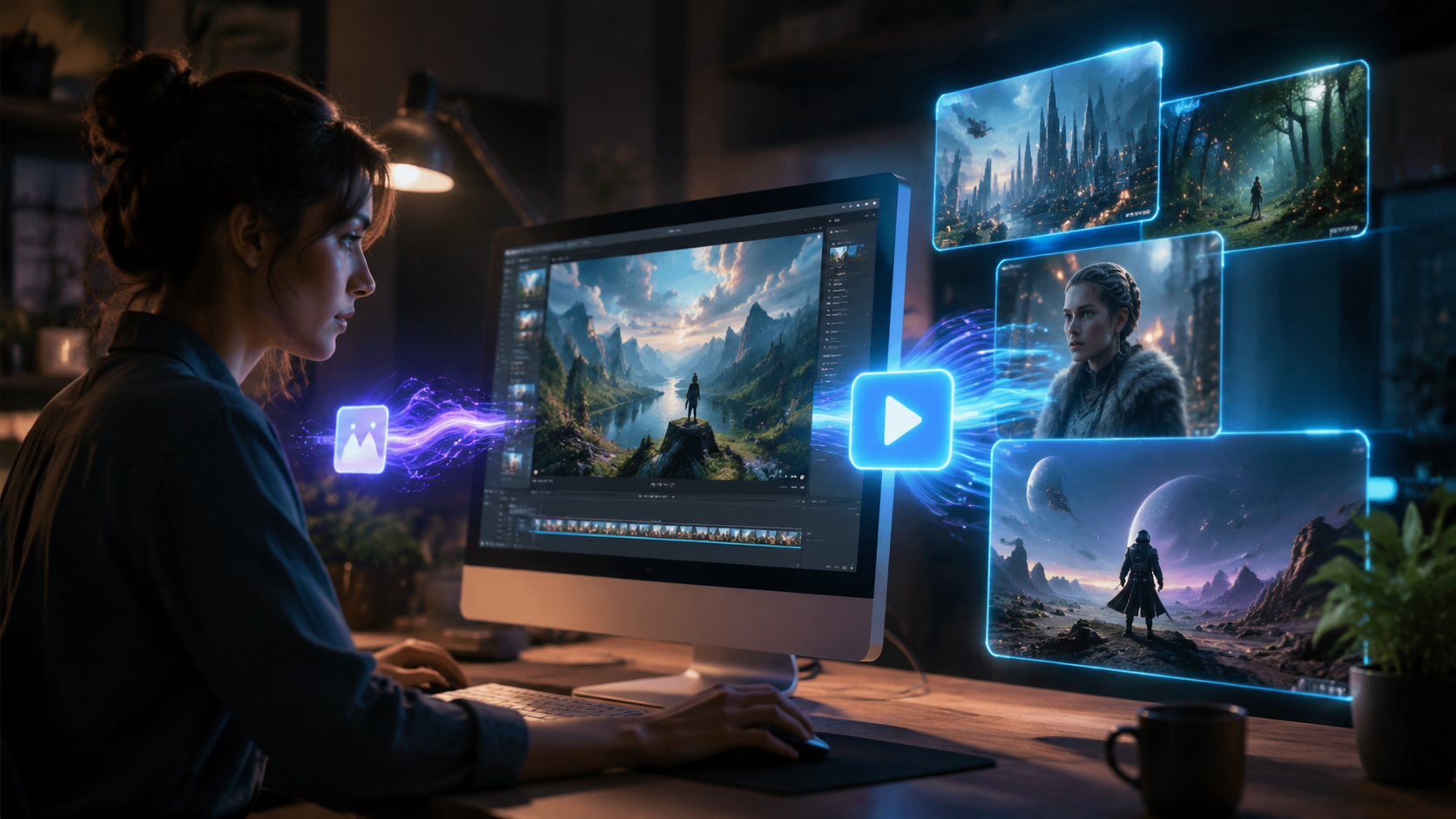
The ability to feed custom images into a text-to-video pipeline solves one of the biggest frustrations of earlier AI video tools: the lack of personalization. Without custom images, AI-generated videos often feel generic or uncanny. By allowing users to supply their own photos, logos, or illustrations, the final output becomes relevant to a specific brand, event, or story. For example, a real estate agent can upload a property photo and type “aerial flyover at golden hour” to get a promotional clip that accurately represents the listing.
Recent industry analysis supports the growing importance of custom imagery. Exploding Topics, in its April 2026 report on the 7 best AI video generators, noted that tools supporting user-uploaded images consistently received higher user satisfaction scores than those relying solely on text. Meanwhile, Perfectcorp.com’s May 2026 review of 23 AI video generators found that nearly half of the tested platforms now offer some form of custom image integration—a sharp increase from just 20% in early 2025. This shift reflects user demand for control and authenticity.
Google Photos Sets a New Standard
Google Photos’ January 2026 update, reported by Android Authority, fixed a major pain point: the tool previously couldn’t handle multiple subjects in a photo without creating artifacts. Now, with custom prompts and audio, users can describe the scene and even add background music. As PetaPixel noted, this makes Google Photos a strong contender for casual users who want to turn their personal image libraries into shareable videos with minimal effort.
LensGo AI: Free Image Editing for Video Prep
LensGo AI, reviewed by About Chromebooks in May 2026, is a free AI image editor that can be used to prepare custom images before feeding them into a text-to-video generator. While LensGo itself does not generate video, its ability to upscale, remove backgrounds, or apply artistic styles makes it a valuable companion tool. The review highlighted that LensGo’s free tier is generous enough for most users, supporting up to 5 image edits per day without a subscription.
Top Tools for Text to Video AI with Custom Images in 2026
Below is a comparison of three prominent tools that support text-to-video workflows with custom images, based on the latest research. Note that many other tools exist—Perfectcorp.com’s review covered 23—but these represent the most notable updates in early 2026.
| Tool | Custom Image Input | Text Prompt Support | Audio / Music | Pricing | Key Source |
|---|---|---|---|---|---|
| Google Photos | Yes (user photos) | Yes (custom prompts) | Yes (added Jan 2026) | Free with Google account | PetaPixel (Jan 2026) |
| Pollo AI | Yes (upload image) | Yes | Not specified | Freemium | Macworld (Dec 2025) |
| LensGo AI | Yes (image editor only) | No (image editing only) | No | Free (5 edits/day) | About Chromebooks (May 2026) |
Note: LensGo AI is listed as a supporting tool for image preparation, not a direct video generator. For a full list of 2026’s best AI video generators, refer to Exploding Topics’ April 2026 report and Perfectcorp.com’s May 2026 review.
How to Use Text to Video AI with Custom Images: Step-by-Step Guide
Creating a video with custom images and text prompts is straightforward. The following steps apply to most modern tools, including Google Photos and Pollo AI. Always check the specific tool’s documentation for exact instructions.
- Select your custom image(s). Choose high-resolution photos or graphics that represent the key visual elements you want in the video. For best results, ensure the images are well-lit and have clear subjects.
- Upload the image to the AI tool. Most platforms have a dedicated upload button. For Google Photos, select an existing photo from your library. For Pollo AI, use the “Upload Image” option.
- Write a detailed text prompt. Describe the action, mood, camera movement, and any additional elements. For example: “Slow zoom out from the family picnic table as the sun sets behind the trees, warm golden light.”
- Adjust settings (if available). Some tools allow you to set video duration, aspect ratio, or style (e.g., cinematic, cartoon). Google Photos now lets you add audio from your library or choose suggested tracks.
- Generate the video. Click the generate button and wait for the AI to process. Typical generation times range from 30 seconds to 2 minutes depending on complexity.
- Review and refine. If the output isn’t perfect, tweak your text prompt or try a different custom image. Many tools allow unlimited regenerations.
- Export and share. Once satisfied, download the video in MP4 or GIF format. You can also share directly to social media platforms from within the tool.
According to Macworld’s guide on Pollo AI, the key to success is writing descriptive prompts that include motion verbs (e.g., “pan,” “zoom,” “rotate”) and lighting conditions. The same principle applies to Google Photos’ custom prompt feature, as noted by PetaPixel.
Best Practices for Optimizing AI-Generated Videos
To get the most out of text to video AI with custom images, follow these guidelines:
Choose Images with Clear Composition
AI models perform best when your custom images have a clear focal point. Avoid cluttered backgrounds or multiple overlapping subjects. If you need to edit an image first, use a tool like LensGo AI to remove distractions or adjust colors.
Write Specific, Action-Oriented Prompts
Instead of “a beach scene,” try “waves crashing on a rocky shore at sunset, camera slowly tilting up to reveal a lighthouse.” The more detail you provide, the closer the AI will match your vision.
Use Audio to Enhance Emotional Impact
Google Photos’ new audio integration (reported by Android Authority, January 2026) lets you add background music or voiceovers. Choose tracks that complement the mood of your video—upbeat for celebrations, ambient for nature scenes.
Keep Videos Short for Social Media
Most AI video generators produce clips under 30 seconds. This is ideal for platforms like Instagram Reels, TikTok, and YouTube Shorts. Longer videos may require stitching multiple generations together.
Future Trends in Text to Video AI with Custom Images
The rapid pace of innovation in 2026 suggests several upcoming developments. First, real-time video generation—where you can edit prompts and see results instantly—is expected to become mainstream by late 2026. Second, deeper integration with cloud storage services like Google Photos will make it easier to pull custom images from existing libraries. Third, we may see tools that allow multiple custom images per video, enabling scene-by-scene control.
According to Perfectcorp.com’s May 2026 review, the top 23 AI video generators are already experimenting with multi-image inputs. Meanwhile, Exploding Topics’ April 2026 report noted that user-generated content (UGC) is the fastest-growing use case for these tools, driven by small businesses and social media influencers. As the technology matures, text to video AI with custom images will likely become as common as photo editing software.
Frequently Asked Questions
What is text to video AI with custom images?
It is an AI technology that generates video content from a text description while allowing you to upload your own images to influence the visual output. This gives you control over key elements like characters, backgrounds, or logos.
Which tools support custom images in text-to-video generation in 2026?
Google Photos, Pollo AI, and several others identified in Perfectcorp.com’s May 2026 review of 23 tools. Google Photos added custom prompts and audio in January 2026, while Pollo AI has supported image+text input since late 2025.
Is LensGo AI a text-to-video generator?
No. LensGo AI is a free AI image editor, not a video generator. However, it can be used to prepare custom images (e.g., remove backgrounds, upscale) before feeding them into a text-to-video tool.
How long does it take to generate a video with custom images?
Most tools take between 30 seconds and 2 minutes, depending on video length and complexity. Google Photos is typically faster because it works with shorter clips.
Can I use text to video AI with custom images for commercial projects?
Yes, but check the tool’s licensing terms. Google Photos’ output is generally free for personal and commercial use, while Pollo AI’s freemium plan may require attribution for commercial use. Always verify.
What are the best practices for writing prompts?
Use descriptive language that includes motion (e.g., “zoom in,” “pan right”), lighting (e.g., “golden hour,” “moody blue”), and specific subjects. Avoid vague terms like “nice view.”



Comments ()