
Text to Video AI Tutorial: Master Pro Video Creation in 2026
A text to video ai tutorial is a comprehensive guide that explains how to transform written prompts into high-quality cinematic footage using generative artificial intelligence models. In 2026, this process has evolved from simple clip generation to full-scale directorial control, allowing users to define camera angles, lighting, and character consistency through natural language. By leveraging the latest breakthroughs in diffusion models and spatial computing, creators can now produce professional-grade video content without expensive camera gear or traditional editing suites.
Text to video AI is a generative technology that uses Large Language Models (LLMs) and diffusion transformers to interpret text descriptions and render multi-second video sequences. In 2026, tools like OpenAI’s Sora and Google Flow allow for the creation of photorealistic 4K content, enabling anyone to become an "AI Director" by simply describing a scene, its motion, and its atmospheric details.
- ✓ Master the art of "Director Prompts" to control camera movement and lighting.
- ✓ Utilize local hardware like NVIDIA RTX PCs for low-latency visual generative AI.
- ✓ Leverage tools like Seedance 2.0 and Google Flow for professional-grade consistency.
- ✓ Create viral faceless content for social media platforms using automated workflows.
Step-by-Step Text to Video AI Tutorial for 2026
Creating professional video content in 2026 has been streamlined into a few critical steps. Whether you are using cloud-based platforms or local hardware, the workflow remains consistent. Following this structured approach ensures that your output is not only visually stunning but also contextually accurate to your creative vision.
- Define Your Concept and Script: Start by writing a detailed description of the scene. In 2026, AI models respond best to "Spatial Prompting," where you describe the foreground, background, and specific lighting conditions (e.g., "Golden hour light hitting a glass skyscraper").
- Select Your AI Engine: Choose a tool based on your needs. Use OpenAI Sora for high-end photorealism, Google Flow for integrated workflow management, or Seedance 2.0 for granular directorial control over character movements.
- Configure Technical Parameters: Set your resolution (typically 4K), aspect ratio (16:9 for YouTube or 9:16 for Shorts), and frame rate. According to NVIDIA, running these processes on local RTX PCs can significantly reduce rendering times for creators who prioritize privacy and speed.
- Generate and Iterate: Run the initial prompt to create a "base clip." Use "Seed Locking" features to maintain character and environment consistency across multiple generations.
- Post-Production Refinement: Import your AI-generated clips into an editor to add AI-generated voiceovers and sound effects, which are now often integrated directly into the text to video platforms.
The Evolution of AI Video Tools in 2026
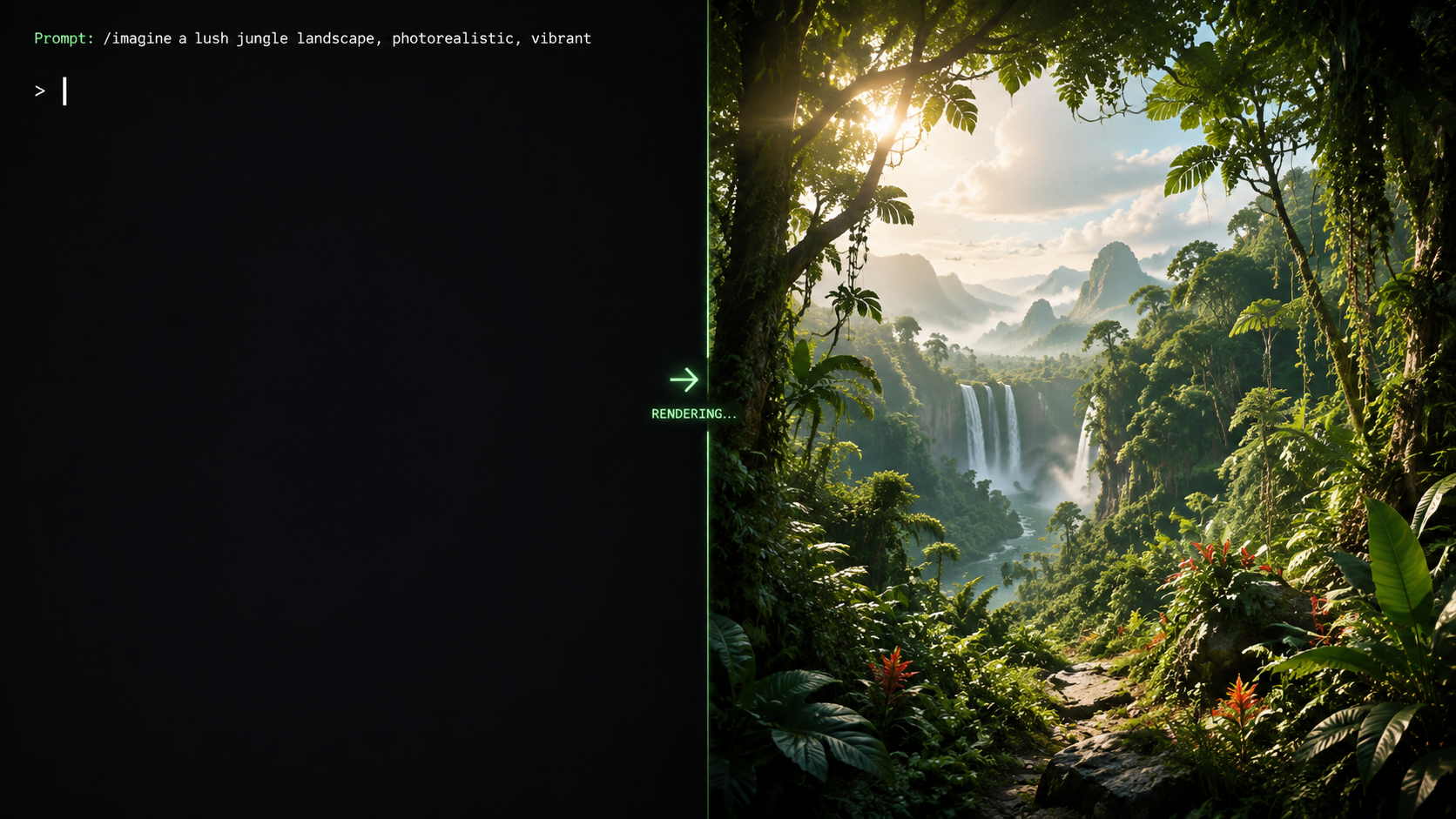
The landscape of video creation has shifted dramatically this year. We are no longer limited to grainy, three-second loops. The current generation of tools, such as the recently updated Sora from OpenAI (released February 2026) and the innovative Google Flow, allows for extended sequences that maintain physical logic and temporal consistency. This means a character walking behind a tree will reappear on the other side looking exactly the same, a feat that was challenging only a few years ago.
OpenAI Sora and the Rise of Photorealism
As of February 15, 2026, OpenAI has expanded Sora’s capabilities to include "World Physics 2.0." This update ensures that liquid splashes, fabric movements, and reflections behave according to the laws of physics. When following a text to video ai tutorial for Sora, the focus is now on "Cinematic Scripting," where the user acts as a director, specifying lens types like "35mm anamorphic" to achieve a specific filmic look. According to OpenAI, the model now understands complex multi-character interactions, making it the gold standard for high-budget commercial previews.
Google Flow: The Workflow Integrator
Google Flow, as detailed by Simplilearn in April 2026, represents a shift toward "Integrated AI Production." Unlike standalone generators, Google Flow connects directly with Google Workspace and YouTube Studio. This tool is specifically designed for creators who need to turn a blog post or a research paper directly into a narrated video. Its primary strength lies in its "Asset Memory," which allows the AI to remember specific brand colors and logos, ensuring that every video generated fits a company's visual identity perfectly.
Hardware Requirements: Local vs. Cloud Generation
A major trend in 2026 is the democratization of video generation through local hardware. While cloud services are convenient, they often come with subscription tiers and privacy concerns. According to the NVIDIA Blog (January 22, 2026), creators are increasingly moving toward "On-Device Generative AI" using NVIDIA RTX PCs. This shift allows for real-time previewing and eliminates the "queue times" often associated with popular cloud platforms.
The Power of RTX PCs in 2026
NVIDIA’s latest drivers have optimized TensorRT acceleration, allowing a standard RTX 50-series GPU to render a 10-second 4K clip in under a minute. This is a game-changer for professional editors who need to iterate quickly. Utilizing local hardware also enables the use of "Stable Video Diffusion" plugins within traditional editing software, blending the lines between manual editing and AI generation. For those following a text to video ai tutorial, understanding the hardware bottleneck is crucial for scaling production.
Cloud-Based Flexibility
For those without high-end hardware, cloud platforms remain the primary entry point. Platforms like Seedance 2.0, which Binance highlighted in February 2026, offer "AI Director" modes that run entirely in the browser. These services use massive server clusters to handle the heavy lifting, providing a "pay-as-you-go" or subscription model that is accessible to hobbyists and small business owners who do not want to invest in expensive hardware upfront.
Comparing Top AI Video Generators of 2026
To help you choose the right tool for your specific project, we have compiled a comparison of the leading platforms based on the latest data from Habr’s "Top 12 Best AI Video Generators" report (March 2026). Each platform has unique strengths, ranging from cinematic quality to ease of use for social media content.
| Tool Name | Primary Strength | Max Resolution | Best For |
|---|---|---|---|
| OpenAI Sora | Physical Realism | 8K Ultra HD | Commercials & Film |
| Google Flow | Ecosystem Integration | 4K | Educational Content |
| Seedance 2.0 | Directorial Control | 4K | Storytelling & Animation |
| NVIDIA RTX Local | Privacy & Speed | Variable | Pro-Editors & Privacy |
| Faceless Shorts AI | Automation Speed | 1080p (Vertical) | TikTok & Reels |
Creating Viral Faceless Content
One of the most profitable applications of text to video technology in 2026 is the creation of "Faceless" social media channels. As noted by TyN Magazine in January 2026, these channels use AI to generate scripts, voices, and visuals, allowing a single creator to manage dozens of accounts. This beginner’s guide to text to video ai tutorial techniques for social media focuses on high-retention editing and viral hooks.
Automating the Script-to-Video Pipeline
The secret to viral success in 2026 is the "Looping Hook" method. By using AI to generate a video where the end perfectly transitions back to the beginning, creators can significantly increase "watch time" metrics. Tools specialized for faceless content now include "Trend Analyzers" that suggest prompts based on currently viral topics on platforms like TikTok and YouTube Shorts. This level of automation means a 60-second video can be produced, captioned, and uploaded in less than five minutes.
Seedance 2.0: The AI Director Experience
Seedance 2.0 has introduced a "Multi-Angle" feature that allows creators to generate the same scene from three different camera perspectives simultaneously. This is a massive advantage for faceless channels that rely on fast-paced cutting to keep viewers engaged. According to the Binance usage tutorial, "Everyone is an AI Director" because the interface uses a drag-and-drop timeline where you place "Action Prompts" (e.g., "Character smiles," "Camera zooms in") over the generated footage to refine the output in real-time.
Advanced Prompting Techniques for Professional Results
To truly master any text to video ai tutorial, one must move beyond simple descriptions. Professional prompting in 2026 involves "Layered Input," where you provide the AI with technical specifications similar to a Director of Photography (DP). Instead of saying "a man in the woods," a pro prompt would be: "Cinematic wide shot, low-angle, 24fps, man wearing techwear walking through a misty redwood forest, volumetric lighting, 8k, highly detailed textures."
Using Negative Prompts and Weights
Most high-end tools now support "Negative Prompting" to exclude unwanted elements like "motion blur," "deformed limbs," or "cartoonish textures." By explicitly telling the AI what not to include, you sharpen the focus on the desired output. Furthermore, "Prompt Weighting" allows you to tell the AI which part of your description is most important. For example, giving a weight of (Lighting: 1.5) ensures the atmospheric mood takes priority over the specific clothing of a character.
The Role of Seed Consistency
Consistency has historically been the "Achilles' heel" of AI video. However, in 2026, the use of "Global Seeds" allows creators to lock in the visual DNA of a project. When you find a style you like, you save the seed number. Any subsequent prompt used with that seed will share the same color palette, character facial structure, and environmental lighting. This is essential for creating episodic content or brand-consistent marketing videos.
Frequently Asked Questions
What is the best text to video AI tool in 2026?
The "best" tool depends on your needs: OpenAI Sora is the leader for photorealistic cinematic quality, while Google Flow is superior for creators who need deep integration with existing productivity and video hosting ecosystems.
Can I run text to video AI on my own computer?
Yes, according to NVIDIA, users with RTX-powered PCs can run visual generative AI locally. This provides faster iteration times and better privacy compared to cloud-based subscription services.
How long does it take to generate an AI video?
In 2026, generation times have dropped significantly. On high-end local hardware or premium cloud tiers, a 10-second high-definition clip typically takes between 45 and 90 seconds to render.
Is AI-generated video copyrightable?
As of 2026, legal frameworks in many jurisdictions require significant human "creative direction" (such as complex prompting and editing) for a work to be eligible for copyright. Always check the latest local intellectual property laws.
What is a "Faceless" AI video?
A faceless video is content created without a human presenter. These are popular on social media and are built using AI-generated visuals, scripts, and voiceovers to provide information or entertainment anonymously.
Conclusion: The Future of Your Creative Career
The transition to AI-assisted video production is no longer a futuristic concept; it is the standard for 2026. By mastering the techniques outlined in this text to video ai tutorial, you are positioning yourself at the forefront of a creative revolution. Whether you are a solo creator building a "faceless" empire or a professional filmmaker using Sora to storyboard your next feature, the barrier between imagination and visual reality has finally vanished. The tools are here, the hardware is ready, and the only limit left is the depth of your prompts.
Comments ()