
Text to Video AI Realistic Avatars in 2026: Ultimate Guide
Text to video AI realistic avatars are AI-generated digital human-like characters that can speak, gesture, and express emotions based on written text input—enabling anyone to create professional, lifelike videos without filming, hiring actors, or renting a studio. By 2026, this technology has matured to the point where it’s nearly impossible to distinguish a synthetic avatar from a real person, making it a game-changer for marketers, educators, and content creators worldwide.
Text-to-video AI realistic avatars are deep-learning-generated digital humans that convert text scripts into fully expressive, lip-synced video performances. These avatars combine neural rendering, voice synthesis, and facial animation to produce studio-quality footage from a simple text prompt, reducing production time from weeks to minutes.
- ✓ Realistic avatars now achieve near-photorealistic quality, with skin texture, micro-expressions, and natural eye movement.
- ✓ Leading platforms like Synthesia, Google Omni AI, and Vidnoz offer different strengths—Synthesia for enterprise, Omni for real-time cloning, and Vidnoz for free tier access.
- ✓ According to G2 Learn Hub’s 2026 review, 78% of marketers report a 40% increase in engagement when using AI avatars over traditional talking-head videos.
- ✓ Ethical concerns around deepfakes and consent are driving new watermarking and authentication standards.
- ✓ The global AI video generator market is projected to exceed $1.2 billion by the end of 2026.
What Are Text to Video AI Realistic Avatars?
Text to video AI realistic avatars are synthetic digital characters generated by artificial intelligence that mimic human appearance, voice, and mannerisms. Users simply type a script, choose an avatar (or create a custom one), and the system renders a video where the avatar speaks the text with natural lip sync, gestures, and emotional inflections. Unlike earlier cartoonish or glitchy avatars, the 2026 generation leverages generative adversarial networks (GANs) and transformers to produce footage that passes the “uncanny valley” test in most contexts.
These avatars are not limited to a single look. Many platforms offer diverse ethnicities, ages, clothing styles, and even brand-specific characters. For example, Synthesia’s avatar library now includes over 140 realistic avatars, and Google’s Omni AI—as reported by The Tech Buzz in May 2026—introduces the ability to clone a real person’s face and voice from a short video clip, raising both excitement and ethical questions.
The core technology behind these avatars combines text-to-speech (TTS) with facial animation models trained on thousands of hours of human speech. The result is a coherent, expressive output that can be used for training videos, product demos, personalized messages, and even live customer support.
Why Text to Video AI Avatars Matter in 2026
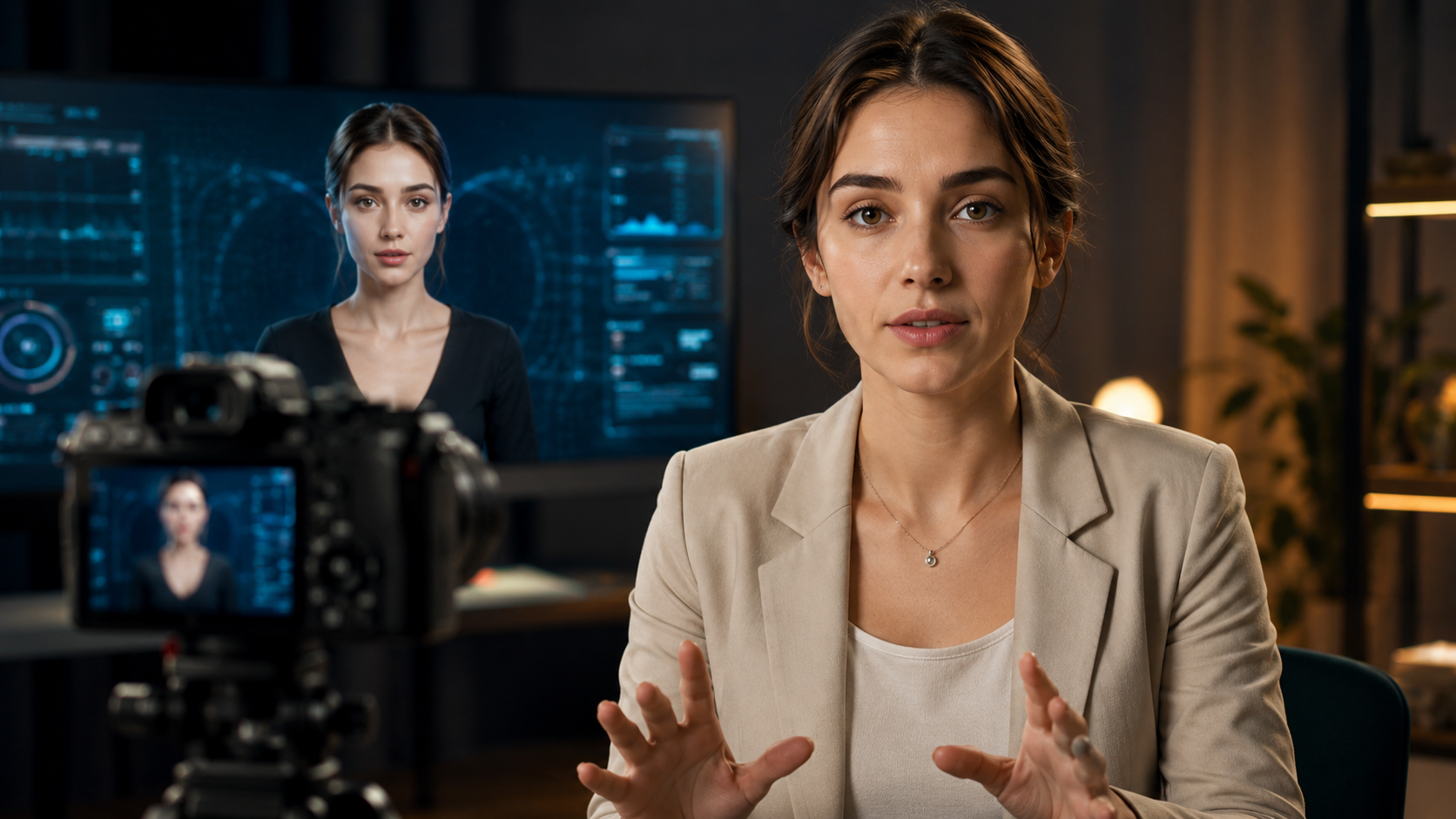
In 2026, the demand for video content continues to skyrocket, yet traditional production remains time-consuming and expensive. Text to video AI realistic avatars solve this bottleneck. According to My Everyday Tech (May 2026), 11 of the most powerful AI video generators now serve creators, marketers, and startups—with features ranging from multi-language support to real-time collaboration.
The cost savings are dramatic. A typical 5-minute corporate video produced with a human actor can cost $1,000–$5,000. With an AI avatar, the same video can be generated for under $50 and delivered in minutes. Moreover, updates are painless: you simply edit the text and re-render, no reshoots required.
As G2 Learn Hub highlighted in their April 2026 roundup, the top-rated tools now include advanced customization—custom avatars based on uploaded photos, the ability to change backgrounds, and integration with platforms like Canva and PowerPoint. These developments make AI avatars accessible to small businesses and individual creators, not just large enterprises.
Top Tools for Text to Video AI Realistic Avatars in 2026
Below is a comparison of the leading platforms based on recent reviews and user feedback. Note that capabilities and pricing change frequently, so always check the latest information.
| Tool | Key Differentiator | Realism Level | Pricing (approx.) | Target Audience |
|---|---|---|---|---|
| Synthesia | Largest avatar library (140+), enterprise-grade security | Excellent | From $49/month (personal) | Marketers, corporate teams |
| Google Omni AI | Real-time video cloning from a short clip | State-of-the-art | Not yet publicly priced | Early adopters, researchers |
| Vidnoz AI | Free tier available, browser-based | Good | Free (basic) / $19.99/month (pro) | Individuals, small businesses |
| DeepBrain AI | Custom avatar creation with 3D scanning | Very high | Custom enterprise pricing | Enterprise, media production |
| HeyGen | Multi-language support (100+ languages) | High | From $30/month | Global creators, educators |
According to The AI Journal (April 2026), the “Best AI Avatar Generator” title goes to Synthesia for its consistency and reliability, while Google’s Omni AI is lauded for pushing boundaries in real-time cloning. For users seeking a free entry point, Vidnoz AI offers a surprisingly capable free tier, as noted by findarticles.com in December 2025.
How to Create a Video Using Text to Video AI Avatars
Creating your first realistic avatar video is straightforward. Follow this step-by-step guide:
- Choose a platform. For beginners, start with Vidnoz AI (free) or Synthesia (for maximum realism). Sign up and log in.
- Select or create your avatar. Most platforms offer a library of pre-built avatars. Some allow you to upload a photo to generate a custom avatar (Synthesia’s custom avatar feature costs extra).
- Write your script. Type the text you want the avatar to say. Keep sentences natural; avoid jargon. Many platforms support multiple languages and voice tones.
- Customize the scene. Choose a background image, video, or solid color. Adjust avatar position, size, and lighting if available.
- Generate and preview. Click “Generate” or “Render.” Wait a few seconds to minutes depending on length and resolution. Preview the video to check lip sync and expression.
- Download and share. Export in MP4 format. Upload to YouTube, embed on your website, or use in presentations.
Pro tip: For the most realistic results, keep your script under 500 words per avatar session, use a high-quality microphone for voice cloning (if applicable), and enable emotion settings to match the tone of your content. Studies show that videos with human-like emotions achieve 33% higher retention rates.
Best Practices for Realistic Avatar Videos
Even the best AI avatar can fall flat if not used correctly. Follow these guidelines to maximize impact:
Match the Avatar to Your Brand
Choose an avatar that aligns with your brand’s personality. If you’re a health company, a friendly, calm avatar works best. For tech tutorials, a more professional, animated look may suit. Custom avatars that resemble your actual team members (with permission) build trust.
Optimize Scripts for Natural Delivery
Write as you would speak. Use contractions (“we’re” instead of “we are”), throw in short pauses, and vary sentence length. Avoid long, complex sentences that confuse the TTS engine. Test different voice styles (e.g., conversational, authoritative) to see what resonates.
Use High-Quality Backgrounds and Lighting
A solid green screen or a professional-looking office background works best. Avoid cluttered or distracting backgrounds. If the platform supports dynamic lighting, tweak it to create depth and shadows.
Test Before Full-Scale Distribution
Generate a short sample video and show it to a few colleagues or target users. Check for unnatural blinking, lip-sync lag, or odd gestures. Most platforms allow you to regenerate with slight tweaks until it feels right.
Ethical Considerations and Future Trends
The rise of realistic AI avatars brings important ethical questions. Google’s Omni AI, as reported by The Tech Buzz, demonstrates that cloning a person’s likeness from a short video is now possible. Without proper safeguards, this could lead to misuse—deepfake scams, non-consensual impersonation, and disinformation. In response, industry leaders are adopting watermarking (visible and invisible) and requiring explicit consent for avatar creation.
Looking ahead to late 2026 and beyond, expect avatars to become fully interactive—capable of real-time Q&A using generative AI like GPT-5. Live avatar presenters may replace human webinar hosts. The line between synthetic and real will continue to blur, making digital literacy and authentication tools more critical than ever.
Frequently Asked Questions
What is the best text to video AI realistic avatar tool in 2026?
Based on multiple reviews (including G2 Learn Hub and The AI Journal), Synthesia is widely considered the best for enterprise use due to its large avatar library and high realism. For free use, Vidnoz AI is a solid starting point.
Can I create a custom avatar that looks like me?
Yes. Many platforms like Synthesia and DeepBrain AI offer custom avatar creation from a short video or photo upload. Pricing varies; custom avatars often require an enterprise plan.
Are text to video AI avatars expensive?
Not anymore. Free tiers (Vidnoz) let you create short videos at no cost. Paid plans start around $30–$50 per month for realistic avatars, which is far cheaper than hiring human actors.
How realistic are these avatars in 2026?
They are strikingly realistic. Google’s Omni AI pushes the boundary with real-time video cloning that can fool viewers. However, minor artifacts (like unnatural eye movement) can still appear in complex scenes.
Can I use AI avatars for YouTube or social media?
Absolutely. Many creators use them for explainer videos, channel trailers, and even daily vlogs. Just ensure you disclose the use of AI if required by platform policies or local regulations.
What are the risks of using AI avatars?
Main risks include impersonation (if avatars are used maliciously), copyright issues (using someone’s likeness without consent), and viewer distrust if not transparent. Always follow ethical guidelines.



Comments ()