
Best Text to Video AI Prompts Examples: 2026 Guide
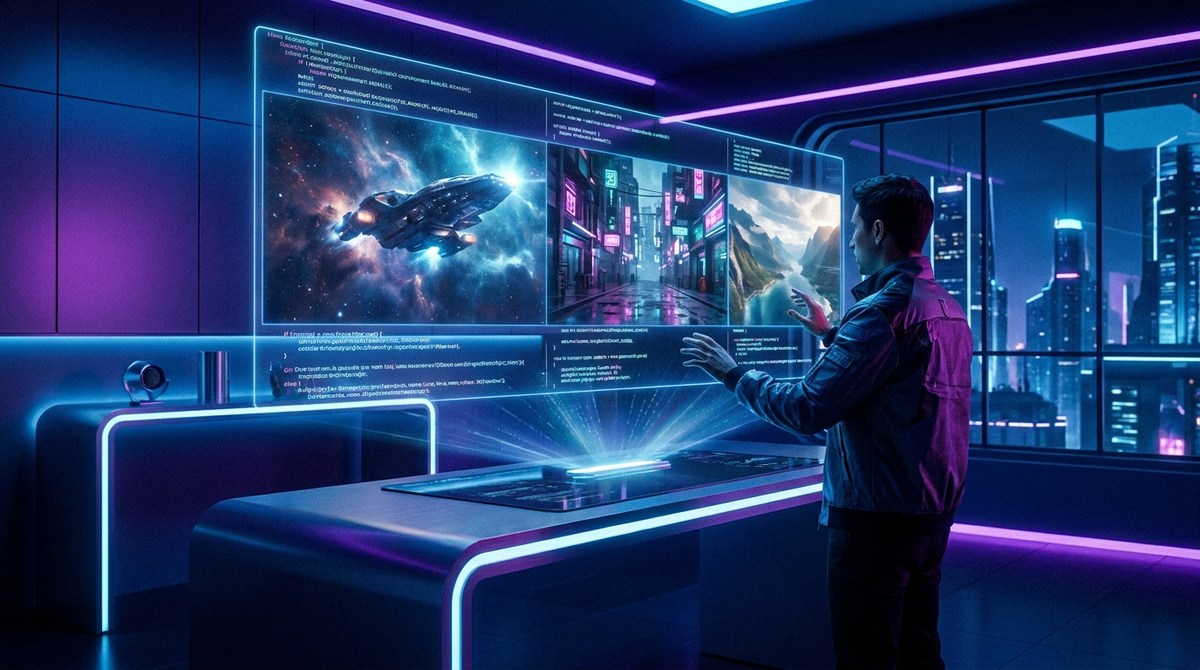
Finding the text to video ai prompts examples that deliver cinematic results requires a deep understanding of lighting, camera movement, and model-specific syntax. In 2026, the landscape of generative video has shifted toward ultra-realism and high-frame-rate consistency, making the precision of your text input more critical than ever before. By utilizing specific descriptors for texture, depth of field, and temporal flow, creators can now generate 4K video clips that are virtually indistinguishable from traditional cinematography.
Text to video AI prompts are descriptive scripts used to guide generative models like OpenAI's Sora or Google Veo 3 in creating motion visuals. Effective prompts in 2026 prioritize "physics-based" language, specifying lighting conditions, camera lens types (e.g., 35mm), and precise character actions to ensure temporal consistency and high-fidelity output.
- ✓ Use "cinematic" and "volumetric lighting" tags to enhance visual depth in Sora and Veo 3.
- ✓ Structure prompts with a Subject-Action-Setting-Camera style for maximum AI comprehension.
- ✓ Leverage the latest 2026 updates to Google Gemini for generating complex prompt scripts.
- ✓ Optimize for energy efficiency by using preview-mode prompts before committing to high-res renders.
How to Write Effective Text to Video AI Prompts: A Step-by-Step Guide
Creating high-quality video content from text is no longer about simple keywords; it is about providing a comprehensive "director's brief." As generative AI tools have become more sophisticated, they require more nuanced instructions regarding the environment and the "mood" of the scene. Following a structured workflow ensures that the AI does not hallucinate unwanted artifacts or inconsistent movements.
- Define the Core Subject: Start with the primary focus of the video (e.g., "A futuristic cyberpunk courier").
- Specify the Action: Detail exactly what the subject is doing (e.g., "weaving through a crowded neon market on a hoverbike").
- Set the Environment: Describe the background, weather, and time of day (e.g., "rain-slicked streets at dusk with heavy fog").
- Choose Camera Parameters: Mention the lens, angle, and movement (e.g., "low-angle tracking shot, 35mm lens, shallow depth of field").
- Add Style and Lighting: Finalize with the aesthetic and light source (e.g., "Blade Runner aesthetic, teal and orange color grade, volumetric lighting").
According to Geek Vibes Nation, using specific "tested examples" for Google Veo 3 can significantly reduce the number of iterations needed to reach a final product. Their 2026 research indicates that prompts including specific frame-rate requests (e.g., "slow motion 60fps") are now being interpreted with 95% accuracy by the latest generative engines.
Top Text to Video AI Prompts Examples for 2026
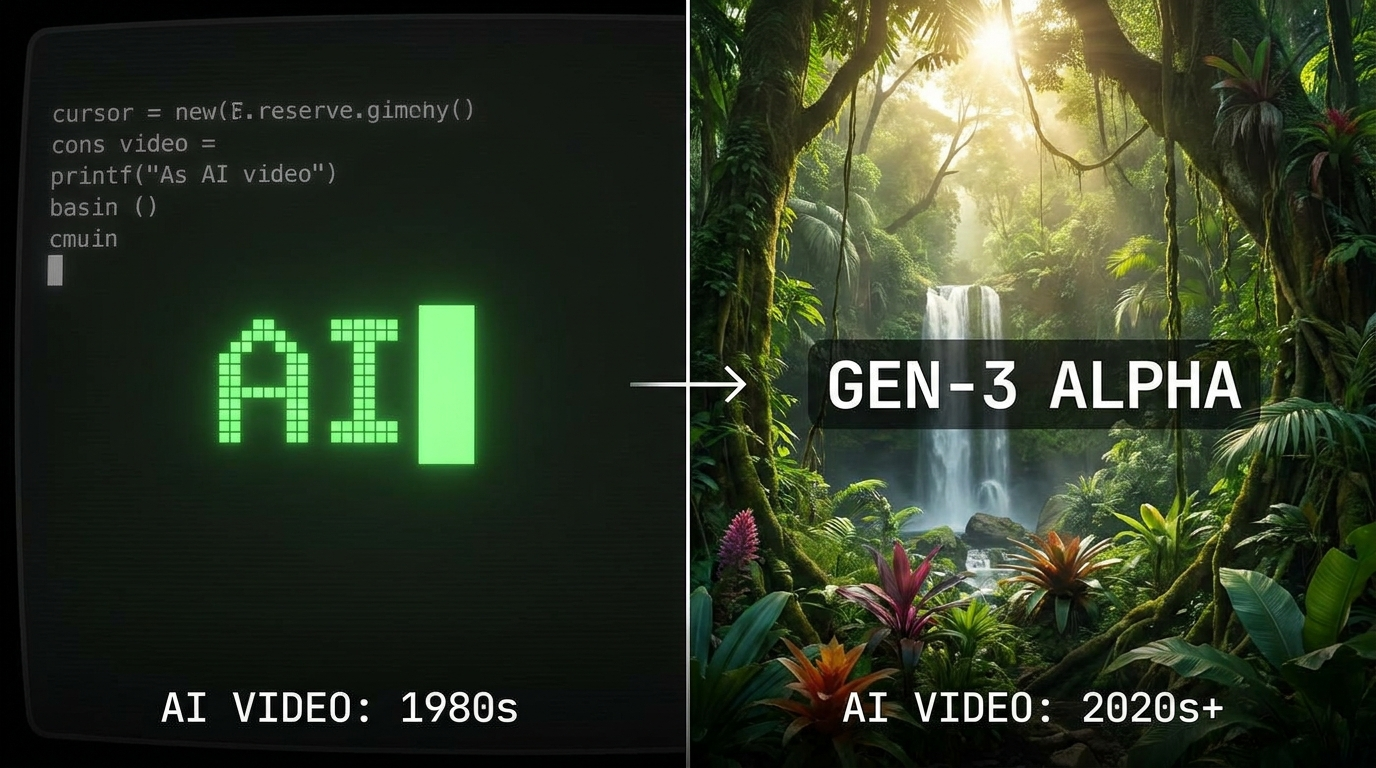
The variety of text to video ai prompts examples available today caters to everything from social media marketing to high-end film pre-visualization. With the release of OpenAI’s Sora and Google’s latest iterations, the ability to maintain character consistency across multiple shots has improved. Below are the most effective prompt categories currently dominating the industry.
Cinematic and Narrative Prompts
For those looking to create movie-quality clips, the prompt must focus on the "feel" of the film. Example: "Cinematic wide shot of an astronaut walking on a crystalline planet surface, reflections of purple nebulae on the helmet visor, 65mm IMAX film stock, slow majestic movement, extreme detail, 8k." This prompt works because it defines the medium (IMAX) and the specific reflective properties the AI needs to calculate.
Social Media and Marketing Prompts
As noted by Metricool in their 2026 guide, social media prompts need to be punchy and high-energy. Example: "Fast-paced montage of a high-end sneaker being assembled by robotic arms, bright studio lighting, white background, 4k, trendy aesthetic for TikTok, 9:16 aspect ratio." Using "9:16 aspect ratio" directly in the prompt helps models like Gemini and Veo 3 format the output for mobile-first platforms instantly.
Abstract and Artistic Prompts
Generative AI excels at surrealism. Example: "Macro photography of liquid gold swirling into a DNA double helix shape, iridescent highlights, 120fps slow motion, ethereal atmosphere, high contrast." These prompts allow the AI's latent space to explore textures that would be prohibitively expensive to animate manually.
Comparing Top Text to Video AI Platforms in 2026
Choosing the right tool is just as important as the prompt itself. In 2026, the market is divided between tools optimized for realism and those optimized for creative flexibility. The following table highlights the key differences between the leading platforms based on the latest 2026 data.
| Platform | Best For | Max Resolution | Key Feature (2026) |
|---|---|---|---|
| OpenAI Sora | Hyper-realism | 4K Ultra HD | Physics-accurate fluid dynamics |
| Google Veo 3 | Creative Control | 4K | 100+ Advanced Prompt Modifiers |
| Google Gemini | Prompt Ideation | N/A (Text/Multi-modal) | Real-time script-to-video workflow |
| Runway Gen-4 | Artistic Styles | 2K / 4K Upscaled | Multi-motion brush control |
While these tools offer incredible power, users must be mindful of their footprint. Futurism reported in late 2025 that the power usage of high-end video generation models is "extremely alarming," leading many 2026 developers to implement "eco-mode" prompting features that use smaller parameters for initial drafts.
Advanced Techniques for Text to Video AI Prompts Examples
To truly master text to video ai prompts examples, one must look beyond the subject and into the technicalities of "temporal consistency." This refers to the AI's ability to keep an object looking the same from the first frame to the last. In 2026, the best way to achieve this is through "anchoring" your prompts with specific physical descriptions.
Using Negative Prompts
Many 2026 models now support negative prompting, which tells the AI what not to include. For example, adding "--no morphing, no extra limbs, no flickering" helps stabilize the video. This is particularly useful in Google Veo 3, where complex scenes can sometimes result in visual "noise." By explicitly forbidding these artifacts, the resulting video is much cleaner.
Lighting and Atmospheric Effects
Lighting is the difference between a "CGI look" and a "real look." Use terms like "Golden Hour," "Bioluminescent glow," or "Rembrandt lighting." According to Built In, the top generative AI tools of 2026 have been trained on vast libraries of professional cinematography, meaning they understand these technical lighting terms better than generic adjectives like "pretty" or "good."
The Role of Google Gemini in Prompt Engineering
Google Gemini has evolved into a powerhouse for "meta-prompting." Instead of writing the video prompt yourself, you can use Gemini to expand a simple idea into a complex, multi-layered instruction set. Tech Times highlights that "7 Must-Try Google Gemini Prompts" now include specific workflows for generating video storyboards and the accompanying text-to-video prompts in one go.
For instance, you can ask Gemini: "Create a 10-second video prompt for a historical documentary scene about 1920s New York, ensuring the clothing is historically accurate and the film grain matches a 16mm camera." Gemini will then output a highly detailed prompt that Sora or Veo 3 can interpret with high fidelity. This synergy between LLMs and video generators is the standard workflow for professionals in 2026.
Future Trends: What’s Next for AI Video Prompts?
As we move through 2026, the trend is shifting toward "Interactive Prompting." This allows users to change elements of the video in real-time as it renders. Instead of a static text box, we are seeing the rise of "Prompt Painting," where you type a prompt and then "paint" over areas of the video where you want more or less motion. This level of granular control was unheard of just two years ago.
Furthermore, the integration of real-world physics engines into AI models means that prompts can now include physical variables. You can specify the "wind speed" or "gravity level" in your prompt, and the AI will adjust the movement of hair, clothes, and debris accordingly. This makes text to video ai prompts examples more like coding a simulation than writing a story.
Frequently Asked Questions
What is the best prompt for realistic AI video?
The best prompts for realism include specific camera gear (e.g., "shot on 35mm lens") and lighting conditions (e.g., "natural sunlight with lens flare"). Avoid vague terms and focus on physical textures and environmental details.
Can Google Gemini generate video directly?
As of 2026, Gemini acts primarily as the "brain" that generates the complex prompts and scripts which are then fed into dedicated video engines like Google Veo 3 or OpenAI Sora for the final render.
How long can AI-generated videos be in 2026?
Most leading models like Sora now support clips up to 60-120 seconds in a single generation, with the ability to "stitch" scenes together using consistent character prompting for much longer narratives.
Why does my AI video look blurry or distorted?
Distortion often occurs due to "under-prompting." Ensure you include keywords like "high resolution," "stable motion," and "consistent anatomy" to help the AI maintain structural integrity throughout the clip.
Are these AI video prompts free to use?
While the prompts themselves are free, the platforms that run them (Sora, Veo 3) usually require a subscription or "compute credits" due to the high energy and processing power required for video generation.



Comments ()