
Text to Video AI Prompt Engineering: 2026 Master Guide
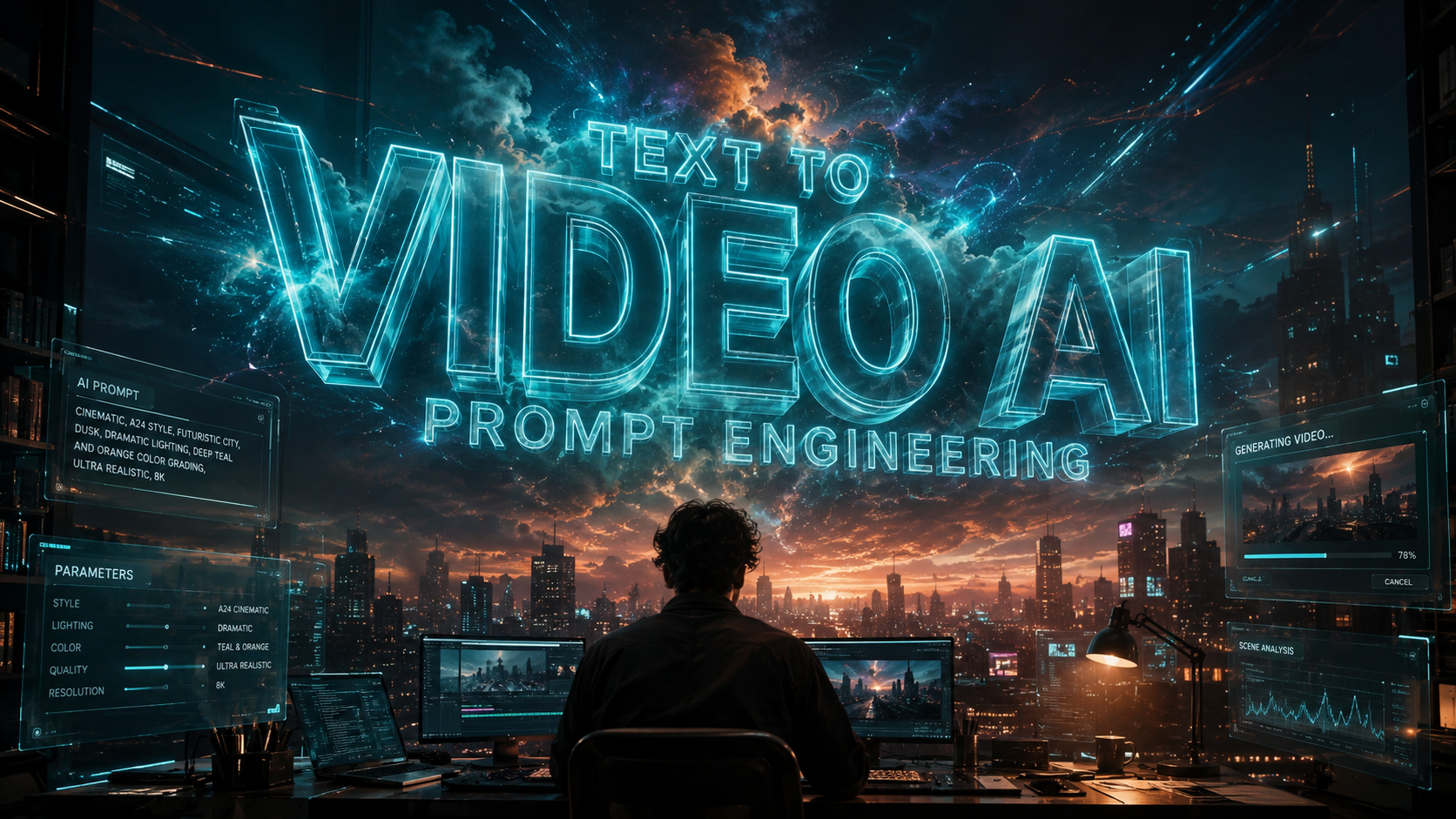
Text to video AI prompt engineering is the specialized practice of crafting precise, descriptive text inputs to guide artificial intelligence models in generating high-quality cinematic sequences, animations, or social media content. In 2026, this discipline has evolved from simple keyword stuffing into a sophisticated architectural process that balances technical parameters with creative storytelling. Mastering text to video AI prompt engineering allows creators to bypass traditional production bottlenecks, reducing the time from concept to final render by up to 80% using the latest generative frameworks.
Text to video AI prompt engineering is the strategic design of natural language instructions used to control AI video generators. It involves structuring descriptions of camera movement, lighting, subject action, and temporal consistency to produce coherent visual narratives. By 2026, this process has become essential for utilizing advanced models like Grok Imagine and Google Gemini for professional-grade video production.
- ✓ Precision in prompt scoring can increase AI output quality by 50% using tools like Promptessor.
- ✓ Modern prompt engineering now integrates multi-modal inputs, including script-to-video and image-to-video workflows.
- ✓ Temporal consistency is the primary metric for 2026 video AI, requiring specific "anchor" keywords in prompts.
- ✓ Integration with platforms like xAI’s Grok Imagine allows for real-time video generation based on live data feeds.
How to Master Text to Video AI Prompt Engineering: A Step-by-Step Guide
As we navigate through 2026, the complexity of video models requires a structured approach to prompting. Unlike static images, video involves the dimension of time, which means your prompts must account for motion and transition. Following a standardized workflow ensures that the AI understands not just what the scene looks like, but how it moves and evolves over its duration.
- Define the Core Subject and Environment: Start with a clear description of the main character or object and the specific setting. Use sensory details to ground the AI's "imagination."
- Specify Cinematic Camera Movement: Use industry terms like "dolly zoom," "pan," "tilt," or "tracking shot" to dictate how the virtual camera navigates the space.
- Set the Lighting and Atmosphere: Describe the time of day, weather conditions, and light quality (e.g., "golden hour," "volumetric lighting," or "neon-soaked cyberpunk aesthetic").
- Incorporate Temporal Instructions: Detail the action sequence. Instead of "a man walking," use "a man walking briskly across a crowded street, dodging raindrops as the camera follows at eye level."
- Apply Technical Parameters: Add suffix commands for resolution, frame rate, and style consistency (e.g., "8k, 60fps, photorealistic, cinematic grain").
- Iterate and Refine with Scoring Tools: Use modern 2026 tools like Promptessor to analyze your prompt's potential and refine it based on AI-generated feedback scores.
The Evolution of Video Generation Tools in 2026

The landscape of generative AI has shifted dramatically this year. According to Built In, there are now over 28 top generative AI tools dominating the market, with a heavy emphasis on video-first architectures. These tools have moved beyond "jittery" early versions to provide fluid, physics-compliant motion that is indistinguishable from real footage in many use cases. The integration of xAI’s Grok Imagine has particularly revolutionized how creators use real-time data to influence video generation, allowing for content that reacts to current global events.
Furthermore, Simplilearn reports that the best picks for AI video generation in 2026 are categorized by their specific use cases, ranging from enterprise-level marketing to independent filmmaking. For instance, tools optimized for Google Gemini prompts are now capable of revealing the "full power of AI capabilities" by interpreting complex, multi-paragraph scripts into cohesive 60-second clips. This leap in capability is largely due to the refinement of Transformer-based architectures that better understand the relationship between nouns and kinetic verbs.
Comparing Top 2026 Video AI Platforms
| Platform | Core Strength | Best Use Case | Key Feature (2026) |
|---|---|---|---|
| Grok Imagine (xAI) | Real-time Data Integration | News & Social Commentary | Live-feed Video Synthesis |
| Google Gemini Video | Complex Narrative Logic | Educational & Long-form | Multi-modal Script Analysis |
| Promptessor Framework | Prompt Optimization | Professional Studios | 50% Better Output Scoring |
| Simplilearn Enterprise | Workflow Automation | Corporate Training | Automated B-Roll Generation |
Advanced Prompt Structure: The "Scene-Action-Style" Framework
Effective text to video AI prompt engineering relies on a hierarchical structure. In 2026, the industry standard has moved toward the "SAS" (Scene-Action-Style) framework. This method ensures that the AI does not get overwhelmed by conflicting instructions. By separating the environmental data from the movement data, creators can maintain higher visual fidelity across longer video generations.
According to a recent overview by Quasa.io, using optimization tools like Promptessor can refine these prompts to achieve 50% better AI outputs. These tools score your SAS framework for clarity and "AI-readability," suggesting synonyms that the model's latent space can more easily interpret. For example, replacing "fast" with "supersonic" or "accelerated" can trigger different motion vectors in the AI's rendering engine, leading to more dynamic results.
Subject and Scene Setting
The scene setting provides the "stage" for your video. In 2026, prompts that include specific architectural styles or biological genus names for plants result in much higher detail. Instead of "a forest," a master prompter writes "a temperate rainforest with ancient Douglas firs, moss-covered floor, and filtered sunlight piercing through a heavy canopy." This level of specificity reduces the AI's "hallucination" rate and keeps the video grounded in a recognizable reality.
Action and Motion Dynamics
Motion is where most beginners fail in text to video AI prompt engineering. To succeed, you must describe the physics of the scene. If a character is running, describe the weight of their steps or the way their clothes react to the wind. HackerNoon contributors have noted that building AI prompts that write "YouTube scripts worth watching" requires the prompt to dictate not just the visuals, but the emotional "arc" of the motion—starting slow and building to a crescendo of movement.
The Role of Scoring and Refinement in Modern Prompting
One of the most significant breakthroughs in May 2026 was the release of Promptessor. This tool introduces a quantitative approach to what was previously a qualitative art form. By scoring a prompt before it is ever sent to the GPU for rendering, creators can save significant computational costs. Studies show that prompts with a "clarity score" above 85% on the Promptessor scale are 3x more likely to produce a usable video on the first prompt attempt.
This refinement process involves identifying "noise" words—terms that don't add value to the visual output—and replacing them with "power" words that have a strong association in the AI's training data. For instance, words like "amazing" or "beautiful" are subjective and often ignored by the model. In contrast, technical terms like "subsurface scattering," "anamorphic flare," or "depth of field" provide concrete mathematical instructions to the rendering engine, resulting in the high-end cinematic look that 2026 audiences expect.
Utilizing Google Gemini for Script-to-Video Workflows
Google Gemini has emerged as a leader in 2026 for its ability to handle massive context windows. As reported by Tech Times, there are now 7 must-try Gemini prompts that reveal the full power of its AI capabilities, specifically in the realm of video. These prompts allow users to input an entire 10-page script, which Gemini then breaks down into individual prompt blocks for video generation. This "chain-of-thought" prompting ensures that a character's appearance remains consistent from the first shot to the last, solving the long-standing problem of temporal flickering.
Ethical Considerations and Best Practices in 2026
With the power of text to video AI prompt engineering comes the responsibility of ethical usage. As generative tools become more realistic, the industry has moved toward "Transparent Prompting." This involves including metadata in the prompt that flags the content as AI-generated, helping platforms maintain integrity. Most major tools in 2026 now include "safety guardrails" within their prompt interpreters to prevent the creation of harmful or misleading content, especially when using real-world likenesses.
Professional prompt engineers also prioritize efficiency. Generating AI video is computationally expensive. By utilizing the "Negative Prompting" technique—explicitly stating what not to include (e.g., "no motion blur, no distorted limbs, no low resolution")—engineers can guide the AI away from common pitfalls. This proactive approach to error-correction is a hallmark of the 2026 master guide, ensuring that the creative vision is realized with minimal digital artifacts.
Frequently Asked Questions
What is the most important factor in text to video AI prompt engineering?
In 2026, the most important factor is temporal consistency. Describing how movement evolves over time and using specific camera terminology ensures the AI maintains a stable image across all frames of the video.
How does Promptessor improve video AI outputs?
Promptessor uses a scoring algorithm to analyze your text for "AI-readability." According to Quasa.io, refining prompts based on these scores can improve the quality and accuracy of AI-generated videos by up to 50%.
Can Google Gemini be used for video prompt engineering?
Yes, Google Gemini is highly effective for script-to-video workflows. It can take long-form text and break it down into optimized prompts that maintain character and environmental consistency across multiple scenes.
Is Grok Imagine better for video than other AI tools?
Grok Imagine, developed by xAI, excels in real-time data integration. It is particularly useful for creators who need to generate video content that reflects current events or live data feeds, a feature highlighted in recent 2026 tech reviews.
What are "noise words" in prompt engineering?
Noise words are subjective adjectives like "stunning" or "cool" that do not provide the AI with specific visual instructions. Professional prompt engineers replace these with technical terms like "ray-traced" or "high-dynamic-range" for better results.



Comments ()