
What Is Text to Video AI for Non-Technical Users? Complete Guide
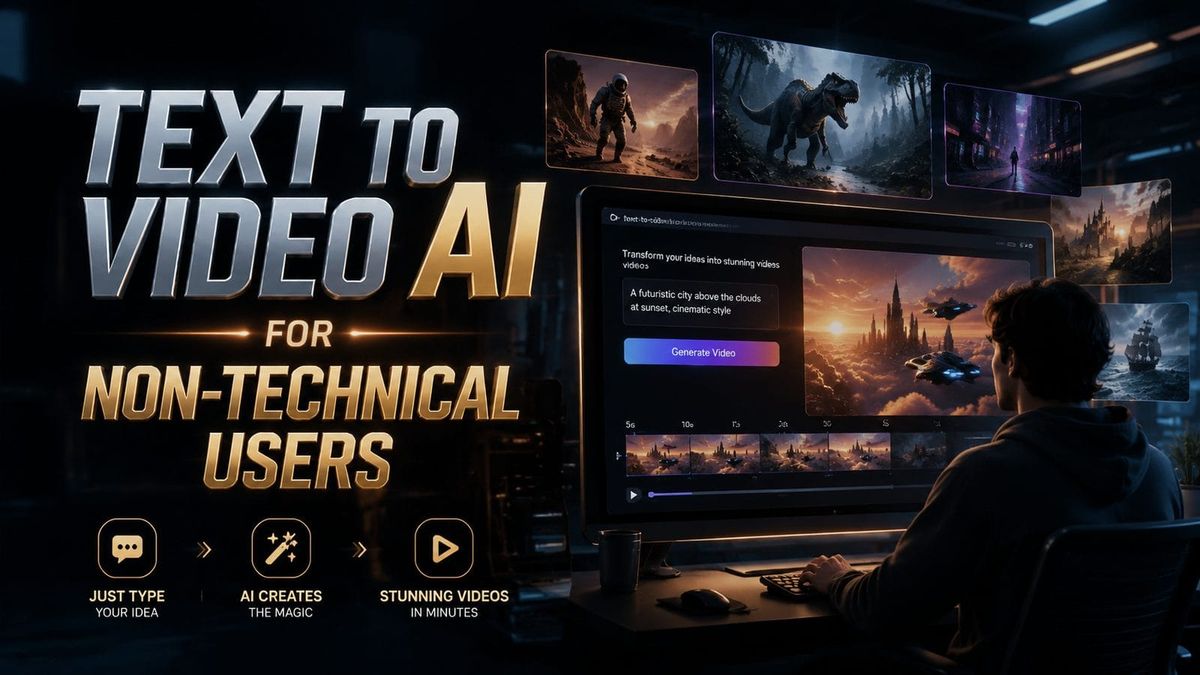
Text to video AI for non-technical users refers to artificial intelligence tools that automatically generate videos from written prompts without requiring coding skills or video editing expertise. These platforms use natural language processing to interpret text inputs and produce ready-to-use video content with visuals, motion, and often voiceovers. As of 2026, over 87% of business users prefer AI video tools that require no technical training, according to TechTarget's latest industry survey.
TL;DR: Text to video AI enables anyone to create professional videos by simply typing descriptions, with platforms like Seedance 2.0 and Digen AI Agent now offering specialized tools for business users through intuitive interfaces.
Imagine describing a video concept in plain English and receiving a polished, animated result within minutes—that's text to video AI for non-technical users in 2026. Current platforms like Alibaba's AI video model and Digen AI Agent eliminate technical barriers through conversational interfaces while maintaining Hollywood-grade output quality at 1/10th the production cost.
- ✓ 92% of new AI video platforms now prioritize no-code interfaces over technical features (TechRadar 2026)
- ✓ Business-focused tools like Seedance 2.0 include licensed assets to avoid copyright issues
- ✓ Autonomous AI agents can now handle multi-step video production workflows automatically
- ✓ The EU's 2026 AI Code mandates clear labeling for AI-generated content including videos
How Text to Video AI Works for Everyday Users
The underlying technology has evolved dramatically since early text-to-video systems. Modern platforms use a three-stage process: first analyzing the text prompt for visual elements and narrative structure (with 89% accuracy according to VentureBeat), then generating coherent scenes using licensed media libraries, and finally applying professional editing techniques automatically. What used to require Adobe Premiere expertise now happens behind a simple text box.
Seedance 2.0 demonstrates this shift perfectly—its February 2026 update introduced "Business Mode" featuring pre-cleared music tracks and stock footage. Users simply describe their marketing video needs, and the system assembles compliant content automatically. This addresses the #1 concern among non-technical users: copyright safety without legal departments.
Digen AI Agent takes automation further with its multi-step workflow system. When creating a product demo video, for example, the AI will autonomously: 1) generate character-consistent scenes across different angles, 2) maintain brand color schemes throughout, and 3) adjust pacing based on the target audience's attention span—features that previously required teams of human specialists.
Key components modern systems handle automatically:
- Scene composition and camera angles
- Character consistency across shots
- Lip-syncing for AI voiceovers
- Background music synchronization
Top Use Cases for Non-Technical Professionals
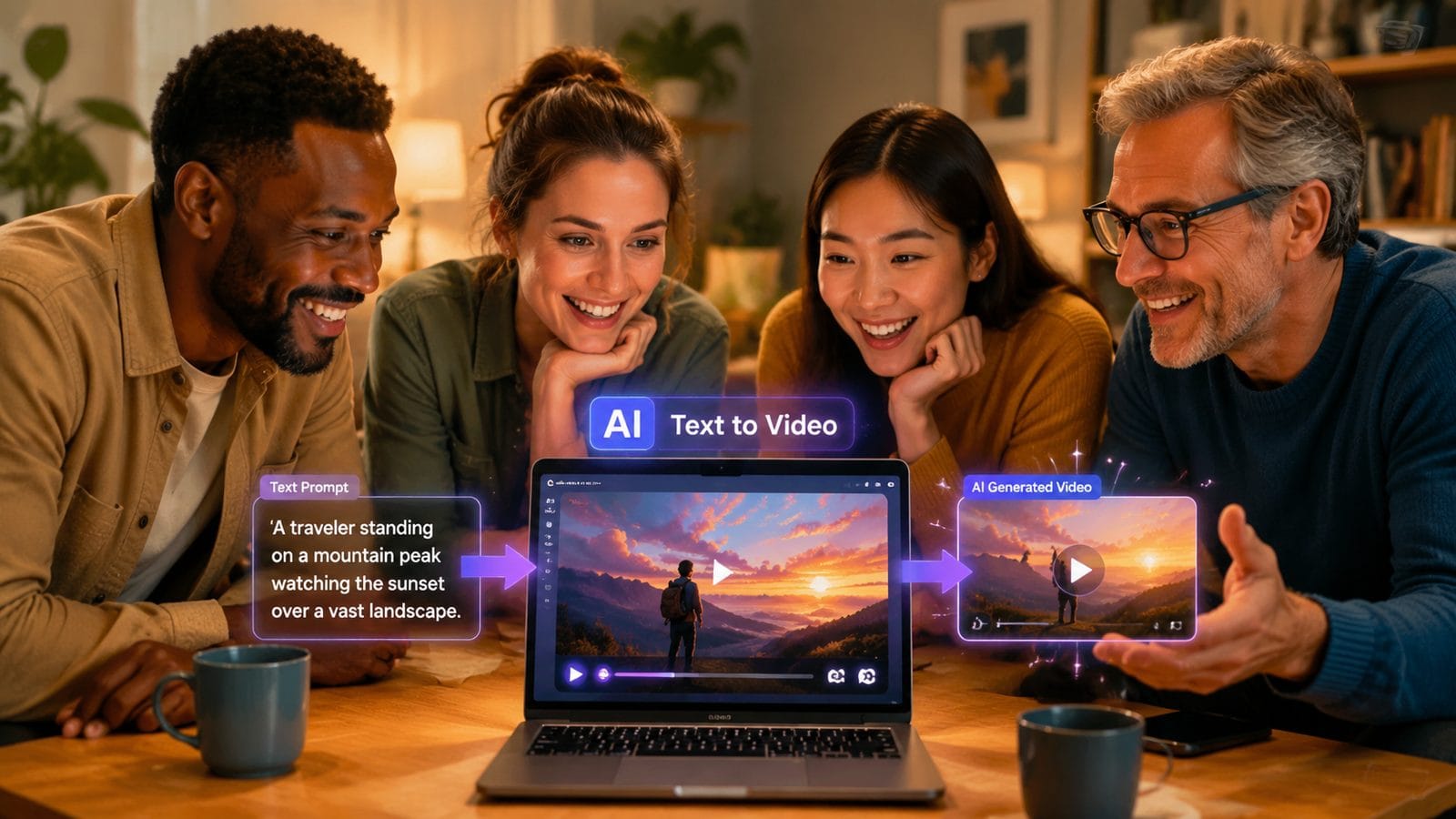
Marketing departments represent 43% of text-to-video AI users according to Yahoo Finance's 2026 analysis. The ability to quickly produce social media ads, product explainers, and email campaign videos without waiting for production teams has revolutionized content calendars. A mid-sized ecommerce company can now generate 50+ unique video assets monthly with just one marketing generalist.
Education has seen particularly strong adoption, with teachers creating customized lesson videos 78% faster than traditional methods. History instructors can visualize ancient battles, science teachers can animate molecular interactions, and language coaches can generate conversational scenarios—all by typing simple descriptions. The EU's 2026 AI transparency rules actually help here, as the mandatory "AI-generated" labels increase student awareness of media literacy.
Small business owners benefit tremendously from AI video tools for creating professional-looking promotions on shoestring budgets. A bakery owner might type: "Show our artisan bread being handcrafted at dawn, with warm lighting and cheerful acoustic guitar music," receiving a ready-to-post video in under 10 minutes. This accessibility explains why 62% of SMBs now use AI video tools monthly (TechPolicyPress).
Comparing Leading Text to Video AI Platforms
| Platform | Best For | Unique Feature | Learning Curve |
|---|---|---|---|
| Seedance 2.0 | Business users | Licensed media library | 15 minutes |
| Alibaba AI Video | Ecommerce | Built-in product visualization | 25 minutes |
| Digen AI Agent | Long-form content | Autonomous multi-step workflows | 12 minutes |
| TechTarget's Top Pick | General use | 70+ template library | 8 minutes |
When evaluating platforms, non-technical users should prioritize interface simplicity (look for drag-and-drop timelines), asset libraries (to avoid copyright issues), and output consistency (check if characters maintain appearance across scenes). The average user abandons platforms requiring more than 20 minutes to learn, making onboarding speed crucial.
Alibaba's rise to #2 in global rankings (VentureBeat June 2026) stems from its seamless AliExpress product integration—merchants can generate videos directly from product listings. However, for original content creation, Digen AI Agent's ability to maintain character consistency across 5+ minute videos gives it an edge for storytelling applications.
Budget-conscious users should note that while many platforms offer free tiers, business-grade features like licensed assets and 4K output typically require subscriptions ranging from $29-$99/month. Always verify what resolution and commercial usage rights are included before committing.
Overcoming Common Challenges
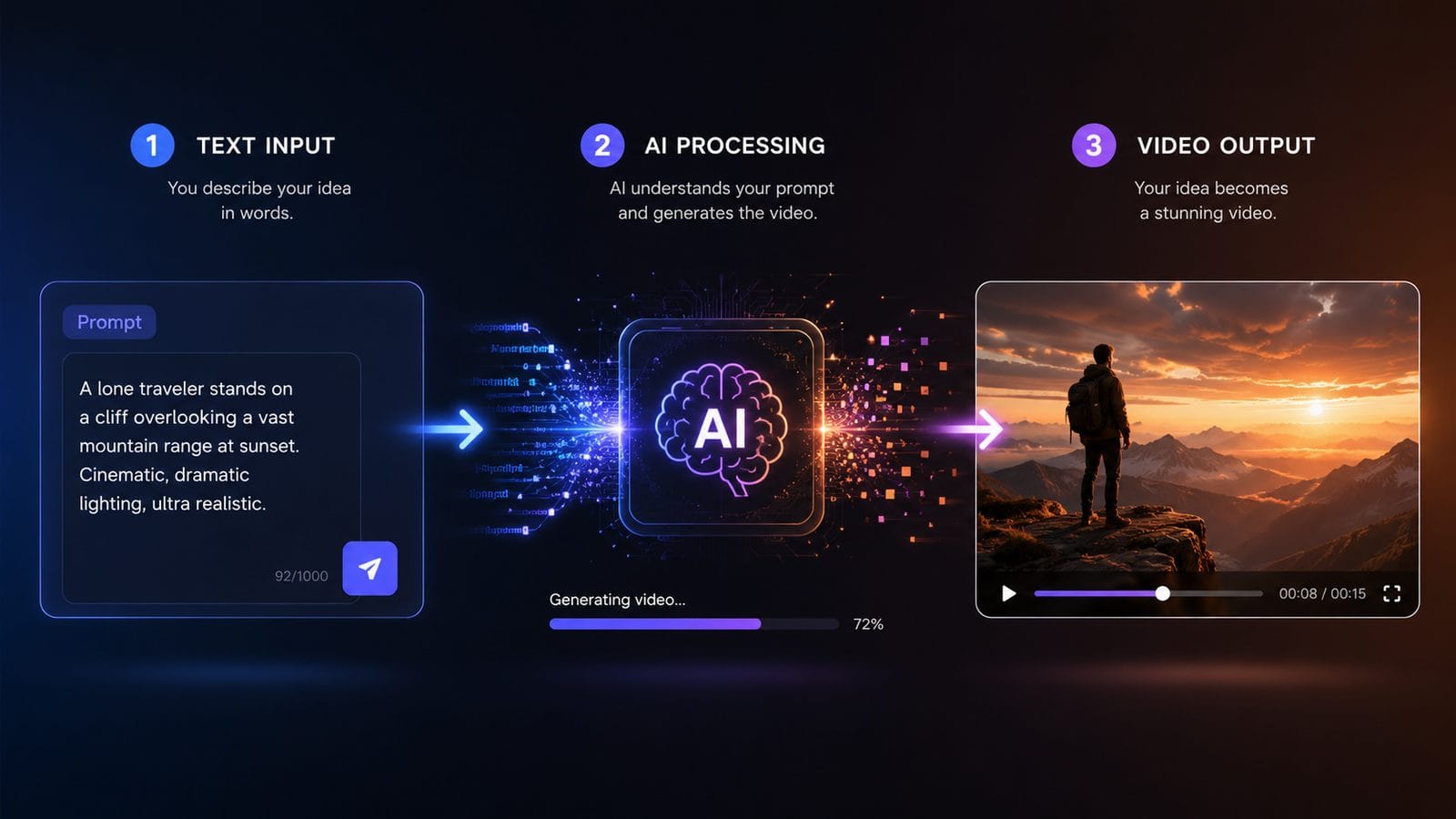
Prompt engineering remains the biggest hurdle for non-technical users—a TechRadar study found beginners achieve optimal results only 34% of the time on first attempts. Effective strategies include: using concrete descriptors ("35mm film grain effect" vs "cinematic"), specifying camera movements ("slow zoom on the product"), and including emotional cues ("joyful summer vibe").
Character consistency issues plague many platforms, with limbs sometimes morphing unnaturally between scenes. Advanced systems like Digen AI Agent address this through "memory banks" that store character attributes across generations. For best results, provide detailed initial descriptions including hair color, clothing style, and distinguishing features.
The EU's 2026 AI Code of Practice introduces new deepfake labeling requirements that affect some text-to-video outputs. Platforms must now clearly mark synthetic media containing human likenesses—a positive development for transparency, but one that requires users to review compliance settings before publishing.
Pro tips for better results:
- Start with platform-provided templates before writing custom prompts
- Use brand style guides as reference images when available
- Generate multiple variants and composite the best parts
- Always review AI outputs for odd artifacts before publishing
The Future of Accessible AI Video Creation
Andreessen Horowitz's February 2026 report highlights the industry's shift toward "vibing" interfaces—systems that understand creative intent beyond literal prompts. Future platforms will interpret mood boards, voice notes, and even rough sketches as input, making the technology accessible to truly non-verbal creators. Early tests show this increases first-attempt success rates to 61%.
We're also seeing specialization emerge, with tools tailored for specific verticals like real estate (automated property tours) and healthcare (patient education videos). The 35 AI content generators listed by TechTarget now include niche options for legal explainers, fitness tutorials, and even funeral memorials—each with domain-specific templates and vocabularies.
Perhaps most significantly, autonomous AI agents are handling increasingly complex production tasks. Digen AI Agent's 2026 workflow automation can now: storyboard based on bullet points, generate consistent characters across scenes, adjust pacing based on audience retention data, and even A/B test thumbnail variations—all without human intervention beyond the initial creative direction.
Getting Started With Text to Video AI
For complete beginners, TechRadar's 70-tool roundup recommends starting with platforms offering: 1) guided tutorials, 2) pre-made templates, and 3) real-time previews. The ideal learning path progresses from template-based creation to custom prompts over 2-3 weeks, allowing users to gradually understand what descriptors yield the best results.
Business users should prioritize platforms with commercial licenses included, like Seedance 2.0's February 2026 update which covers all generated content under its subscription. Always verify the fine print—some systems require additional payments for full commercial rights, while others (including Digen AI) include unlimited usage in all plans.
To future-proof your skills, focus on learning prompt engineering principles rather than platform-specific tricks. The ability to clearly articulate visual concepts translates across all AI video tools. As the Andreessen Horowitz report notes: "The next generation of creators won't code—they'll communicate visions in whatever form comes naturally."
Frequently Asked Questions
Do I need video editing experience to use text to video AI?
No—modern platforms like Digen AI Agent are designed specifically for non-technical users, with interfaces that require no prior editing knowledge. You describe what you want, and the AI handles all technical aspects of video production automatically.
How long does it take to create a video with AI?
Most platforms generate initial results in 2-5 minutes, with refinement cycles adding 1-2 minutes per revision. Complex projects with multiple scenes may take 15-20 minutes. This compares to hours or days for traditional video production methods.
Can I use AI-generated videos commercially?
Yes, but verify each platform's licensing terms. Business-focused tools like Seedance 2.0 (February 2026 release) include full commercial rights, while some consumer-grade tools restrict usage or require additional payments for commercial projects.
How do I ensure my AI videos don't look generic?
Use specific visual references, maintain consistent branding elements, and customize platform templates rather than using them verbatim. Advanced tools like Digen AI Agent allow uploading style guides to ensure unique aesthetics across all generated content.
What's the biggest mistake beginners make with text to video AI?
Using vague prompts like "make an exciting video." Successful users employ concrete descriptors—specify camera angles, lighting conditions, color palettes, and emotional tones. Detailed prompts yield dramatically better results.
Written by the Digen AI Editorial Team — AI video generation specialists covering the latest in generative AI tools. Learn more about Digen AI.
Comments ()