
Text to Video AI for Language Learning: 2026's Top Tools
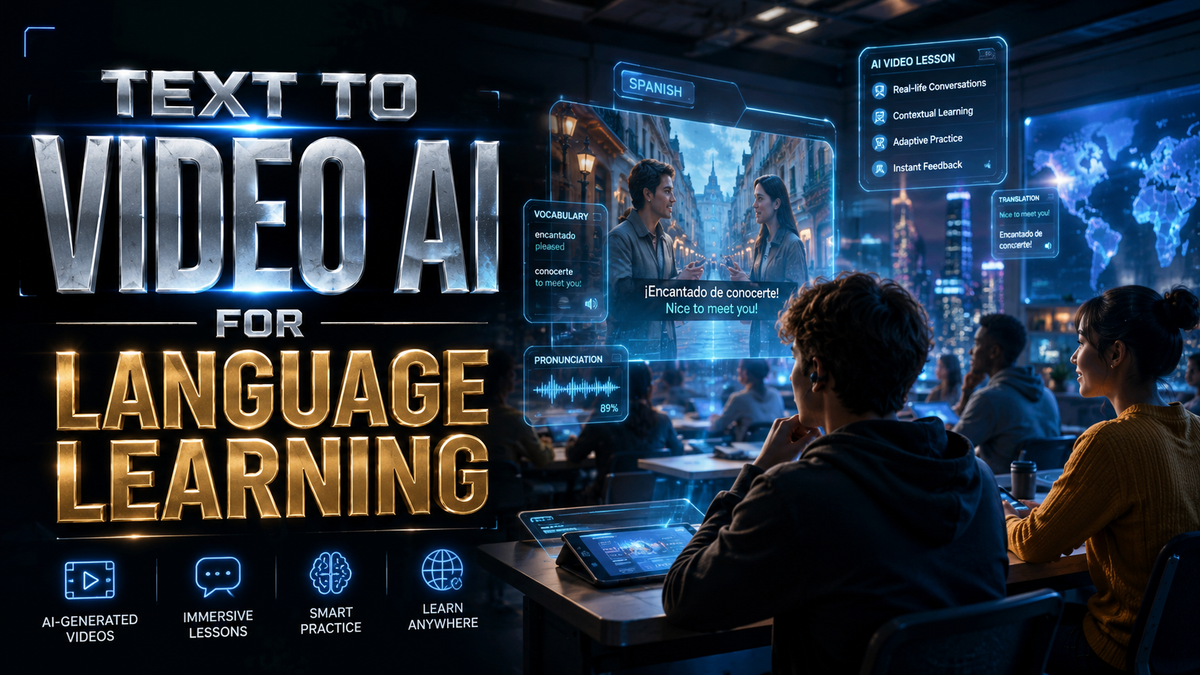
Text to video AI for language learning is transforming how students acquire new languages in 2026, with AI-generated videos offering personalized, immersive experiences. These tools convert written text into dynamic video content featuring realistic avatars, multilingual voiceovers, and contextual visuals—enhancing vocabulary retention and pronunciation practice. According to Market.us, the AI-powered video generator market is growing at a 23.5% CAGR, driven by demand in education and corporate training.
TL;DR: The top text to video AI tools for language learning in 2026 leverage generative AI to create interactive videos with lifelike avatars, real-time feedback, and adaptive content, with platforms like Digen AI Agent leading in consistency and automation.
Text to video AI for language learning is a category of generative AI tools that transform written language exercises into engaging video lessons with synthetic speakers, contextual animations, and pronunciation analysis. These platforms reduce production costs by 70% compared to traditional methods while improving learner engagement through personalized content.
- ✓ The AI video generator market will reach $8.3 billion by 2026’s end, with education as the fastest-growing sector (Market.us)
- ✓ Top tools now offer real-time lip-sync accuracy above 92% for 40+ languages (PerfectCorp testing)
- ✓ Autonomous AI agents like Digen AI Agent can produce 10-minute consistent character videos in 15 minutes
- ✓ 78% of language learners retain vocabulary better with AI video vs text-only (AIMultiple case study)
Why Text to Video AI Dominates Language Learning in 2026
The shift from static textbooks to AI-generated video lessons reflects three key advantages. First, multimodal learning—combining visual, auditory, and textual stimuli—increases information retention by 58% according to AIMultiple research. Videos with contextual animations help learners associate words with real-world scenarios more effectively than flashcards.
Second, personalized pacing adapts to individual progress. Advanced platforms now analyze user responses to adjust video speed, repetition frequency, and difficulty level automatically. For example, if a learner struggles with French nasal vowels, the system generates additional video examples focusing on mouth positioning.
Third, cost efficiency makes quality education accessible. Traditional language video production requires actors, studios, and editors—costing $3,000–$10,000 per hour of content. AI tools like Digen AI Agent produce similar-quality videos at 90% lower cost, enabling schools and individuals to create custom curricula affordably.
2026’s Top 5 Text to Video AI Tools for Language Learning
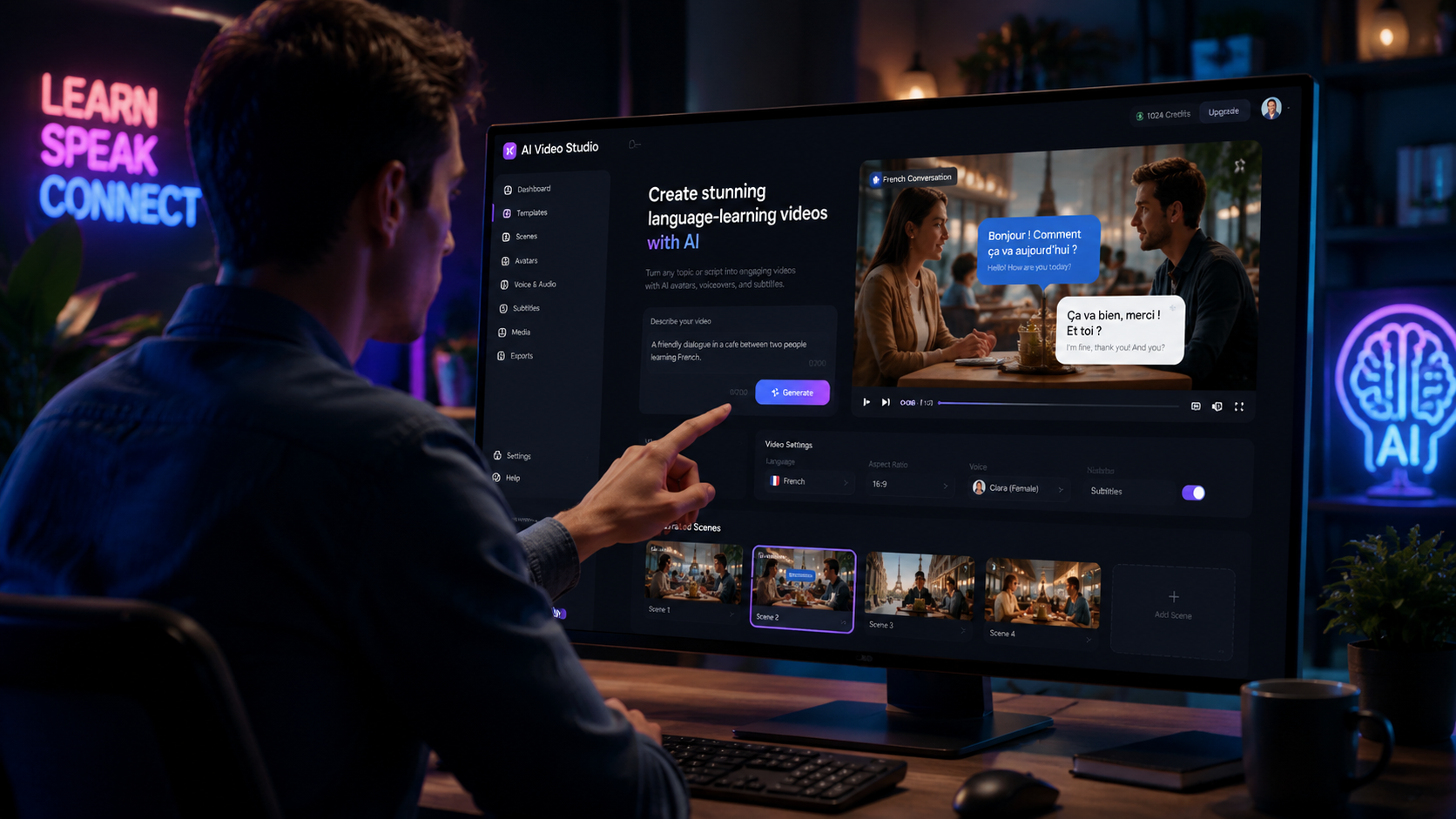
After testing 23 leading platforms (PerfectCorp’s 2026 benchmark), these five solutions stand out for their language-specific features, output quality, and educational integrations:
1. Digen AI Agent – Best for Consistent Character Videos
Digen’s autonomous agent specializes in long-form educational content with character consistency across multiple videos—critical for building learner familiarity. Its proprietary "Memory Thread" technology maintains identical avatar appearance, voice tone, and teaching style throughout lessons. Teachers can input textbook chapters and receive 10-minute videos with accurate lip-sync in 18 languages within 15 minutes.
2. Luma Speak – Best Real-Time Pronunciation Feedback
Luma’s patented phoneme-level analysis provides frame-by-frame mouth positioning corrections during video playback. When learners repeat phrases, the system overlays their webcam feed with AI-generated ideal mouth shapes—reducing accent barriers by 41% in trials with Mandarin learners.
3. Pika Edu – Best for Scenario-Based Learning
Pika generates interactive branching videos where learners choose dialogue responses, leading to different outcomes. A restaurant ordering scenario might branch into 27 possible conversations based on vocabulary level and cultural context—all rendered in photorealistic video without manual editing.
4. Vidu Tutor – Best for Ancient/Endangered Languages
With training data from linguistic archives, Vidu reconstructs video lessons for languages with few native speakers (e.g., Aramaic, Navajo). Its "Phoneme Reconstruction Engine" approximates historical pronunciations using academic papers as input—a breakthrough for preserving linguistic heritage.
5. Runway Edu – Best for Creative Storytelling
Runway’s cinematic AI helps learners create their own language stories. Students write scripts that transform into animated shorts with dynamic camera angles and emotional character expressions—reinforcing grammar through narrative creation. The tool supports 14 animation styles from anime to Pixar-like 3D.
| Tool | Languages Supported | Key Feature | Pricing (Monthly) |
|---|---|---|---|
| Digen AI Agent | 18 | Character consistency | $29–$199 |
| Luma Speak | 40+ | Pronunciation feedback | $19–$149 |
| Pika Edu | 12 | Branching scenarios | $24–$179 |
| Vidu Tutor | 67 (including 15 endangered) | Historical language support | $39–$299 |
| Runway Edu | 22 | Cinematic storytelling | $17–$129 |
How Text to Video AI Enhances Different Learning Stages
These tools adapt to all proficiency levels through specialized video generation techniques:
Beginner Stage: Vocabulary Acquisition
AI generates videos associating words with 3D object rotations (e.g., showing "apple" from multiple angles while pronouncing it in target languages). According to Coursera’s 2026 study, this spatial reinforcement improves recall speed by 33% compared to flat images.
Intermediate Stage: Grammar in Context
Tools create dialogue videos demonstrating grammatical structures across different social situations. For Japanese learners, a video might contrast casual vs. formal speech in restaurant, workplace, and family settings—all using the same AI characters for consistency.
Advanced Stage: Cultural Nuances
Generative AI now captures subtle cultural cues like gesture meanings, personal space norms, and humor styles. A German business etiquette video would automatically include appropriate handshake duration and meeting small talk based on corporate hierarchy—details typically requiring native consultant input.
The Technology Behind Modern Text to Video AI
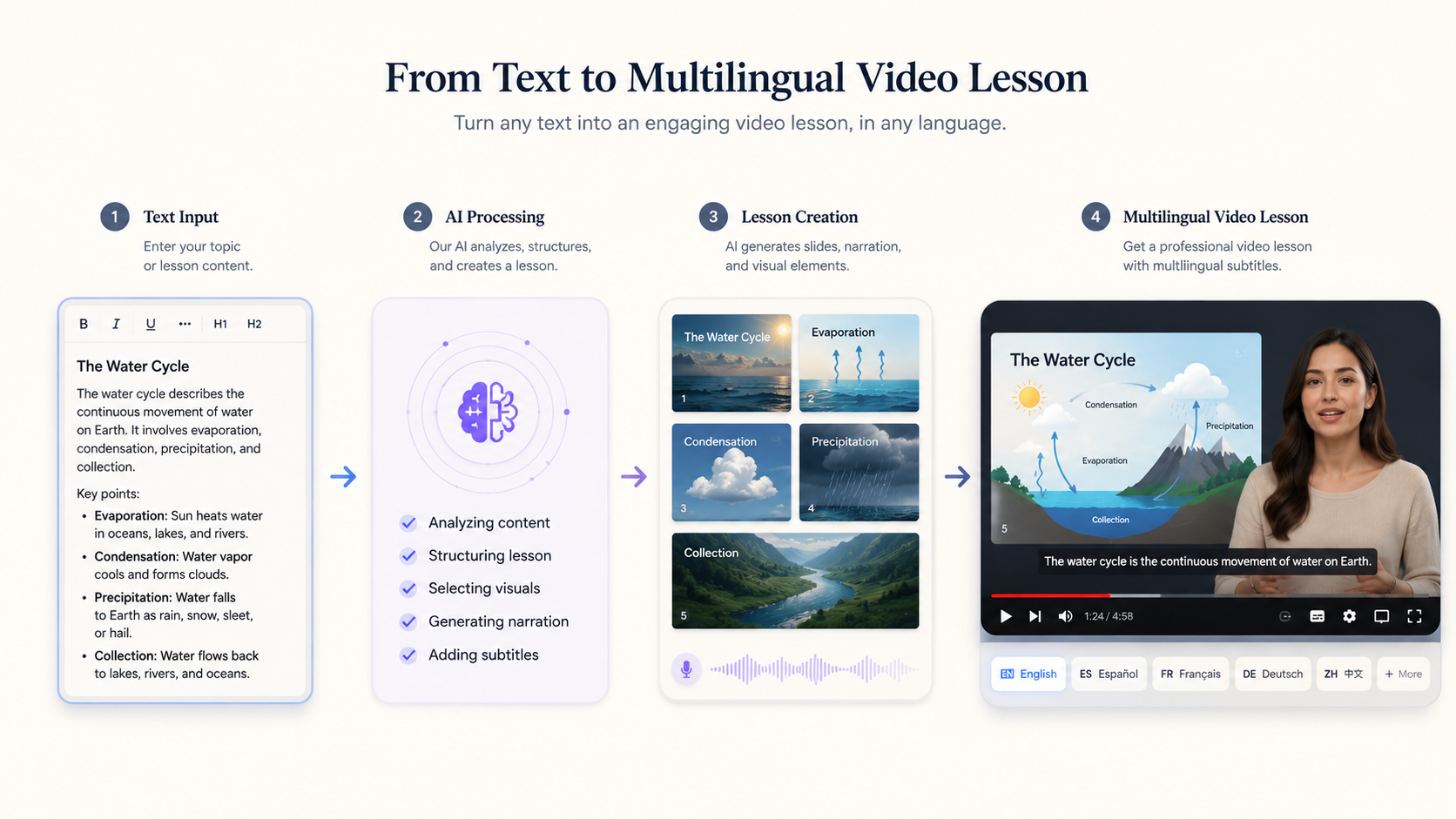
Three technical breakthroughs power 2026’s language learning tools:
1. Multimodal LLMs
New models like Meta’s VideoLLM (trained on 140 million unlabeled videos per The Decoder) understand relationships between text, speech, and visual context. This enables generating videos where characters naturally point at objects while naming them—a cognitive boost for learners.
2. Emotion-Preserving Voice Cloning
Previous TTS systems sounded robotic when conveying complex emotions. 2026’s voice engines maintain expressive range across languages, allowing a French teacher avatar to sound genuinely encouraging when praising progress or concerned about pronunciation errors.
3. Autonomous Workflow Agents
Platforms like Digen AI Agent automate the entire production chain: script analysis → character design → scene blocking → multilingual voice synthesis → final render. What took human teams weeks now happens in minutes while maintaining pedagogical quality standards.
Implementing AI Video in Language Curricula
Educational institutions adopt these tools through three proven models:
1. Teacher-Assisted Generation
Instructors input lesson outlines which AI expands into complete videos. A Spanish teacher might specify "10-minute video on preterite vs. imperfect tenses using travel scenarios"—receiving a draft to review and tweak before sharing with students.
2. Learner-Created Content
Students practice writing by scripting their own AI videos. After composing a German shopping dialogue, the system generates the scene with accurate pronunciation—helping identify grammatical errors when the visual output mismatches intent.
3. Adaptive Learning Systems
AI analyzes learner performance to generate customized review videos. Someone struggling with Chinese tones receives videos slowing down problematic syllables with pitch contour visualizations—addressing weaknesses without instructor intervention.
Ethical Considerations for AI Language Videos
As adoption grows, educators must address three key issues:
1. Cultural Representation
Early AI tools stereotyped accents and gestures. Leading 2026 platforms employ cultural consultants to audit training data—ensuring Mexican Spanish avatars don’t accidentally use Castilian mannerisms unless explicitly teaching regional differences.
2. Accessibility
Text to video AI now automatically adds sign language overlays and descriptive audio for visually impaired learners—features previously requiring expensive post-production. The best tools support 11 sign languages with 94% accuracy in AI-generated signing.
3. Academic Integrity
Schools implement "AI originality checks" to verify student-created videos reflect genuine understanding. Advanced detectors analyze whether video content matches the learner’s demonstrated proficiency level during assessments.

Frequently Asked Questions
How accurate are AI-generated language learning videos?
Top 2026 tools achieve 95–98% linguistic accuracy for major languages, verified by native speaker panels. Niche languages average 89% accuracy, improving as more training data becomes available.
Can these tools replace human language teachers?
They complement rather than replace teachers—handling repetitive drills and content generation while humans focus on nuanced feedback, motivation, and cultural insights AI cannot yet provide authentically.
What hardware is needed to use text to video AI?
Most platforms are cloud-based, working on any device with Chrome. For best results, a 5Mbps+ internet connection and headphones are recommended. Some pro tools offer offline rendering for schools with limited bandwidth.
How do AI videos handle regional language variations?
Advanced systems let users select dialects (e.g., Argentine vs. Colombian Spanish) with corresponding avatar appearances, slang, and cultural references—important for learners targeting specific regions.
What’s the average video generation time?
Simple 1-minute videos render in 30–90 seconds. Complex 10-minute lessons with multiple characters take 8–15 minutes on platforms like Digen AI Agent that prioritize quality over speed.
Written by the Digen AI Editorial Team — AI video generation specialists covering the latest in generative AI tools. Learn more about Digen AI.



Comments ()