
Best Text to Video AI Free Tool Options in 2026: Top Picks
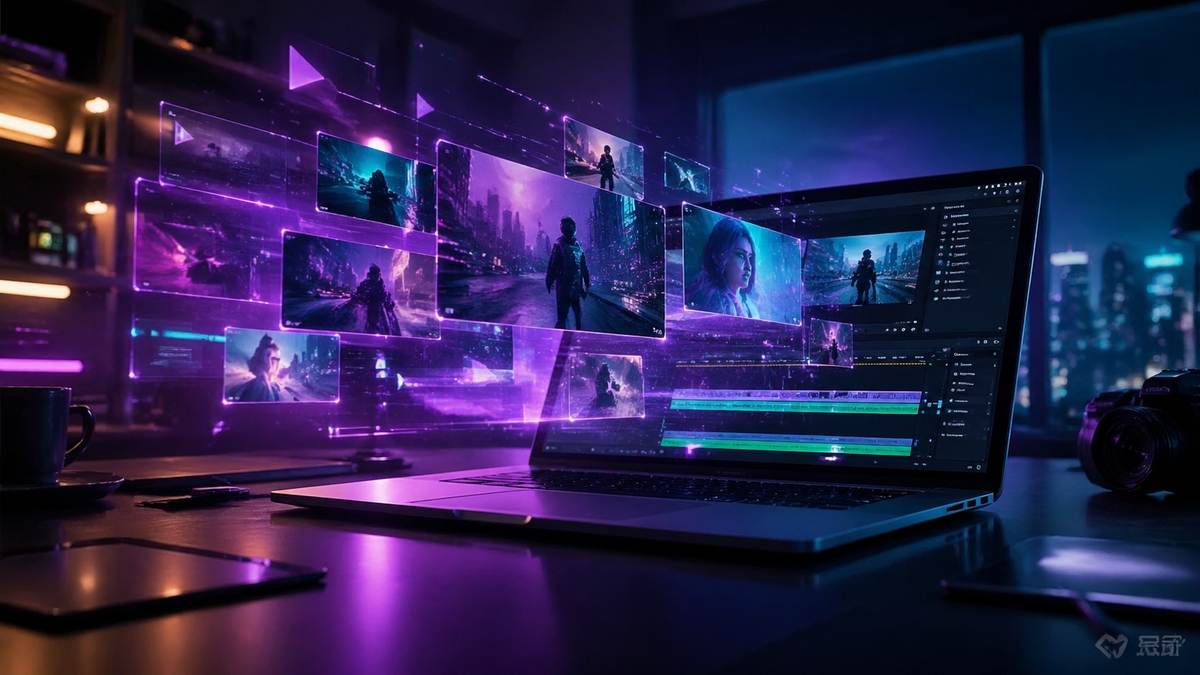
Finding the best text to video AI free tool in 2026 allows creators, marketers, and educators to transform written prompts into high-quality cinematic content without upfront costs. As of April 2026, the landscape has shifted significantly with major players like Google and OpenAI offering accessible versions of their generative engines, making it easier than ever to produce professional-grade video from simple text descriptions.
A text to video AI free tool is a generative artificial intelligence application that processes natural language descriptions to render original video footage. In 2026, leading options include Google Vids, which is now free for all users, and OpenAI’s Sora, alongside specialized platforms like InVideo and Cybernews-recommended tools that offer robust free-tier credits for high-definition generation.
- ✓ Google Vids has transitioned to a completely free model as of April 2026, including AI avatars and custom music tools.
- ✓ OpenAI’s Sora remains the industry benchmark for photorealistic text-to-video synthesis.
- ✓ InVideo now utilizes an advanced AI agent system to automate the entire editing and voiceover process.
- ✓ Free tiers across the industry have expanded to include 1080p output and commercial-use licenses in 2026.
How to Use a Text to Video AI Free Tool: Step-by-Step
Modern AI video generators have streamlined the creation process to the point where technical expertise is no longer a barrier. According to OCNJ Daily (January 2026), the democratizing power of these tools allows anyone to generate videos from words by following a few simple logical steps. The key is in the "prompt engineering"—the specific way you describe your vision to the AI agent.
- Select your platform: Choose a tool like Google Vids or InVideo that offers a generous free tier for 2026.
- Input your prompt: Enter a detailed description of the scene, including lighting, camera movement, and subject actions.
- Choose a style: Select from cinematic, 3D render, anime, or realistic styles to guide the AI's visual output.
- Add AI audio: Utilize built-in tools for custom music or AI-generated voiceovers to match the visual tone.
- Refine and Export: Use the AI agent to make specific edits (e.g., "make the sky more purple") before downloading the final file.
Comparing Top Text to Video AI Free Tool Options in 2026
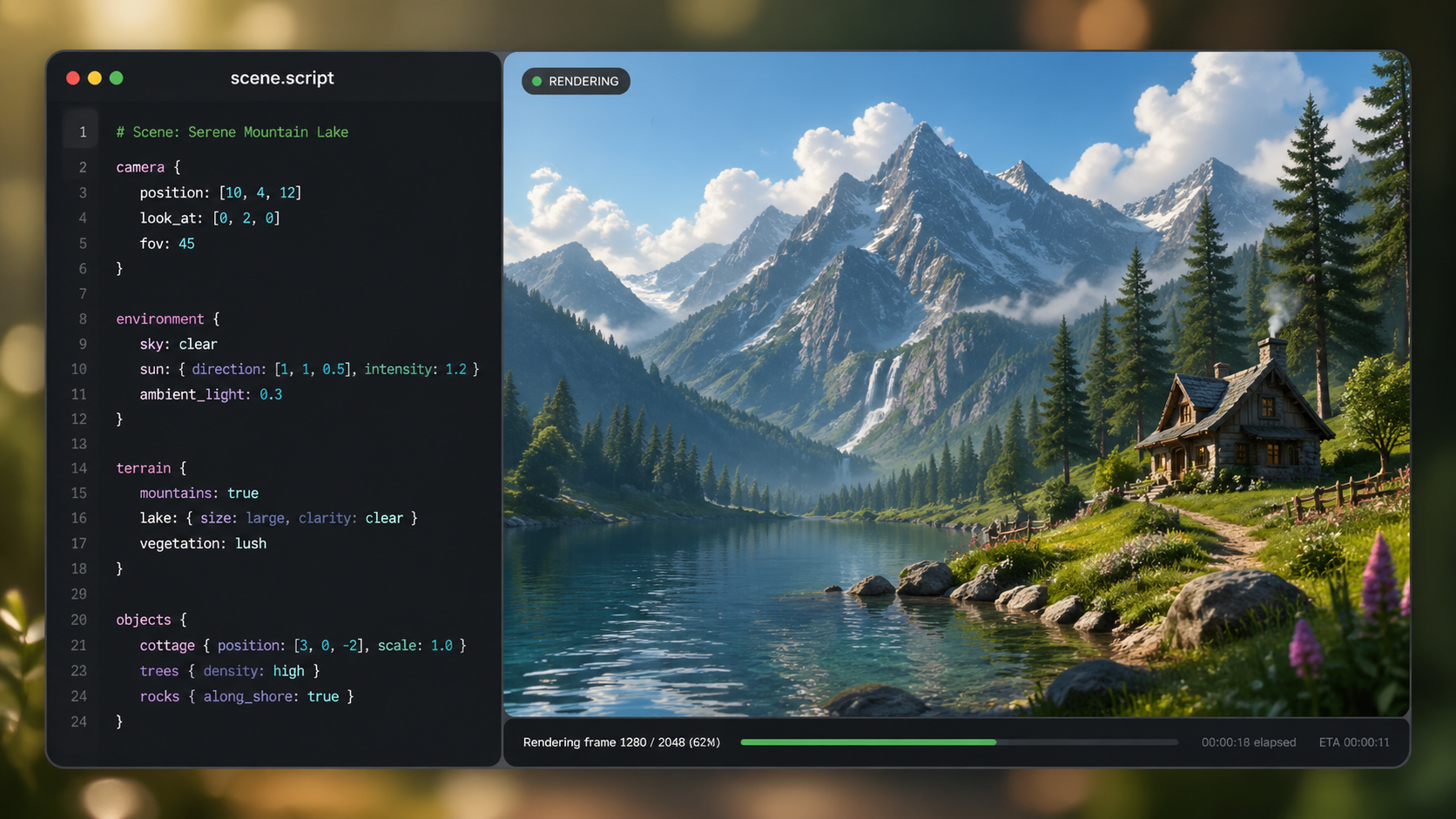
The competition in 2026 is fierce, with each platform carving out a niche. While some focus on photorealism, others prioritize workflow integration and ease of use. According to Cybernews (February 2026), the "top 16" list of generators now includes several tools that were previously behind heavy paywalls but have since opened free access to capture market share.
| Tool Name | Best For | Key Free Feature | Max Resolution (Free) |
|---|---|---|---|
| Google Vids | Business & Education | AI Avatars & Custom Music | 1080p / 4K |
| OpenAI Sora | Cinematic Realism | Hyper-realistic physics | 1080p |
| InVideo AI | Social Media & Marketing | AI Editing Agent | 1080p |
| Exploding Topics Picks | Niche Content | Rapid Prototyping | 720p/1080p |
Google Vids: The New Leader in Free AI Video Generation
In a major industry shift on April 3, 2026, India Today reported that Google added AI avatars and custom music tools to its Vids platform, simultaneously making the text-to-video generator free for all users. This move has positioned Google Vids as a primary text to video AI free tool for those integrated into the Google Workspace ecosystem. The platform specializes in converting documents and scripts into polished presentations and video summaries.
Advanced AI Avatars and Customization
The 2026 update to Google Vids introduced highly expressive AI avatars that can narrate text with human-like emotional inflection. Unlike earlier iterations, these avatars now support dozens of languages and regional accents, making global content creation accessible for free. Users can prompt the AI to generate a specific background, and the tool will automatically sync the avatar's lip movements to the generated audio track.
Seamless Integration with Productivity Suites
Because Vids is built into the cloud architecture, it allows for collaborative video editing in real-time. This is particularly useful for teams who need to turn a project proposal or a research paper into a video briefing instantly. The "text to video" functionality here isn't just about creating a clip; it's about creating a structured narrative with transitions, overlays, and data visualizations pulled directly from your text inputs.
OpenAI Sora: The Benchmark for Photorealistic Text to Video AI
Since its significant updates in February 2026, OpenAI’s Sora has continued to dominate the conversation regarding visual quality. Sora is widely recognized for its ability to understand complex physical interactions within a scene. Whether it is the way light refracts through a glass of water or how a character's clothing moves in the wind, Sora’s generative capabilities remain the gold standard for high-end video production from text.
Understanding Complex Physicality
One of the standout features of Sora in 2026 is its "World Engine" capability, which ensures that objects in a video maintain 3D consistency even when they move out of the frame. According to OpenAI (February 2026), the model has been trained on significantly larger datasets compared to previous years, allowing it to render scenes up to 60 seconds long with a single prompt. This makes it an ideal text to video AI free tool for creators looking to build short films or high-impact advertisements.
Safety and Watermarking in 2026
OpenAI has implemented rigorous safety protocols to ensure that the content generated by Sora is ethical and identifiable. Every video generated includes C2PA metadata, which confirms the video was AI-generated. For free users, these safety features are baked into the export process, ensuring that the tool is used responsibly while still providing the creative freedom that professional videographers demand.
InVideo and the Rise of AI Video Agents
The concept of "editing" has been completely reimagined in 2026. As noted by Unite.AI in their April 2026 review, InVideo has successfully transitioned from a traditional editor to an "AI Agent" model. This means that instead of dragging clips onto a timeline, users simply talk to the AI to make changes. This conversational interface has made InVideo a top-tier text to video AI free tool for those who want a "hands-off" approach to content creation.
Building Videos in Minutes
The InVideo AI agent can research a topic, write a script, select relevant stock footage (or generate original AI clips), and layer on a voiceover in under five minutes. For free users, this offers a massive productivity boost. If you don't like a specific scene the AI chose, you can simply type, "Replace the scene of the mountain with a beach at sunset," and the agent executes the command instantly.
Tailoring Content for Social Platforms
InVideo’s strength lies in its understanding of platform-specific trends. The AI agent knows the optimal aspect ratios, pacing, and caption styles for TikTok, Instagram Reels, and YouTube Shorts. By using a text to video AI free tool like InVideo, creators can take a single blog post and turn it into five different social media videos, each optimized for its respective platform's algorithm.
Emerging Trends in Free AI Video Technology for 2026
The year 2026 has seen a surge in "multimodal" capabilities. It is no longer enough for a tool to just generate video; it must also understand audio, depth, and user intent. According to Exploding Topics (April 2026), the best AI video generators are now incorporating "Image-to-Video" and "Video-to-Video" features within their free tiers to provide more control to the end user. This allows creators to upload a photo of themselves and have the AI animate it based on a text prompt.
The Shift Toward 4K for Free Users
In previous years, 4K resolution was a premium feature. However, due to the increased efficiency of neural rendering and the drop in compute costs, several text to video AI free tool options now offer 4K exports. This shift has been driven by the need to support high-resolution displays and VR/AR environments that have become more common in 2026.
Custom Music and Sound FX Generation
Sound is half the experience of video. Leading tools now include integrated generative audio models. When you provide a text prompt like "a futuristic city in the rain," the AI doesn't just generate the visuals; it also generates the ambient sound of rain on metal and a lo-fi synth soundtrack to match the mood. This holistic approach to creation is what defines the 2026 generation of AI tools.
What is the best text to video AI free tool for beginners?
Google Vids is currently the most beginner-friendly option because it integrates directly with Google Workspace and uses a familiar slide-based interface to organize AI-generated clips. Its transition to a free model in April 2026 makes it highly accessible for students and office workers.
Can I use AI-generated videos for commercial purposes for free?
It depends on the platform's terms of service. While tools like InVideo offer commercial rights on certain free tiers, others like OpenAI's Sora may have specific usage limitations for free users. Always check the licensing agreement within the app before publishing.
Is there a limit to how many videos I can create for free?
Most free AI video tools operate on a credit system. For example, you might get 50 credits per month, where each 10 seconds of video costs 5 credits. Google Vids is unique in 2026 for offering a more open access model compared to credit-based competitors.
How long does it take to generate a video from text?
In 2026, most tools can generate a 15-to-30-second high-definition clip in under two minutes. More complex cinematic renders from Sora may take slightly longer depending on the server load and the complexity of the prompt.
Do I need a powerful computer to use these AI tools?
No, almost all text to video AI tools are cloud-based. The heavy processing and rendering happen on the provider's servers (like Google's or OpenAI's), meaning you only need a standard web browser and a stable internet connection to create videos.
As we move through 2026, the barrier between an idea and a finished video continues to vanish. By leveraging a text to video AI free tool, you can compete with professional production houses, telling your stories with a level of visual fidelity that was once impossible without a massive budget. Whether you choose the cinematic power of Sora, the productivity of Google Vids, or the automation of InVideo, the future of content creation is officially in your hands.


Comments ()