
Text to Video AI for YouTube Videos 2026: Ultimate Guide
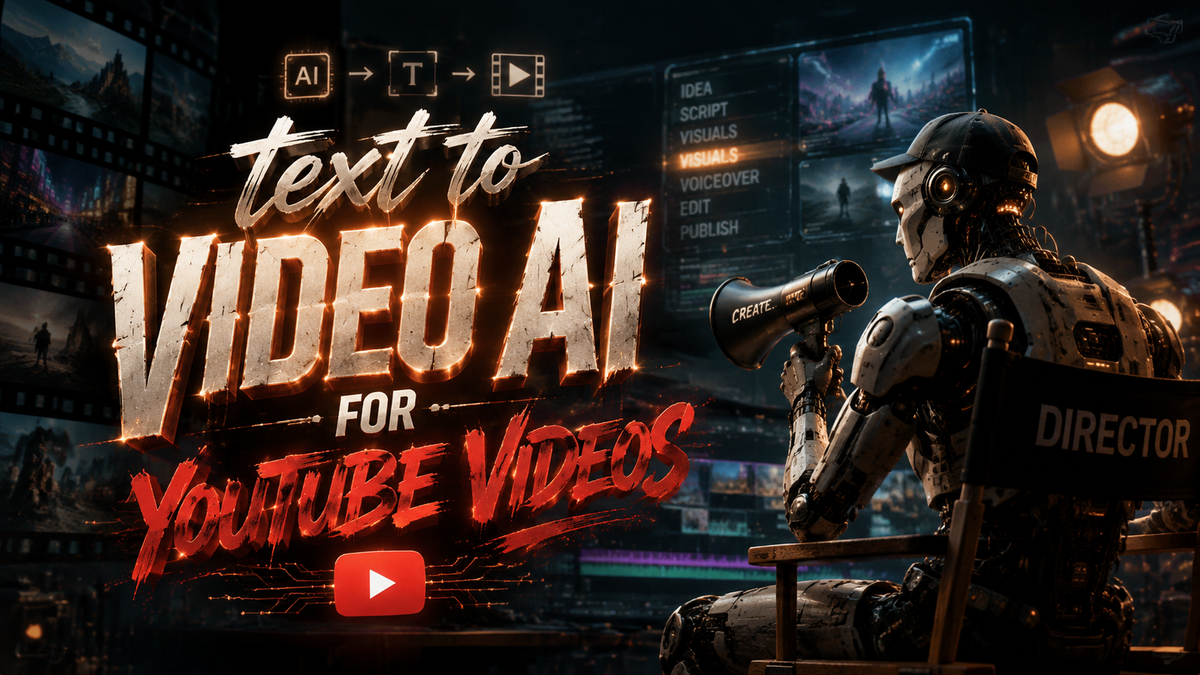
Text-to-video AI for YouTube videos refers to artificial intelligence tools that convert written scripts, blog posts, or simple text prompts into fully produced video content optimized for the YouTube platform. In 2026, these tools have become essential for creators, with major platforms like YouTube and OpenAI launching dedicated video generation features that dramatically simplify the content creation process.
Text-to-video AI for YouTube videos is a transformative technology that allows creators to generate high-quality video content from text inputs, significantly reducing production time and costs. In 2026, advancements include YouTube's own AI-powered tools and OpenAI's video generator app, making it easier than ever to create engaging YouTube videos without traditional filming or editing skills.
- ✓ YouTube officially introduced AI tools in September 2025 that let creators turn photos into videos and dialogue into songs (Variety).
- ✓ OpenAI launched a dedicated video generator app in September 2025 to rival TikTok and YouTube (WSJ).
- ✓ Free AI video maker options are now mature enough for professional YouTube content, as highlighted in a 2026 BBN Times guide.
- ✓ AI models were trained on hundreds of thousands of news publisher videos, including from The New York Times and Vox (Nieman Lab, 2025).
- ✓ YouTube is testing an AI search tool that delivers both video and text results (CNET, April 2026).
The Evolution of Text-to-Video AI for YouTube in 2026
The landscape of content creation has shifted dramatically as text-to-video AI for YouTube videos moves from experimental novelty to a mainstream production pipeline. In 2025, YouTube itself entered the arena by unveiling a suite of AI-powered tools designed to help creators turn static photos into dynamic videos and even transform dialogue into original songs. According to a Variety report from September 2025, these tools were a direct response to the growing demand for faster, more accessible video creation methods. Just one month later, OpenAI made headlines with the launch of a standalone video generator app, as reported by the Wall Street Journal, positioning it as a direct competitor to both TikTok and YouTube. By mid-2026, dozens of dedicated tools have emerged, each offering unique capabilities for turning text prompts into polished YouTube content.
What makes 2026 a landmark year is the convergence of two trends: the maturity of generative AI models and the willingness of major platforms to integrate these features natively. YouTube's own AI tools—announced in September 2025—are now fully rolled out, allowing creators to generate video clips from simple text descriptions without leaving the platform. Meanwhile, third-party AI video makers have refined their outputs, offering higher resolutions, better lip-syncing, and more natural motion. The result is that a creator can now write a script in the morning and have a fully rendered YouTube video ready for upload by afternoon, all with minimal manual intervention.
Top AI Tools for YouTube Videos in 2026: A Comparative Overview
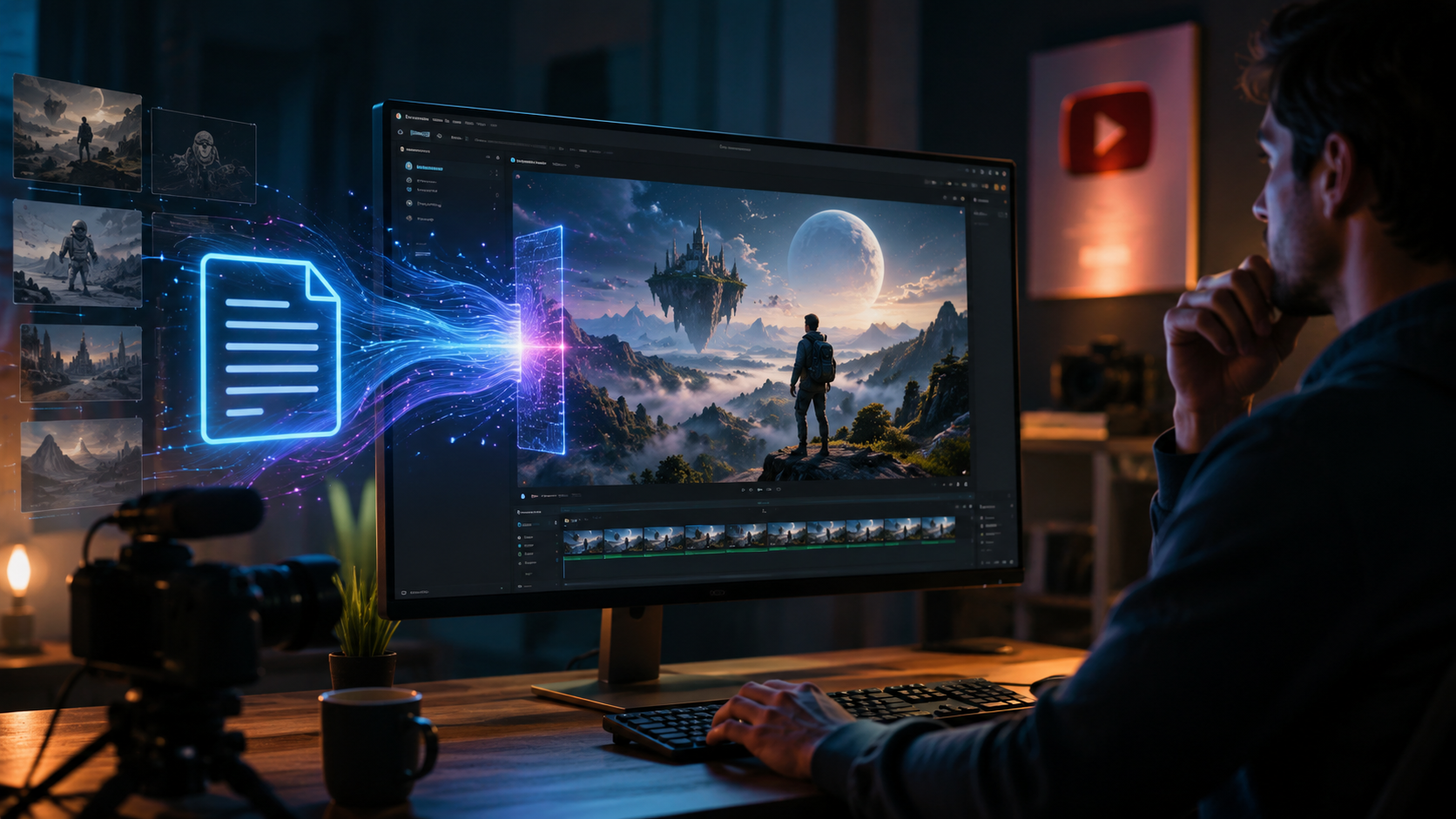
Choosing the right text-to-video AI for YouTube videos depends on your budget, desired quality, and workflow preferences. Below is a comparison of three major categories of tools available in 2026, based on recent research from sources like vocal.media's "10 Best AI Tools for Video Creation in 2026" and the BBN Times free AI video maker guide.
| Tool / Category | Key Features | Pricing | Best For |
|---|---|---|---|
| YouTube’s Native AI Tools (Announced Sept 2025) | Photo-to-video, dialogue-to-song, text-to-video, integrated directly into YouTube Studio | Free with YouTube account; advanced features may require YouTube Premium | Creators who want seamless editing within YouTube’s ecosystem |
| OpenAI Video Generator App (Launched Sept 2025) | High-quality video generation from text prompts, style customization, music integration | Subscription-based (via ChatGPT Plus or standalone) | Professional creators seeking cinematic quality and unique styles |
| Free AI Video Makers (2026 BBN Times Guide) | Basic text-to-video, template libraries, limited resolution, watermark on free tier | Free with optional paid upgrades (e.g., remove watermark, HD export) | Beginners, hobbyists, and budget-conscious YouTubers |
According to vocal.media’s June 2026 article, the top free and paid tools all share common strengths: they support multiple languages, allow custom voiceovers, and offer scene-by-scene control. However, YouTube’s native tools are gaining traction because they eliminate the need for third-party uploads, while OpenAI’s app stands out for its superior visual fidelity. The BBN Times guide emphasizes that free tools have improved dramatically, now capable of producing 1080p videos suitable for most YouTube niches.
How Text-to-Video AI Differs from Traditional Video Editing
Traditional video editing requires hours of footage, manual cutting, and advanced software skills. In contrast, text-to-video AI for YouTube videos automates the entire process: you provide a script, choose a style, and the AI generates scenes, adds background music, and synchronizes voiceovers. In 2026, these tools also include features like automatic captioning, keyword optimization for YouTube SEO, and export settings tailored to the platform’s preferred formats. The gap between amateur and professional video quality continues to narrow as these models learn from vast datasets—including, as reported by Nieman Lab in October 2025, hundreds of thousands of videos from news publishers like The New York Times and Vox.
How to Create YouTube Videos with Text-to-Video AI: A Step-by-Step Guide
Follow this numbered list to start producing YouTube content using text-to-video AI tools in 2026.
- Select Your AI Tool. Choose from YouTube’s native tools (free, integrated), OpenAI’s app (premium), or a free third-party maker (e.g., those listed in the BBN Times guide). Consider your budget, desired video length, and required features.
- Write or Paste Your Script. Most tools accept a text prompt or a full script. For best results, break your script into logical scenes. Include cues like “cut to close-up” or “show animation of product.”
- Customize Visuals and Audio. Select a visual style (realistic, cartoon, cinematic), choose a voiceover voice (AI-generated or upload your own), and set background music. Many tools offer pre-made templates optimized for YouTube.
- Generate a Preview. Run the AI generation. Most tools produce a draft in 30 seconds to 2 minutes. Review the output for coherence, pacing, and lip-sync accuracy.
- Edit and Polish. Use built-in editing sliders to adjust scene order, change text overlays, or swap background music. Some tools allow frame-by-frame corrections.
- Optimize for YouTube. Add captions (auto-generated by many AI tools), set a custom thumbnail (some tools generate thumbnails from the video), and write a title and description that include your target keyword. Export in YouTube’s recommended resolution (1080p or 4K).
- Publish and Monitor. Upload directly if using YouTube’s native tools, or download and upload manually. Use YouTube Analytics to see how AI-generated videos perform compared to your other content.
This workflow ensures you take full advantage of the speed and creativity that text-to-video AI offers while maintaining editorial control over the final product.
Free AI Video Makers for YouTube Creators in 2026
For creators on a tight budget, the BBN Times article published in June 2026 provides an excellent overview of the best free AI video makers. These tools often include generous free tiers that allow up to 5 minutes of video per month, access to a library of stock assets, and basic text-to-speech voices. While free versions typically watermark exported videos, the quality of the AI-generated footage has improved to the point where even watermarked videos can look professional enough for a channel’s early growth phase. Many free tools also offer one-time export at HD resolution for promotional use.
One key finding from the BBN Times guide is that free tools now leverage the same underlying AI models as their paid counterparts—only restrictions on rendering speed, resolution, and premium assets differ. For example, you might get 720p output on the free plan versus 1080p on the paid plan. As a result, a YouTube creator can start with a free tool, build an audience, and then upgrade to a paid subscription once monetization begins. The guide also notes that YouTube’s own native AI tools are entirely free for all creators with a YouTube account, making them the most accessible option for text-to-video AI for YouTube videos in 2026.
The Future of AI-Generated Video on YouTube
Looking ahead, two major developments from the research will shape how text-to-video AI integrates with YouTube. First, YouTube is testing an AI search tool that delivers both video and text results, as reported by CNET in April 2026. This means that AI-generated videos could be surfaced more effectively when users search for topics—potentially increasing discoverability for creators who use these tools. Second, the controversy over training data continues: Nieman Lab revealed in October 2025 that hundreds of thousands of videos from news publishers like The New York Times and Vox were used to train AI models without explicit permission. This has sparked discussions about fair use, attribution, and the need for transparent sourcing in AI video generation.
Despite these challenges, the trend is clear: text-to-video AI is becoming an indispensable part of the YouTube creator toolkit. OpenAI’s video generator app, now a year into development, continues to receive updates that improve realism and reduce artifacts. YouTube itself is likely to expand its AI features, possibly integrating them with the newly tested AI search tool. For creators, the message is to embrace these tools while staying informed about copyright and ethical guidelines. By 2027, it’s plausible that the majority of YouTube content will include some AI-generated elements, making text-to-video AI for YouTube videos as common as traditional editing software is today.
Frequently Asked Questions About Text-to-Video AI for YouTube Videos
Is text-to-video AI for YouTube videos free?
Yes, there are several free options in 2026. YouTube’s native AI tools are completely free, and third-party makers like those listed in the BBN Times guide offer free tiers with limited features. Free versions often include watermarks or cap resolution, but they are still functional for creating short YouTube content.
Can I monetize YouTube videos created with text-to-video AI?
Generally, yes, as long as the tool’s terms of service allow commercial use. YouTube’s own tools are designed for monetized content, and most paid AI video makers grant commercial licenses. Always check the license agreement; some free tools restrict monetization unless you upgrade.
How accurate is the video generated from text in 2026?
Accuracy has improved significantly. Modern tools can produce realistic human movements, coherent scene transitions, and correct lip-syncing. However, complex actions or abstract concepts may still generate errors. Always review the output and make manual adjustments if needed. According to vocal.media’s 2026 list, top tools achieve over 90% accuracy for standard narrative content.
What are the best free text-to-video AI tools for YouTube right now?
Based on the BBN Times guide published in June 2026, the best free tools include YouTube’s built-in AI creator features, followed by third-party platforms that offer generous free trials. The guide highlights that free tools are ideal for testing and short-form content, while serious creators may eventually upgrade to paid plans for higher resolution and no watermarks.
Will text-to-video AI replace human video creators?
No—it will augment them. AI handles repetitive tasks like rendering, voiceovers, and basic scene assembly, but human creativity, storytelling, and editing judgment remain irreplaceable. The most successful YouTubers in 2026 use AI as a co-pilot, not a replacement, to scale their output while maintaining a unique voice. Ethical considerations, such as proper training data attribution (as highlighted by the Nieman Lab report), also require human oversight.



Comments ()