
Text to Video AI for Training Materials: Ultimate Guide 2026
Text to video AI for training materials is a technology that automatically converts written training content—such as manuals, slide decks, and SOP documents—into engaging, narrated video presentations using generative artificial intelligence. This means L&D teams can now produce professional, interactive training videos in minutes instead of weeks, significantly reducing production costs while improving learner retention and accessibility.
Text to video AI for training materials is a software category that uses large language models and generative video engines to transform text-based learning content into fully produced videos with synthetic voices, animated avatars, stock footage, and on-screen text. It enables organizations to create, update, and localize training videos at scale without requiring traditional filming equipment or video editing expertise.
- ✓ Text to video AI reduces training video production time by up to 90% compared to traditional methods.
- ✓ Leading tools in 2026 support multilingual voiceovers, AI avatars, and real-time captioning for inclusive learning.
- ✓ Copyright and ethical considerations are evolving, with recent legal frameworks addressing AI-generated content ownership.
- ✓ The best text to video AI platforms integrate with Learning Management Systems (LMS) for seamless deployment.
- ✓ Visual translation and localization capabilities, like Vozo AI’s Visual Translate, enable global training programs without re-shooting.
Why Text to Video AI for Training Materials is Essential in 2026
Corporate training is undergoing a seismic shift, and text to video AI sits at the center of this transformation. According to the G2 Learn Hub’s April 2026 review of the 7 best AI video generators, the technology has matured to the point where non-technical L&D professionals can produce high-fidelity training videos with minimal effort. The same report notes that “the best tools now offer realistic AI avatars, voice cloning, and automatic scene generation from bullet-pointed text.”
Meanwhile, a comprehensive test by PerfectCorp in May 2026 evaluated 23 AI video generators and found that the top contenders deliver “studio-quality output for less than $50 per month.” This cost efficiency is a game-changer for small and mid-sized enterprises that previously could not afford dedicated video production. Additionally, Tech Times reported in March 2026 that AI-powered video creation is “transforming content production across industries, enabling organizations to repurpose existing documentation into dynamic visual learning assets.”
The implications for training materials are profound. Instead of relying on static PDFs or outdated e-learning modules, companies can now generate fresh, engaging videos for compliance training, product onboarding, soft skills development, and more. The ability to update content instantly—simply by editing the source text—means training materials remain current without expensive re-shoots.
Step-by-Step: How to Use Text to Video AI for Training Materials
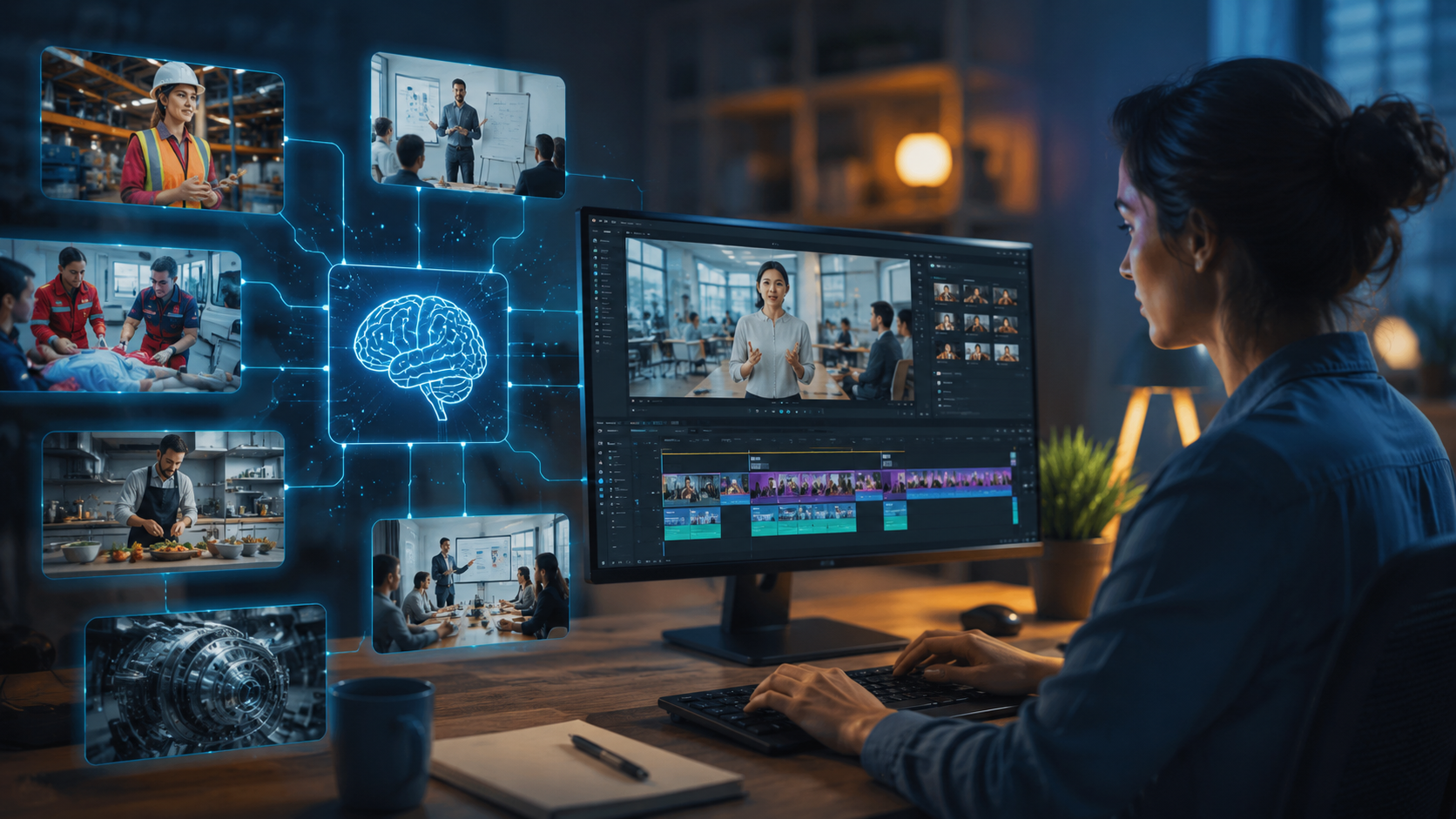
If you’re ready to adopt text to video AI for training materials, follow this straightforward process. Most platforms follow a similar workflow, allowing you to go from text to finished video in under an hour.
- Choose your tool. Select an AI video generator that specializes in training content. Look for features such as screen recording overlays, avatar customization, and SCORM export. Based on 2026 reviews, tools like Synthesia, HeyGen, and Elai remain top contenders.
- Prepare your source text. Write or paste your training script into the platform. Break your content into short, digestible paragraphs—one per scene or slide. Many tools accept bullet points and automatically expand them into full narration.
- Select an avatar or presenter. Choose from a library of realistic AI avatars or upload a custom avatar using your own image. For training materials, consider using a friendly, professional avatar that matches your brand’s tone.
- Customize visuals and scenes. Add background images, screen captures, or animated diagrams. Most text to video AI platforms provide a library of stock footage and templates designed specifically for training. Use on-screen text to highlight key takeaways.
- Add voiceover and adjust pacing. The AI will generate a synthetic voice based on your script. You can select from dozens of languages and accents. Adjust the speaking speed to match the complexity of the training material—slower for technical topics, faster for overviews.
- Review and refine. Preview the video and make edits. Change word choices, adjust scene transitions, or replace an avatar’s gesture. The iterative process is instant, allowing you to perfect the video before rendering.
- Export and integrate. Render the final video in MP4, or export directly to your LMS via SCORM or xAPI. Many platforms in 2026 also offer direct publishing to YouTube, Vimeo, or Microsoft Stream.
This workflow ensures that even first-time users can produce high-quality training videos. According to OCNJ Daily’s January 2026 explainer, “Anyone can generate videos from words—the barriers of cost, time, and technical skill have all but vanished.”
Key Features to Evaluate in Text to Video AI for Training Materials
Not all text to video AI tools are created equal. When selecting a platform specifically for training materials, consider the following features, which directly impact learner engagement and administrative efficiency.
| Feature | Why It Matters for Training | Example from 2026 Tools |
|---|---|---|
| Multilingual support | Global teams need localized training without re-recording. Tools like Vozo AI now offer visual translation that goes beyond voice dubbing, replacing on-screen text and graphics in real time. | Vozo AI Visual Translate (March 2026) |
| AI avatar customization | Avatars that reflect diverse demographics improve relatability and inclusion. Leading platforms offer >100 avatar options with custom clothing. | Top tools reviewed by G2 Learn Hub |
| SCORM / LMS integration | Seamless export to learning management systems ensures tracking, quizzing, and compliance reporting. | Many in the PerfectCorp top 23 |
| Automatic scene generation | Reduces manual effort: the AI interprets your text and builds relevant scenes using stock footage and animations. | Reported in Tech Times (March 2026) |
| Voice cloning and emotion | Realistic voiceovers with emotional variation keep learners attentive. Some tools now clone your own voice from a short sample. | Advanced AI video generators in 2026 |
| Interactive elements | Built-in quizzes, clickable chapters, and pause-and-reflect prompts transform passive videos into active learning experiences. | Emerging trend highlighted in PerfectCorp review |
When evaluating tools, prioritize those that offer a free trial or a low-cost starter plan so you can test their output with your own training scripts. The G2 Learn Hub report emphasizes that “hands-on testing is irreplaceable—what looks good in demos may not align with your specific training needs.”
Navigating Copyright and Legal Considerations for AI-Generated Training Content
As text to video AI becomes mainstream, understanding the legal landscape is critical. The Built In article from April 2026 titled “AI-Generated Content and Copyright Law: What We Know” outlines the current state: “In the U.S., the Copyright Office has maintained that works created entirely by AI without human authorship cannot be copyrighted.” This means that training videos generated fully by AI may not receive the same legal protections as traditionally produced content.
However, the same article clarifies that “if a human makes creative modifications—such as editing the script, selecting scene compositions, or curating the avatar’s appearance—the resulting video may qualify for copyright protection.” For organizations using text to video AI for training materials, this suggests a best practice: always include a layer of human curation. Review and adjust the AI’s output, add original graphics, and ensure that your training content meets your company’s legal and quality standards.
Additionally, consider data privacy and security when uploading proprietary training content to cloud-based AI platforms. Many enterprise-level tools now offer data isolation and GDPR compliance. Check the provider’s terms regarding how your text and generated videos are stored and used—some may retain your data to improve their models, which could expose sensitive training materials.
Challenges and Best Practices for Implementing Text to Video AI in Corporate Training
While the technology is powerful, adopting text to video AI for training materials comes with challenges. One common issue is maintaining consistency with brand guidelines. AI avatars and backgrounds may not automatically match your company’s visual identity. Best practice: create reusable templates within your chosen tool that include your logo, brand colors, and approved voice options.
Another challenge is ensuring that the AI-generated narration accurately pronounces industry-specific jargon, acronyms, and product names. Most tools in 2026 allow you to create a custom pronunciation dictionary. Always test a short sample before producing full-length courses.
Finally, learner engagement can suffer if videos feel too robotic. To combat this, incorporate pauses, rhetorical questions, and real-world examples. Use the AI’s emotion controls to vary tone between segments. A 2026 study from PerfectCorp found that videos with varied voice modulation retained 40% more viewer attention than monotone outputs.
The Future of Text to Video AI for Training: What’s Next After 2026
Looking ahead, text to video AI for training materials will continue to evolve in several directions. The launch of Vozo AI’s Visual Translate in March 2026 signals a move toward complete video localization—changing not just the audio but also the on-screen text and cultural references. This is a huge advantage for multinational corporations that need to roll out consistent training across dozens of languages.
Real-time generation is also on the horizon. Instead of pre-creating videos, trainers may soon generate a custom video on the fly based on a learner’s skill gaps or past performance. AI models are becoming fast enough to render a 5-minute training video in under 30 seconds, enabling just-in-time learning. According to Tech Times, “the line between live instruction and on-demand video is blurring, thanks to AI.”
Moreover, copyright law is expected to adapt. The Built In article suggests that legislative bodies are working on frameworks that recognize hybrid human-AI authorship. Organizations should stay informed and ensure their contracts with AI providers include clear ownership clauses. As the technology matures, text to video AI will likely become the default method for creating and updating training materials across all sectors.
Frequently Asked Questions About Text to Video AI for Training Materials
What is text to video AI for training materials?
It is a type of generative AI that converts written training content—such as standard operating procedures, compliance guides, or employee handbooks—into video presentations with synthetic narration, avatars, and visual elements. It is designed specifically for corporate learning and development.
How long does it take to create a training video with AI?
Most text to video AI platforms allow you to produce a 5–10 minute training video in under one hour, including script preparation, avatar selection, and review. Rendering typically takes a few minutes once you finalize the content.
Can I use my own voice and branding with text to video AI?
Yes. Leading tools in 2026 offer voice cloning from a short sample (5–10 minutes of recording) and allow you to upload brand assets such as logos, fonts, and color palettes. Many also support custom backgrounds and intro/outro sequences.
Is text to video AI training content copyrightable?
According to the Built In report from April 2026, AI-generated content without significant human input cannot be copyrighted under current U.S. law. However, if you make creative modifications—editing the script, choosing scenes, or adding original graphics—the resulting video may qualify for copyright protection.
What types of training materials work best with text to video AI?
The technology works well for procedural training, compliance updates, product onboarding, and soft skills instruction. Content that is heavily text-based, structured with bullet points, or already exists in slide decks is ideal. Highly visual topics like medical procedures or engineering diagrams may still require supplementary screen recordings or animations.
How much does text to video AI for training materials cost in 2026?
Prices vary widely. According to PerfectCorp’s May 2026 review, many professional-grade tools start at $30–$50 per month for individual creators, while enterprise plans with advanced features like custom avatars, SCORM export, and unlimited video length can range from $200 to $1,000 per month. Some platforms offer free tiers with watermarks or limited minutes.



Comments ()