
Text to Video AI for Educational Videos: 2026 Trends
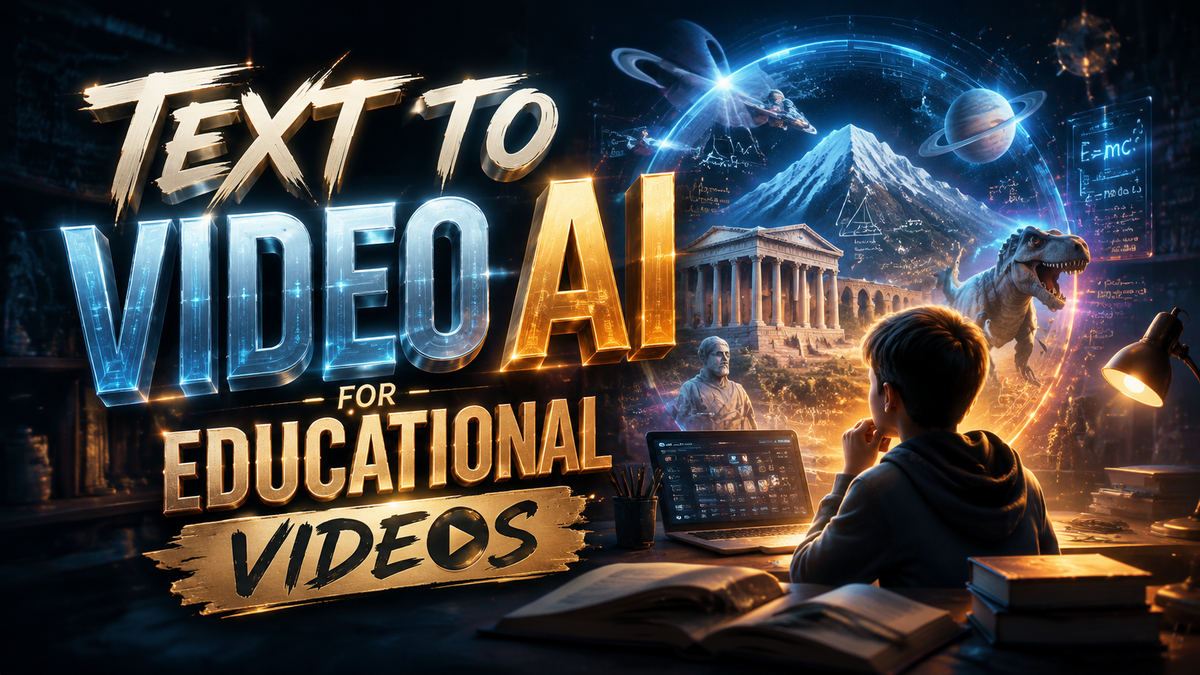
Text to video AI for educational videos refers to the use of artificial intelligence models that convert written scripts, lesson outlines, or lecture notes directly into fully produced video content, complete with visuals, narration, and animations, without requiring manual filming or editing.
Text to video AI for educational videos is a generative technology that transforms text-based learning materials into dynamic video lessons, saving educators hours of production time. In 2026, the trend is shifting toward hyper‑personalized, interactive learning clips that adapt to student progress, powered by models trained on open educational content and updated with real‑time data.
- ✓ Educational video platforms are experiencing rapid growth, with Trend Hunter reporting a surge in AI‑powered tools specifically for classroom and corporate training.
- ✓ Free AI video generators, such as those with AI talking photo features, are lowering the barrier for educators to create professional‑looking content without a budget.
- ✓ Google’s training of AI tools on YouTube videos has raised copyright and ethical concerns among creators, prompting stricter usage policies in educational settings.
- ✓ OpenAI’s Sora and similar text‑to‑video generators are becoming mainstream, with Simplilearn publishing dedicated courses on mastering Sora for lesson creation.
- ✓ The market now offers at least 16 leading AI video generation tools, as identified by Cybernews in February 2026, each with unique strengths for educational use.
How to Create an Educational Video Using Text to Video AI in 2026
Creating a high‑quality educational video with text to video AI is now a straightforward, step‑by‑step process. Whether you are a teacher building a flipped‑classroom resource or a corporate trainer developing onboarding material, these steps will help you produce engaging visual content.
- Write or paste your lesson script – Draft a clear, conversational script that covers key learning objectives. Keep paragraphs short and include bullet points for important concepts.
- Choose a text‑to‑video AI tool – Select from the top 16 platforms identified by Cybernews, such as OpenAI’s Sora, Synthesia, or InVideo. For free options, look at tools with AI talking photo capabilities mentioned by PC Tech Magazine.
- Select your visual style – Pick a template that matches your subject—whiteboard animation for math, realistic avatar for language learning, or screencast for software tutorials.
- Customize visuals and voiceover – Upload your own images if needed, choose a voice (natural‑sounding AI or human‑recorded), and adjust pacing. Many tools now support multilingual narration.
- Add interactivity (optional) – Embed quiz prompts, clickable chapters, or pause‑and‑reflect moments. This is a 2026 trend for boosting retention.
- Preview and export – Review the generated video, make final tweaks, then export in 1080p or 4K. Most platforms allow direct upload to YouTube or an LMS.
Why Text to Video AI Is Revolutionizing Educational Content
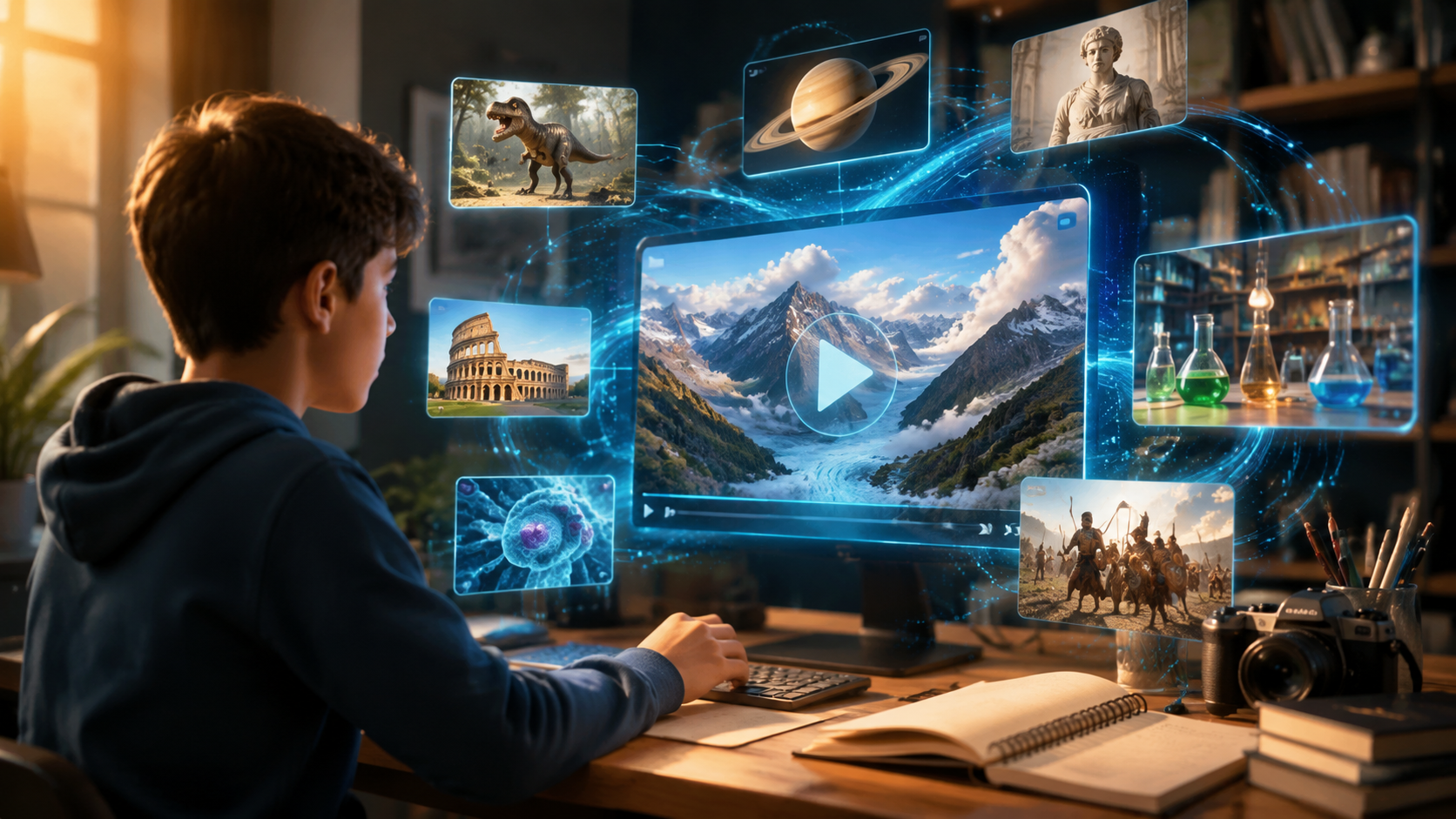
The shift from traditional lecture‑based videos to AI‑generated educational clips is driven by three key factors: speed, personalization, and accessibility. According to a Trend Hunter report published in February 2026, “Educational Video Platforms” are expanding rapidly because educators can now produce a 10‑minute explainer video in under 15 minutes using text prompts alone. This speed means that schools and universities can update course materials weekly instead of annually.
Additionally, the rise of free AI video generators, as covered by PC Tech Magazine in May 2026, enables resource‑constrained institutions to create visual content without expensive equipment. The “AI Talking Photo” feature, for example, allows a static portrait of a historical figure or a scientist to deliver a monologue, making abstract concepts feel more personal and memorable.
Personalization is another game‑changer. Text to video AI for educational videos now supports adaptive learning paths: a single script can be turned into multiple versions with different difficulty levels, languages, or visual metaphors. This aligns with the growing demand for differentiated instruction in both K‑12 and higher education.
The Role of OpenAI’s Sora in Educational Video Creation
OpenAI’s Sora, which experts at Simplilearn have been teaching since February 2026, represents a leap forward in realism and context understanding. Sora can generate entire classroom scenes, laboratory simulations, or historical re‑enactments from a few sentences. However, as Tech Xplore reported in August 2025, Google’s practice of training its AI tools on YouTube videos has sparked debate about the originality of AI‑generated educational footage. Educators are advised to use tools that clearly source training data from open, licensed repositories to avoid copyright pitfalls.
Top Text to Video AI Tools for Educators in 2026
Based on Cybernews’ latest ranking (February 2026), here are the 16 best AI video generation tools, with a focus on those most suitable for educational environments. The table below compares four representative platforms across features critical for educators.
| Tool | Key Educational Feature | Pricing (Monthly) | Language Support | Output Resolution |
|---|---|---|---|---|
| OpenAI Sora | Realistic scene generation from text | $20 (Pro tier) | 50+ languages | 4K |
| Synthesia | Custom AI avatars for tutors | $30 (Starter) | 120+ languages | 1080p |
| InVideo | Educational template library | $20 (Business) | 30+ languages | 4K |
| Pictory | Text‑to‑video from blog posts | $19 (Standard) | 15+ languages | 1080p |
For educators on a tight budget, the “Free AI Video Generator” highlighted by PC Tech Magazine in May 2026 offers basic text‑to‑video conversion with talking‑photo avatars, though with watermarks and limited resolution. Many schools are adopting a blended approach: using free tools for quick recaps and premium platforms for flagship course modules.
Emerging Trends in Educational Video Content (2026)
Several trends are shaping how text to video AI for educational videos will be used in the coming months:
1. Training AI on Educational YouTube Content Raises Ethical Questions
Tech Xplore’s August 2025 report highlighted that many creators are unhappy with Google training its AI on YouTube videos without explicit consent. In response, educational institutions are now demanding transparency—opting for AI models trained exclusively on open‑license content or institution‑owned archives. As a result, tools like Sora that rely on licensed or self‑generated data are gaining trust.
2. Image‑to‑Video and Text‑to‑Video Convergence
The Programming Insider article from March 2026 demonstrated how “Image to Video AI” is becoming the simplest workflow: educators upload a single diagram or slide, and the AI generates a whole video narrative around it. This hybrid approach reduces the need to write long scripts, making it ideal for visual subjects like science and engineering.
3. Interactive and Adaptive Video Lessons
Static AI videos are giving way to interactive clips that pause for quiz questions or hyperlink to supplementary materials. Trend Hunter’s research notes that educational video platforms now offer built‑in analytics to track where students rewind or drop off, enabling teachers to refine their scripts.
4. AI Talking Photo for Historical and Language Lessons
The “AI Talking Photo” feature, documented by PC Tech Magazine, allows a still image of a historical figure (e.g., Marie Curie) to speak the lesson. This trend is especially popular in humanities classes, where bringing primary sources to life increases engagement.
Overcoming Common Challenges with Text to Video AI
Despite the advantages, educators must navigate a few hurdles when adopting text to video AI for educational videos. First, factual accuracy remains a concern: AI can generate visually convincing but historically or scientifically incorrect scenes. It is essential to review generated content before publishing. Second, the ethical debate around training data—as highlighted by the Google‑YouTube controversy—requires educators to vet the data lineage of their chosen tool.
Third, bandwidth and storage may be issues for schools using free tools, as many limit export quality or add watermarks. However, with the increasing availability of free tiers, as noted by PC Tech Magazine, even low‑budget districts can pilot AI‑generated lessons. Finally, some educators worry that AI‑produced videos lack the human touch. To counter this, many tools now allow teachers to record their own voiceover and insert personal anecdotes into the script.
Best Practices for Using Text to Video AI in Education
To maximize the impact of text to video AI for educational videos, follow these guidelines derived from the latest trends:
- Start with a strong script. The AI is only as good as the input. Write in active voice, include clear learning objectives, and use analogies.
- Use a mix of visual styles. Combine talking‑head segments (via AI avatars) with animations and screen recordings to keep students engaged.
- Cite sources. When the AI pulls facts from its training data, add a text overlay or end credits with references.
- Test with a small group before releasing to a full class. Student feedback can help you adjust pacing and tone.
- Stay updated on licensing. As Tech Xplore’s report shows, data usage policies change frequently. Subscribe to updates from your chosen tool provider.
Frequently Asked Questions
What is text to video AI for educational videos?
It is a generative AI technology that converts written educational content—such as lesson plans, scripts, or textbook sections—into engaging video lessons, complete with visuals, narration, and animations, without needing any filming equipment.
Which text to video AI tool is best for schools in 2026?
OpenAI’s Sora and Synthesia are top choices due to their high‑quality output and language support. For free options, the AI video generator with talking photo features mentioned by PC Tech Magazine is a solid start for budget‑conscious schools.
How long does it take to create a video with text to video AI?
Most tools generate a 5‑10 minute video from a script in under 15 minutes. The entire process—from writing to export—can be completed in less than an hour, compared to several days with traditional production.
Are there copyright concerns when using AI‑generated educational videos?
Yes. As Tech Xplore reported, some AI models are trained on unlicensed YouTube content. To avoid infringement, use tools that openly disclose their training data sources, such as Sora, or generate content only from your own materials.
Can text to video AI produce interactive quizzes inside the video?
Yes. Many 2026 platforms, including those highlighted by Trend Hunter, allow you to embed clickable questions, pause points, and external links directly into the AI‑generated timeline, transforming passive viewing into active learning.
Text to video AI for educational videos is no longer a futuristic gimmick—it is a practical, everyday tool that helps educators save time, engage students, and scale high‑quality instruction. By staying informed about the latest trends, ethical considerations, and tool updates (like those from Cybernews, Simplilearn, and Trend Hunter), teachers and trainers can confidently integrate AI video creation into their workflows in 2026 and beyond.



Comments ()