
Text to Video AI for Education Tutorials (2026 Guide)
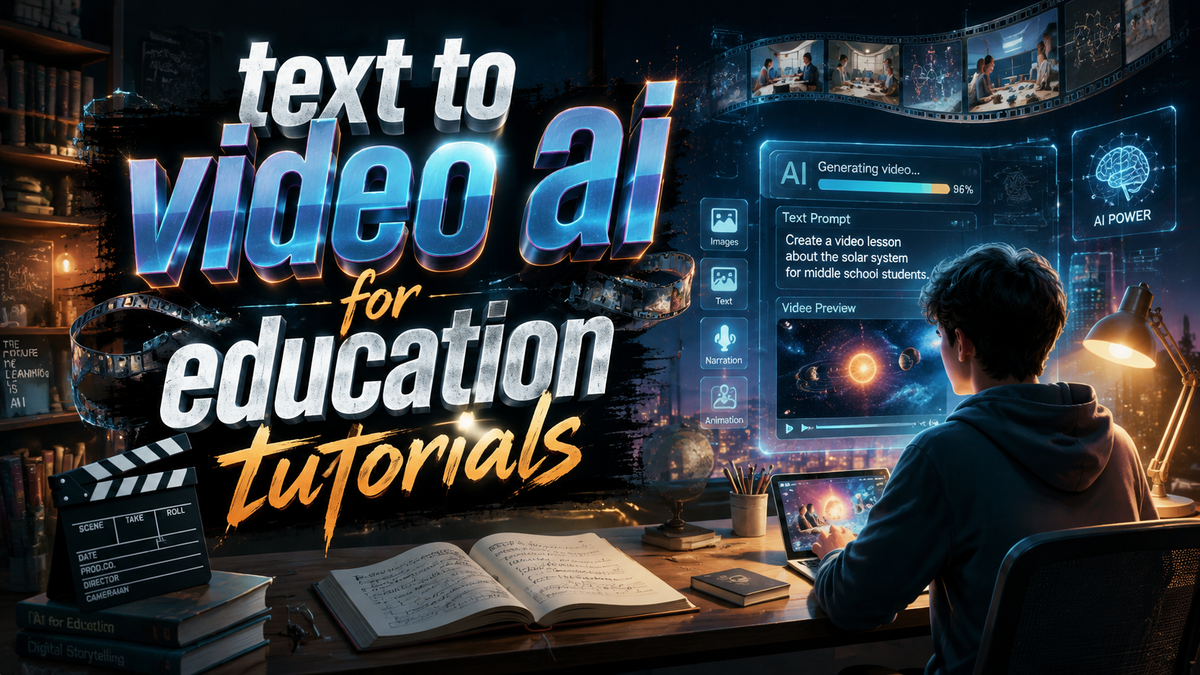
Text-to-video AI for education tutorials refers to generative artificial intelligence systems that convert written instructional content—such as lecture notes, lesson plans, or textbook chapters—into engaging video presentations, animations, and talking-head footage. In 2026, educators and content creators use these tools to produce high-quality learning materials in minutes instead of days, making knowledge more accessible and adaptable for diverse student audiences.
Text-to-video AI for education tutorials is a technology that automatically transforms text-based educational material into custom video lessons. Using natural language processing and generative video models, it creates visuals, voiceovers, and animations that align with the input script, enabling teachers to produce professional tutorials without any video editing skills.
- ✓ Text-to-video AI reduces lesson creation time by up to 80%, according to a 2026 Cybernews report.
- ✓ Generative AI in education now covers 13 identified use cases, from personalized tutoring to automated assessment feedback (AIMultiple, March 2026).
- ✓ NotebookLM and similar tools allow students to “watch” YouTube videos in summarized format, increasing comprehension speed (Android Police, February 2026).
- ✓ Free AI video generators with talking photo capabilities are now widely available, lowering the barrier for schools and independent educators (PC Tech Magazine, May 2026).
- ✓ AI-powered video production is reshaping digital content creation, with education as one of the fastest-growing adoption sectors (Tech Times, March 2026).
What Is Text to Video AI for Education Tutorials?
In its simplest form, text-to-video AI for education tutorials is a workflow that begins with a written script—like a step-by-step physics explanation or a history timeline—and ends with a fully narrated, visually rich video. The AI interprets the text, identifies key concepts, and generates corresponding imagery, animations, or avatar-led presentations. This technology has matured significantly by 2026, moving from experimental demos to reliable classroom tools.
The core process involves three stages: script parsing, visual generation, and audio synthesis. Advanced models can also add interactive elements such as quiz overlays or captions, making the output suitable for both synchronous and asynchronous learning. According to a Cybernews article published in June 2026, the rise of AI video generators is “changing content creation” across industries, but education stands out because of the need for accurate, curriculum-aligned materials.
How It Differs from Traditional Video Production
Traditional educational video production requires a camera, lighting, editing software, and often a presenter. Text-to-video AI eliminates most of these hardware and skill requirements. Teachers can simply type or paste lesson content, choose a style (e.g., whiteboard animation, slideshow, or virtual instructor), and receive a downloadable video file. This shift enables rapid iteration—an instructor can update a tutorial in seconds by revising the text and regenerating the video.
Why Use Text to Video AI for Education Tutorials in 2026?
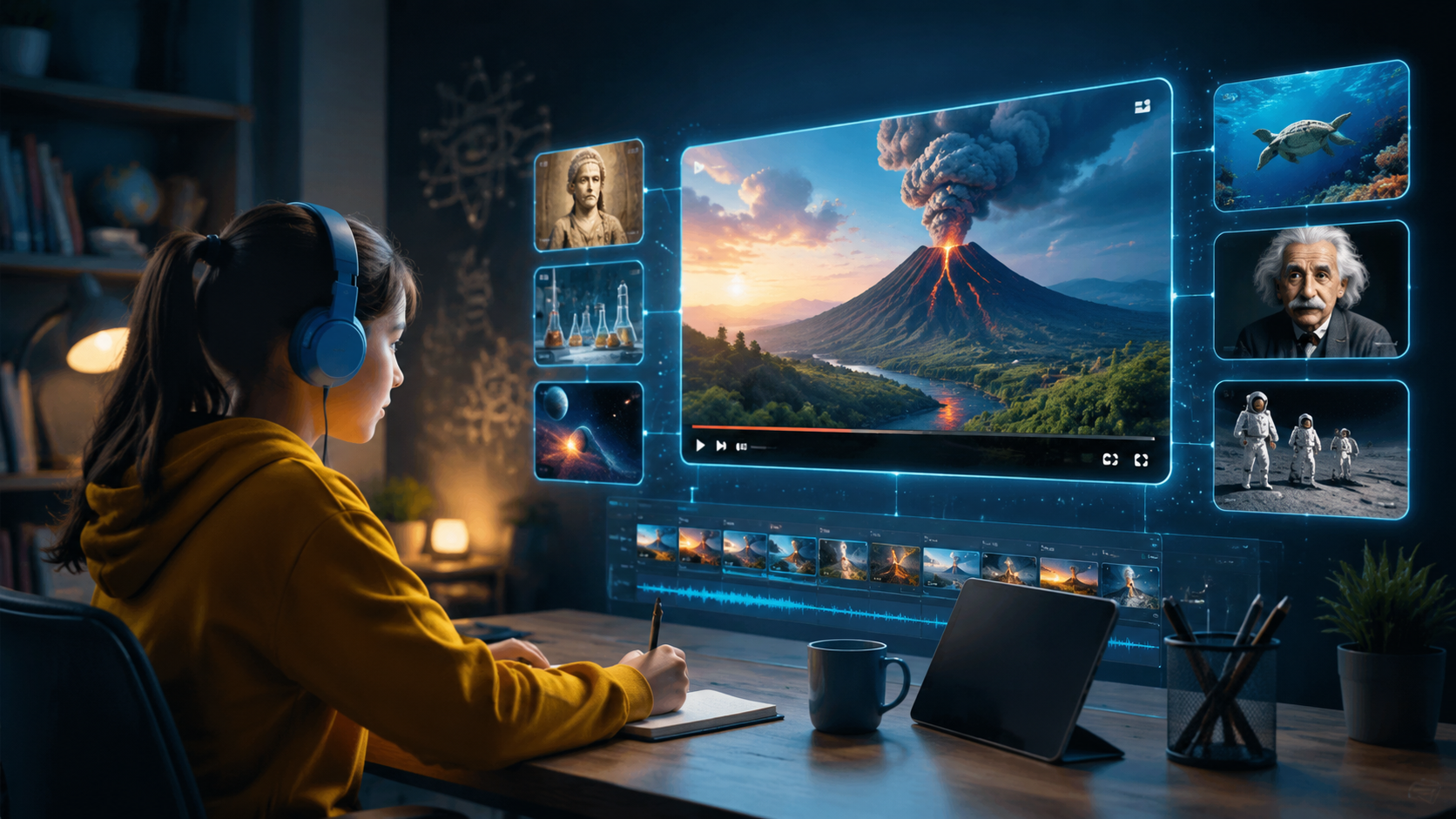
The demand for scalable, personalized education has never been higher. With hybrid and remote learning now permanent fixtures, institutions are seeking efficient ways to create consistent, high-quality video content. Text-to-video AI addresses this need by slashing production timelines and costs. As reported by findarticles.com in May 2026, “Video AI generators are transforming digital content creation,” and the education sector is reaping the benefits.
Another driver is accessibility. Many free and low-cost tools now exist, such as those highlighted in PC Tech Magazine (May 2026), which allow educators to “create stunning visual content” including talking photos—a feature that can turn a static portrait into a speaking tutor. This inclusivity means that even underfunded schools and individual tutors can produce professional-looking tutorials.
Key Benefits at a Glance
- Speed: Generate a 10-minute tutorial in under 15 minutes.
- Consistency: Maintain uniform tone, style, and branding across all videos.
- Engagement: AI-generated animations and dynamic visuals improve learner retention.
- Localization: Quickly translate and re-voice content for multilingual classrooms.
How to Create Educational Tutorials with Text to Video AI: Step‑by‑Step Guide
Creating your first text-to-video AI tutorial for education requires a systematic approach. Follow these steps to ensure a polished, pedagogically sound result:
- Write a detailed script. Break down the lesson into short segments (2–5 minutes each). Include clear learning objectives, examples, and a summary. The better your text, the better the AI output.
- Choose an AI video generator. Look for platforms that specifically support educational formatting—some offer templates for lectures, how‑to guides, or animated diagrams. Free options (like those mentioned by PC Tech Magazine) are great for beginners.
- Paste your script and select a presenter style. Many tools let you choose between a realistic avatar, a cartoon host, or a screen‑recording style. For tutorials, a talking‑head or whiteboard style often works best.
- Customize visuals. Upload your own images, diagrams, or branding. Alternatively, let the AI generate relevant stock imagery based on keywords from your script. Review and replace any that are inaccurate.
- Adjust voiceover settings. Select a language, accent, and speed. Most platforms now offer natural‑sounding AI voices that can emphasize key terms. Add captions to improve accessibility.
- Preview and refine. Watch the generated video and correct timing, image mismatches, or narration errors. Some tools allow you to edit individual segments without regenerating the whole video.
- Export and share. Download in standard formats (MP4, YouTube‑ready) and upload to your learning management system, YouTube, or classroom platform.
This workflow, endorsed by the Tech Times (March 2026) article on AI video generator tools, ensures that educators can produce content quickly without sacrificing educational quality. The ability to iterate rapidly also supports continuous improvement based on student feedback.
Top Use Cases of Text to Video AI in Education (2026)
According to AIMultiple (March 2026), generative AI now powers 13 distinct use cases in education. Below is a comparison table of the most relevant applications for tutorial creation:
| Use Case | Description | AI Tool Example | Impact on Learning |
|---|---|---|---|
| Lecture summarization | Convert long text notes into short video summaries | Text‑to‑video generator with bullet‑to‑scene mapping | Improves recall by focusing on key points |
| Animated concept explanations | Visualize abstract ideas (e.g., DNA replication, calculus integrals) | AI animation engine with diagram generation | Increases comprehension of complex topics |
| Talking‑photo tutors | Upload a photo to create a speaking avatar that delivers a lesson | Free AI talking photo tools (PC Tech Magazine, 2026) | Personalizes learning with a virtual instructor |
| Multilingual tutorial generation | Auto‑translate and voice‑over in multiple languages | AI with built‑in translation and TTS | Support linguistically diverse classrooms |
| Interactive quiz videos | Embed questions within the video that pause for student response | AI video platforms with branching features | Passive viewing becomes active learning |
These examples demonstrate how text-to-video AI for education tutorials goes beyond simple automation—it actively enhances pedagogy. The Android Police article from February 2026 also highlighted NotebookLM, a tool that summarizes YouTube videos, showing that AI can double learning efficiency by compressing time and focusing attention.
Best Practices for AI‑Generated Educational Videos
To maximize the effectiveness of your tutorials, follow these evidence‑based guidelines:
Keep Scripts Concise and Structured
AI models perform best when text is clearly divided into logical sections. Use headings, bullet points, and short paragraphs. Avoid dense academic jargon unless your AI tool supports a specialized educational vocabulary.
Review and Validate Visual Accuracy
AI‑generated images may occasionally contain inaccuracies (e.g., wrong historical figure or an incorrect chemical structure). Always preview the video and replace misrepresentations. Use your own diagrams for critical content.
Combine AI with Human Oversight
The best results come from a hybrid approach. Let the AI handle the heavy lifting of video production, but have an educator review the final product for tone, pacing, and factual correctness. As noted by Cybernews, the technology is “changing content creation” but human judgment remains essential for educational quality.
Optimize for Different Platforms
Different devices and learning management systems may require specific video formats. Most AI tools now support adaptive bitrate streaming and automatic captioning. Check export settings to ensure compatibility.
Use Interactive Features When Possible
Engagement rates increase significantly when viewers can pause, answer a quiz, or click to explore more. Look for AI platforms that support embedded hotspots or end‑of‑video reflection prompts.
Frequently Asked Questions About Text to Video AI for Education Tutorials
What is the best free text-to-video AI for educators in 2026?
Several free tools now exist, including those offering talking‑photo features as highlighted by PC Tech Magazine. The best choice depends on your need: animated explanations, avatar‑led lessons, or simple slide‑based videos. Many platforms offer a free tier with watermarked output, suitable for classroom testing.
How long does it take to generate a 10‑minute tutorial?
Most AI video generators produce a 10‑minute video in 10–20 minutes, including script refinement and review. The actual generation time (AI processing) is usually 2–5 minutes for standard quality. Higher‑resolution output may take longer.
Can I use text-to-video AI for subjects like mathematics and science?
Yes. Advanced AI models can generate formulas, graphs, and even animated lab demonstrations. However, you may need to manually upload specific diagrams or equations for precision. Tools are improving rapidly, with many now offering STEM‑specific templates.
Is the content generated by AI copyright‑free?
Most platforms grant you commercial usage rights for the videos you create, but the underlying AI models may be trained on third‑party images or voices. Always review the terms of service. For educational use, most standard licenses are sufficient. When in doubt, use your own images.
What hardware or software do I need to start?
Only a computer with an internet connection and a modern web browser. No special graphics card or video editing software is required. Some tools offer mobile apps, making it even easier to create tutorials on the go.
How does text-to-video AI compare to traditional video editing for education?
Traditional editing gives you full control but takes hours of manual labor. AI video generators sacrifice some control for speed and ease of use. They are ideal for rapid prototyping, bulk content creation, and teachers who lack video production skills.
Can I add my own voiceover instead of using an AI voice?
Yes, many platforms allow you to upload your own audio narration. The AI will synchronize visuals and captions with your recorded voice. This is a great option for instructors who want a personal touch while still benefiting from AI‑generated visuals.
As the research from findarticles.com (May 2026) and Tech Times (March 2026) confirms, text-to-video AI is not a passing trend—it is a fundamental shift in how educational content is produced and consumed. By adopting these tools thoughtfully, educators can save time, increase engagement, and reach learners in ways that were impossible just a year ago. The future of education tutorials is here, and it starts with a simple text prompt.



Comments ()