
Text to Video AI for Beginners: 2026 Complete Guide
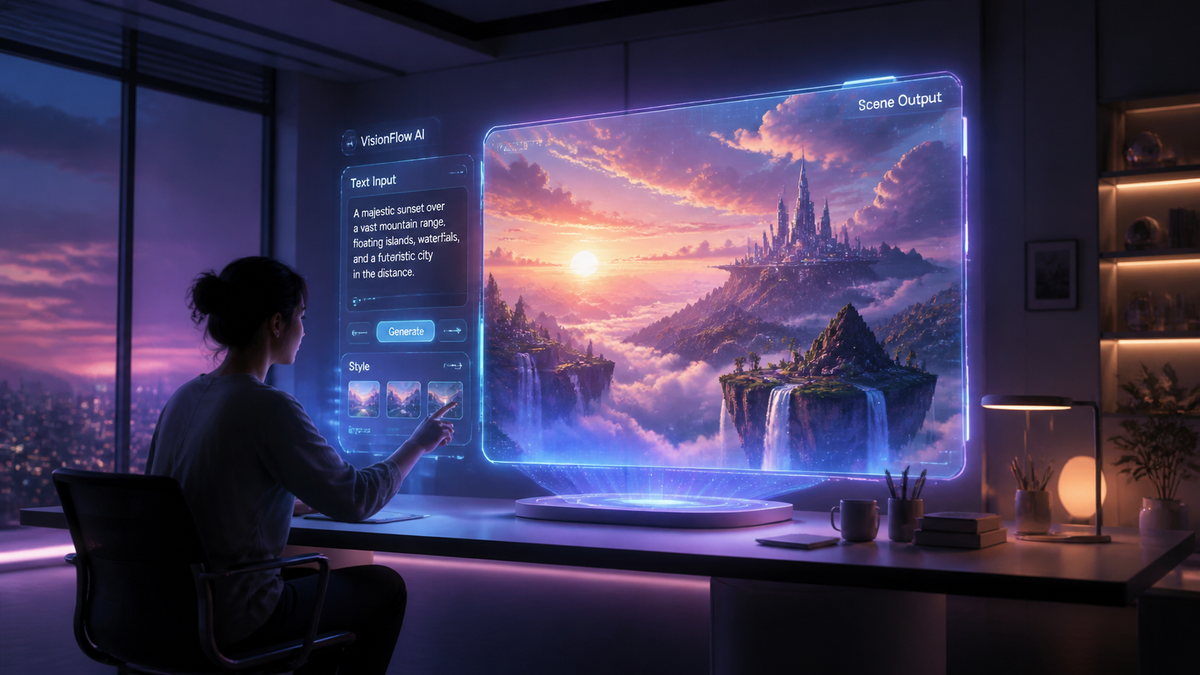
Text to video AI for beginners is a transformative technology that allows anyone to generate high-quality video content simply by typing a descriptive text prompt. In 2026, these tools have evolved from experimental novelties into sophisticated AI agents capable of handling scriptwriting, visual generation, and voiceover synchronization in a single workflow. Whether you are a content creator, a small business owner, or a hobbyist, mastering text to video AI for beginners is the most efficient way to scale your digital presence without a professional studio.
Text to video AI is an artificial intelligence application that converts written text into fully realized video files using generative models. In 2026, this technology utilizes multimodal neural networks to interpret prompts, synthesize realistic or stylized imagery, and synchronize audio, enabling users to create professional-grade videos in minutes without traditional filming or editing skills.
- ✓ AI video generators in 2026 now use "AI Agents" to automate the entire creative process from a single prompt.
- ✓ High-end tools like InVideo and specialized platforms have replaced discontinued projects like OpenAI’s Sora.
- ✓ Beginners can produce 4K resolution content with consistent character modeling and realistic physics.
- ✓ Real-time editing via chat interfaces is now the industry standard for beginner-friendly platforms.
How to Use Text to Video AI for Beginners: A Step-by-Step Guide
Starting your journey with AI video generation is surprisingly straightforward. Unlike traditional video editing software that requires hours of tutorials, modern AI tools are designed around natural language. According to The AI Journal, the "barrier to entry for cinematic production has dropped by 90% in 2026," allowing users to focus on storytelling rather than technical execution.
- Select Your AI Platform: Choose a tool that fits your needs. For beginners, platforms like InVideo or the latest ranked tools from CNET are ideal because they offer guided "Agent" workflows.
- Input Your Prompt: Write a detailed description of the video you want. Include the setting, the subject's actions, the lighting (e.g., "golden hour"), and the desired camera movement (e.g., "cinematic drone shot").
- Choose a Visual Style: Most tools will ask if you want realistic, 3D animation, watercolor, or neon-cyberpunk aesthetics. Beginners should start with "Realistic" for the most versatile results.
- Review the Generated Script: AI agents will often generate a script first. Read through it to ensure the tone matches your brand or message before the video rendering begins.
- Generate and Refine: Click generate. Once the video is ready, use the "chat-to-edit" feature to make changes, such as "make the background darker" or "change the background music to upbeat jazz."
- Export and Share: Save your video in the desired resolution (typically 1080p or 4K) and aspect ratio (9:16 for TikTok/Reels or 16:9 for YouTube).
The Landscape of Text to Video AI for Beginners in 2026
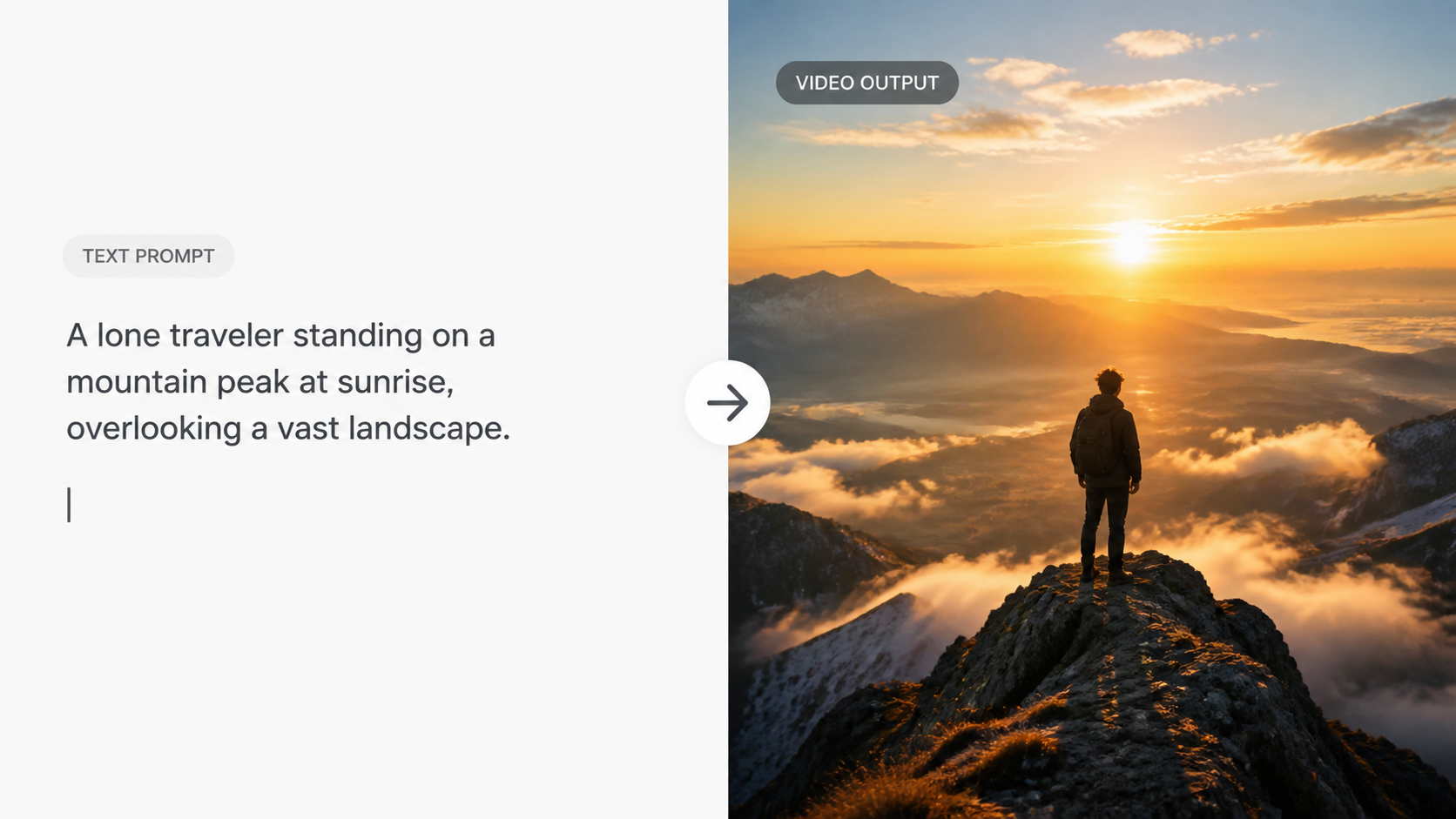
The year 2026 marks a significant turning point in the AI video industry. Most notably, the competitive landscape has shifted dramatically following major industry pivots. As reported by IndieWire, the once-hyped "Sora" project at OpenAI has been discontinued, along with its high-profile Disney partnership. This has opened the door for specialized companies to dominate the market with tools that are more accessible and focused on consumer-grade usability.
The Rise of AI Agents in Video Creation
We are no longer just using "generators"; we are using "agents." As Unite.AI noted in their recent 2026 review of InVideo, these agents act as creative directors. They don't just create a clip; they research the topic, write the narration, select the stock footage or generate new visuals, and mix the audio. For a beginner, this means you can go from an idea to a finished 2-minute video in under five minutes. This shift toward agentic workflows is the defining feature of text to video AI for beginners this year.
Quality and Consistency Improvements
One of the biggest hurdles in previous years was "hallucinations" or flickering in videos. In 2026, the best AI video generators, as reviewed by CNET, have solved the temporal consistency problem. This means characters look the same from the first second to the last. This level of professional polish was previously only available to high-end VFX studios, but it is now a standard feature in beginner-friendly web apps.
Comparing the Best AI Video Generators of 2026
With over 70 AI tools tested by TechRadar this year, the market is saturated but highly competitive. For beginners, the choice usually comes down to ease of use versus granular control. The following table compares the top-ranked tools for 2026 based on recent reviews from G2 Learning Hub and CNET.
| Tool Name | Primary Strength | Best For | Price Range (2026) |
|---|---|---|---|
| InVideo AI | AI Agent Workflow | YouTube & Social Media | Free to $30/mo |
| Runway Gen-4 | Cinematic Control | Short Films & Ads | $15 - $95/mo |
| Pika Labs Pro | Animation & Physics | Creative Storytelling | $10 - $60/mo |
| Luma Dream Machine 3.0 | Hyper-Realism | Product Demos | Credits-based |
| HeyGen Video 2026 | Avatar & Lip Sync | Corporate Training | $25 - $150/mo |
Key Features to Look for in Beginner AI Video Tools
When diving into text to video AI for beginners, you don't need to understand the underlying "diffusion models" or "transformers." Instead, you should focus on features that make the creative process intuitive. According to G2 Learning Hub, the most loved tools in 2026 are those that prioritize "human-in-the-loop" editing, where the AI does the heavy lifting but the user keeps creative control.
Natural Language Editing
The hallmark of a 2026 beginner tool is the ability to edit the video using a chat box. Instead of dragging clips on a timeline, you simply type, "Replace the cat with a dog" or "Make the voiceover sound more excited." This conversational interface removes the learning curve associated with software like Premiere Pro or DaVinci Resolve, making it the primary way beginners interact with video production.
Multi-Language Support and Global Reach
In 2026, text-to-video tools are no longer limited to English. Most top-tier platforms now support over 50 languages with native-sounding accents. This allows a beginner in one country to create a video in a language they don't even speak, expanding their audience globally instantly. The AI handles the translation, the local cultural nuances in imagery, and the perfect lip-syncing for the target language.
Best Practices for Writing AI Video Prompts
The quality of your video depends heavily on how you communicate with the AI. While the tools have become smarter, "prompt engineering" remains a valuable skill for text to video AI for beginners. To get the best results, you should follow a structured approach to your descriptions.
The "S.C.E.N.E." Framework
A helpful way to remember how to prompt is the SCENE framework: Subject, Context, Environment, Narrative, and Effects. For example, instead of saying "a man walking," try: "A middle-aged man (Subject) wearing a red parka (Context) walking through a snowy forest in the Alps (Environment) looking for a lost cabin (Narrative) shot in slow motion with soft sunlight (Effects)."
Avoiding Common Pitfalls
Beginners often make the mistake of being too vague or too contradictory. If you ask for a "fast-paced video with slow-motion shots," the AI may struggle to reconcile the two. Stick to a consistent mood and style within a single prompt. As TechRadar noted in their testing of 70+ tools, the most successful videos come from prompts that are descriptive but focused on a single, clear visual goal.
The Future of Text to Video AI Beyond 2026
As we look at the trajectory of text to video AI for beginners, it is clear that we are moving toward a world of "on-demand entertainment." While Sora may be gone, the "AI Video Battle," as IndieWire calls it, is just heating up. We are seeing the emergence of personalized video where the content adapts to the viewer in real-time. For beginners starting today, the skills learned now will be the foundation for a new era of interactive and personalized media.
According to CNET, by the end of 2026, we expect to see even deeper integration with VR and AR headsets, allowing users to "step inside" the videos they generate from text. The transition from 2D screens to immersive environments is the next frontier, and text-to-video AI is the engine that will build those worlds.
Is text to video AI free to use in 2026?
Most platforms offer a "freemium" model where you can generate a limited number of low-resolution videos per month for free. However, for 4K exports and removing watermarks, subscriptions typically range from $10 to $30 per month depending on the tool.
Which AI video generator is best for YouTube?
InVideo AI is currently ranked as the best for YouTube creators because its AI agent can generate full scripts, find relevant stock footage, and add voiceovers specifically optimized for the YouTube algorithm.
Do I need a powerful computer to run AI video tools?
No, almost all beginner-friendly AI video tools in 2026 are cloud-based. This means the heavy processing happens on the company's servers, allowing you to create high-quality videos on a standard laptop or even a smartphone.
Can I use AI-generated videos for commercial purposes?
Yes, most paid plans on platforms like Runway, Pika, and InVideo include commercial rights. Always check the specific terms of service for the tool you are using to ensure you are covered for advertising or monetization.
How long does it take to generate a video from text?
In 2026, generating a 10-second high-quality clip usually takes between 30 and 60 seconds. Creating a full 2-minute edited video with an AI agent typically takes between 3 to 5 minutes from prompt to finished product.

Comments ()