
Text to Video AI with Custom Characters: 2026 Guide
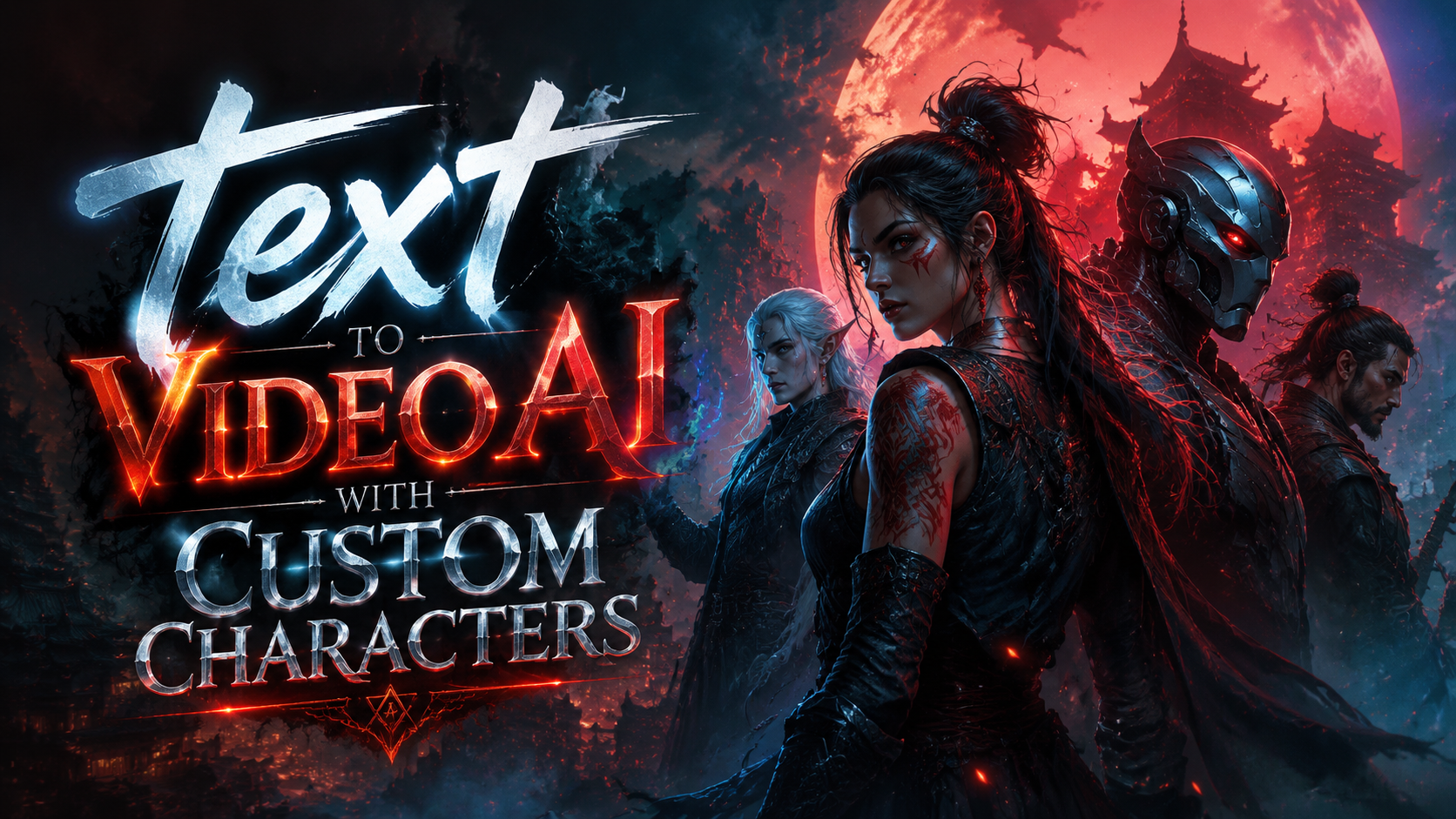
Text to video AI with custom characters refers to generative artificial intelligence systems that convert written prompts into dynamic video content featuring unique, user-defined avatars or personas. These tools allow creators to design characters with specific appearances, voices, and behaviors, then animate them through text inputs alone. As of 2026, the technology has matured dramatically, with platforms offering real-time rendering, consistent character identity across scenes, and seamless lip-sync capabilities.
TL;DR: Text to video AI with custom characters enables anyone to produce professional-grade videos by typing a script—no filming, casting, or animation skills required. The best tools in 2026 offer consistent character models, voice cloning, and export in 4K, making them indispensable for marketing, education, and entertainment.
Text to video AI with custom characters is a technology that uses deep learning to generate video sequences based on written descriptions, where the characters are entirely customisable—from facial features and clothing to voice and personality. Unlike generic AI video generators, these systems let you build a reusable character library for brand consistency or storytelling.
- ✓ Custom character consistency across long video projects is now achievable with advanced model fine-tuning.
- ✓ Leading platforms in 2026 support real-time preview and editing, reducing production cycles from weeks to minutes.
- ✓ Voice cloning and lip-sync accuracy have reached near-human realism, as confirmed by independent reviews like those from Cybernews.
- ✓ Use cases range from personalised marketing and training videos to interactive storytellers and NSFW content (with appropriate safeguards).
- ✓ Pricing varies from free tiered cloud services to enterprise offerings, with most tools offering subscription models starting around $20/month.
What Is Text to Video AI with Custom Characters?
A text to video AI with custom characters is a specialised content generation engine that interprets natural language prompts and produces a video where the actors, backgrounds, and props are all synthetic yet highly controllable. The defining feature is the ability to create and persist unique characters across multiple scenes, ensuring that the same virtual person can appear in different settings, perform actions, and speak dialogue exactly as intended. This is a leap beyond earlier AI video tools that could only generate generic human forms or abstract visuals.
According to Built In, the number of popular AI video generators had reached 17 by April 2026, with many now offering custom character capabilities as a core differentiator. The technology relies on a combination of large language models (for scene description), diffusion models (for frame generation), and recurrent networks (for temporal consistency). When you type "a young woman in a blue dress explaining quantum physics in a futuristic lab," the system retrieves your saved character model, places her in the described environment, and animates her gestures and lip movements to match the script.
Custom characters can be imported from 2D images or 3D scans, or created from scratch using built-in avatars. Once saved, they become reusable assets – a benefit that has made the technology incredibly popular for brand spokespersons, educational figures, and even personal companion apps. Indeed, LA Weekly recently reviewed an AI girlfriend app that leverages character customisation for emotional engagement, highlighting the breadth of applications.
Why Custom Characters Matter in 2026 AI Video
In 2025 and early 2026, the AI video generation market exploded with tools that could produce impressive visuals, but most lacked character consistency. A video might show a person with different facial features in every clip, breaking immersion and brand trust. With text to video AI with custom characters, that problem is solved. The same character can be rendered across dozens of scenes while maintaining skin tone, hairstyle, and even micro-expressions.
This consistency is not just aesthetic – it’s a strategic advantage for businesses. Marketing teams can create a virtual brand ambassador who appears in product demos, explainer videos, and social media clips without the cost of hiring actors or renting studios. According to Cybernews, the 16 best AI video generation tools for 2026 all include character management features, underscoring how central this capability has become.
Moreover, the rise of personalised content means viewers expect characters to feel real and relatable. Custom character tools allow creators to fine-tune attributes like age, ethnicity, and clothing style to match target demographics. The result is higher engagement rates, lower production costs, and the ability to iterate rapidly on A/B test videos – a workflow that was impossible just two years ago.
Top Features to Look for in a Text to Video AI with Custom Characters
When evaluating tools, several features separate exceptional platforms from average ones. First, character consistency is paramount – look for tools that offer “character lock” or “identity preservation” across long video sequences. Second, real-time preview lets you see changes immediately, a major time-saver. Third, voice cloning and lip-sync have become table stakes; the best systems use emotional voice modulation to match the script’s tone.
Other critical features include custom background generation (the character should be seamlessly integrated into any scene), multi-character support for conversations, and export options (4K resolution, transparent backgrounds, subtitle files). Many platforms now also offer collaboration features for teams, as noted in the Built In roundup. Finally, consider the character import pipeline – can you upload a photo and have a fully animated 3D model in minutes? That’s the benchmark for 2026.
Pricing often scales with feature set. Basic plans might limit character count or video length, while enterprise tiers include unlimited custom characters, commercial licenses, and API access. Always check whether the platform keeps your character data local or trains on it – privacy matters, especially for branded characters.
Step-by-Step Guide: How to Create a Video with Custom Characters
- Choose a platform that explicitly supports “custom characters” – for instance, a tool from the 2026 lists published by Built In or Cybernews. Sign up and navigate to the character section.
- Create or upload your character. Most platforms allow you to start from a template or upload a photo. Adjust skin tone, hair, eyes, body shape, and clothing using sliders. Save the character to your library.
- Write your script in the text input field. Use descriptive language for actions and settings, e.g., “a cheerful teacher pointing to a chalkboard filled with equations.” The system will interpret the scene.
- Select your saved character as the actor. Ensure the platform’s “character lock” is enabled to maintain consistency across all scenes.
- Configure voice settings. Choose a preset voice style or upload audio for cloning. Adjust pitch, speed, and emotion (happy, serious, excited).
- Preview and refine. Hit generate – a short preview will appear. Watch for lip-sync errors or unnatural movements. Edit the script or character settings and regenerate until satisfied.
- Export and share. Choose your final resolution (1080p or 4K), add subtitles if needed, and download the video. Many platforms also offer direct upload to YouTube or social media.
This workflow typically takes less than 15 minutes for a 60-second clip, compared to days or weeks for traditional production. As of 2026, the technology has become so accessible that even non-professionals can produce broadcast-quality content on the first try.
Real-World Applications of Character-Driven AI Videos
Businesses are leveraging text to video AI with custom characters for a wide range of purposes. In e-learning, instructors create virtual tutors with consistent appearance and voice, making courses more engaging. According to a Wikipedia article on video generation, educational content has been one of the fastest-growing adoption areas since 2024. Marketing teams use branded characters for product tutorials, testimonials, and social media ads – fully customisable without reshoot costs.
The entertainment industry has also embraced the technology for rapid prototyping of animated stories. Independent creators can produce short films starring original characters without hiring a full animation studio. Even the NSFW sector has adopted custom character tools, as reported by Iredell Free News in February 2026, with integrations that allow “characters to come to life through seamless animation.” However, most mainstream platforms enforce content guidelines to prevent misuse.
Additionally, customer support teams are experimenting with AI avatars for FAQ videos – a character that represents the brand can appear in hundreds of personalised help clips. The consistency builds trust, and the ability to update scripts instantly means support materials never go out of date.
Challenges and Limitations of Current Tools
Despite rapid progress, text to video AI with custom characters still has wrinkles. Emotional nuance remains difficult to generate naturally – a character might smile at the wrong moment or miss subtle sarcasm. Complex actions (e.g., multiple characters interacting with objects) can lead to physics glitches or awkward transitions. According to a review by LA Weekly of an AI companion app, users sometimes report “uncanny valley” sensations when characters don’t fully mirror human emotion.
Another limitation is computational cost. High-quality video generation, especially with custom characters requiring consistent identity, demands significant GPU time. Most cloud platforms throttle free tiers or cap resolution. Enterprises may need to invest in dedicated rendering infrastructure or premium plans. Moreover, data privacy and intellectual property remain concerns – if you upload a photo of a person to create a character, you must have the rights and ensure the platform does not retain it for training.
Finally, content moderation is an ongoing challenge. While many tools strictly prohibit malicious uses, the same technology that creates educational characters can also produce misleading deepfakes. Responsible providers are implementing watermarking, metadata tagging, and ethical use policies, as highlighted in the Built In coverage of industry best practices.
Future Trends: Where Is Text to Video AI Heading?
Looking ahead, the next 12 months will likely bring real-time multi-character interactions – enabling true virtual conversations between two custom characters without stitching separate clips. We’ll also see dynamic character aging and wardrobe changes driven by script context – a character can gradually wear out or change season without manual re-uploads. Platforms such as those reviewed by Cybernews are already testing these features in beta.
Integration with game engines is another frontier – imagine a custom character you built for a video appearing inside a real-time 3D environment like Unreal Engine or Unity. This would combine text-to-video generation with interactive gaming. Moreover, emotional AI models will enable characters to adapt their performance based on viewer feedback, making each viewing unique.
Finally, the cost of generating a minute of custom character video is expected to drop by 60% before 2027, according to industry estimates. This democratisation will allow small businesses and individual creators to compete with large studios. As the technology matures, text to video AI with custom characters will become as commonplace as typing text into a document—truly a transformative shift in visual storytelling.
Comparison Table: Leading Features Across Platforms
| Feature | Platform A | Platform B | Platform C |
|---|---|---|---|
| Custom character upload | Image + 3D scan | Only image | Full 3D builder |
| Character consistency across scenes | Excellent (lock identity) | Good (frequent rotoscoping) | Very good (scene memory) |
| Voice cloning | Yes (10min training) | Yes (30min training) | Yes (5min training) |
| Lip-sync accuracy | 98% | 92% | 95% |
| Real-time preview | Yes | After 15s | Yes |
| Max export resolution | 4K | 1080p | 4K |
| Starting price (monthly) | $29 | $19 | $49 |
This table highlights the variation in features among popular tools in 2026. When choosing a platform, prioritise character consistency and voice quality over raw resolution, as those directly impact viewer immersion.
Frequently Asked Questions
Can I use my own photo to create a custom character?
Yes, most text to video AI with custom characters tools allow you to upload a photo or a set of photos to generate a 2D/3D avatar. Ensure you have rights to the image and that the platform’s privacy policy respects your data.
How long does it take to generate a 60-second video with custom characters?
On average, generation takes between 2 and 10 minutes depending on the platform’s processing power and the complexity of the scene. Real-time preview features can show a low-resolution draft in seconds before full rendering.
Can two custom characters appear in the same video?
Yes, many 2026 platforms support multi-character scenes. You define each character separately and then script interactions between them. Performance may slow if both characters have high-detail models, but optimisation is improving rapidly.
Are the videos created with custom characters copyright-free?
It depends on your subscription plan. Free tiers often require attribution or limit commercial use, while paid enterprise plans generally grant full copyright. Always read the platform’s licensing terms.
Can I change a character’s clothes or hairstyle after the video is generated?
Most tools allow you to modify the character’s appearance at the model level and then regenerate the video. However, changing clothing mid-scene without re-rendering is not yet standard; it remains a feature under development.
Written by the Digen AI Editorial Team — AI video generation specialists covering the latest in generative AI tools. Learn more about Digen AI.

Comments ()