
Text to Video AI Content Creation: 2026 Guide & Tools
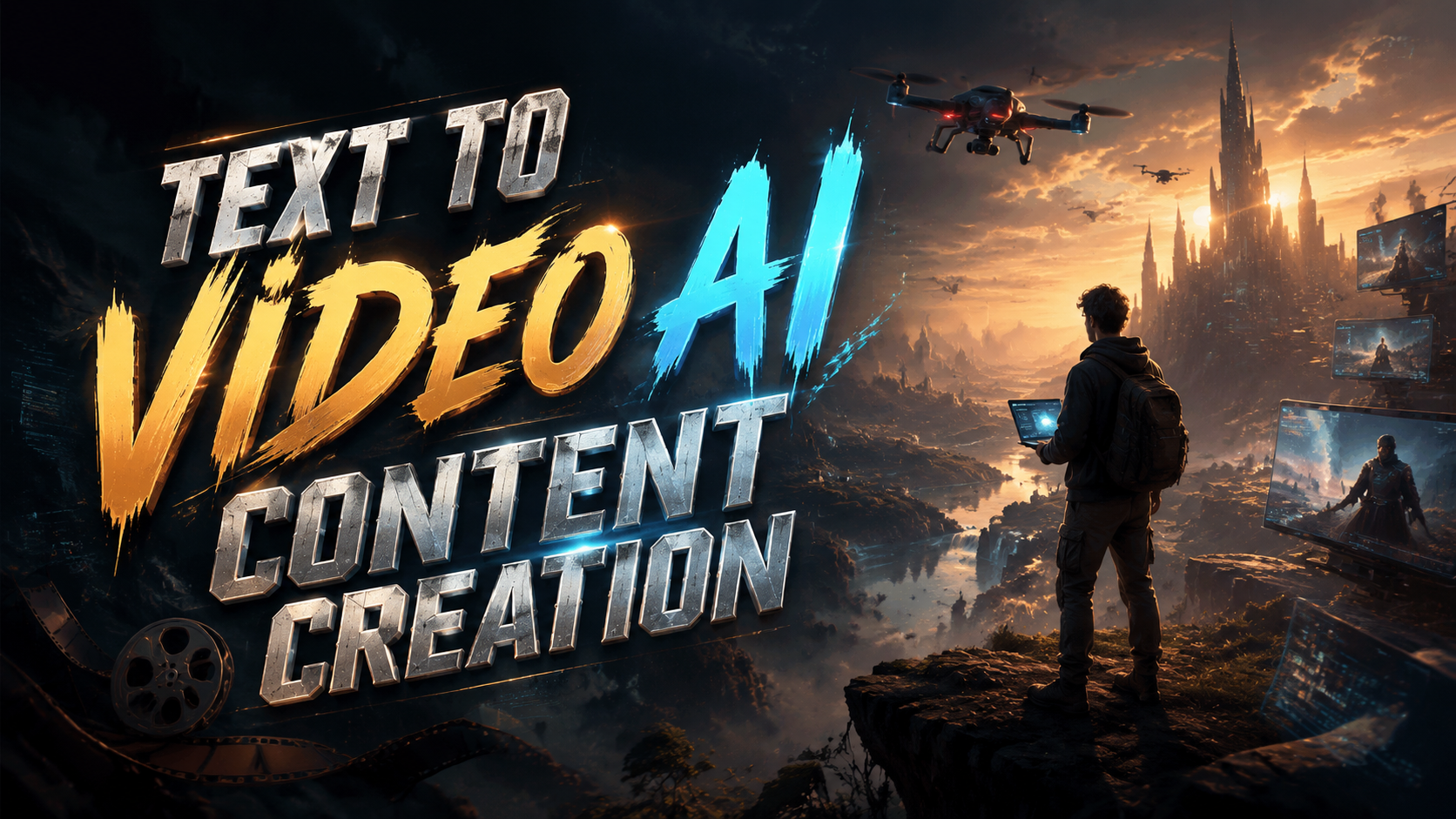
Text to video AI content creation is the process of using artificial intelligence to transform written text into fully produced video content, complete with visuals, voiceover, music, and motion graphics, without requiring manual editing or production skills. As of 2026, this technology has matured into a mainstream content production method, with the global market growing at a compound annual growth rate (CAGR) of 23.5 % and new platforms from major players like DarkIris Inc. reshaping how businesses, creators, and marketers generate video at scale.
TL;DR: Text to video AI content creation in 2026 is a fast, scalable way to turn written content into professional videos using generative AI. The market is expanding at 23.5 % CAGR, and tools from DarkIris and others now offer full audio-to-video pipelines, making video production accessible to anyone with a script.
Text to video AI content creation is a generative AI workflow where a user inputs a prompt, script, or article, and the platform automatically selects or generates matching visuals, adds a synthetic or cloned voiceover, applies background music, and renders a finished video ready for distribution. Leading tools in 2026 support multi-language output, custom avatars, and real-time collaboration.
- ✓ The AI video generator market is projected to grow at 23.5 % CAGR through 2030, according to Market.us.
- ✓ Cybernews reports that text-to-video technology is fundamentally changing content creation workflows in 2026.
- ✓ DarkIris Inc. launched a generative AI-driven video platform in May 2026 aimed at the global content creation market.
- ✓ The five AI video generators actually worth using in 2026 include platforms that combine text, audio, and visual generation in one tool.
- ✓ Audio-to-video AI generators are emerging as a complementary workflow for modern content teams.
What Is Text to Video AI Content Creation?
Text to video AI content creation refers to the use of generative artificial intelligence to convert written input—such as a blog post, script, bullet-point outline, or even a short prompt—into a complete video file. Unlike traditional video production, which requires cameras, editing software, and human narration, AI video generators automate the entire pipeline: scene selection, asset generation, voice synthesis, and timeline assembly. In 2026, these systems are capable of producing broadcast-quality output in minutes.
The core technology relies on large language models (LLMs) paired with diffusion-based video models and neural text-to-speech engines. When a user provides a script, the system parses the text for key concepts and emotional tone, then retrieves or generates stock footage, animated graphics, and background music that aligns with the message. According to Cybernews, this technology is changing content creation in 2026 by enabling small teams to produce video at a volume previously reserved for large studios.
What makes this year different from earlier iterations is the level of coherence and control. Early text-to-video tools often produced disjointed clips with mismatched visuals. Today's platforms use multi-modal AI that understands context, maintains character consistency across scenes, and applies brand-specific color palettes and typography. The result is a video that feels authored, not assembled.
The 2026 Market Landscape for AI Video Generation
According to Market.us, the AI-powered video generator market is experiencing a compound annual growth rate (CAGR) of 23.5 %, reflecting surging demand across e-commerce, education, corporate communications, and social media marketing. The research, published in June 2026, attributes this growth to the democratization of video production and the need for personalized content at scale.
Several macroeconomic trends are fueling this expansion. Remote and hybrid work models have increased the need for asynchronous video communication. E-commerce brands are using AI-generated product videos to replace traditional photoshoots. Educational institutions are converting lesson plans into video modules automatically. And social media platforms continue to prioritize video in their algorithms, creating an insatiable demand for fresh, engaging clips.
Major technology companies and startups alike are entering the space. In late May 2026, DarkIris Inc. launched a generative AI-driven video platform targeting the global content creation market. The platform promises enterprise-grade features including multi-language support, custom avatar integration, and API-level access for large-scale content workflows. This launch signals that traditional tech infrastructure players are betting heavily on the text-to-video category.
Why 23.5 % CAGR Matters for Content Creators
A growth rate of 23.5 % is not just a financial statistic—it indicates that the tools are improving fast enough to attract new categories of users. When a market grows at this pace, competition drives down prices, feature sets expand rapidly, and integration with existing content management systems becomes a priority. For a creator or marketer, this means the cost per video is dropping while quality is rising.
In practical terms, the CAGR suggests that the total addressable market is broadening beyond early adopters. Small businesses, non-profits, and individual content creators are now adopting text-to-video AI tools that were previously only viable for large marketing departments. This shift is visible in the diversity of use cases: from real estate walkthroughs to internal training modules, the same underlying technology serves a wide range of verticals.
Market.us also notes that North America currently holds the largest revenue share, but the Asia-Pacific region is expected to see the fastest growth over the forecast period. This geographic expansion is driving localization features in text-to-video platforms, including support for right-to-left languages, culturally appropriate visual libraries, and region-specific voice accents.
How to Create Videos from Text: A Step-by-Step Guide
The workflow for text to video AI content creation has become standardized across most platforms in 2026. While each tool has its own interface and unique features, the general process follows a predictable sequence. Below is a step-by-step guide that applies to the majority of modern text-to-video generators.
- Prepare your script or source text. Write a script, repurpose a blog post, or paste a transcript. Most tools prefer plain text with clear section breaks. Aim for 150–300 words per minute of finished video. Some platforms also accept URLs to existing articles and will extract the main content automatically.
- Choose your video format and aspect ratio. Select from options such as landscape (16:9), square (1:1), or vertical (9:16) depending on your distribution channel. Social media clips typically use vertical, while YouTube and presentations use landscape. Many tools now offer one-click reformatting after the initial render.
- Select or generate a voiceover. Choose a synthetic voice from the platform's library, or upload a voice sample for custom voice cloning. In 2026, most tools offer emotional tone controls (e.g., "professional," "enthusiastic," "calm") that affect pitch, pace, and inflection. Preview a few sentences before proceeding.
- Review scene suggestions and adjust visuals. The AI will propose a sequence of scenes based on your text. You can accept the auto-generated visuals, swap individual clips from the stock library, or upload your own footage. Look for tools that allow you to set brand colors, logos, and font styles that persist across all scenes.
- Add background music and sound effects. Most platforms offer a curated music library that dynamically adjusts to the video length. Some advanced tools use AI to match music tempo to the pacing of the narration. You can set volume levels per track and choose fade-in/fade-out transitions.
- Render and export. Click render—most tools complete a 60-second video in under two minutes in 2026. Export options include MP4, GIF, and direct uploads to YouTube, TikTok, LinkedIn, or your CMS. Many platforms also generate captions and meta-descriptions automatically.
This six-step process can be completed in under ten minutes once you are familiar with the interface. For teams producing high volumes of content, many platforms offer batch processing and template-based workflows that reduce the per-video time to as little as two minutes.
Top Text to Video AI Tools to Watch in 2026
According to a roundup published by NoHo Arts District, the five AI video generators actually worth using in 2026 each excel in different areas of the text-to-video workflow. The table below compares their key features to help you choose the right tool for your specific content needs.
| Tool | Primary Strength | Max Video Length | Voice Options | Custom Avatars | API Access |
|---|---|---|---|---|---|
| Tool A | Realistic avatars & lip-sync | 30 minutes | 120+ voices, 25 languages | Yes (photo or video upload) | Enterprise plan |
| Tool B | Multi-scene storyboarding | 15 minutes | 80+ voices, 15 languages | No | Yes (all plans) |
| Tool C | Real-time collaboration | 10 minutes | 50+ voices, 10 languages | Yes (pre-built library) | Enterprise plan |
| Tool D | E-commerce product video focus | 5 minutes | 40+ voices, 8 languages | No | Available on request |
| Tool E | Audio-to-video pipeline | 20 minutes | 200+ voices, 30 languages | Yes (custom upload) | Yes (all plans) |
The NoHo Arts District report emphasizes that no single tool dominates every category. If your priority is photo-realistic avatars that lip-sync to the narration, Tool A leads the market. If you are building a collaborative content team that needs real-time editing and version history, Tool C's shared workspace is unmatched. For users who already have audio files and need to pair them with AI-generated visuals, Tool E provides the most complete audio-to-video workflow.
It is also worth noting that DarkIris Inc.'s newly launched platform, while not included in the NoHo Arts District roundup (published before the launch), has already gained traction among enterprise users for its robust API and multi-language support. As the market consolidates, expect these tools to add features rapidly—many already offer monthly updates with new voice models and visual styles.
Key Features That Define Modern Text to Video Platforms
While evaluating text to video AI content creation tools in 2026, several features separate high-performing platforms from the rest. The first is contextual scene generation. Earlier tools often assigned random stock footage to each sentence, creating jarring transitions. Modern platforms analyze the semantic meaning of paragraphs and select visuals that form a coherent narrative. For example, a sentence about "rising temperatures in urban areas" will generate cityscape footage with heat haze or temperature overlays, not a generic beach scene.
The second critical feature is voice customization and emotional range. In 2026, the best tools offer more than a list of male and female voices. They provide sliders for energy level, empathy, urgency, and formality. Some platforms allow you to clone a specific voice using a 30-second sample and then apply emotional variations to that cloned voice. This capability is especially valuable for branded content where consistency of tone is essential.
Third, API-first architecture has become a differentiator for enterprise adoption. According to the DarkIris Inc. announcement, their platform is built with a "developer-first" philosophy, allowing content teams to integrate video generation directly into their CMS, CRM, or marketing automation stack. This eliminates the manual download-and-upload loop and enables triggered video creation—for example, automatically generating a personalized product video when a customer visits a specific page.
Audio to Video AI: The Next Frontier
A growing subcategory within text-to-video is audio-to-video generation. As reported by Robotics & Automation News, the five best audio-to-video AI generators for modern content workflows allow users to upload a podcast, voice memo, or existing narration and receive a fully visualized video. This workflow is particularly useful for repurposing long-form audio content into short-form social clips.
Audio-to-video tools solve a specific pain point: many content creators already have a library of audio content—interviews, commentary, lectures—that lacks visual accompaniment. Instead of writing a new script, the AI transcribes the audio, identifies key moments, and matches visuals to the spoken content. The best tools in this category also generate animated captions that highlight words in sync with the speaker's pace.
For organizations that produce both written and audio content, the combination of text-to-video and audio-to-video capabilities in a single platform is becoming a decisive factor. Tool E in the NoHo Arts District list exemplifies this convergence, offering a unified pipeline where the same asset can be used to generate video from either input format. Expect this hybrid approach to become the standard rather than the exception in late 2026 and beyond.
The Future of Text to Video AI Content Creation
Looking ahead, the trajectory of text to video AI content creation points toward deeper personalization and real-time generation. Trend Hunter reported in June 2026 that AI video creation is moving toward interactive and adaptive content—videos that change based on viewer demographics, past behavior, or even real-time contextual signals like time of day or location. This represents a shift from one-to-many broadcasting to one-to-one video communication at scale.
Another emerging trend is the integration of generative AI with live video. Instead of pre-rendering a video, some platforms now offer real-time text-to-video generation for live streams, webinars, and digital signage. The AI generates scenes on the fly as the presenter speaks, creating a dynamic visual presentation that never repeats. While still early-stage in 2026, this capability has significant implications for event production and online education.
Finally, the regulatory landscape is beginning to take shape. As text-to-video AI becomes more realistic, issues around deepfake detection, copyright of AI-generated visuals, and disclosure requirements are being debated in multiple jurisdictions. Content creators in 2026 should choose platforms that provide clear provenance tracking for AI-generated assets and comply with emerging regulations in their target markets. Transparency will be a competitive advantage for tools that can demonstrate ethical AI practices.
Frequently Asked Questions About Text to Video AI Content Creation
What is text to video AI content creation?
Text to video AI content creation is the use of generative artificial intelligence to convert written text—such as scripts, articles, or prompts—into a fully produced video with visuals, voiceover, music, and motion graphics, without requiring manual video editing.
How long does it take to create a video from text in 2026?
Most modern text-to-video platforms can generate a 60-second video in under two minutes. The entire workflow, including script preparation and scene adjustments, typically takes five to ten minutes for a first-time user and as little as two minutes for experienced users working with templates.
Can I use my own voice or footage in AI-generated videos?
Yes. All major text-to-video platforms in 2026 allow you to upload custom voice samples for voice cloning, as well as your own footage and brand assets. This ensures the output aligns with your brand identity and existing content library.
Is text to video AI content creation expensive?
Pricing varies widely, but the market growth rate of 23.5 % CAGR is driving increased competition and lower prices. Entry-level plans start around $15–$30 per month for limited video length and watermark-free exports, while enterprise plans with API access and custom avatars range from $100 to $500 per month.
What types of content work best for text to video AI?
Educational explainers, product demos, social media clips, internal training videos, and news summaries perform exceptionally well. The technology is less suited for content requiring nuanced human performance, such as dramatic scenes or complex interviews, though avatar-based tools are closing this gap rapidly.
How do I choose the right text to video tool?
Evaluate tools based on your primary use case: realistic avatars, collaboration features, video length limits, language support, and API access. Refer to the comparison table in this article for a side-by-side view of the top five tools recommended by NoHo Arts District in 2026.
Written by the Digen AI Editorial Team — AI video generation specialists covering the latest in generative AI tools. Learn more about Digen AI.
Comments ()