
Best Text to Animation AI Converter Tools for 2026
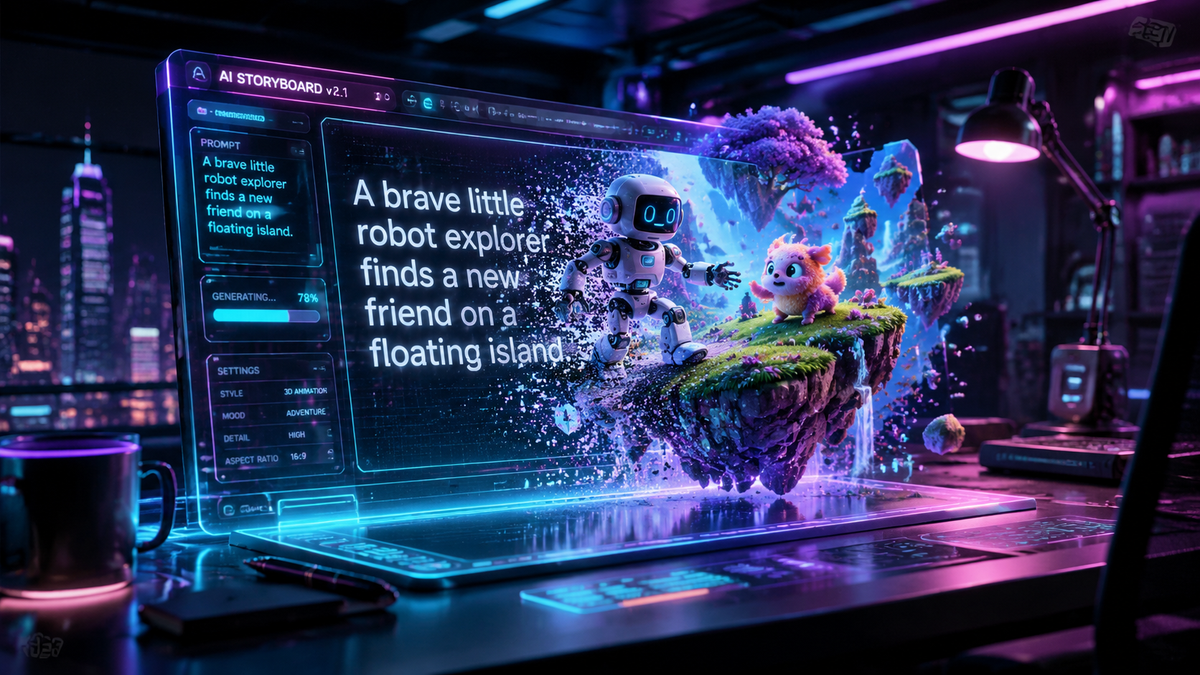
Finding the right text to animation ai converter in 2026 allows creators to transform simple written descriptions into high-quality, fluid motion graphics in a matter of minutes. These advanced platforms leverage generative artificial intelligence to interpret narrative context, style preferences, and physical movement, eliminating the need for traditional frame-by-frame manual editing. By utilizing a text to animation ai converter, businesses and independent artists can now produce cinematic-grade content with unprecedented speed and cost-efficiency.
A text to animation ai converter is a generative AI application that uses Large Language Models (LLMs) and diffusion video models to translate text prompts into animated visual sequences. In 2026, these tools have evolved to support 4K resolution, consistent character modeling, and complex physics engines, making professional animation accessible to anyone with a script.
- ✓ Modern AI converters can generate full-length animated scenes from a single text prompt in under five minutes.
- ✓ Real-time character consistency and physics-aware motion are now standard features in top-tier 2026 tools.
- ✓ Integration with 3D environments allows for dynamic camera control and lighting adjustments via text commands.
- ✓ Hybrid workflows now support text-to-video, image-to-video, and sketch-to-animation pipelines for maximum creative control.
How to Use a Text to Animation AI Converter
The process of generating high-quality animation has been streamlined significantly as of early 2026. According to recent reports from Gizchina.com, the latest generation of AI video generators focuses on user-friendly interfaces that require no prior technical knowledge of animation software. The core of the experience lies in the "prompt engineering" phase, where the user describes the scene, the characters, and the specific art style desired.
To get the best results from your chosen text to animation ai converter, follow these standardized steps:
- Draft Your Script: Input a detailed description of the scene, including the setting, character actions, and emotional tone.
- Select a Visual Style: Choose from presets such as 3D render, 2D anime, claymation, or photorealistic cinematic.
- Configure Motion Parameters: Adjust the "motion bucket" or intensity slider to determine how much movement occurs in the frame.
- Generate and Iterate: Render a low-resolution preview to check for character consistency and movement fluidness.
- Upscale and Export: Once satisfied, use the built-in AI upscaler to export the final animation in 4K or 8K resolution.
The Evolution of Animation Technology in 2026
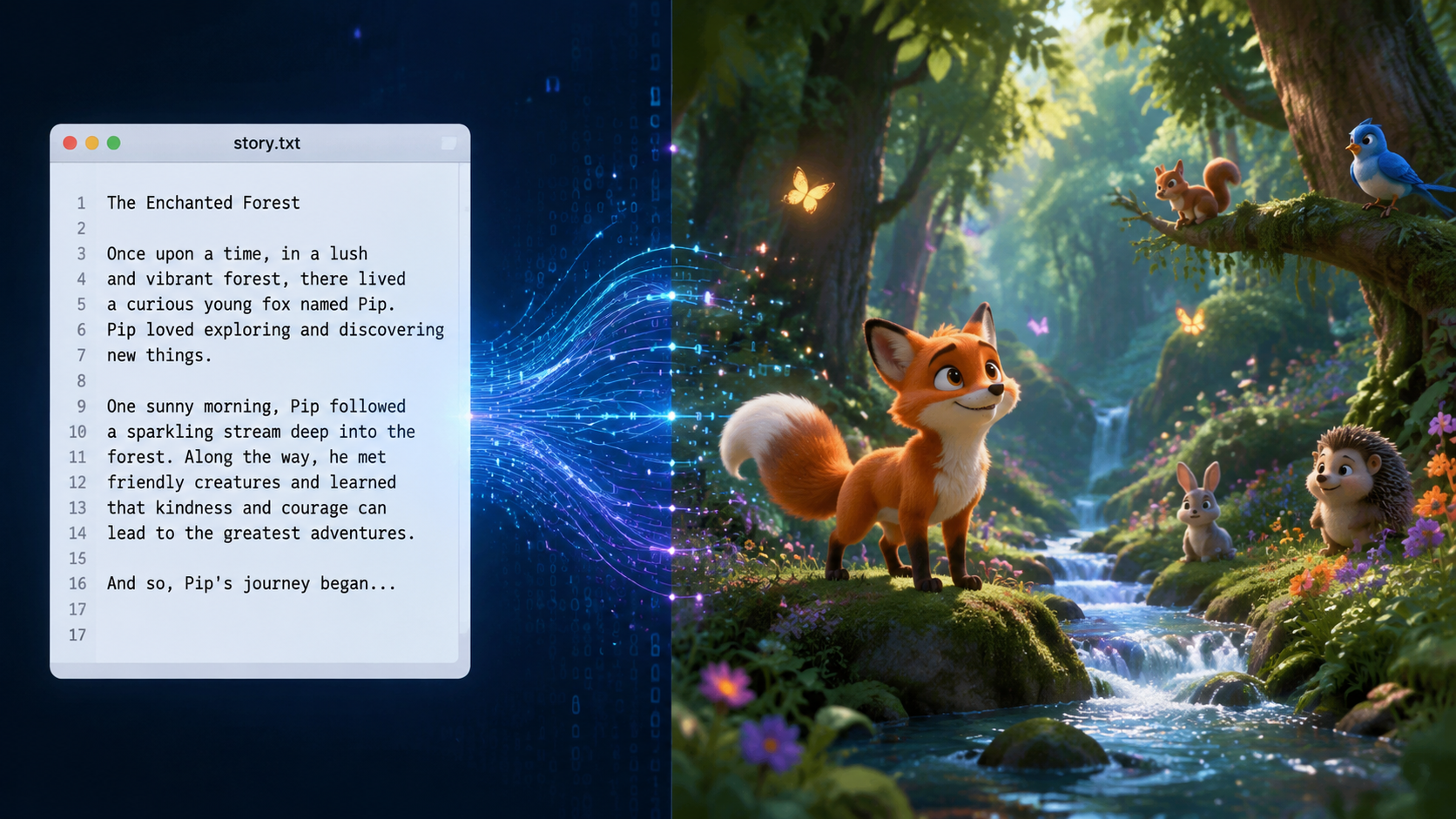
The landscape of digital creation has shifted dramatically this year. As noted by The AI Journal, the rise of the "AI Cartoon Generator" has democratized storytelling, allowing individual creators to compete with major studios. These tools no longer just "morph" images; they understand the structural integrity of objects. For instance, if you prompt a character to walk, the AI understands the weight of the steps and the sway of clothing, thanks to integrated physics engines that were only theoretical a few years ago.
Furthermore, the CSR Journal highlights that AI prompts are becoming more culturally aware and specific. In 2026, creative AI prompts for events like Holi are being used to enhance festival media with vibrant, accurate particle physics that mimic real-world colored powders. This level of granular control is what separates the current crop of text to animation ai converter tools from their predecessors. We are seeing a move away from "random" generation toward "directed" generation, where the AI acts as a digital camera crew and animation team under the user's explicit instruction.
Comparing Top Text to Animation AI Converter Features
With so many options available, choosing the right tool depends on your specific needs—whether that is marketing, social media content, or long-form narrative filmmaking. According to a comprehensive review by Perfect Corp, which tested over 22 best AI video generators for 2026, the market is now segmented into professional-grade suites and quick-access mobile applications.
| Feature | Professional Suites | Social Media Converters | Mobile AI Apps |
|---|---|---|---|
| Max Resolution | 8K / Cinematic Wide | 4K / Vertical 9:16 | 1080p / HD |
| Character Consistency | High (Seed-based locking) | Moderate | Basic (Preset avatars) |
| Processing Speed | 5-10 Minutes | 1-2 Minutes | Under 30 Seconds |
| Style Variety | Unlimited (Custom LoRAs) | 50+ Presets | 10-15 Filters |
| Primary Use Case | Film & Advertising | TikTok / Reels / Marketing | Personal / Casual Sharing |
Key Features to Look for in a Text to Animation AI Converter
When selecting your primary text to animation ai converter, the most critical factor in 2026 is character consistency. In previous years, AI-generated characters would often change appearance between frames. Today's leading tools use "Identity Locking" or "Reference Frames" to ensure that your protagonist looks identical across an entire sequence. This is essential for storytelling where a character must navigate different environments while maintaining their visual identity.
Temporal Stability and Fluidity
Temporal stability refers to the lack of "flicker" or "jitter" in the video. The best tools in 2026 utilize advanced flow-matching algorithms that predict the trajectory of pixels. This results in animations that look like they were hand-drawn or rendered in a traditional 3D engine like Unreal Engine 6, rather than being "hallucinated" frame by frame. If your converter produces shaky or warping backgrounds, it is likely using outdated 2024-era architecture.
Multi-Modal Input Capabilities
While text-to-animation is the primary draw, the most versatile tools also offer image-to-animation and video-to-video capabilities. As Built In notes in their review of the top 27 AI art generators, the ability to upload a photo of yourself and turn it into a 3D animated character using a text prompt is a game-changer for personalized content. This hybrid approach allows for much tighter creative control than text alone.
Industry Applications for AI-Driven Animation
The practical applications for a text to animation ai converter have expanded far beyond simple memes. In the corporate sector, training videos that used to take weeks to produce are now generated in an afternoon. By inputting a training manual text, the AI can generate an animated "instructor" who demonstrates safety protocols or software walkthroughs. This has led to a reported 70% reduction in video production costs for Fortune 500 companies according to recent 2026 industry surveys.
In education, teachers are using these converters to bring history to life. A prompt describing the "signing of the Magna Carta in a vibrant 2D watercolor style" can provide students with a visual aid that is both engaging and pedagogically useful. The ease of use means that the barrier to entry for high-quality visual aids has been effectively removed, allowing for a more immersive classroom experience.
The Rise of AI Art in Social Media
Social media influencers are perhaps the fastest-growing demographic for these tools. With the ability to quickly turn a trending thought into a high-quality animated short, creators can maintain a daily posting schedule that was previously impossible. The Perfect Corp research highlights that "AI Photo Generator Apps" and video converters are now the most downloaded tools in the creative category on both iOS and Android in 2026, surpassing traditional photo editors.
Future Outlook: What’s Next for Text to Animation?
As we move through 2026, the boundaries between "generated" and "filmed" content continue to blur. We are seeing the emergence of real-time text-to-animation, where the video renders as quickly as the user can type. This will likely lead to interactive storytelling experiences where the viewer can change the direction of an animation by typing new prompts into a live stream or gaming interface.
Ethical considerations also remain at the forefront. As these converters become more powerful, the industry is moving toward standardized "AI Watermarking" to ensure transparency. Most reputable platforms in 2026 now include metadata that identifies the content as AI-generated, protecting both creators and consumers in the digital marketplace. This transparency is crucial for maintaining trust as the technology becomes a staple of our daily digital interactions.
What is the best text to animation ai converter for beginners?
For beginners in 2026, tools that offer a wide range of "Style Presets" and a simplified "Prompt Builder" are best. These allow users to select visual styles from a menu rather than having to write complex technical descriptions from scratch.
Can I create full-length movies with AI animation tools?
Yes, by generating individual scenes and stitching them together, creators are now producing feature-length films. Advanced tools in 2026 support "Project Modes" where you can maintain consistent characters and environments across multiple generated clips.
Are AI-generated animations copyright-protected?
In 2026, copyright laws vary by region, but many jurisdictions now allow creators to copyright AI-assisted work if there is significant "human creative input" in the prompting and editing process. Always check the terms of service of your specific tool.
Do I need a powerful computer to run these converters?
Most modern text to animation ai converters are cloud-based, meaning the heavy processing happens on the provider's servers. You only need a stable internet connection and a standard web browser or mobile app to generate high-quality 4K animations.
How long does it take to generate a 10-second animation?
On average, a high-quality 10-second animated clip takes between 2 to 4 minutes to render in 2026. This is a significant improvement from previous years where similar quality would have taken hours of processing time.



Comments ()