
Text to 4K Video AI: Top Generators for 2026 Compared
Text to 4k video AI refers to advanced generative artificial intelligence models capable of transforming written prompts into high-definition cinematic footage with a resolution of 3840 x 2160 pixels. As of 2026, this technology has evolved from experimental low-resolution clips to professional-grade assets used in film production, marketing, and social media content creation.
Text to 4K video AI is a generative technology that uses deep learning to synthesize ultra-high-definition video from text descriptions. In 2026, leading tools like Adobe Firefly, NVIDIA LTX-2, and specialized ComfyUI workflows allow creators to generate hyper-realistic 4K content with temporal consistency and professional-grade color accuracy directly from a simple prompt.
- ✓ NVIDIA RTX hardware now enables real-time 4K AI video generation locally on consumer PCs using LTX-2.
- ✓ Adobe Firefly has introduced unlimited generations and enhanced 4K models for professional editors.
- ✓ Modern 4K AI generators now prioritize "temporal consistency," eliminating the flickering seen in earlier versions.
- ✓ Cloud-based and local-compute options provide flexibility for both casual creators and enterprise studios.
How to Generate High-Quality Video with Text to 4K Video AI
Creating cinematic 4K video from text is no longer a complex technical hurdle. With the advancements seen in early 2026, the process has been streamlined into intuitive workflows that prioritize creative intent over technical coding. Whether you are using a cloud-based platform or a local setup powered by the latest NVIDIA RTX hardware, the fundamental steps remain consistent to ensure the highest output quality.
- Define Your Visual Prompt: Start with a descriptive prompt that includes the subject, lighting (e.g., "golden hour"), camera movement (e.g., "slow dolly zoom"), and specific 4K descriptors to guide the AI's detail density.
- Select Your Model: Choose a generator capable of native 4K output, such as the updated LTX-2 or Adobe Firefly Video Model, to avoid the artifacts often associated with upscaling lower resolutions.
- Configure Resolution and Aspect Ratio: Set the output parameters to 3840 x 2160. Most 2026 tools allow you to choose between 16:9 for cinema or 9:16 for high-definition social media content.
- Apply Temporal Consistency Settings: Use features like "Motion Control" or "Seed Locking" to ensure that the objects in your video remain stable across the entire duration of the clip.
- Generate and Refine: Run the initial generation. If using Adobe Firefly, take advantage of the 2026 unlimited generation tiers to iterate on the prompt until the lighting and textures meet professional standards.
The Evolution of Text to 4K Video AI in 2026
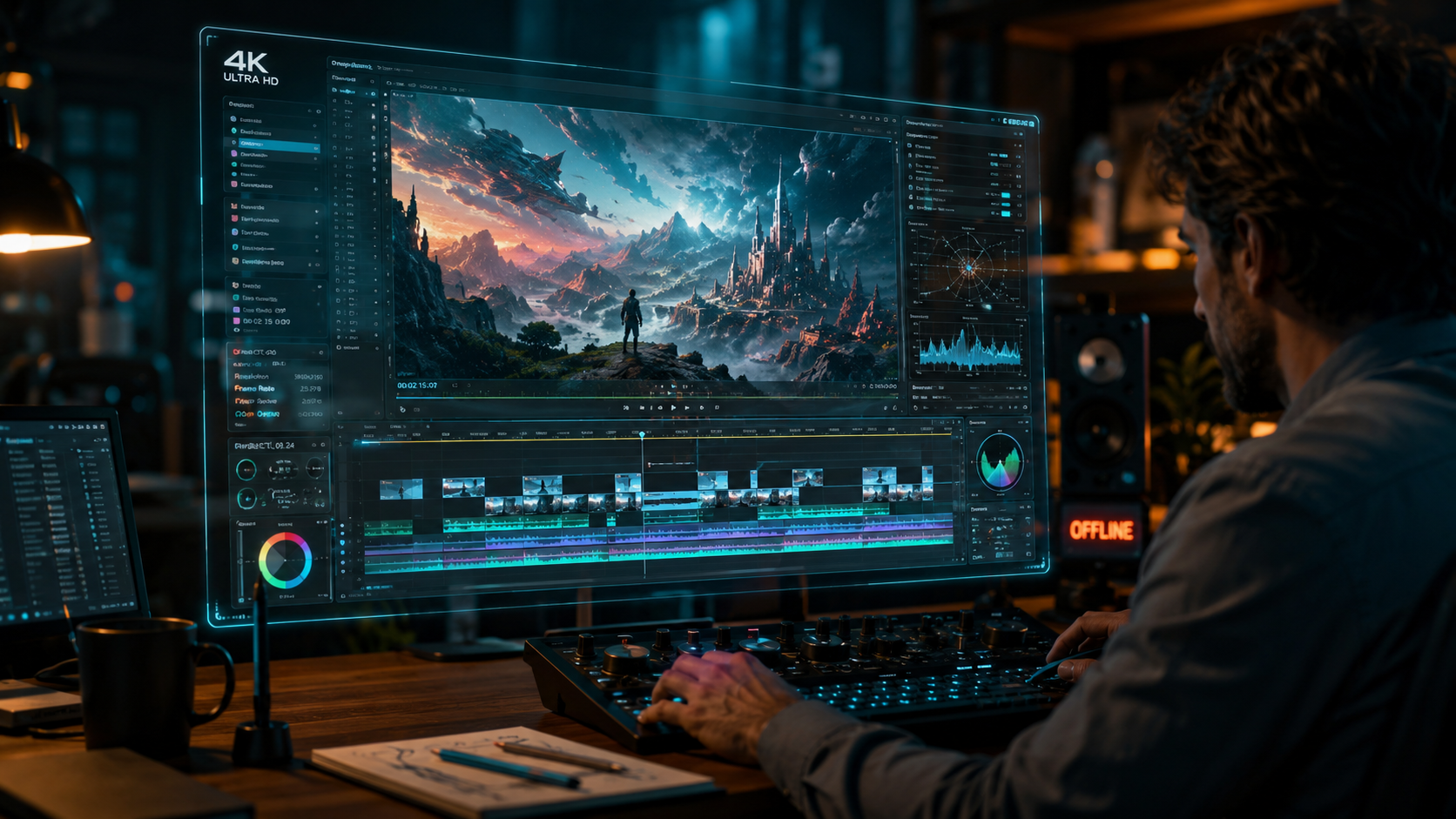
The landscape of generative video has shifted dramatically in the first half of 2026. According to the NVIDIA Blog, the release of LTX-2 and significant upgrades to ComfyUI have moved the heavy lifting of 4K generation from massive server farms to local NVIDIA RTX-powered PCs. This shift has democratized the ability to produce high-bitrate video without the latency or subscription costs typically associated with cloud-only services. Local acceleration means that creators can now preview 4K frames in near real-time, allowing for a much faster creative feedback loop.
Furthermore, the integration of AI into traditional creative suites has reached a pinnacle. Adobe recently announced significant improvements to Firefly, including new tools that allow for unlimited generations for select creators through early 2026. This move was designed to encourage deep experimentation, allowing users to burn through hundreds of iterations to find the perfect cinematic shot. The focus in 2026 is no longer just on "making a video," but on the precision of the output—specifically regarding how light interacts with 4K textures and how physics are simulated within the AI environment.
Industry experts at PCMag have noted in their May 2026 reviews that the best video editing software now incorporates these generative models as standard plugins. This means a "text to 4k video ai" workflow is often just a sidebar within a larger editing timeline. This convergence of generative AI and non-linear editing (NLE) tools has bridged the gap between AI hobbyists and professional cinematographers, making 4K AI assets indistinguishable from shot footage in many commercial contexts.
Top 4K AI Video Generators Compared
When selecting a tool for 2026, the choice usually comes down to whether you require the ease of a web interface or the raw power of local hardware. The following table compares the leading platforms based on the latest research from eWeek and Хабр, focusing on their 4K capabilities and accessibility.
| AI Generator | Max Resolution | Primary Strength | Platform |
|---|---|---|---|
| NVIDIA LTX-2 | Native 4K | Local RTX Acceleration & Speed | Local (Windows/Linux) |
| Adobe Firefly Video | 4K Upscaled/Native | Creative Cloud Integration | Cloud-Based |
| Runway Gen-4 | 4K Ultra HD | Advanced Physics & Motion Brush | Cloud/Browser |
| ComfyUI (Custom) | Variable up to 8K | Total Workflow Customization | Local/Open Source |
| Sora (Pro) | 4K Cinema | Long-form Narrative Consistency | Enterprise Cloud |
NVIDIA LTX-2 and the Power of Local RTX
NVIDIA has solidified its lead in the hardware-software synergy space. By leveraging the latest RTX tensor cores, LTX-2 allows for 4K video generation that is significantly faster than previous iterations. As reported by NVIDIA in January 2026, the new ComfyUI upgrades provide a modular way for users to "node-link" different AI models, using one for the base 4K structure and another for fine-tuning textures like skin or fabric. This level of control is why many professional studios are moving back toward local hardware solutions.
Adobe Firefly: The Professional's Choice
Adobe's strategy in 2026 focuses on the ecosystem. By providing unlimited generations and a suite of "new tools" as of December 2025, Adobe ensures that Firefly remains the most accessible text to 4k video ai for those already in the Creative Cloud. Their models are trained on Adobe Stock images, which avoids the copyright pitfalls that some other generators face. This makes Firefly the safest bet for commercial projects where legal provenance is as important as visual quality.
Key Features to Look for in 4K AI Video Tools
When evaluating a text to 4k video ai, resolution is only the starting point. In 2026, the difference between a "good" and "great" generator lies in its ability to handle complex visual data over time. According to eWeek, the "7 Best AI Video Generators" of 2026 all share three critical features: temporal stability, high dynamic range (HDR) support, and prompt adherence. Without these, a 4K video is simply a high-resolution mess of shifting pixels.
Temporal stability ensures that if a character walks behind a tree, they emerge looking the same on the other side. Earlier models struggled with "morphing," but the 2026 generation of LTX-2 and Firefly uses advanced latent space mapping to maintain object identity. Additionally, HDR support is crucial for 4K video, as it allows for a wider spectrum of colors and brightness levels, making the AI-generated content look realistic on modern OLED displays and cinema projectors.
Another major advancement is the "Motion Brush" or "Director Mode" features. These allow users to not only type what they want to see but also draw the path of movement for specific objects. For example, you could prompt for a "busy Tokyo street in 4K" and then manually highlight a specific car to move faster than the rest of the traffic. This hybrid of text-based prompting and manual guidance is the hallmark of professional-grade AI tools in 2026.
Hardware Requirements for Local 4K Generation
While cloud services like Adobe Firefly handle the processing on their own servers, the trend toward local generation—championed by NVIDIA—requires specific hardware. To run text to 4k video ai models like LTX-2 effectively, a PC must have a modern GPU with significant VRAM. NVIDIA suggests that for smooth 4K workflows in ComfyUI, a minimum of 16GB of VRAM is recommended, though 24GB (found in the RTX 4090 or the newer 50-series released by 2026) is the gold standard for professional speeds.
The benefit of this hardware investment is privacy and lack of recurring costs. Once the hardware is owned, generating hours of 4K footage costs only the electricity used. This has led to a surge in "AI workstations" being sold in 2026, which are optimized specifically for the transformer-based architectures that drive video generation. For those without such hardware, cloud-based providers offer "Compute Credits," but these can quickly become expensive for high-resolution 4K rendering.
The Future of Text to 4K Video AI: Beyond 2026
As we look toward the latter half of 2026 and into 2027, the focus is shifting from resolution to duration. While current tools excel at 10-to-30-second 4K clips, the next frontier is full-length generative cinema. Studies and reports from Хабр suggest that the "Top 12 Best AI Video Generators" are already experimenting with "World Models"—AI that understands the physics of the real world so well that it can generate minutes of consistent footage without human intervention.
We are also seeing the rise of multi-modal inputs. Instead of just text, users are providing 4K images, audio tracks, and even 3D depth maps as prompts. This "Text+Image+Audio to 4K Video" approach allows for unprecedented creative control. For instance, a filmmaker could upload a voiceover and a storyboard sketch, and the AI would synthesize a fully rendered 4K scene that matches the emotional tone of the voice and the composition of the sketch.
Frequently Asked Questions
What is the best text to 4K video AI in 2026?
As of mid-2026, NVIDIA LTX-2 is considered the best for local users with RTX hardware due to its speed, while Adobe Firefly is the top choice for commercial creators needing legal safety and Creative Cloud integration. Both offer native 4K output with high temporal consistency.
Is 4K AI video generation free?
While some platforms offer limited free trials, high-resolution 4K generation typically requires a subscription or high-end local hardware. Adobe Firefly offered unlimited generations for select creators through early 2026, but most 4K services operate on a credit-based or monthly premium model.
Can I run 4K video AI on my laptop?
You can run 4K video AI on a laptop if it is equipped with a modern NVIDIA RTX GPU (preferably with 12GB+ VRAM). Otherwise, you should use cloud-based services like Adobe Firefly or Runway, which perform the heavy 4K processing on their own remote servers.
How long does it take to generate a 4K AI video?
With 2026-era hardware like the NVIDIA RTX series and LTX-2, a 5-second 4K clip can be generated in under two minutes. Cloud services may take slightly longer depending on server traffic and your subscription tier's priority queue.
Are AI-generated 4K videos copyright-free?
Copyright depends on the tool's Terms of Service and the training data used. Adobe Firefly is trained on licensed Adobe Stock, making it "commercially safe," whereas other models may have more complex legal standing depending on regional AI copyright laws in 2026.



Comments ()