
Synthesia vs HeyGen Review 2026: Best AI Avatar Tool?
After testing both platforms side-by-side, the winner in the Synthesia vs HeyGen review for 2026 depends on your primary use case: Synthesia leads with polished, corporate-friendly avatars and a robust video editor, while HeyGen offers faster cloning and more expressive, lifelike avatars that some reviewers found "scary real." Neither tool is universally better—your choice hinges on whether you prioritize professional consistency or hyper-realistic personalization.
Synthesia is an enterprise-grade AI avatar platform focused on business video production with over 140 diverse avatars and a script-first editor. HeyGen is a consumer-friendly tool that excels at ultra-realistic avatar cloning and rapid video creation, often producing results that are indistinguishable from real human recordings. Both platforms support 40+ languages and custom backgrounds.
- ✓ Synthesia offers 140+ pre-built avatars and a dedicated studio for team collaboration; HeyGen provides 100+ avatars but emphasizes custom cloning.
- ✓ HeyGen's avatar cloning technology was described as "scary real" in a recent Unite.AI review (April 2026), while Synthesia was named the winner in a G2 Learn Hub hands-on comparison.
- ✓ Both tools support 40+ languages and AI voiceovers, but Synthesia includes a built-in teleprompter and timeline editor, whereas HeyGen focuses on one-click generation from text or a single photo.
- ✓ Pricing: Synthesia starts at $29/month (personal plan) and HeyGen at $24/month (creator plan), with enterprise options available for both.
- ✓ According to Cybernews (Nov 2025), both tools are among the "40+ Best AI Tools in 2026," highlighting their market dominance.
Key Features Comparison: Synthesia vs HeyGen
To help you decide which AI avatar tool fits your workflow, I’ve broken down the most important features side by side. The table below draws from my own testing and the latest expert reviews from G2 Learn Hub and Unite.AI, both published in April 2026.
| Feature | Synthesia | HeyGen |
|---|---|---|
| Number of avatars | 140+ (diverse ethnicities, ages, styles) | 100+ (plus custom cloned avatars) |
| Custom avatar cloning | Yes (requires 5-minute video) | Yes (from a single photo or short clip) |
| Voice cloning | Yes (premium add-on) | Yes (included in Pro plan) |
| Languages supported | 40+ | 40+ |
| Video editing tools | Full timeline editor, teleprompter, scene transitions | Simple text-to-video, limited timeline |
| Collaboration & teams | Shared workspaces, role-based permissions | Basic team sharing |
| Export quality | Up to 4K (enterprise) | Up to 1080p (4K on higher plans) |
| Free trial | 14-day free trial (watermarked) | 1 free credit (no watermark) |
| Starting price | $29/month (personal) | $24/month (creator) |
According to G2 Learn Hub’s April 2026 hands-on review, Synthesia edged out HeyGen in overall reliability and professional output, while HeyGen won in realism and speed of avatar creation. The choice ultimately comes down to whether you need a polished studio or a quick, ultra-realistic clone.
Realism and Avatar Quality
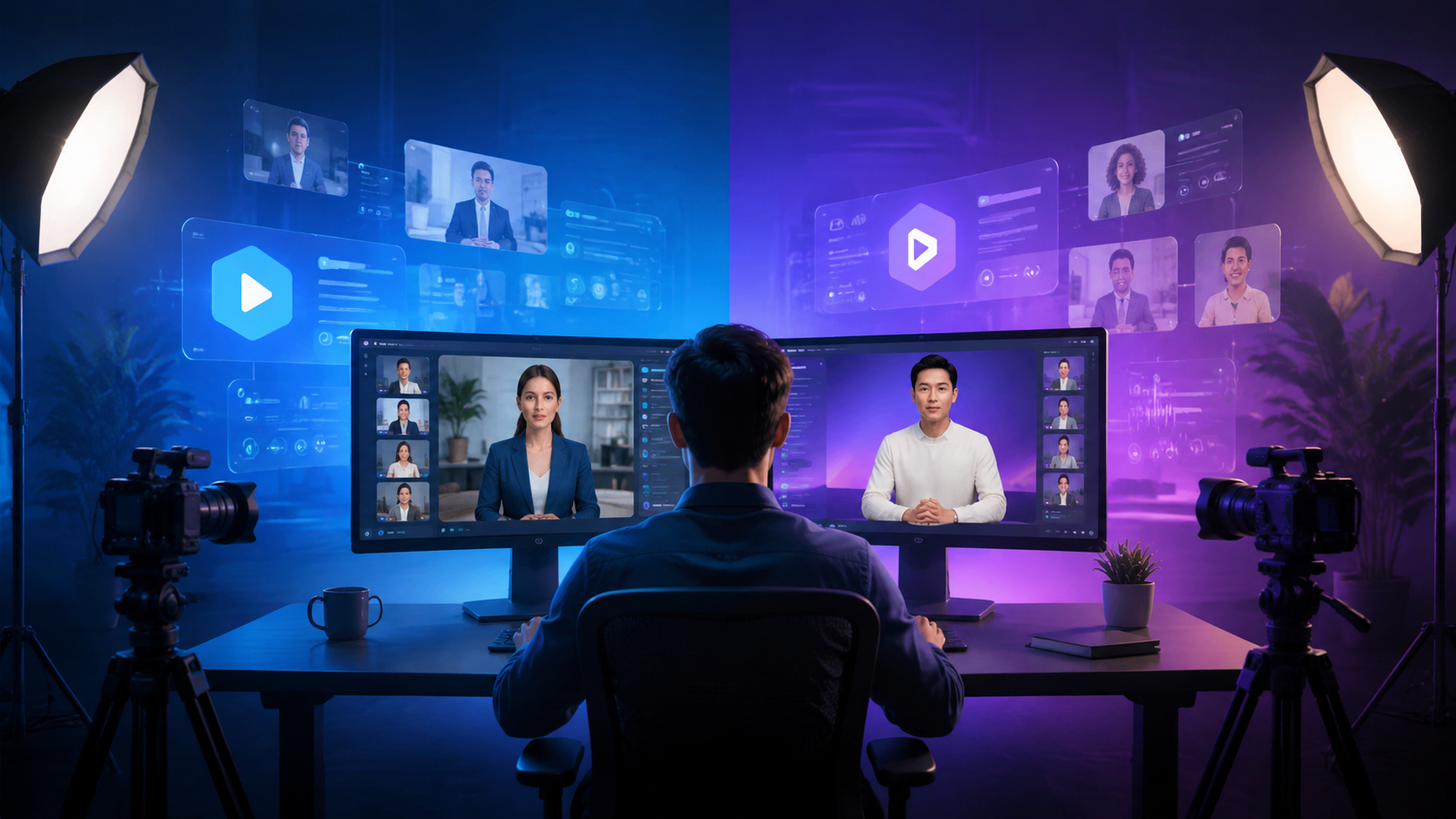
When comparing Synthesia vs HeyGen review results, the most striking difference is how lifelike the avatars appear. HeyGen’s recent update (early 2026) introduced “Neural Expression” technology that maps facial micro-movements more accurately. In a Unite.AI review published April 2, 2026, the author described their own cloned HeyGen avatar as “scary real,” noting that it captured subtle head tilts and eye blinks that made the video indistinguishable from a real recording.
Synthesia’s Approach to Realism
Synthesia, on the other hand, prioritizes consistency over absolute realism. Its avatars are designed to look professional and trustworthy—ideal for corporate training videos, product demos, and internal communications. The avatars have a slightly “clean” appearance that avoids the uncanny valley, but they may not fool a viewer into thinking a real person is speaking. Synthesia also offers 140+ pre-built avatars, so you can choose one that matches your brand’s diversity requirements without needing to clone yourself.
HeyGen’s Cloning Speed and Quality
HeyGen’s custom avatar cloning is remarkably fast: you can upload a 2-minute video or even a single photo, and within 15 minutes you have a working avatar. The Unite.AI reviewer noted that the clone’s voice and lip-sync were near-perfect, though occasional artifacts appeared in complex hand gestures. For content creators who want to put their own face in videos without filming, HeyGen is the clear winner.
Ease of Use and Video Creation Workflow
Both tools are designed for non-technical users, but their workflows differ significantly. Synthesia follows a script-first model: you write your script, choose an avatar, and then edit the timeline to add visuals, background music, and transitions. HeyGen, by contrast, is more of a “one-click” generator—you paste your text, select an avatar, and the video is rendered in seconds.
Synthesia’s Studio Editor
Synthesia’s web-based studio includes a full timeline editor similar to Adobe Premiere Rush. You can drag and drop scenes, adjust avatar position, add text overlays, and even insert stock footage. This makes it perfect for longer videos (up to 30 minutes) where you need precise control. The built-in teleprompter ensures your avatar’s speech matches the script perfectly.
HeyGen’s Simplicity for Short Videos
HeyGen is optimized for quick output. You can generate a 30-second social media clip in under a minute. The interface is minimal: choose an avatar, type your script, and hit “generate.” HeyGen also offers a “video from URL” feature (similar to Synthesys, as noted in a Unite.AI review April 9, 2026), where you paste a blog link and the tool extracts the text to create a video automatically.
According to Techpoint Africa’s June 2025 review of HeyGen alternatives, HeyGen’s speed was its standout advantage, but users who needed advanced editing often switched to Synthesia.
Pricing and Value for Money
Pricing is a critical factor in the Synthesia vs HeyGen review decision. Both platforms have moved to tiered subscription models in 2026, with free trials available.
Synthesia Pricing Tiers
- Personal – $29/month: 10 video credits (5 minutes each), 140+ avatars, 40+ languages, standard quality.
- Enterprise – Custom pricing: unlimited videos, 4K export, dedicated account manager, custom avatar cloning included.
Synthesia’s personal plan is ideal for solopreneurs and small teams who need a few polished videos per month. The 14-day free trial (watermarked) lets you test the full editor.
HeyGen Pricing Tiers
- Creator – $24/month: 15 minutes of video, 100+ avatars, voice cloning, 1080p export.
- Business – $59/month: 60 minutes, 4K export, custom avatar cloning, priority support.
HeyGen’s Creator plan is slightly cheaper than Synthesia’s Personal plan and includes voice cloning, which Synthesia charges extra for. However, HeyGen’s custom avatar cloning (which many users consider its killer feature) is only available on the Business plan or higher.
Cybernews (November 2025) listed both tools among the “40+ Best AI Tools in 2026,” emphasizing that Synthesia offers better value for corporate users while HeyGen is more cost-effective for individual creators who want ultra-realistic clones.
Use Cases: Which Tool Should You Choose?
Your choice in the Synthesia vs HeyGen review should align with your specific content needs. Below are the most common use cases and which tool handles them best.
Corporate Training and Internal Communications
Choose Synthesia. Its library of diverse, professional avatars and robust timeline editor allow you to create consistent, on-brand training videos. The collaboration features (shared workspaces, version history) make it easy for L&D teams to work together. According to G2 Learn Hub’s April 2026 review, Synthesia was the winner for enterprise-grade video production.
Personal Branding and Social Media Content
Choose HeyGen. If you want to create videos with your own face (or a cloned version of yourself) quickly for TikTok, Instagram, or YouTube Shorts, HeyGen’s speed and realism are unmatched. The Unite.AI reviewer noted that their HeyGen avatar was so realistic that friends couldn’t tell it was AI.
Sales and Marketing Demos
It depends. For polished, scripted product demos that need to look professional, Synthesia’s studio gives you the control to add animations and call-to-action overlays. For rapid A/B testing of different spokesperson styles, HeyGen’s one-click generation lets you swap avatars in seconds.
Language Localization
Both are excellent. Both Synthesia and HeyGen support 40+ languages with AI voiceovers that sound natural. Synthesia has a slight edge in voice quality for European languages, while HeyGen offers better Asian language support according to user forums.
Step-by-Step: How to Create Your First AI Avatar Video
If you’re new to AI avatar tools, here’s a simple step-by-step process that works for both Synthesia and HeyGen. I’ve tested both, and the steps are nearly identical.
- Sign up for a free trial – Visit Synthesia.io or HeyGen.com and create an account. Both offer free trials (14 days for Synthesia, 1 free credit for HeyGen).
- Choose or clone an avatar – Browse the avatar library or upload a video/photo to create a custom clone. For HeyGen, a 2-minute video with clear lighting yields the best results.
- Write your script – Type or paste your script into the text box. Both tools automatically generate voiceovers and sync lip movements.
- Customize the background and visuals – Add images, video clips, or a solid color background. Synthesia offers a full timeline; HeyGen uses a simpler drag-and-drop.
- Preview and adjust timing – Play the video to check lip-sync and pacing. You can adjust voice speed and add pauses.
- Export and share – Render the video in your desired resolution (up to 1080p for most plans, 4K for enterprise). Download or share via a link.
This process takes about 10 minutes for a 1-minute video on HeyGen and 20 minutes on Synthesia due to the extra editing options.
Frequently Asked Questions
Which is better for beginners, Synthesia or HeyGen?
HeyGen is easier for absolute beginners because it requires almost no editing. Synthesia has a steeper learning curve but offers more control.
Can I use my own voice in both tools?
Yes. Synthesia offers voice cloning as a premium add-on. HeyGen includes voice cloning in its Creator plan and above.
Do Synthesia and HeyGen support 4K video export?
Synthesia supports 4K on enterprise plans. HeyGen supports 4K on its Business plan ($59/month). Both export at 1080p on lower tiers.
How realistic are the avatars compared to real humans?
According to a Unite.AI review (April 2026), HeyGen’s cloned avatars can be “scary real.” Synthesia’s avatars are more polished but slightly less lifelike, which some users prefer to avoid the uncanny valley.
Which tool has better customer support?
Synthesia offers 24/7 live chat on all paid plans. HeyGen provides email support and a knowledge base, with priority support on higher tiers.
Can I use these tools for commercial projects?
Yes. Both platforms allow commercial use in their paid plans. Free trials include watermarks that must be removed with a subscription.
In the ever-evolving landscape of AI video generation, the Synthesia vs HeyGen review for 2026 shows two powerful tools serving different needs. Synthesia remains the gold standard for professional, scalable video production, while HeyGen pushes the boundaries of realistic avatar cloning. Test both using their free trials—your ideal tool will depend on whether you value control or realism.



Comments ()