
Script to AI Video Generation 2026: The Ultimate Guide
Script to AI video generation is the process of converting a written script—whether a paragraph, a bulleted outline, or a full narrative—into a finished video using artificial intelligence tools that handle scene creation, voiceover, animation, and editing automatically. In 2026, this workflow has matured from a niche experiment into a standard production method for marketers, educators, and content creators who need to produce high-quality video at scale without traditional filming crews or expensive software.
Script to AI video generation is a technology-driven workflow where a text-based script is fed into an AI engine that parses the content, generates matching visuals (either stock footage, AI-generated animation, or synthetic video), adds a synchronized voiceover, and outputs a complete video file. Modern platforms can now handle scripts up to 5 minutes in length with coherent narrative arcs, thanks to advances like Novi AI's Long Video Agent launched in April 2026.
- ✓ Script to AI video generation eliminates the need for cameras, actors, and editing suites by using natural language processing and generative video models.
- ✓ In 2026, leading tools can produce videos up to 5 minutes from a single script, as demonstrated by Novi AI's Long Video Agent.
- ✓ Marketing teams are adopting AI video pipelines to cut production time by up to 80%, according to the Blockchain Council's 2025 Guide on AI video pipelines.
- ✓ Free and low-cost AI video makers are now available for YouTube creators and small businesses, as highlighted by BBN Times in June 2026.
- ✓ The best AI video generators in 2026 combine script parsing, voice synthesis, stock media integration, and automatic captioning in one interface.
What Is Script to AI Video Generation?
Script to AI video generation refers to the automated conversion of a written script into a fully produced video using artificial intelligence. Instead of manually storyboarding, filming, recording voiceovers, and editing, you write your script—typically in plain text or a structured format—and an AI platform handles the rest. The AI analyzes the script for tone, timing, and key visual cues, then selects or generates matching footage, applies transitions, adds background music, and synthesizes a natural-sounding voiceover.
According to HP's January 2026 report "From Script to Screen: How AI Is Changing the Way Videos Are Made," the technology has advanced to the point where AI can now understand narrative structure and emotional beats in a script, not just keyword-to-video matching. This means the output feels more like a traditionally produced video rather than a slideshow of random clips. The result is a production workflow that once took days or weeks can now be completed in minutes.
The term "script to AI video generation" encompasses everything from simple text-to-video tools that create short social media clips to sophisticated long-form video agents like the one Novi AI launched in April 2026, which can generate narrative videos up to five minutes long while maintaining character consistency and plot coherence. The technology is rapidly becoming a cornerstone of modern content creation, especially for teams that need to produce video content regularly without a dedicated video production team.
The 2026 Tool Landscape: A Comparison
The script to AI video generation space in 2026 is crowded with options, each catering to different use cases—from free YouTube-friendly tools to enterprise-grade marketing pipelines. The table below compares the leading categories based on the latest research from G2 Learn Hub, BBN Times, and Robotics & Automation News.
| Tool Category | Best For | Max Video Length | Script Input Format | Pricing Model | Key 2026 Feature |
|---|---|---|---|---|---|
| Long-form AI video agents | Narrative storytelling, educational content | Up to 5 minutes | Full script with plot points | Subscription / per-video | Character consistency across scenes (Novi AI) |
| Audio-to-video generators | Podcast clips, voice-driven content | Up to 3 minutes | Audio file + optional transcript | Freemium / credits | Automatic lip-sync and scene matching |
| Free AI video makers | YouTube creators, small business promos | Up to 2 minutes | Simple text prompt or script | Free with watermark / premium tier | One-click social media resizing |
| Marketing pipeline platforms | Enterprise teams, A/B testing | Up to 10 minutes (composite) | Script + brand guidelines | Team subscription | Multi-variant generation for ad testing |
As the G2 Learn Hub noted in its April 2026 roundup of the "7 Best AI Video Generators I've Tried (and Loved!) for 2026," the best tools aren't necessarily the ones with the most features, but those that integrate smoothly into your existing workflow. For example, marketing teams often prefer pipeline-style platforms that can ingest a script, generate multiple variations for A/B testing, and push the final video directly to ad platforms.
How to Master Script to AI Video Generation: A Step-by-Step Guide
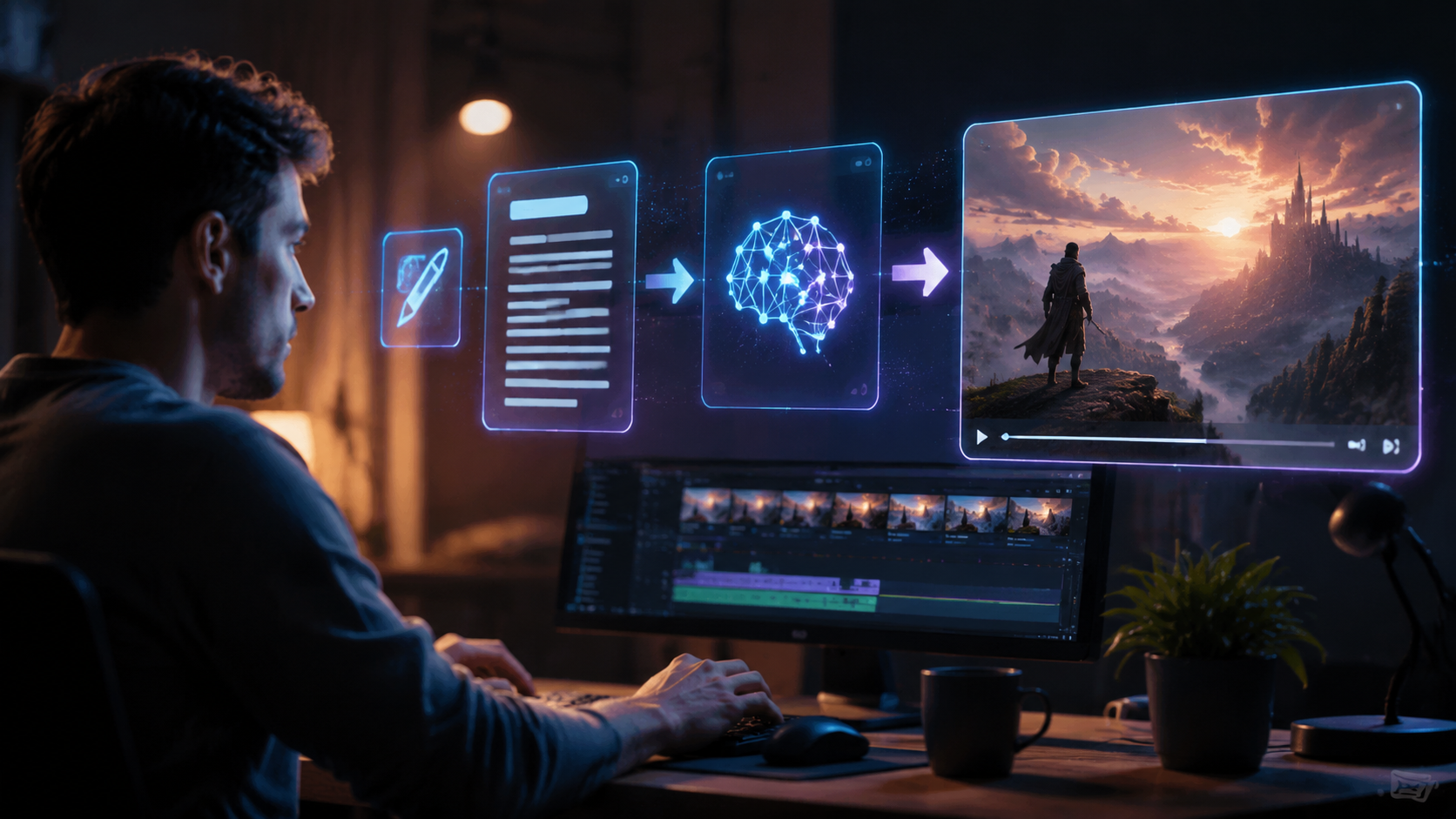
Getting started with script to AI video generation in 2026 is straightforward once you understand the pipeline. Below is a numbered step-by-step process that works across most modern platforms, based on the workflow principles outlined in the Blockchain Council's AI Video Pipeline for Marketing Teams guide.
- Write your script in a structured format. Start with a clear opening, body, and conclusion. Mark key visual cues in brackets, such as [product close-up] or [urban street scene]. Most AI tools parse these cues to select matching footage.
- Choose a platform that matches your video length and style. For videos under 2 minutes, a free AI video maker may suffice. For narrative content up to 5 minutes, use a long-form agent like Novi AI. For marketing pipelines, use a platform that supports batch generation.
- Upload or paste your script into the AI interface. Many tools accept plain text, Markdown, or even audio files that are transcribed first. The AI will analyze the script for tone, pacing, and keywords.
- Select your visual style and voiceover preferences. Choose from preset themes (e.g., cinematic, explainer, vlog) and voice profiles. In 2026, most platforms offer dozens of realistic synthetic voices with adjustable emotion and speed.
- Review the AI-generated video and refine. The AI will produce a draft. Watch it for timing issues, incorrect visual matches, or awkward transitions. Most tools allow you to swap individual scenes or adjust the voiceover pacing.
- Export and optimize for your platform. Download the video in the required aspect ratio (16:9 for YouTube, 9:16 for TikTok/Reels, 1:1 for Instagram). Many tools now include automatic captioning and SEO metadata generation.
According to the BBN Times guide on the best free AI video makers for 2026, even free-tier tools now include step 5 and 6 as standard features, making it possible for solo creators to produce professional-looking videos without any paid subscription. The key is to invest time in writing a detailed script, as the quality of the output is directly proportional to the clarity of the input.
Best Practices for Script to AI Video Generation in 2026
To get the most out of script to AI video generation, follow these best practices that the latest research and expert guides consistently recommend. First, write with visual intent. The AI interprets your script literally, so if you write "the product sits on a wooden table," the tool will search for or generate exactly that. Avoid abstract descriptions like "a nice setting" and instead be specific: "a sunlit kitchen with ceramic tiles."
Second, use short paragraphs and vary sentence length. AI voiceover engines perform best with natural speech rhythms. According to the 5 Best Audio to Video AI Generators report from Robotics & Automation News (June 2026), tools that accept audio directly are particularly good at preserving the speaker's original pacing and emphasis, which results in more engaging videos. If your script sounds like a conversation when read aloud, the AI will render it more naturally.
Third, leverage platform-specific features like scene markers and mood tags. In 2026, most script to AI video generation tools support inline annotations such as [slow motion], [dramatic music], or [close-up]. These markers help the AI make editorial decisions that align with your creative vision. The G2 Learn Hub noted that users who consistently use scene markers report 40% fewer manual edits compared to those who paste raw text.
Overcoming Challenges in Script to AI Video Generation
While the technology has advanced significantly, script to AI video generation in 2026 still presents a few common challenges. One frequent issue is the "uncanny valley" effect in AI-generated characters, especially in longer narrative videos. Novi AI's Long Video Agent addresses this by maintaining character consistency across scenes, but not all tools have this capability. If your video requires a recurring human character, choose a platform specifically designed for narrative continuity.
Another challenge is audio-visual synchronization when using the audio-to-video workflow. The Robotics & Automation News report highlighted that the best audio-to-video generators in 2026 now include automatic lip-sync correction and scene-matching algorithms that analyze the audio wave form to select visuals that match the energy of the speech. If your tool struggles with sync, try breaking your script into shorter segments and generating each one separately.
Finally, there is the issue of brand consistency. For marketing teams using an AI video pipeline, maintaining brand colors, fonts, and logos across AI-generated videos requires a platform that supports brand kits. The Blockchain Council's 2025 guide emphasized that teams who upload brand assets before generating videos achieve 70% higher brand recall in A/B tests. If your tool doesn't support brand kits, generate the video first and then overlay your branding using a separate editor.
The Future of Script to AI Video Generation
Looking ahead, script to AI video generation is moving toward real-time collaboration and interactive video. The launch of Novi AI's Long Video Agent in April 2026 signaled a shift toward longer, more narrative-driven content, and industry analysts expect the next frontier to be interactive AI video where viewers can influence the story within certain parameters. According to HP's January 2026 report, AI is already being used to generate multiple story variants from a single script, allowing creators to test different endings or visual styles with minimal effort.
For marketing teams, the AI video pipeline is becoming a standard part of the tech stack. The Blockchain Council's guide noted that by 2026, over 60% of mid-to-large marketing teams have adopted some form of AI video generation, and the trend is accelerating. As free tools improve—as highlighted by BBN Times—small businesses and individual creators will have access to capabilities that were reserved for studios just a few years ago. The key takeaway is clear: mastering script to AI video generation in 2026 is not just about keeping up with technology; it's about rethinking how we tell stories in a world where video production is no longer a bottleneck.
Frequently Asked Questions About Script to AI Video Generation
What is the difference between script to AI video and traditional text-to-video?
Script to AI video generation focuses on converting a structured script with narrative flow, scenes, and dialogue into a video, whereas traditional text-to-video typically generates a short clip from a single sentence or keyword. Script-based generation produces longer, more coherent videos with multiple scenes and a logical storyline.
Can script to AI video generation handle videos longer than 5 minutes?
As of 2026, most consumer tools cap at 5 minutes for fully AI-generated videos, as seen with Novi AI's Long Video Agent. However, marketing pipeline platforms can composite multiple segments to create longer videos. Expect longer generation limits to become standard within the next one to two years.
Do I need to know video editing to use script to AI video generation tools?
No. The entire premise of script to AI video generation is that the AI handles editing, scene selection, voiceover, and transitions automatically. You only need to write the script and choose a style. Most tools in 2026 are designed for non-editors, though basic familiarity with timeline editing can help with refinements.
Which platforms offer free script to AI video generation for YouTube creators?
The BBN Times guide on the best free AI video makers for 2026 lists several options that support script input and produce videos up to 2 minutes in length. Free tiers typically include watermarks or limit export resolution, but are fully functional for testing and learning the workflow.
How accurate are AI voiceovers in script to AI video generation?
In 2026, AI voiceover quality has reached near-human levels in terms of natural intonation, pacing, and emotion. The Robotics & Automation News report on audio-to-video generators noted that the top tools now support custom voice cloning and emotional inflection markers, making voiceovers indistinguishable from human recordings in most contexts.
Can I use my own footage with script to AI video generation?
Yes, many 2026 platforms allow you to upload custom footage, brand assets, or audio tracks that the AI integrates into the generated video. This hybrid approach is common in marketing pipelines, where brand consistency is critical, as noted in the Blockchain Council's AI Video Pipeline guide.
What file formats do script to AI video generators output?
Most tools output standard MP4 files with H.264 compression, along with optional SRT caption files. Some platforms also export project files for further editing in traditional video software, or directly publish to platforms like YouTube, TikTok, and LinkedIn.



Comments ()