
Script for AI Video Generation 2026: Ultimate Guide
A script for AI video generation is a structured text document that serves as the blueprint for an AI-powered video creation tool, guiding everything from visuals and voiceover to pacing and transitions. In 2026, mastering this script format is the single most important skill for producing professional-grade videos in minutes, as AI video automation systems have evolved to turn text into fully rendered scenes with minimal human intervention.
A script for AI video generation is a purpose-built text file that combines narrative, visual cues, and timing instructions to enable AI video generators to produce coherent, engaging videos. Unlike traditional screenwriting, it uses structured prompts, scene descriptors, and formatting that AI models can parse directly, making it the essential input for tools that convert script to screen in minutes.
- ✓ AI video scripts now include metadata tags for visual style, camera angles, and audio cues, enabling fully automated production.
- ✓ Leading platforms in 2026, such as Novi AI’s Long Video Agent, can generate narrative videos up to 5 minutes from a single script.
- ✓ Free AI video makers have become sophisticated enough for YouTube creators to produce high-quality content without any editing software.
- ✓ The evolution from script to screen has reduced average production time from days to under 30 minutes for standard explainer videos.
- ✓ Writing an effective script requires balancing human creativity with AI-specific formatting rules to avoid common generation errors.
How to Write a Script for AI Video Generation: Step-by-Step Guide
Creating a script for AI video generation in 2026 follows a clear, repeatable process. Below is a step-by-step method used by professional content creators to get consistent, high-quality results from AI video tools.
- Define your core message and target audience. Before writing a single word, decide the video’s purpose — educational, promotional, or narrative — and who it is for. This influences tone, pacing, and visual style.
- Structure your script into scenes or segments. Break the video into 15–30 second chunks. For each segment, write a short narration (2–3 sentences) and a corresponding visual prompt. Use brackets or tags like
[SCENE: medium shot, bright office, two people talking]. - Incorporate timing and pacing cues. AI video generators respect timing markers. Add
[0:00–0:05]or[PAUSE 2s]to control rhythm. For example:[0:00–0:10] Voiceover: "Imagine a world where script writing is this easy." - Optimize for the specific AI tool. Different platforms (e.g., Novi AI, VideoGen AI) use slightly different prompt formats. Check the tool’s documentation and adapt your script — some prefer JSON-like structures, others plain text with line breaks.
- Add reference styles and mood tags. Include keywords like “cinematic lighting,” “animated infographic,” or “realistic 3D render” in your script to guide the AI’s visual output. According to a 2026 review by Cybernews, VideoGen AI performs best when scripts include explicit style descriptors.
- Review and iterate. Generate a first draft from the AI, watch it, and refine the script. Most professionals run 2–3 iterations, adjusting scene descriptions and narration length to fix awkward transitions.
Understanding the Role of Scripts in AI Video Generation
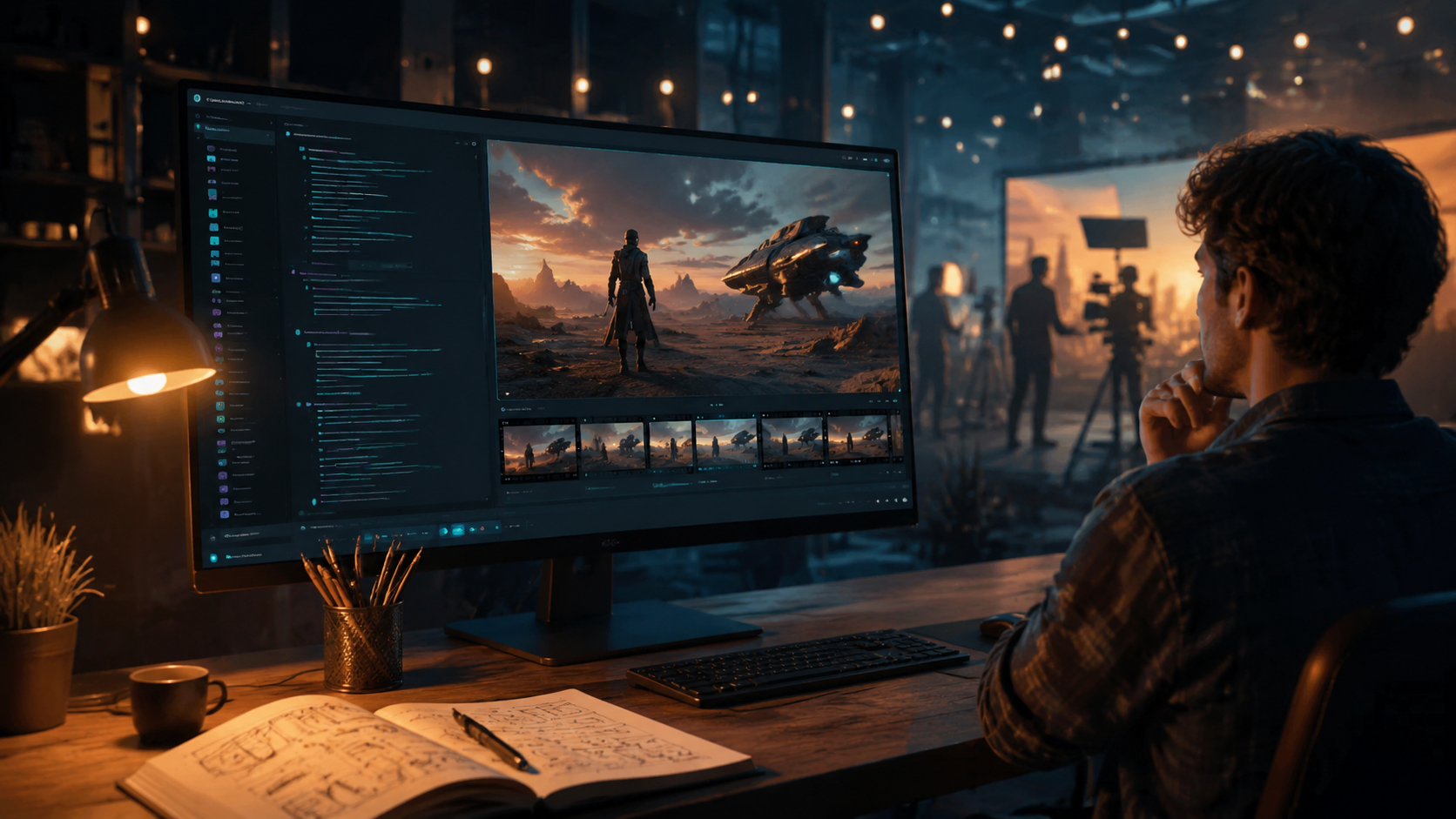
In 2026, the script for AI video generation is no longer just a written plan — it is the primary input that controls the entire production pipeline. As HP noted in January 2026, “AI is changing the way videos are made from script to screen,” meaning the script itself has become a technical document that must be both creative and machine-readable.
Why Traditional Scripts Don’t Work
Standard screenplays rely on human interpretation. A director reads “close-up of a smiling face” and decides how to shoot it. An AI video generator, however, needs explicit details: angle, lighting, color palette, and even the emotional tone of the actor’s expression. A script for AI video generation must therefore include scene descriptors, style tags, and timing markers that the AI can parse without ambiguity.
The Evolution of Script Formats
According to Techcircle’s report on the evolution of AI video automation systems (May 2026), the industry has moved from simple text prompts to structured “script schemas” that combine narration, visual cues, and metadata in a single file. Tools like Novi AI’s Long Video Agent, launched in April 2026 and covered by Yahoo Finance, accept scripts with up to 5 minutes of narrative content, using a proprietary format that includes scene transitions and audio overlays.
Key Elements of an Effective Script for AI Video Generation
Writing a script that produces great AI videos requires more than just good storytelling. Based on the latest tools and practices in 2026, here are the critical components your script must include.
Clear Narration with Pacing Marks
Your script should have a distinct voiceover track written in a conversational tone. Add [PAUSE] or [EMPHASIS] markers to control delivery. The Robotics & Automation News article on the 5 Best Audio to Video AI Generators highlighted that the top tools now accept timing annotations directly in the script, allowing creators to synchronize audio with visuals without separate editing.
Visual Scene Descriptors
For each segment, write a one-line visual description. Example: [VISUAL: Animated chart showing growth, blue background, text overlay "2026"]. The BBN Times guide to free AI video makers for YouTube creators recommends using at least one visual descriptor per 10 seconds of video to keep the AI on track.
Style and Tone Tags
Include global style tags at the top of your script, such as #STYLE: cinematic, warm colors, slow motion. These act as a master filter for the entire generation. Many 2026 tools, including those reviewed in the VideoGen AI review, allow you to set a “style profile” that can be overridden per scene.
Top Tools for Script-to-Video in 2026: Comparison Table
Choosing the right platform depends on your script’s complexity and your budget. Below is a comparison of leading tools mentioned in recent research, based on their script handling capabilities.
| Tool / Platform | Max Script Length | Script Format | Key Feature | Pricing (2026) |
|---|---|---|---|---|
| Novi AI Long Video Agent | Up to 5 minutes | Structured JSON with scene blocks | Narrative video creation with character consistency | Freemium (pro from $29/mo) |
| VideoGen AI | Up to 3 minutes | Plain text with style tags | Realistic human avatars and lip-sync | $19/mo (free tier available) |
| Best Audio-to-Video Generators (various) | Varies (typically 2–4 min) | Audio-first script with visual prompts | Converts audio narration to full video automatically | Free–$15/mo |
| Free AI Video Makers (BBN Times guide) | Up to 1 minute | Simple text prompts | Ideal for YouTube shorts and social clips | Free (watermarked) |
How to Optimize Your Script for Different AI Video Platforms
Not all AI video generators interpret scripts the same way. In 2026, the most successful creators tailor their script for AI video generation to the specific tool’s strengths.
For Narrative-Focused Tools (e.g., Novi AI)
Use a script that emphasizes character dialogue and scene progression. Novi AI’s Long Video Agent, as reported by Yahoo Finance, excels at maintaining narrative continuity over 5 minutes. Structure your script with clear act breaks — beginning, middle, end — and include character descriptions in the metadata. Avoid abrupt scene changes; the AI works best with smooth transitions.
For Audio-to-Video Generators
When using tools highlighted by Robotics & Automation News, your script should be audio-first. Write the voiceover as a complete audio track, then add visual prompts as annotations. These tools often generate video that matches the rhythm of the spoken word, so include [CUT] and [TRANSITION] markers at natural pauses in the narration.
For Free AI Video Makers
The BBN Times guide emphasizes simplicity. For free tools, keep your script under 60 seconds and use short, punchy sentences. Avoid complex scene descriptions — use single keywords like “office,” “nature,” or “abstract” as visual cues. The AI will fill in the rest, but the result is best for social media clips, not long-form content.
Common Mistakes to Avoid When Writing a Script for AI Video Generation
Even experienced creators fall into traps that ruin AI-generated videos. Based on industry feedback and the VideoGen AI review from Cybernews, here are the most frequent errors.
- Overloading the script with text. AI generators struggle with dense narration. Keep each segment to 2–3 sentences max, or the voiceover may become robotic or rushed.
- Ignoring platform-specific formatting. Using plain text for a tool that expects JSON, or vice versa, will cause generation errors. Always check the tool’s documentation.
- Omitting visual cues entirely. A script without scene descriptors leaves the AI to guess, often producing generic or mismatched visuals. Every segment should have at least one visual tag.
- Using inconsistent style tags. If you set
#STYLE: cinematicat the top but then write[VISUAL: cartoon]in a scene, the AI may produce conflicting outputs. Keep style tags consistent or use scene-level overrides carefully. - Forgetting to test with short clips. Many creators write a full 5-minute script and generate it all at once, only to find errors. Instead, generate 30-second test segments to validate each part of the script.
The Future of AI Video Scripting: What 2026 Research Tells Us
The landscape of AI video generation is evolving rapidly. The HP article from January 2026 predicted that by the end of the year, scripts would become interactive — allowing real-time adjustments during generation. Meanwhile, Techcircle’s May 2026 report on the evolution of AI video automation systems highlighted that AI models are now learning to “read between the lines” of scripts, inferring emotional beats and visual metaphors without explicit instruction.
Novi AI’s launch of the Long Video Agent in April 2026, as covered by Yahoo Finance, marks a shift toward longer, narrative-driven content. This suggests that future scripts for AI video generation will need to include character arcs, plot points, and even scene numbering to help the AI maintain coherence over extended runtimes. The Robotics & Automation News list of best audio-to-video generators also indicates that script formats are converging toward a universal standard, which could simplify cross-platform workflow in the near future.
As of June 2026, the most effective approach remains a hybrid: human creativity in structuring the story and emotional core, combined with AI-friendly formatting to ensure the machine executes the vision correctly. Mastering the script for AI video generation is not just a technical skill — it is the key to unlocking the full potential of modern video automation.
Frequently Asked Questions About Scripts for AI Video Generation
What is a script for AI video generation?
A script for AI video generation is a structured text document that combines narration, visual prompts, timing markers, and style tags to guide an AI video generator in producing a complete video. It replaces traditional screenwriting with a machine-readable format.
How long should my AI video script be?
Keep each scene segment to 2–3 sentences of narration. The total script length depends on the tool’s limit — Novi AI supports up to 5 minutes, while free makers often cap at 1 minute. Aim for 150–200 words per minute of video.
Can I use a traditional screenplay as a script for AI video generation?
Not directly. Traditional screenplays lack the explicit visual cues, timing markers, and style tags that AI tools require. You must adapt them by adding scene descriptors and formatting them for the specific platform.
Do I need to write scripts differently for free vs. paid AI video makers?
Yes. Free tools (as highlighted in the BBN Times guide) work best with short, simple scripts — under 60 seconds with single-word visual cues. Paid tools like VideoGen AI or Novi AI accept longer, more detailed scripts with structured formatting.
How do I add timing and pacing to my AI video script?
Use time markers like [0:00–0:05] or pause annotations such as [PAUSE 2s]. Place them before or after narration lines. Most 2026 AI video generators respect these markers to control the rhythm of the final output.
What are the best tools for script-to-video in 2026?
Based on recent research, top tools include Novi AI Long Video Agent (up to 5 minutes), VideoGen AI (realistic avatars), and various audio-to-video generators listed by Robotics & Automation News. The best choice depends on your script’s length and complexity.
Can I generate a video from an audio file alone?
Yes. The 5 Best Audio to Video AI Generators featured in Robotics & Automation News (June 2026) can convert an audio narration into a full video, but you still need a script — either written beforehand or transcribed from the audio — to guide visual generation.



Comments ()