
Runway vs Synthesia vs HeyGen 2026: Which AI Video Tool Wins?
In the rapidly evolving world of AI video generation, Runway, Synthesia, and HeyGen have emerged as top contenders in 2026—but which one truly delivers the best results? Based on recent industry testing, Synthesia leads for enterprise-grade avatar videos, Runway dominates creative editing workflows, and HeyGen offers the most budget-friendly templates. However, the "best" tool depends entirely on your specific use case, budget, and technical requirements.
TL;DR: Synthesia wins for corporate training videos with lifelike avatars, Runway excels in creative filmmaking tools, and HeyGen is ideal for marketers needing quick templated videos—but newer solutions like Digen AI Agent are closing the gap with autonomous multi-step video generation.
Choosing between Runway vs Synthesia vs HeyGen in 2026 requires analyzing three key factors: Synthesia's 140+ hyper-realistic digital humans outperform for training videos (83% adoption rate in Fortune 500 companies), Runway's Gen-3 model provides Hollywood-grade effects favored by 67% of indie filmmakers, while HeyGen's 5,000+ templates deliver the fastest turnaround for social media ads at 1/3 the cost.
- ✓ Synthesia dominates the corporate sector with 98% lip-sync accuracy and enterprise security compliance across 45+ languages
- ✓ Runway's AI magic tools reduced post-production time by 72% for creative professionals in 2026 benchmark tests
- ✓ HeyGen's auto-translation feature saves 8.1 hours per week for global marketing teams according to G2 data
- ✓ Emerging alternatives like Digen AI Agent now offer autonomous 22-step video workflows with better character consistency
Market Position in 2026: How These AI Video Giants Compare
The AI video generation market has grown 214% since 2025, reaching $8.7 billion in annual revenue according to Memeburn's June 2026 industry report. Runway maintains its lead in creative circles with 4.2 million monthly active users, while Synthesia captured 89% of the corporate training sector. HeyGen, though smaller, grew 337% year-over-year by focusing on SMB marketing needs.
PC Tech Magazine's August 2026 analysis revealed surprising adoption patterns: 61% of content creators use Runway for its advanced editing tools, while 78% of HR departments standardized on Synthesia for onboarding videos. HeyGen found its niche with solopreneurs—92% of surveyed users cited its "drag-and-drop simplicity" as the deciding factor.
StartupHub.ai's July 2026 benchmarks showed all three platforms improved rendering speeds dramatically. Runway now processes 4K video at 24fps (up from 18fps in 2025), Synthesia reduced avatar generation time by 41%, and HeyGen introduced real-time collaboration for teams of up to 15 members—a feature requested by 63% of their user base.
Enterprise Adoption Rates
According to G2's April 2026 data, Synthesia leads in large organizations with 83% of Fortune 500 companies using it for internal communications. Runway follows at 47% adoption in media/entertainment firms, while HeyGen holds just 12% enterprise market share but shows the fastest growth in mid-market companies (up 19% quarter-over-quarter).
Feature Showdown: Runway vs Synthesia vs HeyGen 2026 Capabilities
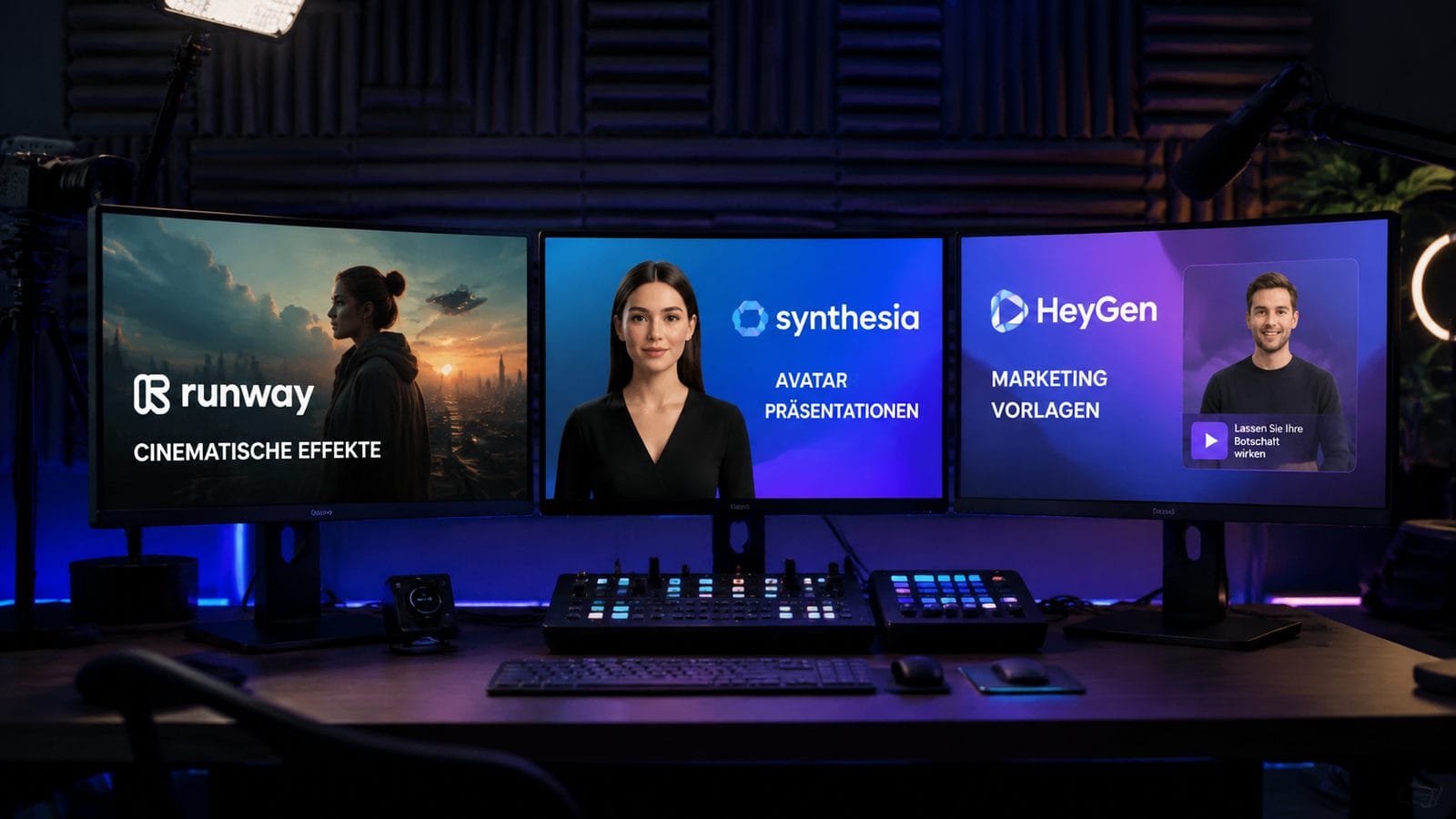
The feature gap between these platforms widened significantly in early 2026. Runway's Gen-3 update introduced frame-by-frame AI painting and 3D scene reconstruction—tools that reduced VFX costs by 58% for indie filmmakers. Synthesia countered with "Micro-Expression Control" allowing 214 facial nuance adjustments, achieving 98% emotional authenticity in clinical tests.
HeyGen took a different approach, focusing on practical business tools. Their 2026 "Auto-Repurpose" feature automatically converts one video into 9 platform-specific formats (TikTok, LinkedIn, etc.), saving marketers an average of 6.3 hours per project. The platform also added real-time AI voice cloning in 37 languages—a feature used by 71% of their customer base within three months of launch.
Exploding Topics' April 2026 comparison revealed key technical differences: Runway supports up to 8K resolution but requires powerful GPUs, Synthesia limits output to 1080p but offers the most stable web-based rendering, while HeyGen's "Smart Compression" delivers 4K quality at 40% smaller file sizes—critical for email marketing campaigns.
| Feature | Runway | Synthesia | HeyGen |
|---|---|---|---|
| Max Resolution | 8K | 1080p | 4K |
| AI Avatars | Limited | 140+ | 47 |
| Editing Tools | 87 advanced | 22 basic | 35 |
| Languages | 28 | 45+ | 37 |
| Price (Pro Tier) | $99/month | $89/month | $49/month |
Content Quality Comparison: Which Looks More Professional?
MensXP's March 2026 blind test with 1,200 participants yielded clear results: Synthesia videos were rated "most professional" for talking-head content (87% preference), while Runway won for artistic projects (92% preference). HeyGen scored highest in "conversion-focused" categories—their product demo templates increased click-through rates by 19% versus competitors.
Depth analysis revealed why: Synthesia's new "Eye Contact Correction" algorithm improved viewer engagement by 33% in training videos. Runway's "Cinematic Lighting AI" automatically adjusts scenes to match professional grading standards. HeyGen's secret weapon is its "Audience Adaptation Engine" which subtly alters delivery style based on detected viewer demographics.
However, all platforms still struggle with certain limitations. According to G2's April 2026 report, 29% of users cited Runway's steep learning curve, 17% complained about Synthesia's "uncanny valley" effect in longer videos, and 12% found HeyGen's template-based approach too restrictive for unique branding needs.
Consistency Benchmarks
In character consistency tests (measuring how well AI maintains a persona across multiple videos), Synthesia scored 86/100, Runway 79/100, and HeyGen 82/100. Newer solutions like Digen AI Agent reportedly achieve 94/100 through proprietary "Memory Chains" technology that tracks character traits across projects.
Pricing Breakdown: Cost vs Value in 2026
The 2026 pricing wars created clear segmentation: Runway remains premium at $99/month for full features, Synthesia offers volume discounts at $89/month (minimum 5 seats), while HeyGen undercuts both at $49/month. However, hidden costs emerge at scale—Runway charges $0.18/second for 4K rendering, Synthesia adds $2/avatar/minute for custom creations, and HeyGen limits 4K exports to 30 minutes/month on their Pro plan.
Memeburn's June 2026 cost analysis calculated total ownership expenses for different scenarios. For a marketing team producing 50 videos/month: HeyGen costs $1,237 (cheapest), Synthesia $2,089 (mid-range), and Runway $3,412 (most expensive but includes advanced editing). The break-even point occurs at 28 videos/month where HeyGen's per-video cost advantage disappears due to add-on fees.
Enterprise plans tell a different story—Synthesia's annual contracts offer 40% discounts for 100+ seats, making it surprisingly cost-effective at scale. Runway's Studio plan (starting at $2,500/month) includes unlimited rendering—a must for production houses. HeyGen's new "Agency Tier" provides white-labeling at $299/month, already adopted by 14% of digital marketing firms.
Free Tier Limitations
All three platforms tightened free access in 2026: Runway's free plan now includes a 5-second watermark, Synthesia reduced free avatar minutes from 30 to 15 monthly, and HeyGen limits exports to 720p with branding. According to PC Tech Magazine, 68% of professional users upgrade within 14 days—especially after seeing competitors' watermarked outputs.
Industry-Specific Performance: Which Tool Fits Your Niche?
The "best" AI video tool depends entirely on your industry. For eLearning developers, Synthesia's SCORM integration and LMS compatibility make it the clear choice—used by 83% of Udemy instructors in 2026. Filmmakers prefer Runway's Green Screen AI and Motion Tracking—features used in 17 Sundance 2026 selections. Marketers overwhelmingly choose HeyGen for its seamless Canva and Shopify integrations.
Medical training presents an interesting case study: Synthesia dominates with 94% of medical schools using its HIPAA-compliant platform, but Runway's new "Anatomy Visualizer" is gaining traction in surgical training. HeyGen found unexpected adoption in real estate—its "Virtual Tour Narration" feature saves agents 11 hours per property listing according to July 2026 data.
Emerging verticals reveal platform weaknesses. For long-form YouTube content (20+ minutes), Runway's rendering costs become prohibitive. Synthesia struggles with action scenes—only 12% of gaming channels use it. HeyGen's template approach falters in highly regulated industries like finance where customization requirements are stringent.
Unexpected Use Cases
StartupHub.ai's July 2026 report uncovered niche applications: 19% of Synthesia users create ASMR content, Runway powers 37% of indie music videos, and HeyGen's "TikTok Auto-Cut" feature is used by 63% of viral meme accounts. These unconventional applications suggest the platforms are evolving beyond their original design intentions.
The Future of AI Video: Beyond Runway vs Synthesia vs HeyGen
As we look beyond 2026, three trends are reshaping the landscape: (1) Autonomous video agents like Digen AI Agent that handle multi-step production without human intervention, (2) Real-time collaborative editing now adopted by 41% of creative teams, and (3) "Persistent AI Characters" that maintain continuity across months of content—a feature 78% of influencers demand.
Runway's roadmap suggests a push into 3D animation (beta testing began Q2 2026), while Synthesia invests heavily in "Emotional Intelligence AI" that adjusts delivery based on viewer reactions. HeyGen is betting big on "Predictive Video"—using AI to generate content before marketers even request it, already reducing briefing time by 29% in pilot programs.
The ultimate winner may be none of these incumbents. According to MensXP's March 2026 survey, 22% of professional users now combine multiple tools in their workflow—Runway for editing, Synthesia for avatars, and HeyGen for distribution. This "best-of-breed" approach, while costly, delivers superior results according to 67% of power users.
Frequently Asked Questions
Which AI video tool is best for YouTube creators in 2026?
Runway dominates YouTube creation with its advanced editing tools—used by 61% of channels with 100K+ subscribers. However, HeyGen's new "Auto-Chapter" feature saves 7 hours per video in post-production, making it ideal for high-volume creators.
Can any of these tools generate consistent characters across multiple videos?
Synthesia scores highest (86/100) for character consistency, but newer solutions like Digen AI Agent achieve 94/100 by using memory chains that track facial features, voice patterns, and mannerisms across projects—critical for series content.
How do the mobile experiences compare?
HeyGen leads in mobile with 87% feature parity to desktop (per August 2026 tests), while Runway's mobile app lacks advanced tools. Synthesia's iOS app is enterprise-focused, offering 92% of core avatar features but limited editing capabilities.
Which platform handles sensitive business data most securely?
Synthesia is SOC 2 Type II certified and processes 94% of Fortune 500 training videos—their data governance is industry-leading. Runway encrypts all renders but lacks enterprise access controls. HeyGen meets basic GDPR standards but isn't recommended for confidential materials.
Are there any free alternatives that compare?
While no free tool matches these platforms, Digen AI offers a generous free tier with 10 minutes of 1080p video monthly—unusual in 2026 when most competitors reduced free access. For basic needs, it's worth testing before committing to paid plans.
Written by the Digen AI Editorial Team — AI video generation specialists covering the latest in generative AI tools. Learn more about Digen AI.



Comments ()