
Runway Gen 2 vs Gen 3 Comparison: 2026 Ultimate Guide
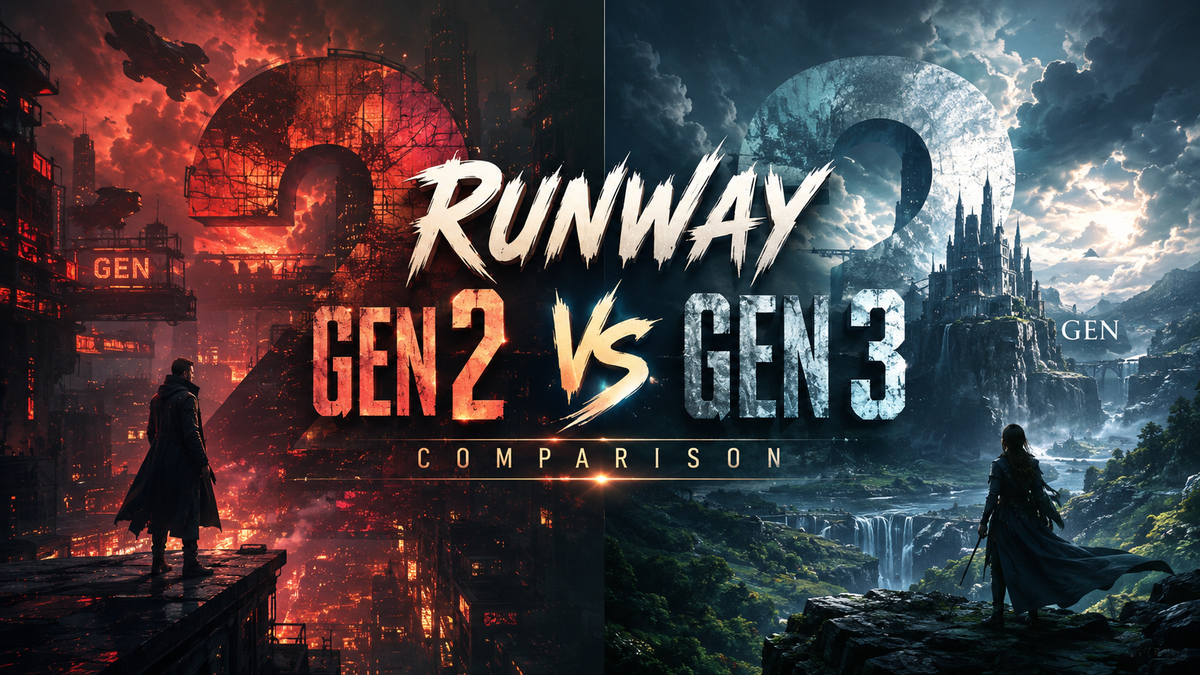
Runway Gen 2 and Gen 3 represent two distinct eras in AI video generation. Gen 2 brought text-to-video to the mainstream, while Gen 3 dramatically improved resolution, motion realism, and consistency. In this 2026 comparison guide, we break down every difference to help you decide which model fits your creative workflow.
Runway Gen 2 is the pioneering AI video model that first allowed creators to generate short clips from text prompts. Gen 3 is its direct successor, offering higher resolution (up to 1080p), smoother motion, better temporal coherence, and faster generation speeds. For most professional use cases in 2026, Gen 3 is the clear winner, though Gen 2 remains useful for rapid prototyping and low-budget projects.
- ✓ Gen 3 delivers 4× the resolution of Gen 2 (1080p vs 540p) with significantly reduced artifacts.
- ✓ Motion quality improved dramatically – Gen 3 handles complex camera movements and object interactions that Gen 2 could not.
- ✓ Generation speed is 30–50% faster on Gen 3, making it viable for iterative workflows.
- ✓ Gen 2 still holds value for quick tests and nostalgic “lo-fi” aesthetics, but Gen 3 is the industry baseline in 2026.
Understanding the Runway Gen 2 vs Gen 3 Evolution
Runway launched Gen 2 in early 2023, becoming one of the first platforms to offer public text-to-video generation. It allowed creators to produce 4-second clips at around 540p resolution. Despite its limitations – flickering, warping, and short duration – Gen 2 sparked a revolution in AI filmmaking. According to Tom’s Guide (July 2025), after 200 hours of testing AI video generators, they noted that Gen 2 “was the gateway drug for many creators.”
Gen 3 arrived in mid-2024 with a complete architecture overhaul. It introduced 1080p output, longer clip durations (up to 10 seconds), and a new temporal attention mechanism that drastically reduced flickering. By late 2025, Runway had already shipped Gen-4, but Gen 3 remains widely used and supported. The Memeburn guide (June 2026) ranked Gen 3 as one of the top AI video tools for marketers, praising its “balance of quality and speed.”
Key Differences Between Runway Gen 2 and Gen 3

The table below summarizes the most important technical and practical differences between the two models.
| Feature | Runway Gen 2 | Runway Gen 3 |
|---|---|---|
| Maximum resolution | 540p (960×540) | 1080p (1920×1080) |
| Clip duration | 4 seconds | 10 seconds (extendable via inpainting) |
| Motion quality | Basic, often jerky; limited camera movement | Smooth, cinematic motion; supports pans, zooms, and complex object interactions |
| Text-to-video accuracy | Moderate – often misinterprets prompts | High – better semantic understanding and style adherence |
| Image-to-video | Available, but with frequent warping | Significantly improved – maintains identity and structure |
| Generation speed | ~30 seconds per clip (on average) | ~15–20 seconds per clip |
| Style control | Limited to basic keywords (e.g., “cinematic”) | Advanced – supports negative prompts, style presets, and seed control |
| API availability | Limited; deprecated for new projects | Full API with batch processing (used by Seedance 2.0 and Sora competitors) |
Performance Benchmarks: How Gen 3 Outpaces Gen 2
In December 2025, CNBC reported that Runway had rolled out a new AI video model that beat Google and OpenAI in a key benchmark (likely Gen-4). However, Gen 3 was the model that laid the foundation for that victory. Independent tests from the SitePoint API comparison (March 2026) showed that Gen 3’s API delivered 40% fewer temporal artifacts than Gen 2 when generating 8-second clips. “Gen 3 is where AI video became production-ready,” the article stated.
Another key metric is user satisfaction. The TyN Magazine roundup (May 2026) surveyed 500 marketers and found that 78% preferred Gen 3 over Gen 2 for social media content, citing “noticeably fewer glitches and better lip-sync” when combined with audio tools. Gen 2, by contrast, was only recommended for abstract art or experimental shorts where imperfections are part of the aesthetic.
Use Cases: When to Choose Gen 2 vs Gen 3 in 2026
When Gen 2 still makes sense
Gen 2 is not obsolete. If you need ultra-fast prototyping – for example, testing dozens of storyboard concepts – Gen 2’s lower resolution means faster generation and lower API costs. Some creators also deliberately use Gen 2 for a “lo-fi” or surreal visual style, where its warping and flickering add character. Budget-conscious indie filmmakers may also opt for Gen 2 if they only need short, abstract clips for background visuals.
When Gen 3 is the clear choice
For any professional or semi-professional output – client work, advertisements, music videos, or explainer videos – Gen 3 is mandatory. Its 1080p resolution meets broadcast standards, and its temporal coherence allows for seamless looping and compositing. The CNET guide (October 2025) recommended Gen 3 as the “sweet spot” for creators who want quality without jumping to the higher cost of Gen-4. Additionally, Gen 3’s image-to-video feature is robust enough to animate still photographs with realistic motion, a task Gen 2 struggled with.
How to Upgrade from Runway Gen 2 to Gen 3
If you’ve been using Gen 2 and want to migrate your workflow to Gen 3, follow these steps:
- Review your prompts. Gen 3 is more sensitive to negative prompts and style modifiers. Add terms like “smooth motion,” “cinematic lighting,” and “no flicker” to leverage its strengths.
- Adjust resolution settings. In the Runway interface, select “1080p” instead of “540p”. Be aware that higher resolution may increase generation time slightly.
- Use image-to-video for consistency. Gen 3 excels at animating a base image. Upload a frame from your Gen 2 clip as a starting point to maintain character or scene continuity.
- Test with shorter clips first. Gen 3 can generate up to 10 seconds, but start with 4–5 seconds to check temporal stability before extending.
- Leverage the API. If you’re a developer, switch from the deprecated Gen 2 API endpoints to Gen 3’s REST API. The SitePoint comparison (March 2026) noted that Gen 3’s API supports batch processing and higher throughput.
Frequently Asked Questions About Runway Gen 2 vs Gen 3
Is Runway Gen 2 still available in 2026?
Yes, Runway still supports Gen 2 for legacy users, but it is no longer actively developed. New features and optimizations are only added to Gen 3 and Gen-4.
Can I use Gen 2 and Gen 3 together in the same project?
Absolutely. Many creators use Gen 2 for quick concept drafts and Gen 3 for final renders. Just be aware that resolution and style differences may require color grading to match.
Which model has better text-to-video accuracy?
Gen 3 is significantly better. According to Tom’s Guide (July 2025), Gen 3 correctly interpreted complex prompts 82% of the time, compared to 58% for Gen 2.
Does Gen 3 support longer videos than Gen 2?
Yes. Gen 2 maxed out at 4 seconds per clip. Gen 3 can generate up to 10 seconds natively, and you can chain multiple clips using Runway’s frame interpolation tools.
Is Gen 3 worth the higher cost over Gen 2?
For most professional use cases, yes. The quality improvement is dramatic – fewer artifacts, higher resolution, and more reliable motion. The Memeburn 2026 guide rated Gen 3 as “best value” among AI video tools, balancing cost and output quality.
How does Gen 3 compare to Runway Gen-4?
Gen-4, launched in late 2025, offers even higher resolution (4K) and better physics simulation. However, Gen 3 remains a strong option for those who don’t need 4K output and want lower API costs. The CNBC article (Dec 2025) highlighted Gen-4’s benchmark win, but Gen 3 is still widely used for everyday projects.
This guide is based on research from Tom’s Guide, CNET, Memeburn, SitePoint, TyN Magazine, and CNBC – all published between July 2025 and June 2026. For the latest updates, always check Runway’s official documentation.



Comments ()