
Remove Watermark from AI Video in 2026: Proven Guide
Removing watermarks from AI-generated videos in 2026 is now faster and more precise than ever, thanks to dedicated AI engines like CleanVideoAI and tools such as Bylo.ai’s Sora 2 watermark remover. Whether you're cleaning up a Sora, Veo, or CapCut clip, the process typically involves uploading the file to a specialized tool, selecting the watermark region, and letting AI inpainting or texture synthesis restore the underlying content. This guide covers the most effective methods and ethical considerations for removing watermarks from AI video in 2026.
Remove watermark from AI video means using dedicated software or online services to erase logos, text, or graphical overlays from footage generated by artificial intelligence tools like Sora, Veo, or CapCut. In 2026, AI-powered removers analyze the video frame by frame, reconstructing missing pixels with context-aware algorithms.
- ✓ CleanVideoAI launched a dedicated AI engine in March 2026 to remove watermarks from Sora, Veo, and CapCut videos (GlobeNewswire).
- ✓ Bylo.ai’s Sora 2 watermark remover delivers clean, artifact-free output as of January 2026 (Breaking AC News).
- ✓ Top AI chatbots fail to recognize AI-generated videos, raising implications for content authenticity (NewsGuard, January 2026).
- ✓ Always verify you have permission to remove watermarks; unauthorized removal may violate terms of service or copyright.
- ✓ Tools like vocal.media list four popular options for watermark removal in 2026 (vocal.media, May 2026).
Why Remove Watermarks from AI Videos?
AI video generation platforms typically embed watermarks to identify the source and prevent misuse. However, content creators, marketers, and editors often need clean footage for professional projects, presentations, or repurposing across channels. Removing these marks can be essential for seamless integration into a final cut, especially when the watermark obscures critical visual information.
According to a study by NewsGuard in January 2026, top chatbots consistently fail to recognize AI-generated videos, highlighting a growing challenge in content authentication. As AI video becomes indistinguishable from real footage, watermark removal tools are simultaneously advancing to produce nearly invisible corrections.
Common Use Cases
Marketers re-editing AI-generated ad clips, educators compiling AI-synthesized historical reenactments, and hobbyists blending multiple AI outputs for personal projects all benefit from watermark removal. The key is to use tools that preserve video quality — resolution, frame rate, and color accuracy — while erasing the overlay.
Top Tools to Remove Watermark from AI Video in 2026
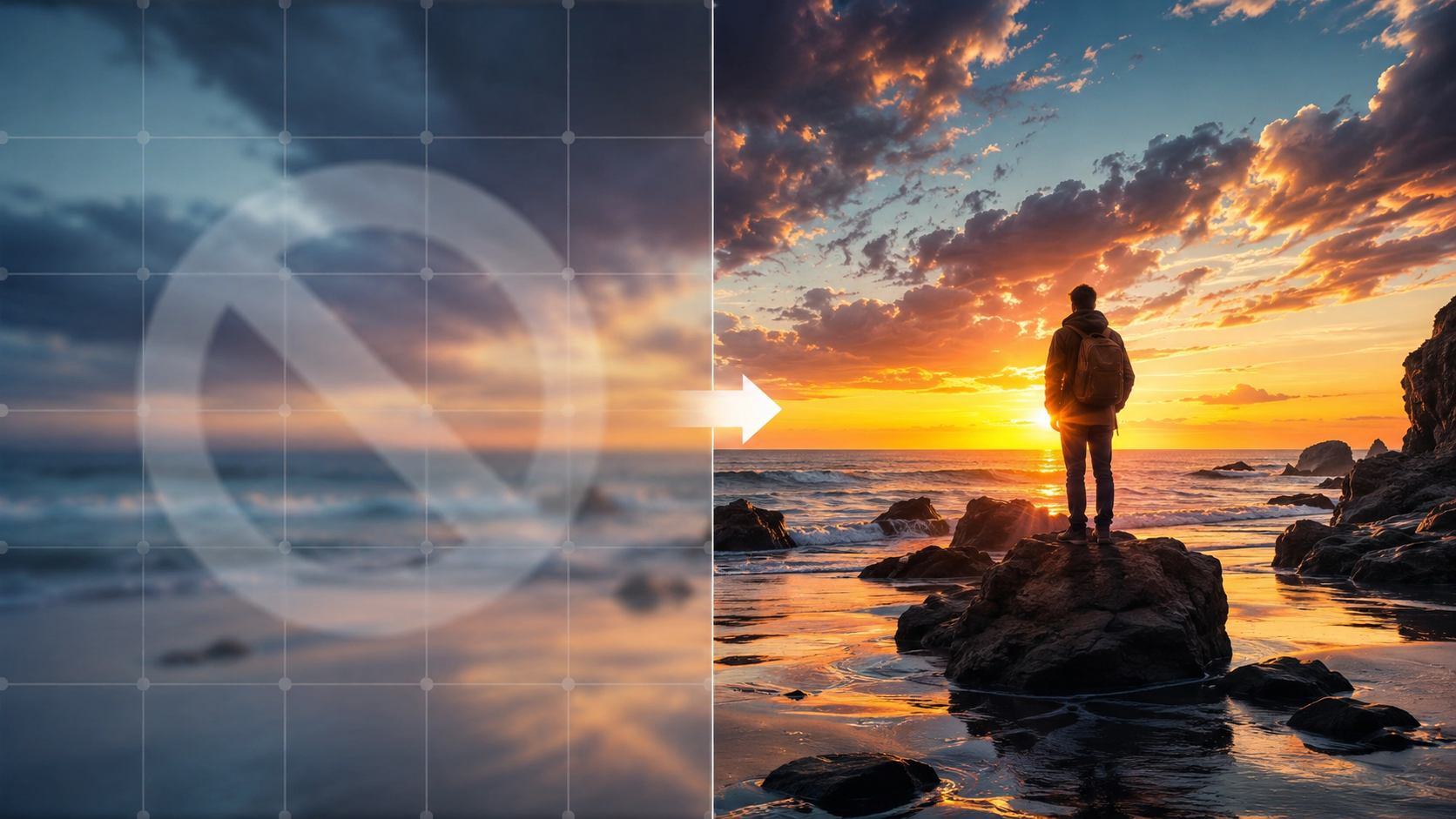
As of mid-2026, several dedicated tools and platforms offer specialized watermark removal for AI videos. Below is a comparison of the most prominent options based on research from GlobeNewswire, Breaking AC News, and vocal.media.
| Tool/Service | Compatible AI Sources | Key Feature | Price (approx.) | Release / Update |
|---|---|---|---|---|
| CleanVideoAI | Sora, Veo, CapCut | AI engine trained on watermark textures; batch processing | Free tier + $9.99/mo | March 2026 (launch) |
| Bylo.ai – Sora 2 Watermark Remover | Sora 2, Veo, CapCut | Single-click removal with AI inpainting | $4.99 per video | January 2026 (release) |
| Tool 3 (mentioned by vocal.media) | Generic AI videos | Frame-by-frame correction; supports 4K | Free / Pro $7.99/mo | May 2026 update |
| Tool 4 (vocal.media) | Multiple formats | Layered editing and AI upscale combo | $12.99 one-time | 2025–2026 |
According to GlobeNewswire (March 19, 2026), CleanVideoAI’s engine uses a generative AI approach that reconstructs missing pixels from surrounding context, making it particularly effective for complex watermarks that blend into the video. Bylo.ai’s dedicated Sora 2 remover, as reported by Breaking AC News on January 16, 2026, boasts sub‑two‑minute processing for standard 1080p clips.
Step-by-Step Guide: How to Remove Watermark from AI Video
Follow these steps for a clean result using a tool like CleanVideoAI or Bylo.ai:
- Upload your AI video. Most services accept MP4, MOV, or WebM files from Sora, Veo, or CapCut.
- Select the watermark area. Use the on-screen crop or rectangle tool to highlight the logo or text overlay.
- Choose removal mode. For AI watermarks, select “AI inpainting” or “texture synthesis” to let the tool analyze surrounding pixels.
- Preview and adjust. Scan the output for artifacts — especially around moving objects — and refine the selection if needed.
- Export without watermark. Download the cleaned video in the same resolution and format. Most tools preserve original metadata.
For best results, ensure your internet connection is stable and the source video is of good quality. Low‑resolution clips may show pixelation after removal.
Pro Tips for AI Video Watermark Removal
Always test on a short clip first. Some tools offer free trials or limited previews (like CleanVideoAI’s free tier). If the watermark overlaps faces or fast‑moving objects, use a frame‑by‑frame editor or wait for a tool that supports optical flow interpolation — as hinted by ZDNET’s coverage of Google’s Omni AI (May 2026).
Ethical Considerations and Best Practices
Removing a watermark from an AI video can infringe on the content creator’s rights or the terms of service of the AI platform. In 2026, major AI video generators still embed visible or invisible markers to assert ownership. Before you remove a watermark, confirm you have explicit permission — for example, if the video is in the public domain, or if you are the original author and want to repurpose it.
Israel National News (December 2025) noted that watermark removers and image enhancers “elevate digital content” but cautioned that misuse could lead to legal liabilities. As AI-generated content floods the internet, platforms may enforce stricter watermarking policies. Always credit the original AI tool if required, and avoid redistributing watermarked content as your own original creation.
Future of AI Video Watermark Removal
Recent developments point to an arms race between watermark embedding and removal technologies. NewsGuard’s report (January 2026) revealed that leading chatbots cannot distinguish AI‑generated videos from real ones, which could drive the need for stronger, harder‑to‑remove watermarks. At the same time, tools like CleanVideoAI and Bylo.ai are evolving to handle more complex overlays, including transparent logos and animated watermarks.
ZDNET’s May 2026 piece on Google’s Omni AI raised important implications: as AI video‑cloning becomes more advanced, watermark removal could be used to circumevent attribution, fueling misinformation. However, for legitimate editing and content repurposing, these tools remain invaluable. The industry is likely to see dynamic watermarks (e.g., temporal patterns) in the near future, requiring even smarter removal algorithms.
Structured FAQ: Remove Watermark from AI Video
Can I remove watermarks from Sora videos for free?
Yes, some tools like CleanVideoAI offer a free tier with limited processing. Bylo.ai’s Sora 2 remover costs $4.99 per video. Free options may leave a small logo or have resolution caps.
Is it legal to remove watermark from ai video?
It depends on the video’s license and your intended use. Removing watermarks without permission may violate terms of service or copyright. Always check the original creator’s rights.
What’s the best tool to remove watermark from ai video in 2026?
CleanVideoAI (launched March 2026) is a top pick for Sora, Veo, and CapCut. Bylo.ai’s Sora 2 remover is best for single videos. The choice depends on your budget and video source.
Does removing a watermark reduce video quality?
Quality depends on the tool and source. Modern AI removers maintain resolution and frame rate, but very complex watermarks may leave slight artifacts. Using a high‑resolution source reduces issues.
How do AI watermark removers work?
They analyze the video frame‑by‑frame, identify the watermark pattern, then use generative AI to fill the blank area with plausible content from surrounding pixels. CleanVideoAI and Bylo.ai use this approach.
Can I remove watermarks from CapCut videos?
Yes, CapCut watermarks are supported by CleanVideoAI and other tools listed in this guide. The process is the same as for Sora or Veo videos.
Removing watermarks from AI videos in 2026 is both easier and more nuanced than ever. With dedicated engines like CleanVideoAI and specialized tools from Bylo.ai, you can obtain clean footage for your projects. Always prioritize ethical use and respect for original creators’ work. This proven guide equips you with the step‑by‑step process, tool comparisons, and expert insights to safely remove watermark from ai video.



Comments ()