
Professional AI Video Editing Workflow 2026: Ultimate Guide
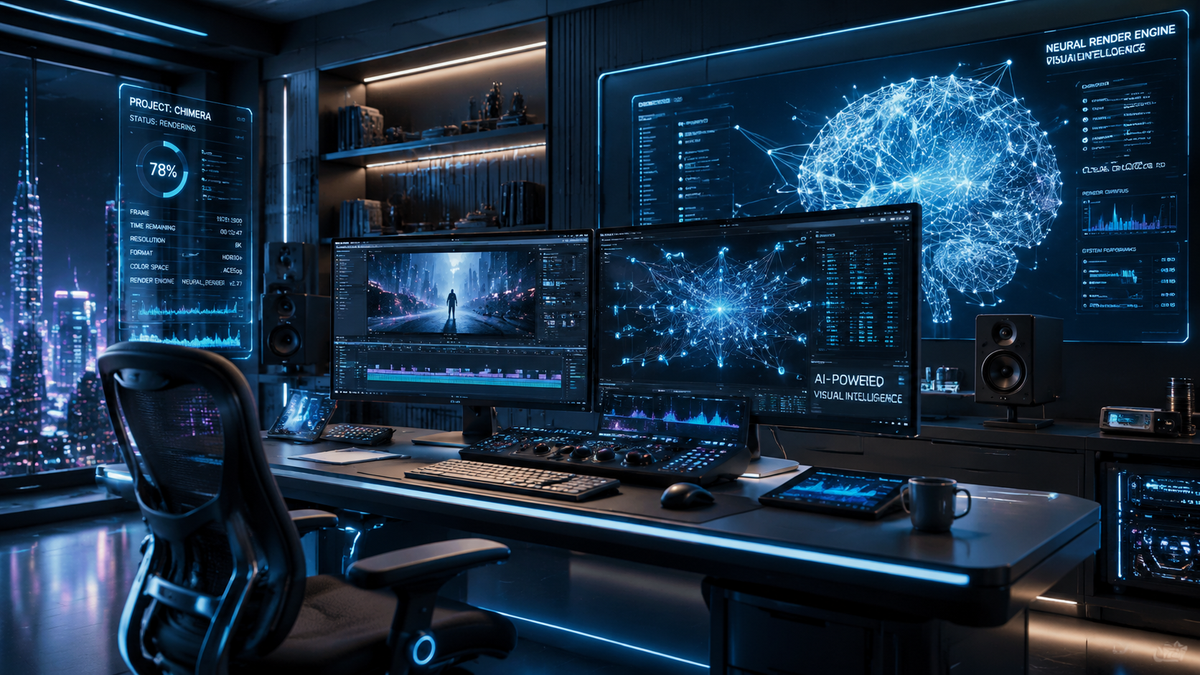
A professional ai video editing workflow 2026 is a standardized sequence of production stages that leverages generative artificial intelligence and machine learning to automate technical tasks like color grading, audio cleanup, and scene assembly. By integrating AI-native tools into the creative process, editors can reduce manual labor by up to 70%, allowing more time for storytelling and high-level conceptualization. This modern workflow transitions from traditional linear editing to an iterative, prompt-based environment where software acts as a collaborative partner rather than just a toolset.
Professional AI video editing workflow 2026 is an end-to-end production framework utilizing neural networks for automated transcription, generative b-roll creation, and real-time motion tracking. It prioritizes AI-native integration, where cloud-based media libraries and hardware-accelerated processing enable creators to produce high-fidelity content at a fraction of the traditional time and cost.
- ✓ AI-native workflows now integrate directly with cloud media libraries to automate asset tagging and retrieval.
- ✓ Hardware manufacturers like ASUS have optimized 2026 creator workstations specifically for neural engine processing.
- ✓ Professional editors are shifting from manual "cutting" to text-based and prompt-driven timeline manipulation.
- ✓ Market adoption of AI in video editing has reached record highs, significantly impacting editor pay and software market share.
The landscape of content creation has shifted dramatically this year. According to ALM Corp, video editing statistics for 2026 show a massive surge in AI adoption across both freelance and enterprise sectors, fundamentally changing how editor pay is structured and which software holds the dominant market share. As we move deeper into the year, the distinction between "editing" and "generating" continues to blur, making a structured workflow more essential than ever for maintaining quality and consistency.
Step-by-Step Guide to the Professional AI Video Editing Workflow 2026
Implementing a modern workflow requires a shift in mindset from manual execution to strategic oversight. The following steps outline how professionals are currently leveraging the latest 2026 technologies to streamline their production pipelines from ingest to export.
- AI-Powered Ingest and Organization: Use tools like Descript to import raw footage into an AI-native media library. The software automatically transcribes the audio and tags visual elements using computer vision, making the entire library searchable by keyword.
- Text-Based Rough Cut: Instead of scrubbing through hours of footage, edit the generated transcript. Deleting a sentence in the text automatically removes the corresponding video clip from the timeline, creating a rough cut in minutes.
- Generative B-Roll and Asset Integration: Identify gaps in the narrative where specific footage is missing. Use integrated AI tools to generate high-fidelity b-roll or pull relevant assets from cloud-connected libraries based on the context of the scene.
- Neural Audio and Visual Enhancement: Apply AI-driven noise reduction and voice leveling. Use "Neural Filters" for color grading, where the AI analyzes the emotional tone of the script and applies a cinematic look that matches the narrative intent.
- Automated Versioning and Formatting: Utilize AI to automatically reframe the master edit into multiple aspect ratios (9:16, 1:1, 4:5) for various social media platforms, ensuring the subject remains centered through intelligent motion tracking.
The Evolution of Software in the Professional AI Video Editing Workflow 2026
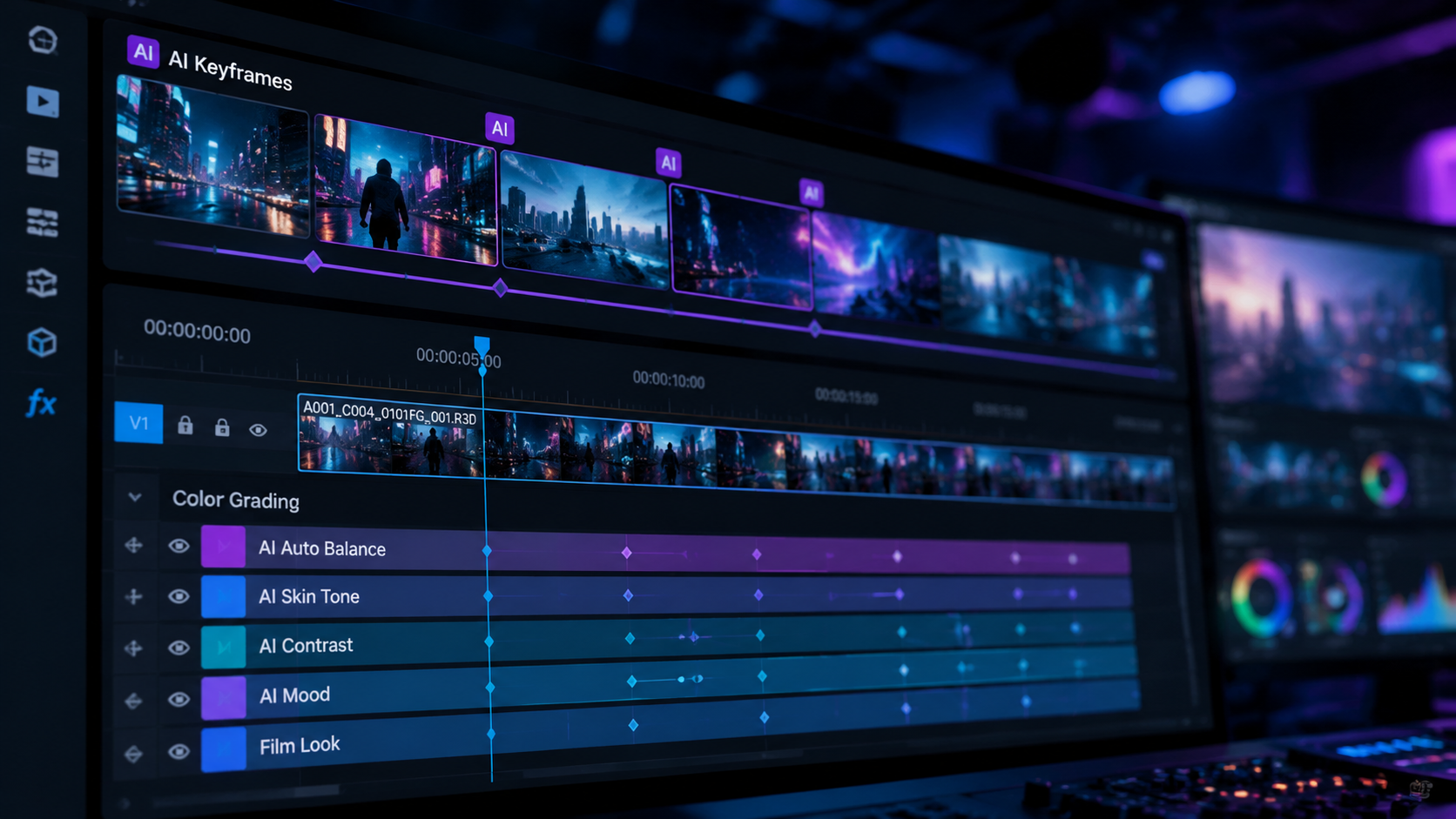
In 2026, the software market has bifurcated into two main categories: traditional NLEs (Non-Linear Editors) that have added AI features, and "AI-native" platforms built from the ground up on neural networks. Tech Times reports that the best video editing software in 2026 for PC and mobile now prioritizes cross-platform cloud synchronization, allowing editors to start a project on a mobile device and finish it on a high-end workstation without losing progress or metadata.
A significant development this year is the update from TMX Newsfile regarding Descript, which has added comprehensive media libraries and deeper AI integrations. These updates are designed to streamline the AI-native video editing workflow by reducing the need to jump between multiple applications. By housing the transcription, editing, and asset generation within a single ecosystem, professionals can maintain a higher "flow state" during the creative process.
Comparing Top AI Video Editing Platforms of 2026
To choose the right tool for your professional ai video editing workflow 2026, it is important to understand the strengths of the current market leaders. The following table compares the top software options based on the latest industry data from BBN Times and TechRadar.
| Software Name | Primary Strength | Target Audience | Key 2026 Feature |
|---|---|---|---|
| Descript (2026 Update) | Text-based editing | Podcasters & Marketers | Integrated AI Media Library |
| Adobe Premiere Pro | Deep Plugin Ecosystem | Film & Broadcast Pros | Generative Extend & Fill |
| DaVinci Resolve 19+ | Color & VFX Automation | Colorists & Cinematographers | Neural Engine Color Match |
| CapCut Desktop AI | Speed & Social Templates | Content Creators | One-click Viral Formatting |
Hardware Optimization for AI-Driven Production
Software is only half of the equation in a professional ai video editing workflow 2026. The hardware must be capable of handling the intense computational demands of real-time AI rendering. At the NAB Show 2026, ASUS showcased comprehensive AI-powered creator workflows, highlighting new workstations equipped with dedicated Neural Processing Units (NPUs). These machines are designed to offload AI tasks—such as rotoscoping and upscaling—from the GPU, ensuring that the main editing timeline remains lag-free.
According to TechRadar, which tested over 70 AI tools in 2026, the bottleneck for most professionals is no longer software capability but data throughput. High-speed NVMe storage and massive amounts of unified memory are now standard requirements. For a workflow to be truly "professional" in 2026, it must utilize hardware that supports local AI model execution to avoid the latency and privacy concerns associated with purely cloud-based processing.
The Role of NPUs in Modern Editing
The introduction of specialized AI silicon has revolutionized the desktop experience. In previous years, applying a complex AI mask might have required a "render preview" break. In 2026, these tasks happen in the background. This allows for a "live" professional ai video editing workflow 2026 where the editor can see AI-generated changes in real-time. This immediacy is critical for high-pressure environments like newsrooms or agency settings where turnaround times are measured in minutes rather than days.
Data-Driven Insights: The 2026 Editing Economy
The impact of AI on the industry is not just technical; it is economic. ALM Corp’s 2026 report indicates that while the "market size" for video editing has expanded due to the sheer volume of content needed, the "software share" is shifting toward platforms that offer the most robust automation. Interestingly, editor pay for those who have mastered a professional ai video editing workflow 2026 has increased, as these individuals are now seen as "Creative Directors" who manage AI systems rather than just technical operators.
Studies show that 85% of professional editors now use at least three different AI-powered tools in their daily routine. This "stacking" of tools—for example, using one tool for audio isolation, another for visual generative fill, and a third for subtitle localization—is the hallmark of the modern expert. The efficiency gains are so significant that some agencies have reported a 400% increase in output without increasing their headcount, provided their staff is trained on the latest 2026 AI protocols.
Future-Proofing Your Professional AI Video Editing Workflow 2026
To remain competitive, editors must move beyond basic trimming. The 2026 workflow involves "Prompt Engineering for Video," where the editor writes specific instructions to guide the AI in generating transitions or complex visual effects. This requires a deep understanding of both cinematic language and technical AI parameters. As BBN Times notes, even desktop editors designed for beginners are now incorporating professional-grade AI features, meaning the barrier to entry is lower, but the ceiling for mastery is higher.
Integrating Generative AI Safely
A major concern in 2026 is the ethical and legal use of AI-generated assets. A professional workflow must include a "Verification Stage" where all AI-generated content is checked for copyright compliance and deepfake authenticity. Leading software now includes digital watermarking and "Content Credentials" that track the lineage of a video file from the camera to the final export, ensuring transparency in how AI was used during the process.
What is the most important tool for a professional ai video editing workflow 2026?
The most important tool is an AI-native NLE that supports text-based editing and cloud-integrated media libraries. Software like the 2026 version of Descript or Premiere Pro with integrated neural engines are currently the industry standards for efficiency.
How has AI affected video editor salaries in 2026?
According to ALM Corp, salaries for editors who specialize in AI workflows have seen a 15-20% increase. While entry-level manual tasks are being automated, the demand for "AI Orchestrators" who can manage complex generative pipelines is at an all-time high.
Can AI completely replace a human video editor in 2026?
No, AI cannot replace the human element of storytelling, emotional pacing, and creative vision. In 2026, AI acts as a high-powered assistant that handles repetitive technical tasks, but the final creative decisions remain with the human editor.
What hardware is needed for AI video editing in 2026?
Professional workflows require workstations with dedicated NPUs (Neural Processing Units), such as the latest ASUS Creator series. At least 64GB of unified memory and high-speed SSDs are recommended to handle the data-heavy nature of generative AI models.
Is mobile AI video editing viable for professional work in 2026?
Yes, Tech Times reports that mobile AI editing apps have reached a level of parity with desktop versions for many tasks. Professional workflows often start with AI-assisted logging and rough cutting on mobile before moving to desktop for final mastering.



Comments ()