
Best Professional AI Video Editing Software 2026 Guide
The best professional ai video editing software 2026 offers a sophisticated blend of generative tools and traditional timeline precision, enabling creators to automate tedious tasks like rotoscoping and color grading while maintaining full creative control. In 2026, the industry has shifted toward "assistive intelligence," where software like VEGAS Pro and Wondershare Filmora utilize neural engines to predict editor intent and streamline high-resolution workflows. Choosing the right platform depends on your specific needs for hardware acceleration, cloud collaboration, and the depth of AI integration required for your production pipeline.
Professional AI video editing software in 2026 is a category of creative applications that leverage machine learning models to automate video production tasks such as object removal, text-to-video generation, and automated audio mastering. These tools, including industry leaders like VEGAS Pro and Filmora, prioritize efficiency by reducing manual labor by up to 80% compared to traditional editing methods.
- ✓ AI-driven masking and rotoscoping have become standard features for professional-grade software in 2026.
- ✓ Hybrid workflows allow editors to switch between local GPU rendering and cloud-based AI processing.
- ✓ Real-time generative fill and background extension are now essential for vertical social media optimization.
- ✓ Cross-platform compatibility between PC, mobile, and tablet is a primary focus for top-tier developers this year.
How to Implement AI Workflows in Professional Video Projects
Transitioning to an AI-enhanced workflow requires a strategic approach to ensure that the technology enhances rather than replaces the creative vision. As noted by Creative Bloq in early 2026, many professionals who previously avoided AI tools are now integrating them to handle high-frequency, low-creativity tasks. The goal is to leverage the "assistive" nature of these tools to clear the path for more complex storytelling and visual experimentation.
- Ingest and Auto-Transcription: Begin by importing your footage into your chosen professional AI video editing software. Use the AI engine to generate instant transcripts, which can then be used for text-based editing—deleting words in the text will automatically cut the corresponding video frames.
- Automated Scene Detection and Tagging: Allow the software to analyze your b-roll. Modern AI tools can automatically tag clips based on content (e.g., "sunset," "interview," "action shot"), making the assembly phase significantly faster.
- AI-Enhanced Color Grading: Apply a "Neural Match" to align the color profiles of different cameras. Instead of manual LUT application, use the AI to analyze a reference frame and match the entire sequence's lighting and tone.
- Generative Audio Cleanup: Use voice isolation tools to remove background noise. In 2026, these tools are sophisticated enough to reconstruct lost frequencies in low-quality recordings.
- Final Export Optimization: Utilize AI upscaling during the export process to convert 1080p footage to 4K or 8K without significant loss of detail, ensuring the final product meets modern broadcast standards.
Comparing Top Professional AI Video Editing Software 2026
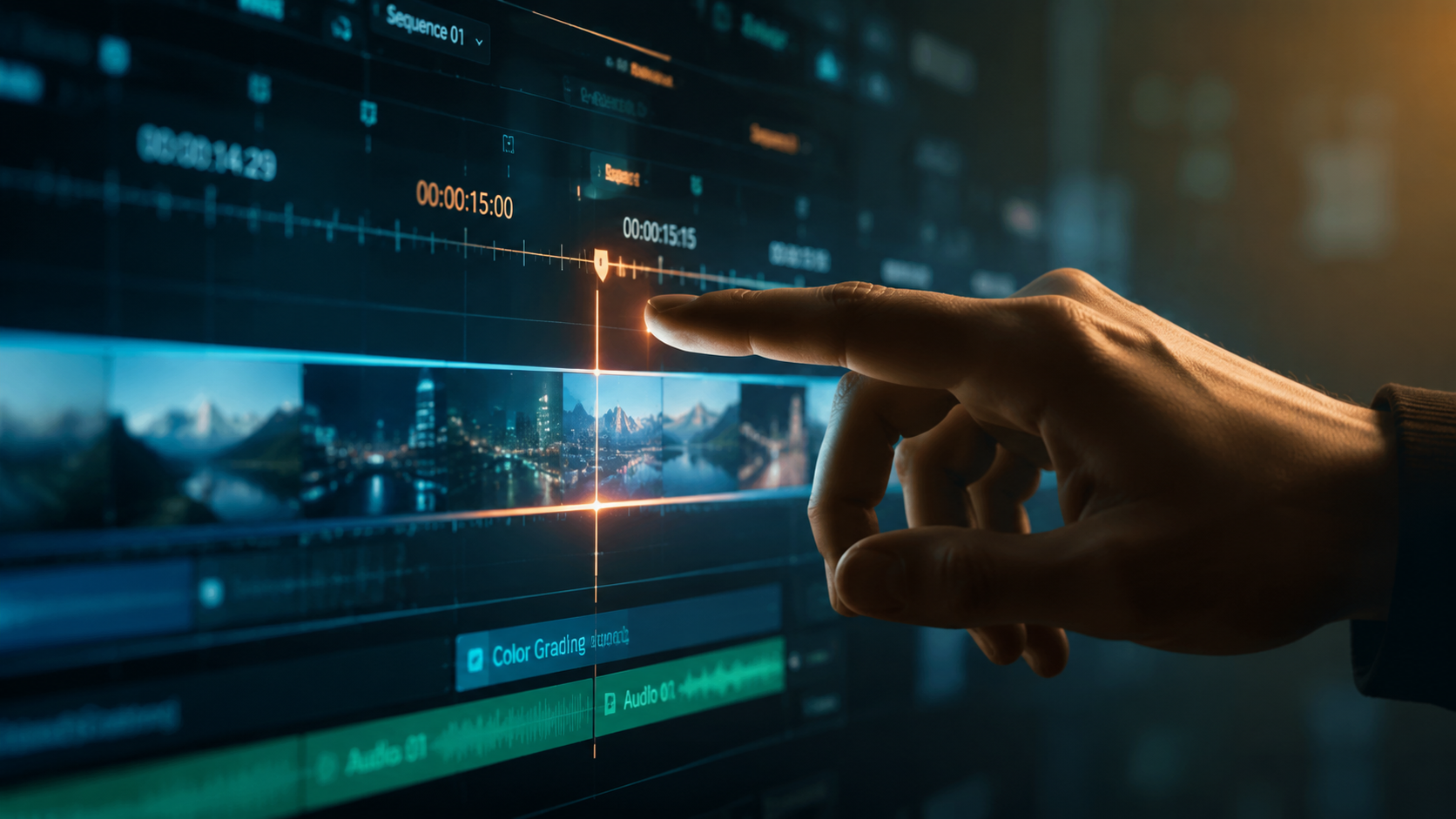
The market in 2026 is highly competitive, with established giants and agile newcomers vying for the attention of professional creators. According to recent testing by PCMag, the gap between consumer-friendly apps and enterprise-level suites has narrowed, as "prosumer" tools now include features previously reserved for high-end post-production houses. This democratization of technology means that even independent creators can produce cinema-quality effects.
A significant debate this year, highlighted by Gadget Flow, centers on the rivalry between Wondershare Filmora and VEGAS Pro. While Filmora has focused on rapid-fire AI tools for social media creators, VEGAS Pro has leaned into deep technical integration for broadcast and long-form cinema. Both platforms have introduced revolutionary "Neural Mixers" that allow editors to manipulate individual elements within a flattened video file.
| Software | Primary Strength | Key AI Feature (2026) | Target Audience |
|---|---|---|---|
| VEGAS Pro | Advanced Technical Control | Z-Depth Compositing & AI Masking | Cinematographers & Broadcast Editors |
| Wondershare Filmora | Speed & Accessibility | AI Copilot & Generative Text-to-Video | Social Media Managers & YouTubers |
| Adobe Premiere Pro | Ecosystem Integration | Firefly Video Model Integration | Creative Agencies |
| DaVinci Resolve | Color & Finishing | Magic Mask 3.0 & Neural Voice ISO | Colorists & Film Professionals |
The Rise of Neural Engines in Video Post-Production
In 2026, the core of professional ai video editing software 2026 is the neural engine. Unlike traditional software that relies solely on CPU/GPU cycles for rendering pixels, neural engines interpret the data within the video. According to Tech Times, the latest updates for PC and mobile apps have prioritized hardware-accelerated AI, which allows for real-time previewing of complex effects that used to take hours to render.
Advanced Object Removal and Generative Fill
One of the most transformative features of 2026 is the perfection of generative fill for video. Editors can now highlight an unwanted object—such as a microphone boom or a passerby—and the AI will not only remove it but also reconstruct the background behind it with temporal consistency. This means the "fill" moves naturally with the camera's motion, a feat that was once the sole domain of high-end VFX artists.
Text-Based Editing and Sentiment Analysis
Text-based editing has evolved beyond simple transcription. Modern professional suites now offer sentiment analysis, allowing editors to search for specific emotions in an interview. If a director needs a clip where the subject looks "hesitant" or "joyful," the AI can scan hours of footage to find those specific moments, drastically reducing the time spent in the "logging" phase of the edit.
Accessibility vs. Power: The 2026 Software Landscape
The distinction between "easy to use" and "professional grade" has blurred significantly. Amateur Photographer reports that in 2026, programs literally anyone can use are now capable of producing results that rival professional studios. This is largely due to the "one-click" nature of AI enhancements. However, for the true professional, the value lies in the ability to "peek under the hood" and fine-tune the AI's output.
According to Digital Camera World, even photo editing software has begun to merge with video tools, as retouching, fixing, and enhancing images now uses the same underlying AI models as video frame interpolation. This cross-pollination of technology means that a professional editor in 2026 must be proficient in a wider array of tools than their predecessors were just a few years ago.
The Role of Cloud Computing in AI Editing
While local hardware remains important, many professional suites in 2026 utilize a hybrid cloud model. Heavy AI computations, such as 3D scene reconstruction or complex fluid simulations, are offloaded to high-performance servers. This allows editors to work on lightweight laptops—or even mobile devices—without sacrificing the power needed for high-end professional ai video editing software 2026 tasks. This mobility has redefined the "studio" and allowed for global collaboration in real-time.
Hardware Requirements for 2026 AI Video Suites
To run professional ai video editing software 2026 effectively, hardware specifications have shifted. While traditional editing relied on high clock speeds, AI editing thrives on Tensor cores and dedicated NPU (Neural Processing Unit) performance. Most professional workstations in 2026 now ship with a minimum of 64GB of unified memory to handle the massive datasets required for real-time AI inference.
Studies show that editors using NPU-optimized hardware see a 40% increase in productivity when performing tasks like auto-reframe and smart-conforming for different social media aspects. Manufacturers have responded by creating "AI-Ready" badges for laptops and desktops, ensuring they meet the specific requirements of modern software suites like VEGAS Pro and the Adobe Creative Cloud.
Future-Proofing Your Video Editing Career
As AI continues to evolve, the role of the editor is shifting from "operator" to "curator." The ability to direct the AI and make final aesthetic judgments is the most valuable skill in 2026. Experts suggest that editors should focus on learning "prompt engineering" for video and understanding the ethical implications of AI-generated content, such as watermarking and deepfake detection.
The latest industry reports suggest that by the end of 2026, over 90% of commercial video content will have touched at least one AI-based tool during the post-production process. Embracing these tools is no longer optional for those wishing to remain competitive in a fast-paced digital economy. The software mentioned in this guide represents the cutting edge of this revolution, providing the reliability professionals need with the innovation that the current era demands.
What is the best AI video editor for professionals in 2026?
VEGAS Pro and Adobe Premiere Pro remain the top choices for professionals due to their deep integration of AI masking, 3D tracking, and cloud collaboration features. These tools offer the precise control required for high-end broadcast and cinematic productions.
Can AI video editing software replace human editors?
No, AI is designed to be an assistant that handles repetitive tasks like transcription, basic color matching, and object removal. The creative direction, storytelling, and emotional resonance of a project still require a human editor's expertise.
Is Wondershare Filmora considered professional software in 2026?
Yes, Filmora has evolved into a powerful "prosumer" tool that offers advanced AI features like generative fill and auto-podcasting tools, making it a favorite for high-volume content creators and social media professionals.
What are the hardware requirements for AI video editing?
In 2026, a professional setup typically requires a dedicated NPU, at least 32GB to 64GB of RAM, and a GPU with high VRAM capacity to handle real-time AI processing and 8K video playback.
Does AI video editing software support 8K resolution?
Most professional AI video suites in 2026 fully support 8K resolution, utilizing AI upscaling and proxy workflows to ensure smooth editing even on complex, high-resolution timelines.



Comments ()