
Pika Labs vs Runway Guide (2026): Best AI Video Generator?
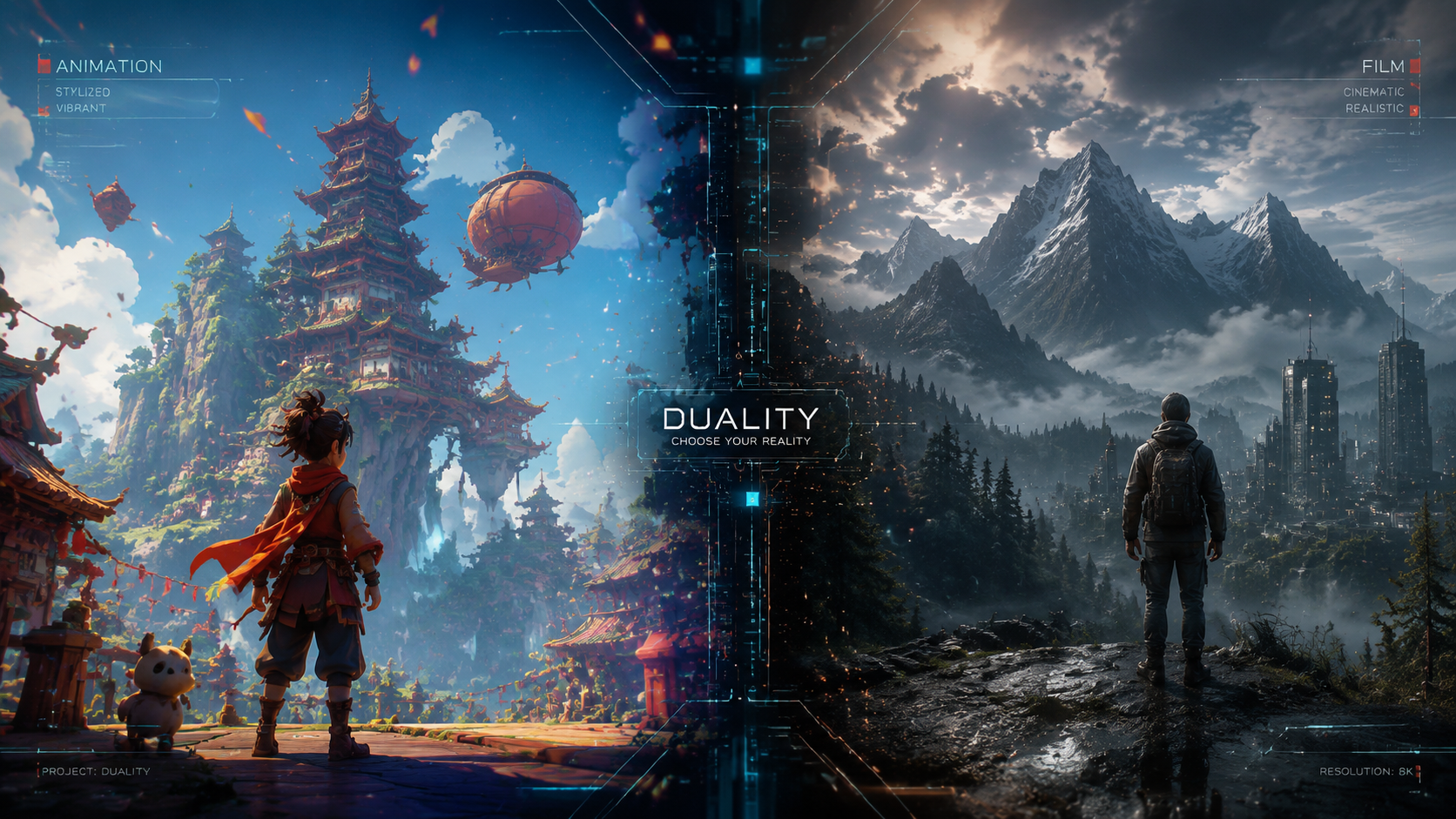
Choosing between Pika Labs and Runway in 2026 depends on whether you prioritize cinematic artistic control or a comprehensive professional production suite. This pika labs vs runway guide highlights that Runway remains the industry leader for high-end commercial workflows and video-to-video consistency, while Pika Labs excels in ease of use, character animation, and stylized "vibe" generation for social media creators. Ultimately, the "best" tool is the one that fits your specific creative pipeline, whether that is Runway’s Gen-3 Alpha/Gen-4 capabilities or Pika’s latest 2.0 physics-based rendering.
Runway is a high-end AI creative suite offering advanced tools like motion brush and multi-track editing, ideal for professional filmmakers. Pika Labs is a specialized AI video generator known for its intuitive interface and superior character consistency, making it the preferred choice for viral content creators and social media influencers seeking cinematic aesthetics with minimal prompting effort.
- ✓ Runway offers a broader ecosystem of over 30 AI magic tools including inpainting and motion control.
- ✓ Pika Labs (Pika 1.5/2.0) specializes in realistic physics, such as "crushing" or "melting" effects, and lip-syncing.
- ✓ According to Tom's Guide, testing over 200 hours of AI video generators reveals that Runway leads in temporal stability.
- ✓ Pika Labs remains more accessible for beginners through its web platform and Discord integration.
- ✓ Both platforms now support high-definition 4K upscaling and extended video durations up to 10-15 seconds per clip.
How to Use AI Video Generators: A Step-by-Step Guide
Whether you are using Pika Labs or Runway, the workflow for creating high-quality AI video has become significantly more streamlined in 2026. Creators no longer need deep technical knowledge of latent diffusion models; instead, the focus has shifted toward "prompt engineering" and "directorial control." Following a structured approach ensures that you don't waste credits on unusable generations.
- Define Your Concept: Start with a clear vision of the subject, action, and environment. AI models perform best when given specific lighting cues (e.g., "golden hour," "cinematic lighting").
- Select Your Tool: Use this pika labs vs runway guide to decide which platform fits the shot. Choose Pika for character-driven scenes and Runway for complex camera movements or video-to-video transformations.
- Input the Prompt: Enter your text description. In Runway, you might use the "Motion Brush" to highlight specific areas for movement. In Pika, you might use the "-motion" parameter to control intensity.
- Adjust Settings: Set your aspect ratio (16:9 for YouTube, 9:16 for Reels/TikTok) and frame rate. Ensure you enable "High Consistency" modes if available.
- Iterate and Upscale: Generate a low-resolution preview first. Once satisfied, use the built-in AI upscaler to bring the footage to 4K resolution for professional use.
- Post-Production: Export the clips into a traditional editor or use Runway’s internal timeline to add sound effects and transitions.
Pika Labs vs Runway Guide: Feature Comparison
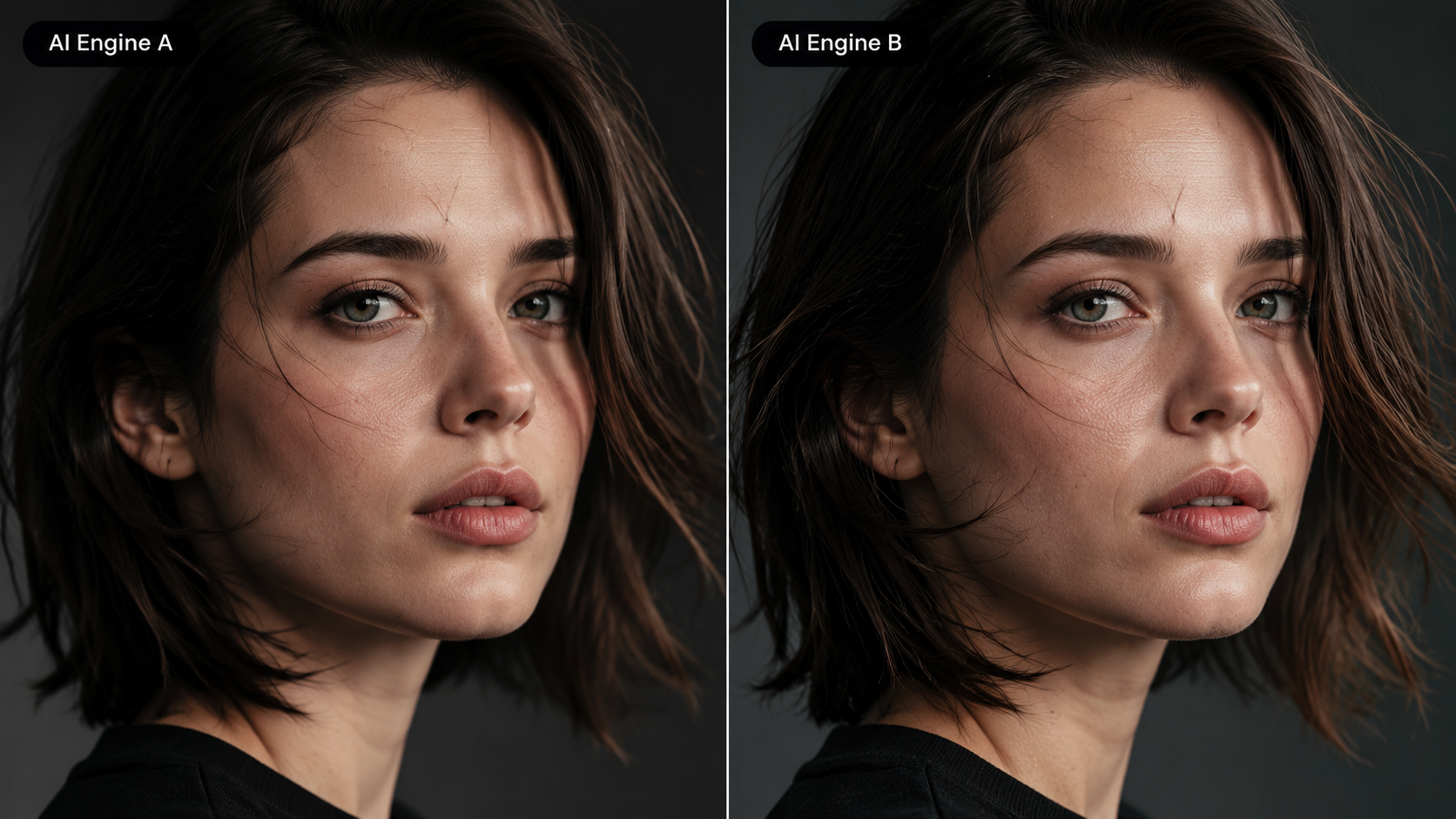
To understand which tool reigns supreme in 2026, we must look at the technical specifications and user features. While both platforms started as simple text-to-video bots, they have evolved into sophisticated engines capable of generating photorealistic footage that rivals traditional cinematography.
| Feature | Runway (Gen-3/Gen-4) | Pika Labs (Pika 2.0) |
|---|---|---|
| Core Strength | Professional Suite & Control | Creativity & Physics Effects |
| Interface | Web Dashboard / iOS App | Web / Discord / API |
| Key Features | Motion Brush, Gen-to-Video | Lip Sync, Sound Effects, Physics |
| Resolution | Up to 4K Upscaled | Up to 4K Upscaled |
| Pricing | Subscription-heavy | Freemium / Credit-based |
The Evolution of Runway's Creative Suite
Runway has long been considered the "Adobe of AI Video." By 2026, its ecosystem has expanded to include advanced features like "Director Mode," which allows users to control camera pans, tilts, and zooms with granular precision. This level of control is why professional studios often prefer Runway for pre-visualization and storyboard prototyping. According to reports from Yahoo, Runway's ability to maintain style consistency across multiple clips gives it a distinct advantage for long-form storytelling.
The Artistic Edge of Pika Labs
Pika Labs, particularly since the debut of Pika 1.0 and its subsequent updates, has focused on the "magic" of creation. Its unique physics-based animations—where objects can be instructed to melt, explode, or squish—have made it a favorite for experimental artists. As noted by No Film School, Pika's cinematic output often feels more "organic" out of the box, requiring less tweaking than Runway to achieve a visually pleasing result. For creators looking to make viral reels, Pika’s integrated Lip Sync and Sound Effects (SFX) generation provide a one-stop-shop experience.
Professional Workflow and Integration
In the professional landscape of 2026, the pika labs vs runway guide wouldn't be complete without discussing how these tools fit into existing pipelines. Runway has made significant strides in enterprise integration, offering APIs that allow production houses to bake AI generation directly into their proprietary software. This makes it a formidable tool for high-volume content creation where brand guidelines must be strictly followed.
Pika Labs, conversely, has leaned into the "prosumer" and creator economy. By focusing on mobile-first interfaces and seamless social sharing, Pika has captured the market of individual creators who need to produce high-quality content quickly. Storyboard18 highlights that Indian creators, in particular, are using these tools to dominate the viral reel space, often using Pika's animation style to create engaging, short-form storytelling that was previously impossible without a massive VFX budget.
Stability and Consistency in AI Video
One of the biggest hurdles in AI video has always been "flicker" or temporal instability. In 2026, both companies have largely solved this through better motion estimation. However, Runway’s "Custom Models" feature allows users to train the AI on specific characters or art styles, ensuring that a character looks the same in every shot. This is a critical feature for anyone looking to produce a consistent series or a short film with a recurring cast.
Monetization Opportunities with AI Video
The ability to generate high-quality video has opened new revenue streams. According to Vocal.media, the easiest ways to earn in 2025 and 2026 involve offering AI video services for small businesses, creating faceless YouTube channels, and selling stock footage. Because Runway and Pika allow for rapid prototyping, a single creator can now do the work that previously required a small production team, significantly increasing profit margins for freelance creators.
Advanced Capabilities: Physics and Sound
A major differentiator in this pika labs vs runway guide is how each platform handles the laws of physics. Pika Labs introduced a revolutionary physics engine that allows users to interact with objects in the video. For example, you can prompt the AI to "deflate a car like a balloon" or "make the cake crumble." This level of "interactable" AI video is currently a niche where Pika holds a significant lead over most competitors.
Runway has countered this by focusing on audio-visual synchronization. Their latest updates allow for "Multi-Motion Brush" capabilities, where multiple elements in a scene can be animated independently. While Pika gives you the "vibe" and the "physics," Runway gives you the "control" and the "structure." For a scene involving a complex busy street with multiple moving cars and pedestrians, Runway’s precision tools are generally more effective.
Sound Effects and Voice Integration
The "Silent Film" era of AI video is over. As of 2026, both platforms offer integrated audio. Pika’s "Sound Canvas" automatically generates ambient noise and foley based on the visual content of the video. If the video shows a rainy street, Pika generates the sound of raindrops and distant thunder. Runway offers similar features but integrates more deeply with professional audio editing tools, allowing for layered soundtracks and AI-generated voiceovers that match the lip movements of the characters in the video.
Pricing and Accessibility for Creators
Accessibility is a major factor in the pika labs vs runway guide. Pika Labs maintains a very generous "freemium" model, allowing users to generate a certain number of videos for free every day by "claiming" credits. This has built a massive community of enthusiasts who experiment and share their findings on Discord and social media. For hobbyists, Pika is often the entry point into the world of AI cinematography.
Runway follows a more traditional SaaS (Software as a Service) model. While they offer a free trial, their most powerful models and features—like 4K upscaling and custom model training—are locked behind mid-to-high tier subscriptions. This pricing structure reflects their target audience: professionals and businesses who view the tool as an investment rather than a toy. For a professional editor, the $95/month for a Pro plan is a small price to pay for the hours of manual labor saved in rotoscoping and masking.
Final Verdict: Which Should You Choose?
The battle between Pika Labs and Runway isn't about which tool is "better" in a vacuum, but which tool is better for your specific project. If you are an individual creator looking to push the boundaries of surrealism, or if you need to create catchy, high-energy clips for social media, Pika Labs is your best bet. Its intuitive nature and "fun" features like physics manipulation make it incredibly rewarding for rapid experimentation.
However, if you are a filmmaker, a marketing professional, or a VFX artist, Runway is the superior choice. The depth of its "Magic Tools," the precision of its motion control, and the ability to train custom models make it a robust production environment. As we move further into 2026, the gap between these two will likely continue to narrow as they adopt each other's best features, but for now, the distinction between "Creative Playground" (Pika) and "Production Studio" (Runway) remains clear.
Is Pika Labs better than Runway for beginners?
Yes, Pika Labs is generally considered more beginner-friendly due to its simpler interface and Discord integration. It allows users to create high-quality videos with very short, simple prompts, whereas Runway offers more complex settings that may require a learning curve.
Can I use Runway or Pika Labs for free?
Both platforms offer free tiers, but they work differently. Pika Labs provides daily credit refreshes for free users, while Runway offers a set amount of initial credits for a trial period, after which a subscription is required for continued use and advanced features.
Which AI video generator has better lip-sync?
As of 2026, Pika Labs is widely praised for its integrated lip-sync tool which is highly intuitive for character-based videos. Runway also offers lip-syncing through its "Audio to Video" tools, providing more control over the emotional tone of the performance.
Are the videos generated by these tools copyright-free?
Copyright laws regarding AI-generated content vary by jurisdiction, but generally, paid subscribers to Runway and Pika Labs are granted commercial use rights for the output. However, you should always check the latest terms of service as they evolve with 2026 regulations.
Can I create full-length movies with these tools?
While you cannot generate a 90-minute movie with a single prompt, creators are using Runway and Pika to generate individual scenes and shots, which are then stitched together in traditional editing software. This "shot-by-shot" approach is the standard for AI filmmaking in 2026.



Comments ()