
Pika Labs AI Video Generator Features 2026: Ultimate Guide
Pika Labs AI video generator features encompass a suite of text-to-video, image-to-video, and real-time editing tools that allow creators to produce high-quality, cinematic short clips from simple prompts, with the platform's 2.0 update serving as the foundation for its 2026 capabilities.
Pika Labs is an AI-powered video generation platform that enables users to create, edit, and animate video content using natural language prompts, reference images, and simple editing gestures. Its 2.0 release in late 2024 introduced significant upgrades in motion consistency, scene understanding, and generation speed, making it one of the most accessible AI video tools available in 2026.
- ✓ Pika Labs 2.0, released in December 2024, brought major improvements in video coherence, faster generation times, and better prompt adherence that continue to define the platform in 2026.
- ✓ The tool supports text-to-video, image-to-video, and video-to-video workflows, giving creators multiple entry points for content generation.
- ✓ Real-time editing features allow users to modify specific regions of a video frame, extend clips, and adjust motion trajectories without re-generating the entire scene.
- ✓ Pika Labs is frequently cited alongside top-tier competitors in 2026 roundups, with Tom’s Guide noting it after 200 hours of testing and Tribune Online listing it among the best AI video generators of the year.
- ✓ The platform is particularly well-suited for short-form social media content, concept visualization, and rapid prototyping for video projects.
What Are Pika Labs AI Video Generator Features?
Pika Labs AI video generator features refer to the complete set of capabilities offered by the Pika platform for creating and editing video content using artificial intelligence. At its core, the tool allows users to input a text description or upload a reference image, and the AI generates a short video clip that matches the prompt. What sets Pika apart from earlier tools is its emphasis on motion realism, scene consistency, and user-friendly editing controls that don’t require traditional video editing skills.
In 2026, the platform has matured into a robust solution for content creators, marketers, and hobbyists alike. According to a March 2026 roundup from Tribune Online, Pika Labs remains one of the top AI video generators to know, praised for its balance of quality and ease of use. The platform continues to receive regular updates, with the 2.0 release from December 2024 acting as the cornerstone for its current feature set. Users can generate clips up to several seconds in length, apply camera movements, control scene transitions, and even animate still images with realistic motion.
The core value proposition of Pika Labs is that it democratizes video creation. Instead of needing expensive software, powerful hardware, or years of editing experience, anyone with a creative idea can produce a polished video in minutes. This has made Pika a popular choice for everything from social media content to early-stage film pre-visualization.
Pika 2.0: The Launchpad for 2026 Capabilities
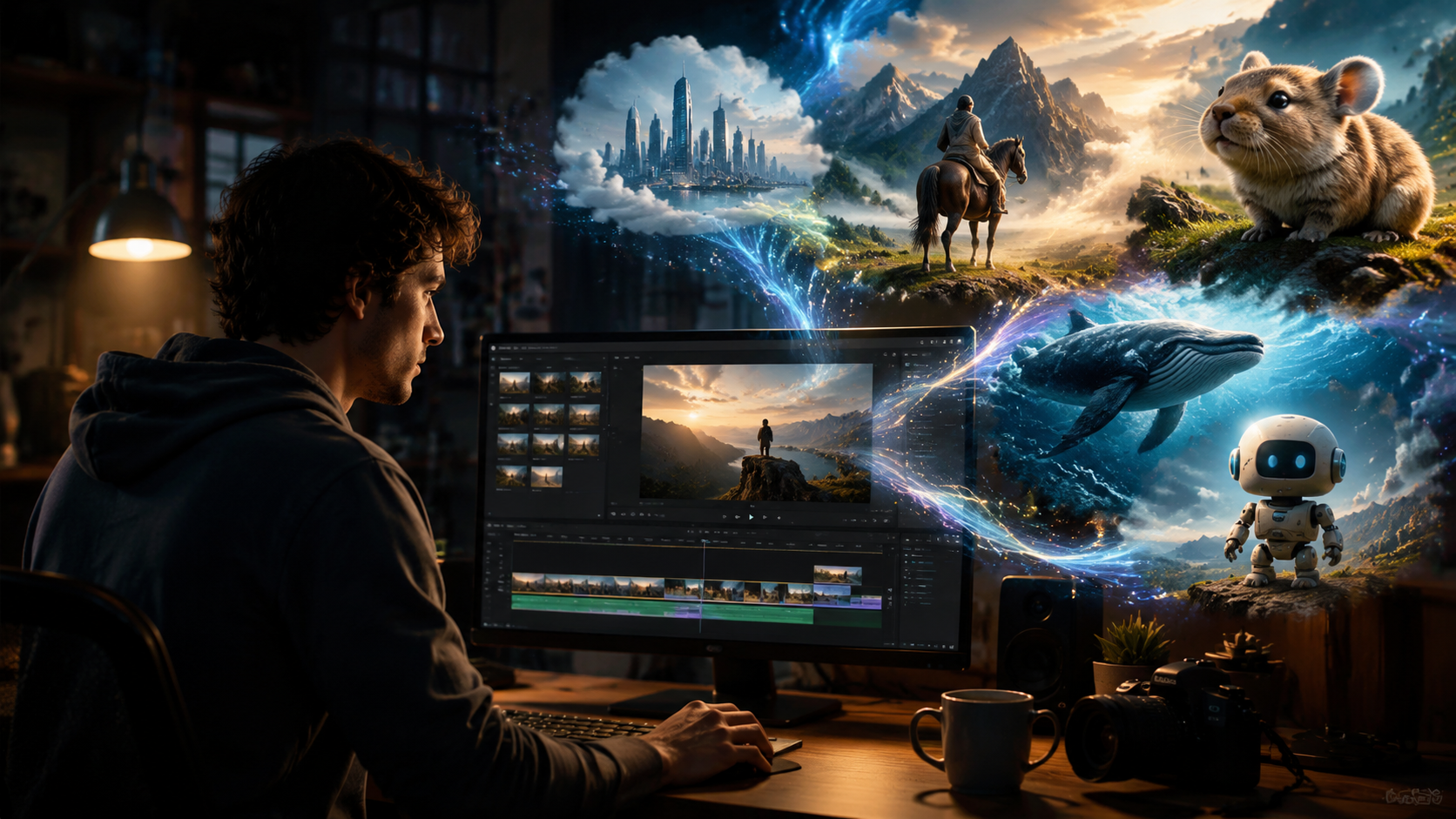
Understanding Pika Labs AI video generator features in 2026 requires a look back at the pivotal 2.0 update. Released in December 2024, as reported by the-decoder.com, this version marked a significant leap forward. The update introduced better scene understanding, meaning the AI could maintain visual consistency across frames more reliably than before. Characters, objects, and backgrounds no longer warped or vanished between frames, a common issue in earlier AI video tools.
TechRadar covered the release alongside the broader landscape, noting that Pika was actively challenging offerings from larger players like OpenAI and Sora. The 2.0 update included enhanced motion generation that produced smoother and more natural-looking movement, as well as improved response times for generating clips. For 2026 users, this foundation means that the platform is stable, fast, and capable of handling more complex prompts than ever before.
The upgrade also introduced a more intuitive interface. Pika streamlined its workflow so that new users could get started with minimal friction. Feature controls such as camera direction, zoom, and rotation were made more accessible, allowing creators to dial in exactly the look they wanted without guessing at settings buried in menus. This emphasis on usability has kept Pika relevant in a rapidly evolving market.
Core Pika Labs AI Video Generator Features in 2026
Text-to-Video and Image-to-Video Generation
The primary way users interact with Pika Labs is through text prompts. You type a description of the scene you want, and the AI generates a video that matches your words. This feature has become significantly more accurate in 2026 compared to earlier versions. The model understands complex descriptions involving multiple objects, actions, and environments. For example, a prompt like “a silver robot walking through a rainy cyberpunk city at night, neon reflections on wet pavement” will produce a coherent clip rather than a confusing jumble.
Image-to-video generation is another cornerstone feature. Users can upload a static image, and Pika will animate it with realistic motion. This is especially useful for bringing concept art, product photos, or character designs to life. You can add subtle movements like flowing hair, rippling water, or a character turning their head. The AI analyzes the image structure and applies motion that respects the original composition and lighting.
Real-Time Editing and Iteration
One of the most powerful Pika Labs AI video generator features is the ability to edit videos after they are generated. Instead of re-prompting from scratch, users can modify specific regions of a frame. For instance, if a generated clip shows a character wearing a red shirt but you want blue, you can select that area and describe the change. The AI re-renders only the modified portion while keeping the rest of the scene intact.
This capability extends to clip extension—you can add extra frames to the beginning or end of a video to create longer sequences without breaking continuity. Motion direction editing allows you to adjust the trajectory of moving objects. If a car drives left but you need it to turn right, you can redefine the path. These real-time editing tools dramatically reduce the time needed to iterate on a creative vision.
Enhanced Motion Control
Motion control in Pika has evolved to give creators precise command over camera and subject movement. You can specify camera pans, tilts, zooms, and orbits. The platform also supports motion strength sliders that let you control how much movement occurs in the scene. Lower settings produce subtle, almost cinematic stillness, while higher settings generate dynamic, action-oriented clips.
For character animation, the tool can handle limb movement, facial expressions, and even simple interactions with objects. While it is not yet at the level of full character rigging, it is more than sufficient for short-form content where believable motion is required. The Cybernews review from February 2026 highlighted Pika as one of the best AI animation generators specifically because of these motion controls.
How Pika Labs Compares to Other AI Video Generators in 2026
The AI video generation space has become highly competitive by 2026. Tom’s Guide, after spending 200 hours testing top tools in July 2025, placed Pika Labs among its top picks for its balance of quality and accessibility. In April 2026, Nokiamob included Pika in its list of the best AI UGC video generators, noting its strength in creating social media content quickly. The table below provides a side-by-side comparison of how Pika Labs stacks up against other leading tools in key areas.
| Feature | Pika Labs | Industry Average (2026) |
|---|---|---|
| Text-to-Video Quality | Excellent; strong scene coherence | Good to excellent |
| Image-to-Video | Supported with high fidelity | Common but variable quality |
| Real-Time Editing | Yes; region-specific edits | Limited in most tools |
| Motion Control | Camera and subject control | Basic to moderate |
| Generation Speed | Fast (under 30 seconds per clip) | 30–90 seconds |
| Ease of Use | Beginner-friendly interface | Varies widely |
| Best For | Short-form content, prototyping, UGC | Varies by tool |
While some competitors offer longer video durations or higher resolution output, Pika Labs excels in the areas that matter most for everyday creators: speed, ease of use, and the ability to make quick edits without re-generating entire clips. For users focused on rapid iteration and social media content, these advantages are significant.
Practical Applications for Content Creators
Pika Labs AI video generator features open up a wide range of practical uses. Social media managers can create short promotional clips for platforms like TikTok, Instagram Reels, and YouTube Shorts in minutes rather than hours. A fashion brand, for example, could upload a product photo and animate it to show a dress flowing in the wind, then add a text overlay using the real-time editing tools—all without stepping into a video editor.
For filmmakers and storyboard artists, Pika serves as a rapid prototyping tool. Instead of spending days creating animatics, you can generate visual drafts of key scenes using text descriptions and reference images. This allows directors to experiment with different camera angles, lighting conditions, and character movements before committing to full production. According to the Cybernews review from February 2026, tools like Pika are increasingly integral to pre-production workflows in animation.
Marketers and small business owners can also leverage Pika for UGC-style content. The April 2026 roundup from Nokiamob emphasized that AI video generators are transforming how brands create authentic-looking user-generated content without hiring actors or renting studio space. Pika’s ability to animate product shots and create lifestyle scenes from prompts makes it a valuable asset for any content calendar.
How to Get Started with Pika Labs AI Video Generator in 2026
Getting started with Pika Labs is straightforward. Create a free account on the Pika website, and you will have access to the basic generation tools. The free tier allows a limited number of generations per day, which is sufficient for testing the platform and understanding how prompts translate into video output. For heavier usage, subscription plans offer more generation credits, faster processing, and higher resolution exports.
Here is a simple step-by-step workflow to create your first video:
- Write a detailed prompt. Include descriptions of the subject, action, environment, lighting, and mood. For example: “a golden retriever puppy running through a field of sunflowers at golden hour.”
- Set motion parameters. Choose a camera movement (pan, zoom, orbit) and adjust the motion strength slider to control how much movement occurs.
- Generate the clip. Click the generate button. The AI will process your request and produce a short video, usually within 15 to 30 seconds.
- Review and edit. If the result is not perfect, use the real-time editing tools to modify specific regions, adjust motion paths, or extend the clip.
- Export or iterate. Once satisfied, export the video in your preferred format, or continue iterating by building longer sequences with additional clips.
Experimentation is key. Pika Labs AI video generator features respond best to specific, well-structured prompts. Start simple and gradually add complexity as you learn how the model interprets different terms and descriptions.
Frequently Asked Questions
What can Pika Labs AI video generator do in 2026?
Pika Labs can generate short video clips from text descriptions, animate still images, edit specific regions of existing videos, and control camera and subject motion. It is designed for rapid content creation and prototyping, with a focus on ease of use and fast generation times.
Is Pika Labs free to use in 2026?
Yes, Pika Labs offers a free tier that gives users a limited number of video generations per day. For higher usage, faster processing, and additional features, paid subscription plans are available. The free tier is a good way to evaluate the platform before committing.
What are the system requirements for running Pika Labs?
Pika Labs is entirely cloud-based, meaning you do not need a powerful computer or dedicated GPU. Any device with a modern web browser and an internet connection can access the platform. Generation happens on Pika’s servers, so your local hardware is not a limiting factor.
How long are the videos generated by Pika Labs?
Typical clip lengths range from 2 to 5 seconds per generation, though users can combine multiple clips or use the extend feature to create longer sequences. The platform is optimized for short-form content rather than feature-length video.
Can I use Pika Labs for commercial projects?
Yes, Pika Labs allows commercial use of generated content for most paid subscription plans. You should review the specific terms of service for your plan to confirm usage rights, but generally, content created with a paid account can be used in marketing, social media, and other commercial contexts.
Does Pika Labs support video-to-video editing?
Yes, one of the key Pika Labs AI video generator features is the ability to upload an existing video and modify it using text prompts. You can change the style, add objects, alter backgrounds, or adjust motion while preserving the original structure of the clip.
How does Pika Labs compare to OpenAI’s Sora in 2026?
While both tools generate video from text, Pika Labs is generally more accessible and faster for short clips, whereas Sora is known for longer, more cinematic output. Pika excels in rapid iteration and real-time editing, making it a strong choice for content creators who need quick turnaround on social media assets.



Comments ()