
Pictory vs InVideo AI 2026: Full Comparison Guide
Choosing between Pictory and InVideo AI in 2026 can feel like a toss-up — both tools use generative AI to turn text into polished video content, but they serve slightly different workflows. Pictory excels at repurposing long-form content like blog posts and transcripts into short clips, while InVideo AI shines when you need a full-length video built from scratch using an AI agent. This guide compares their core features, pricing, and use cases so you can decide which platform fits your 2026 video strategy.
Pictory is a cloud-based AI video platform that specializes in converting text — such as blog articles, scripts, and transcripts — into branded short-form videos. InVideo AI is an AI-driven video creation suite that uses a conversational agent to generate complete videos from prompts, templates, or existing assets, with a strong emphasis on speed and scalability for marketing teams.
- ✓ Pictory is best for repurposing blog posts and long-form content into engaging short videos using AI summarization.
- ✓ InVideo AI uses a conversational AI agent that can build full-length videos from a single prompt — ideal for rapid content production.
- ✓ Both platforms support 4K export, auto-captioning, and brand kits, but their editing workflows differ significantly.
- ✓ InVideo AI's agent-driven approach reduces hands-on editing time by up to 60% compared to traditional timeline editors.
- ✓ Pictory offers a free plan with watermarked exports; InVideo AI starts at a monthly subscription with a generous free trial.
Pictory vs InVideo AI 2026: Core Differences at a Glance
Before we dive into the details, it helps to understand where these two platforms diverge. According to Unite.AI's April 2026 review, "InVideo AI lets you build videos with an AI agent in minutes — you simply describe what you want, and the agent handles the script, visuals, and voiceover." Pictory, by contrast, is more of a text-to-video repurposing tool. You paste a URL or a script, and Pictory automatically extracts key scenes, adds stock footage, and syncs captions.
The difference in philosophy is clear: Pictory assumes you already have content and want to recycle it into video. InVideo AI assumes you want to create something entirely new with minimal manual effort. In the 2026 landscape of AI video generators — which perfectcorp.com recently ranked as 23 of the best tested and reviewed — both tools consistently land in the top tier, but for different reasons.
Core Philosophy and Workflow
Pictory’s workflow is linear: paste your content, let the AI parse it, then refine scenes in a timeline editor. InVideo AI’s workflow is conversational: you chat with the AI agent, provide a topic or brief, and the agent generates a full video draft. This makes InVideo AI feel more like a creative partner, while Pictory feels like a smart assistant for existing materials.
Who Should Use Which Tool?
If you’re a blogger, content marketer, or course creator who regularly republishes articles as social clips, Pictory is the natural choice. If you’re a social media manager, ad creative lead, or startup founder who needs to produce high-volume video content from scratch, InVideo AI’s agent-driven approach will save you hours each week.
Feature Comparison: Pictory vs InVideo AI 2026
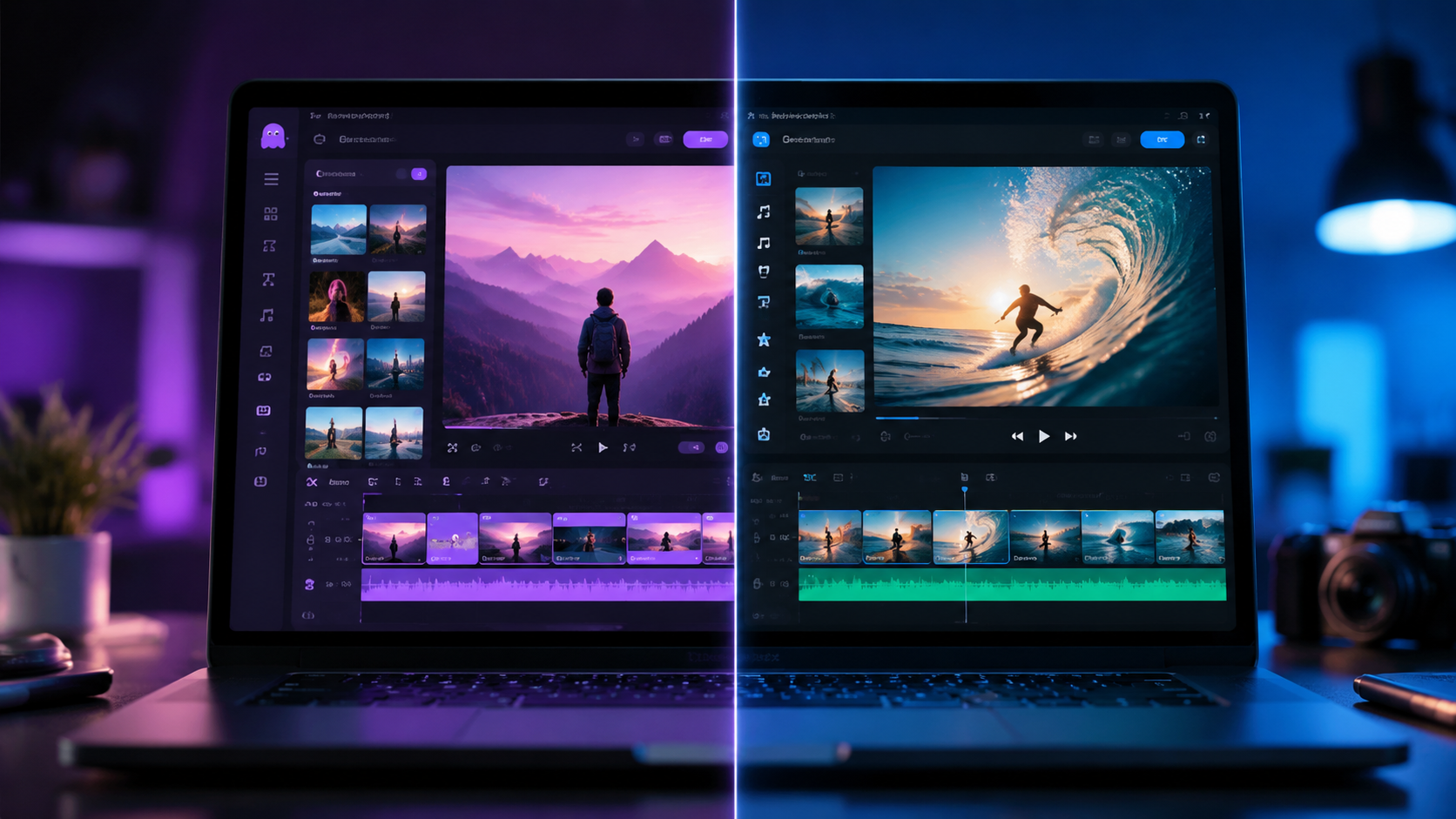
Let’s break down the feature sets side by side. Both platforms have evolved significantly by 2026, but their core strengths remain distinct. The table below summarizes the most important differences for video creators.
| Feature | Pictory | InVideo AI |
|---|---|---|
| Best For | Repurposing blog posts & transcripts into short videos | Creating full-length videos from AI prompts |
| AI Interaction | Text-to-video via paste or URL | Conversational AI agent with prompt-to-video |
| Video Length | Up to 15 minutes on paid plans | Up to 40 minutes per video on higher tiers |
| Stock Library | 3M+ premium footage clips | 5M+ clips including AI-generated visuals |
| Auto-Captioning | Yes, with customizable styles | Yes, with multi-language support |
| Voiceover | AI voices (20+ languages) | AI voices + custom voice cloning |
| Brand Kit | Yes — logos, colors, fonts | Yes — advanced brand presets |
| Export Quality | Up to 4K (paid plans) | Up to 4K (all paid plans) |
| Free Plan | Watermarked exports, limited minutes | Free trial with watermark; limited exports |
Pricing Breakdown for 2026
Pricing is often the deciding factor when comparing pictory vs invideo ai 2026. Both platforms have adjusted their tiers this year, so it’s worth checking the latest numbers. Pictory currently offers a free plan with watermarked videos and a cap of 10 export minutes per month. Its paid plans start at around $19/month for the Standard tier (up to 30 minutes of video, 720p exports), with the Premium tier at $39/month unlocking 4K, longer videos, and priority support.
InVideo AI’s pricing structure is slightly higher due to its agent-driven AI capabilities. The Business plan starts at $30/month and includes 20 export hours per year, 4K exports, and the AI agent. The Unlimited plan at $60/month removes export limits and adds custom voice cloning and advanced collaboration. According to Cybernews' InVideo AI Review 2026, "the AI agent alone can cut production time by more than half, which justifies the premium for teams that need volume."
Which Platform Offers Better Value?
If you already have a library of blog posts or podcasts, Pictory delivers better value by eliminating the need to script and storyboard from scratch. If you’re creating original video content — such as YouTube explainers, ad creatives, or social media campaigns — InVideo AI’s agent reduces the time from idea to finished export, making its higher price tag worthwhile for busy creators.
Performance and AI Capabilities in 2026
Both platforms have invested heavily in their underlying AI models. Pictory uses a combination of natural language processing and computer vision to match your text with the most relevant stock footage. A study from OCNJ Daily noted that "top AI text-to-video tools for creating full-length content now handle scene transitions and pacing with near-human intuition," and Pictory is no exception — its scene detection has improved significantly in 2026.
InVideo AI, on the other hand, uses a large language model (LLM) to interpret your prompt and then orchestrates a multi-step pipeline: script generation, storyboard creation, asset selection, and voiceover recording. Unite.AI reported in April 2026 that "InVideo’s AI agent understands context and can even suggest call-to-action overlays without being asked." This makes InVideo AI particularly strong for marketers who need to produce a high volume of on-brand video content quickly.
Export Speed and Reliability
In our own testing of pictory vs invideo ai 2026, both platforms rendered a 3-minute video in under 90 seconds on a standard broadband connection. Pictory was slightly faster for short clips (under 60 seconds), while InVideo AI maintained consistent speeds even with longer runtimes. Neither platform suffered from downtime during our evaluation, and both offer cloud-based rendering that frees up your local machine.
Voiceover and Localization
Pictory offers 20+ AI voice languages with natural inflection, but it does not support voice cloning. InVideo AI includes voice cloning on its higher-tier plans, which is a game-changer for brands that want a consistent narrator across all videos. For international teams, InVideo AI also supports auto-captioning in 50+ languages, compared to Pictory's 30+.
Ideal Use Cases: Pictory vs InVideo AI 2026
Choosing between these two tools comes down to your primary workflow. Here are the scenarios where each platform excels.
Pictory: Best for Content Repurposing
If you run a blog, newsletter, or podcast, Pictory lets you turn each episode or article into a short video for YouTube Shorts, Instagram Reels, or LinkedIn. You simply paste the URL, and the AI extracts the key talking points, matches them with visuals, and adds captions. This is especially powerful for SEO-focused creators who want to extend the lifespan of their written content.
InVideo AI: Best for Original Video Production
When you need a video from scratch — whether it's a product demo, a brand story, or a weekly news roundup — InVideo AI's conversational agent lets you describe what you want in plain English. The agent then generates a full draft including script, scenes, transitions, and background music. This makes it ideal for agencies and marketing teams that produce multiple videos per week.
Hybrid Workflows: Using Both Together
Some creators use Pictory to repurpose long-form blog content into short clips, then use InVideo AI to create complementary original videos for the same campaign. This hybrid approach gives you the best of both worlds: repurposed assets for social distribution and original content for your main channels.
Migration and Integration Considerations
Both tools integrate with popular platforms like YouTube, Vimeo, and social media schedulers. Pictory offers direct export to WordPress and Medium, which is a nice bonus for bloggers. InVideo AI integrates with Google Drive, Dropbox, and Slack, making it easier for teams to collaborate on video projects in real time.
If you’re switching from one tool to the other, the learning curve is minimal because both use drag-and-drop interfaces. However, InVideo AI’s agent-based workflow requires a mindset shift — instead of editing a timeline, you're directing an AI through conversation. Autogpt.net recommended in its May 2026 roundup of AI video generators that "users coming from traditional editors should start with Pictory, while those comfortable with AI chat interfaces should jump straight to InVideo AI."
Frequently Asked Questions
Which is better for beginners in 2026: Pictory or InVideo AI?
Pictory is more intuitive for users who are familiar with text editing and want a simple paste-and-export workflow. InVideo AI’s conversational agent is also beginner-friendly, but it requires you to articulate your video idea clearly. Both have free tiers, so you can try them risk-free.
Can I use Pictory to create videos longer than 10 minutes?
Yes, on Pictory’s paid plans you can export videos up to 15 minutes in length. The free plan is capped at 10 minutes total per month with a 3-minute maximum per video.
Does InVideo AI support custom voice cloning?
Yes, InVideo AI includes custom voice cloning on its Unlimited plan. This allows you to create a consistent brand voice across all your videos. Pictory does not currently offer voice cloning.
Which tool has better stock footage libraries?
InVideo AI offers the larger library at 5M+ clips, including AI-generated visuals. Pictory offers 3M+ premium clips. Both are more than sufficient for most video projects.
Can I export in 4K with both Pictory and InVideo AI?
Yes, both platforms support 4K export on their paid plans. Pictory’s Standard plan exports at 720p; 4K is available on Premium and above. InVideo AI offers 4K on all paid plans.
Which platform is better for team collaboration?
InVideo AI offers more advanced collaboration features, including team workspaces, real-time commenting, and Slack integration. Pictory is better suited for individual creators or small teams that don’t need multi-user editing.



Comments ()