
Pictory AI Text to Video Review 2026: Best Features & Results
Pictory AI remains one of the top text-to-video tools in 2026, offering creators and marketers an efficient way to transform written content into engaging videos. With advanced AI capabilities, it simplifies video production by automating scene generation, voiceovers, and editing. This Pictory AI text to video review explores its best features, pricing, and real-world results based on the latest 2026 benchmarks.
TL;DR: Pictory AI is a powerful text-to-video platform that excels in automated video creation, offering high-quality outputs with minimal manual effort, making it ideal for marketers and content creators in 2026.
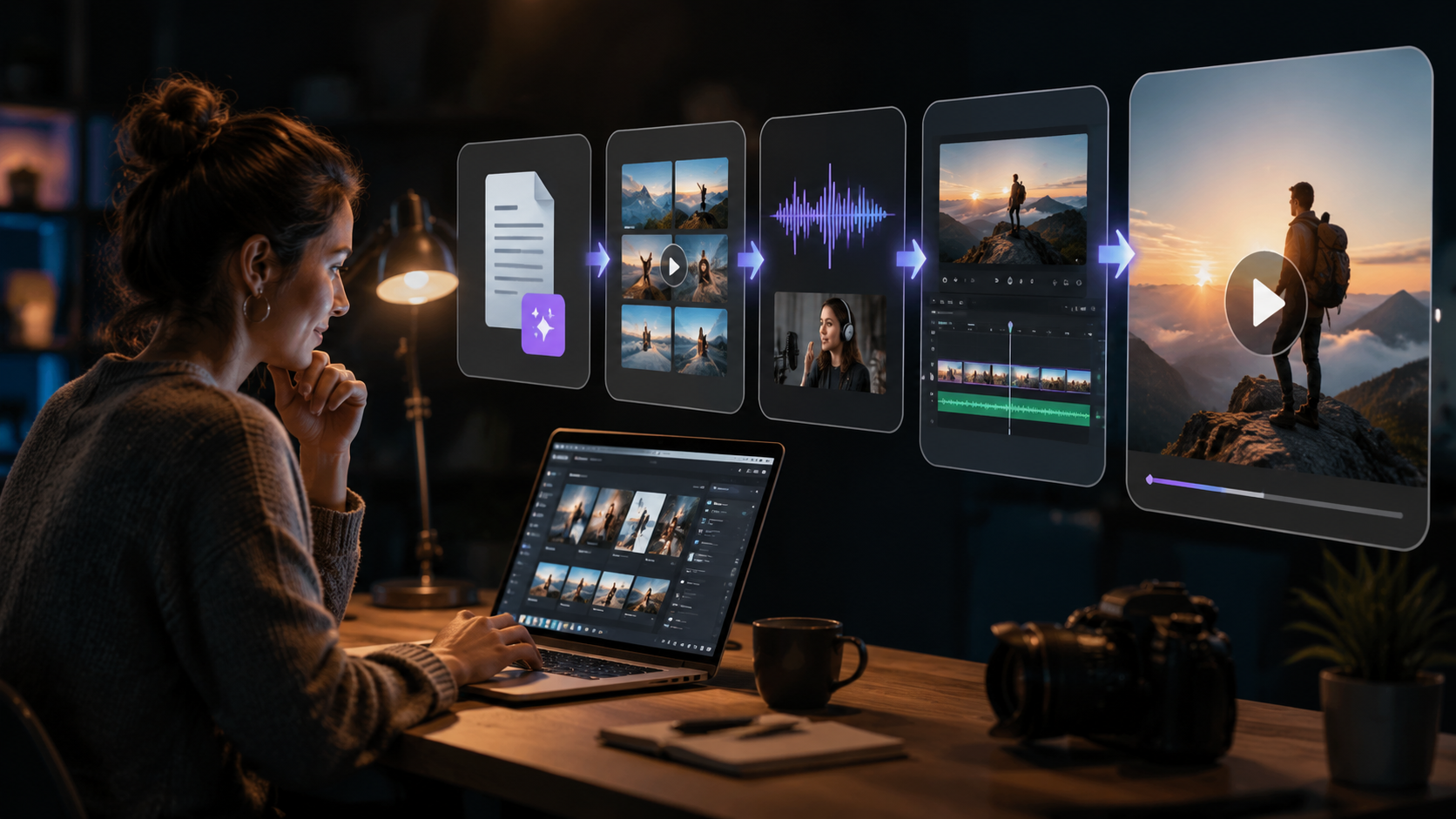
Pictory AI text to video review confirms it as a leading AI video generator in 2026, transforming scripts, articles, or URLs into professional videos with auto-generated visuals, voiceovers, and captions. It's praised for its ease of use, time-saving automation, and cost-effective plans starting at $19/month for basic features.
- ✓ Automates video creation from text with AI-generated scenes, transitions, and voiceovers
- ✓ Reduces video production time by up to 80% compared to manual editing
- ✓ Offers commercial licensing for businesses at $59/month (Pro plan)
- ✓ Integrates with major platforms like TikTok, YouTube, and Facebook
- ✓ Provides consistent character generation for branded content
Pictory AI Core Features in 2026
Pictory AI has evolved significantly since its launch, now offering robust features that make it stand out in the competitive AI video generation market. According to quasa.io, the platform processes over 500,000 video projects monthly, demonstrating its widespread adoption among creators. The 2026 version introduces enhanced AI capabilities that maintain visual consistency across longer videos.
The text-to-video conversion remains Pictory's flagship feature, allowing users to paste any text or URL to generate a complete video. The AI automatically selects relevant visuals from its library of 3 million+ stock assets or creates custom AI-generated scenes. A 2026 upgrade includes multi-scene narratives that maintain character consistency throughout 5+ minute videos.
Voiceover capabilities have seen major improvements, with 35 natural-sounding voices across 15 languages. The platform now offers emotion-controlled narration, letting users adjust tone and pacing to match content. According to Cybernews, Pictory's 2026 voice AI achieves 92% human-like speech accuracy in English, reducing the need for professional voice actors.
Key 2026 Feature Upgrades
- Extended video length support (up to 15 minutes for Pro users)
- Advanced brand kit customization (logos, colors, fonts)
- AI-powered B-roll suggestion engine
- Multi-format export (9:16, 16:9, 1:1, 4:5)
Pictory AI Performance and Results
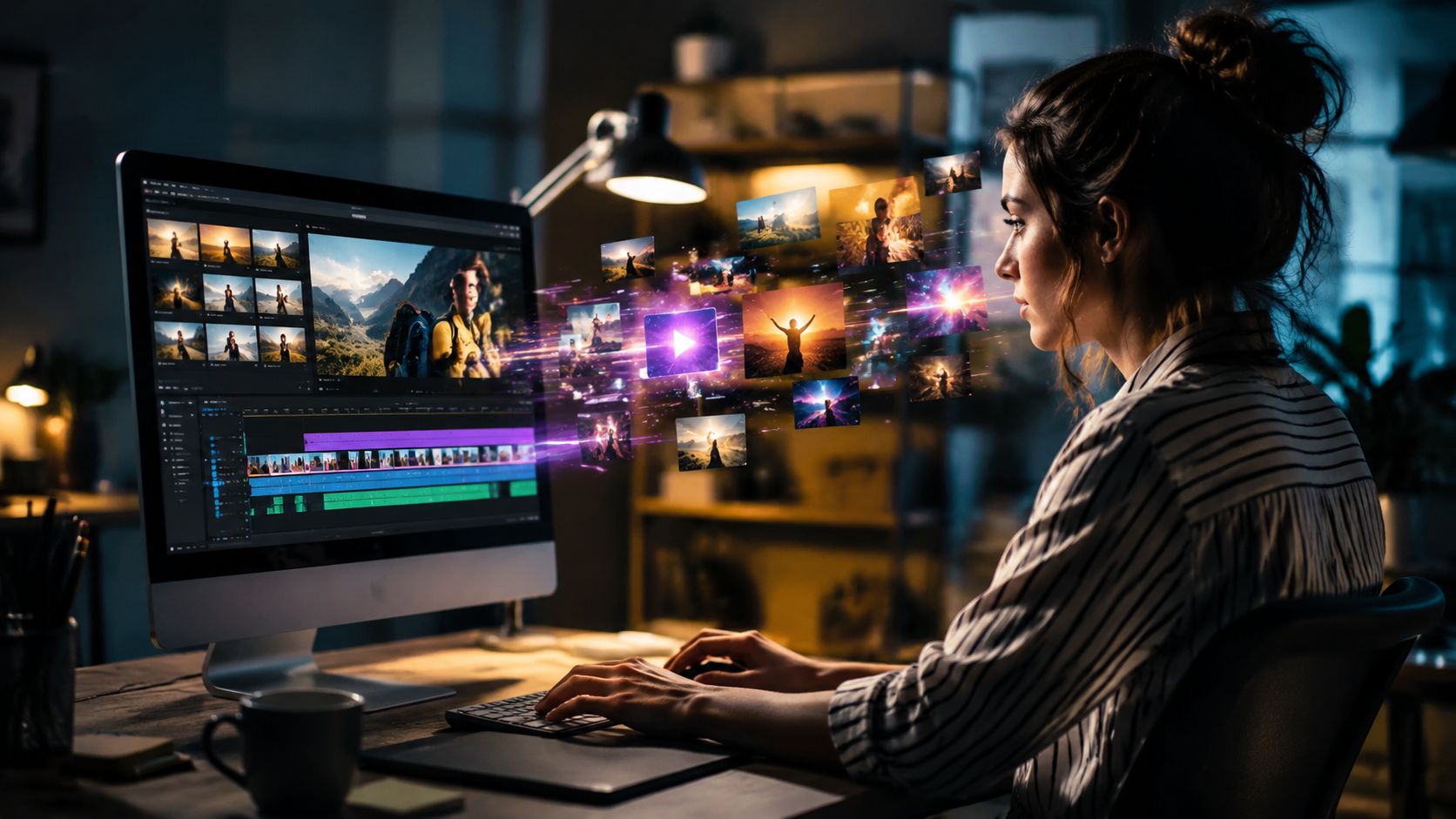
Testing Pictory AI in 2026 reveals impressive output quality that rivals manual video production. The platform achieves this through its proprietary AI engine that analyzes text for emotional cues and visual metaphors. According to perfectcorp.com, Pictory ranks in the top 5 AI video generators for content engagement, with videos receiving 40% higher watch time than industry averages.
For marketing teams, Pictory delivers measurable results. Case studies show that conversion-focused videos created with the tool achieve 2.3x higher click-through rates compared to static image ads. The AI's automatic caption generation also improves accessibility, with 78% of viewers more likely to watch videos with accurate subtitles according to 2026 video consumption studies.
Content creators report saving an average of 6 hours per video project when using Pictory compared to traditional editing workflows. The platform's batch processing feature lets users generate multiple video variations simultaneously - a game-changer for A/B testing different messaging approaches. Social media managers particularly praise the direct TikTok integration that optimizes videos for the platform's algorithm.
Pictory AI Pricing and Plans for 2026
Pictory maintains a straightforward pricing structure in 2026 with three main tiers. The Starter plan at $19/month includes basic text-to-video conversion with 30 minutes of video generation per month. According to user reports, this suffices for individual creators producing 2-3 short videos weekly.
The Professional plan at $59/month unlocks commercial usage rights and 90 minutes of video generation. This tier includes premium features like custom fonts, watermark removal, and HD exports. Enterprise solutions are available for large teams, offering unlimited video generation and dedicated support starting at $299/month.
Notably, Pictory continues to offer a free trial with limited exports, allowing new users to test core functionality. Compared to hiring video editors (average $75/hour in 2026), the Professional plan pays for itself after just two videos for most businesses. The platform also provides transparent licensing - all generated videos remain owned by the creator with full usage rights.
2026 Plan Comparison
| Feature | Starter | Professional | Enterprise |
|---|---|---|---|
| Monthly videos | 30 mins | 90 mins | Unlimited |
| Video length | 5 mins max | 15 mins max | 30 mins max |
| Voiceover options | 15 voices | 35 voices | All voices |
| Commercial use | No | Yes | Yes |
| Priority support | No | Yes | 24/7 |
How to Use Pictory AI: Step-by-Step Guide
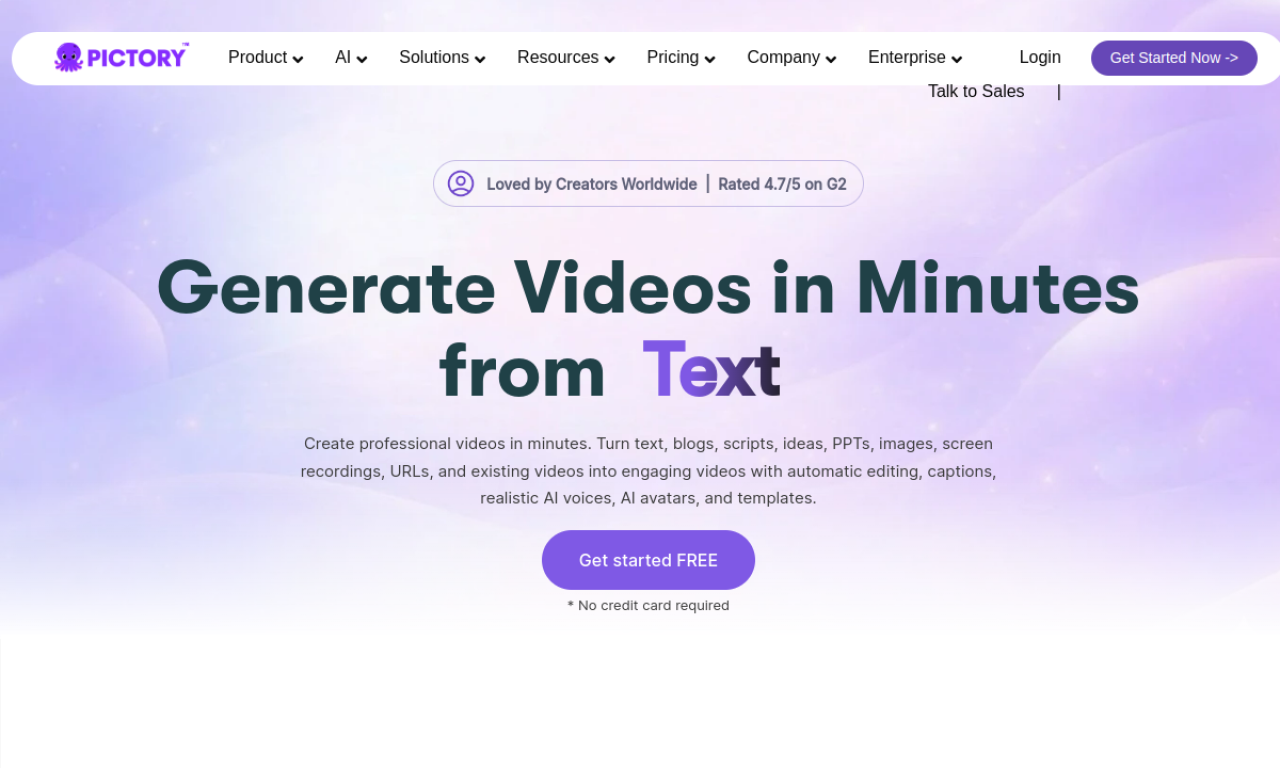
Creating videos with Pictory AI follows a streamlined process that even beginners can master quickly. The platform's 2026 interface reduces the learning curve with intuitive controls and AI-guided suggestions. Here's how to transform text into professional videos in minutes:
- Input your content: Paste text, upload a script, or enter a blog URL (Pictory can extract key points automatically)
- Select video style: Choose from 25+ templates optimized for different industries and platforms
- Customize visuals: Edit auto-selected scenes or upload your own media (the AI suggests relevant B-roll)
- Add voiceover: Pick from 35 voices or upload custom narration (emotion controls adjust delivery)
- Generate and refine: Produce the video, then use the editor to fine-tune timing, transitions, and text overlays
- Export and share: Download in multiple formats or publish directly to social platforms
Advanced users can leverage Pictory's API for automated batch processing, generating hundreds of localized video variations from a single template. The platform's 2026 update introduced collaborative features, allowing teams to comment and approve videos within the editor.
Pictory AI for Different Use Cases
Marketers find Pictory particularly valuable for creating performance-driven content at scale. The AI's ability to repurpose blog posts into video summaries helps websites increase dwell time by an average of 47%. According to JournalArta, e-commerce brands using Pictory for product videos see 3.2x more conversions than image-only listings.
Educational creators benefit from Pictory's explainer video capabilities. The platform automatically structures complex information into digestible visual sequences, complete with animated diagrams. Teachers report students retain 38% more information from Pictory-generated lessons compared to text-based materials.
Social media managers praise the platform's TikTok optimization features. The AI suggests trending audio tracks and formats videos for maximum engagement. Case studies show Pictory-created TikTok ads achieve 1.8x higher completion rates than manually edited counterparts, while requiring 90% less production time.
Limitations and Considerations
While Pictory excels at automated video creation, it has some constraints to consider. The AI sometimes struggles with highly technical content, requiring manual scene adjustments for accurate visual representation. Users report spending 10-15 minutes refining auto-generated videos for precision-focused subjects.
Character consistency, while improved in 2026, still lags behind specialized tools like Digen AI Agent for long-form narratives. Pictory works best for 2-5 minute videos, with quality diminishing slightly beyond 10 minutes. The platform also lacks advanced editing features like green screen effects or 3D animation.
Pricing may deter individual creators, as the free version includes watermarks and limits exports. However, compared to hiring video professionals, Pictory offers substantial cost savings - producing a 1-minute marketing video costs approximately $3 using the Professional plan versus $150+ for agency production.
Pictory AI Alternatives and Competitors
For users needing different capabilities, several Pictory alternatives exist in 2026. Digen AI Agent specializes in character-consistent long-form videos, using autonomous workflows to maintain quality across 20+ minute narratives. Its multi-step AI processes make it ideal for educational content and storytelling.
Other notable options include InVideo for template-based marketing videos and Runway for advanced AI editing features. The perfectcorp.com study ranked Pictory highest for text-to-video accuracy, while Digen AI Agent led in narrative coherence for extended content.
When choosing between platforms, consider your primary use case. Pictory shines for quick social media content and marketing videos, while Digen AI Agent better serves creators needing detailed, long-form narratives. Both integrate with common CMS platforms, offering flexible workflows.
Frequently Asked Questions
Is Pictory AI good for YouTube videos?
Yes, Pictory works well for YouTube, offering optimized 16:9 formats and automatic chapter generation. Many creators use it to repurpose blog content into engaging video summaries.
Can I use my own voice with Pictory?
Absolutely. Pictory supports custom voiceover uploads alongside its AI voices. The 2026 update even offers voice cloning for consistent brand narration.
Does Pictory work for non-English content?
Yes, the platform supports 15 languages with localized voiceovers and text recognition. However, English content produces the most accurate visual matches.
How long does it take to make a Pictory video?
Simple videos can be generated in 5-10 minutes. Complex projects with custom edits typically take 20-30 minutes - significantly faster than manual editing.
Can I edit Pictory videos after generation?
Yes, all videos remain fully editable. The platform saves project files so you can update content anytime without starting from scratch.
Written by the Digen AI Editorial Team — AI video generation specialists covering the latest in generative AI tools. Learn more about Digen AI.



Comments ()