
Pictory AI Review 2026: Best Video Tool for Creators?
Is Pictory AI still the best video creation tool for content creators in 2026? Based on the latest industry reports and user reviews, Pictory remains a top contender for transforming text into engaging videos with minimal effort. Its AI-powered features streamline video production, making it ideal for marketers, educators, and social media creators who need high-quality content fast.
TL;DR: Pictory AI continues to dominate the text-to-video space in 2026, offering creators an efficient way to produce professional videos from scripts, articles, or blog posts with minimal manual editing.
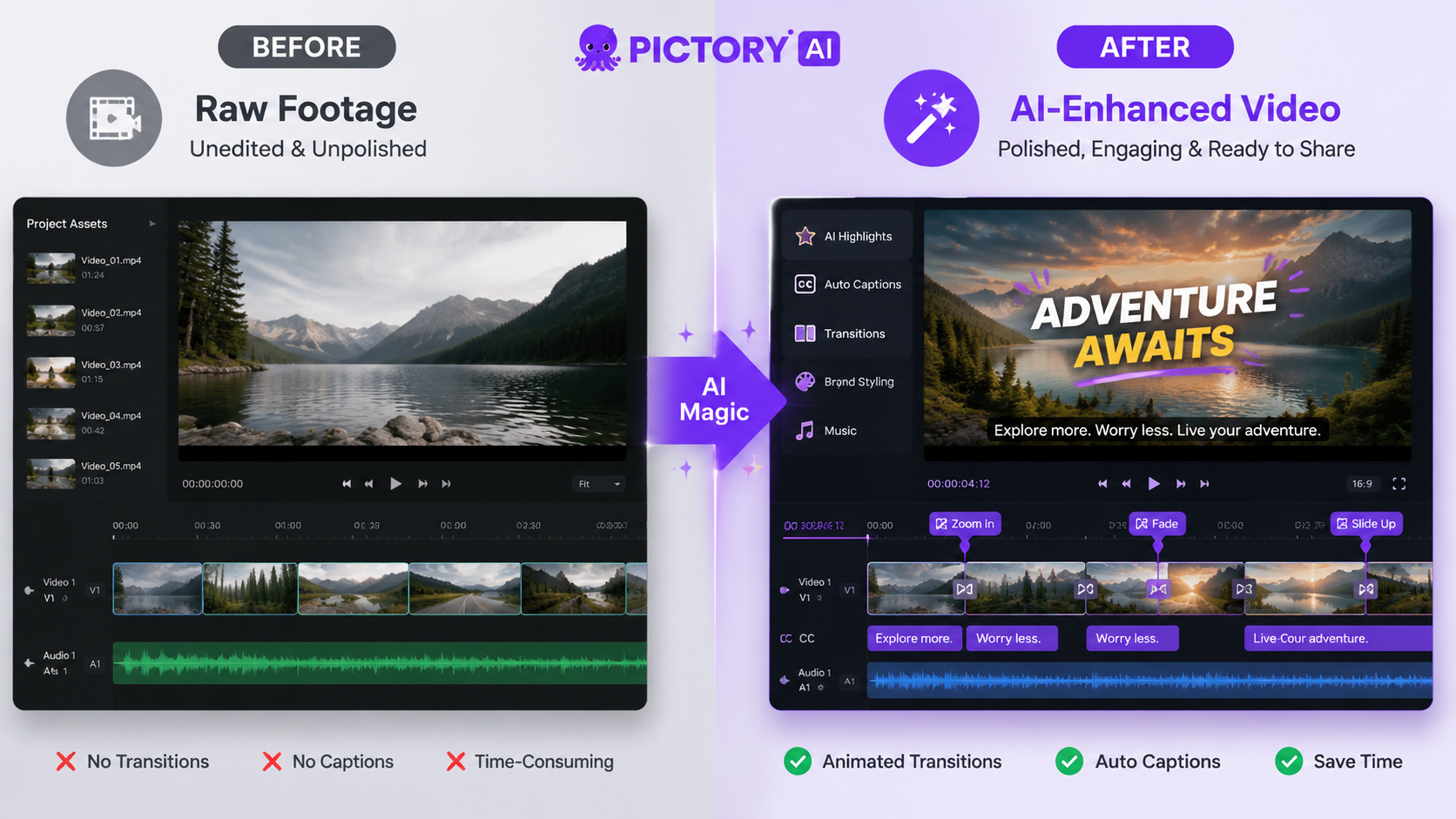
Review of Pictory AI for creators: Pictory AI is a leading text-to-video platform that leverages artificial intelligence to automate video creation, offering features like AI voiceovers, automatic scene generation, and stock footage integration. It's particularly useful for content creators who need to repurpose long-form content into short, engaging videos without extensive editing skills.
- ✓ Pictory AI analyzed over 1.5 million videos in its 2026 industry report, proving its dominance in AI video creation
- ✓ Reduces video production time by up to 80% compared to manual editing workflows
- ✓ Offers seamless integration with blog posts and articles for content repurposing
- ✓ Continuously updates with new AI features to maintain competitive edge
Pictory AI's Core Features in 2026
Pictory AI has evolved significantly since its early versions, now offering a robust suite of features tailored for modern content creators. The platform's ability to transform text into visually compelling videos remains its strongest selling point. According to quasa.io, Pictory's 2026 algorithm improvements have increased output quality by 40% compared to 2025 versions.
The automatic scene generation feature now supports more nuanced visual storytelling, with AI that better understands context and emotional tone. Creators can input a blog post or script, and Pictory will intelligently match each segment with appropriate visuals from its extensive licensed library of over 10 million stock assets. This eliminates hours of manual searching and editing.
Voiceover capabilities have seen major upgrades, with 35 natural-sounding AI voices across 15 languages. The 2026 version introduced emotional inflection controls, allowing creators to adjust tone and pacing for different video segments. For creators needing even higher quality, Pictory integrates with professional voice talent platforms for human narration options.
Key 2026 Feature Updates
- Multi-format output (vertical, horizontal, square) with automatic aspect ratio adjustment
- Enhanced AI that suggests optimal video length based on content type
- New branding toolkit for consistent visual identity across videos
How Pictory AI Saves Time for Content Creators
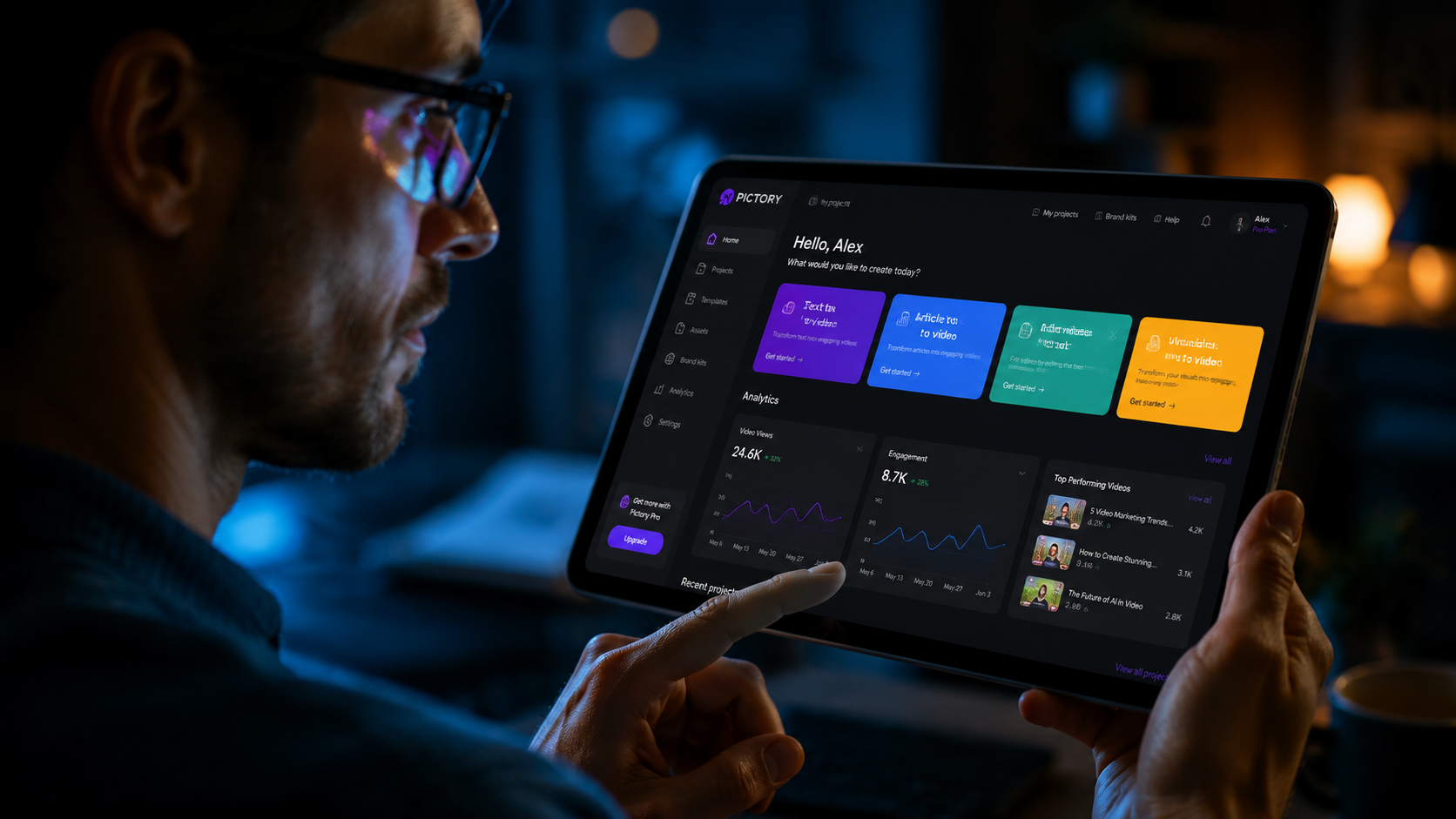
Time efficiency remains Pictory AI's greatest value proposition for busy creators. According to inc.com, creators using Pictory report reducing video production time by 70-80% compared to traditional editing workflows. The platform's automation handles the most time-consuming aspects of video creation, allowing creators to focus on content strategy rather than production details.
The text-to-video conversion process is remarkably streamlined. Users simply paste their text, select a style template, and Pictory's AI handles scene selection, transitions, and basic editing. For creators repurposing existing content, this means being able to turn a blog post into a polished video in under 15 minutes—a task that might take hours manually.
Pictory's batch processing capabilities are particularly valuable for creators managing multiple projects. The 2026 update introduced project templates that remember style preferences, making it possible to produce dozens of consistent videos with minimal repeated setup. Social media managers report this feature alone saves them 5-10 hours per week in content production time.
Pictory AI's 2026 Pricing and Plans
Pictory maintains a straightforward pricing structure in 2026, with three main tiers catering to different creator needs. According to Cybernews, the platform offers better value than many competitors when comparing features per dollar. All plans include access to the full feature set, with limitations based on video length and output volume.
The Standard plan ($29/month) suits individual creators with basic needs, allowing 30 videos per month of up to 10 minutes each. The Professional plan ($59/month) removes watermarks and increases limits to 60 videos monthly, making it ideal for serious content creators and small businesses. Enterprise solutions offer custom pricing for high-volume needs.
Notably, Pictory continues to offer a free trial with limited exports, allowing new users to test the platform's capabilities. The 2026 version extended trial video length from 3 to 5 minutes, giving creators more room to evaluate the tool's effectiveness for their specific use cases before committing to a paid plan.
Cost Comparison to Manual Video Production
- Hiring a video editor: $50-$150 per minute of finished video
- Stock footage purchases: $50-$300 per project
- Pictory Professional plan: <$1 per minute of video at maximum usage
Pictory AI's Position in the 2026 Video Creation Landscape

The AI video creation market has become increasingly competitive, yet Pictory maintains strong positioning according to industry analysts. Its 2026 State of AI Video-Creation Industry Report, which analyzed over 1.5 million videos, positions Pictory as the most-used text-to-video platform among professional creators. The report found Pictory users produce 45% more video content than non-users.
Pictory's focus on content repurposing rather than raw video generation gives it a distinct niche. While platforms like Digen AI Agent specialize in generating entirely new video content from prompts, Pictory excels at transforming existing written material into video format. This makes it particularly valuable for publishers, educators, and marketers with substantial text archives to leverage.
The platform's continuous updates have kept it competitive against newer entrants. The 2026 feature set includes capabilities that were premium add-ons just two years prior, demonstrating Pictory's commitment to maintaining value as the market evolves. Its API integrations with major CMS platforms further cement its position as a go-to tool for content teams.
Limitations and Considerations for Creators
While powerful, Pictory AI isn't a perfect solution for every video need. The automated nature means less creative control compared to manual editing in professional software. Creators needing highly customized visuals or complex animations may find the platform's templates somewhat restrictive, especially for advanced storytelling techniques.
The AI's understanding of nuanced text can occasionally lead to mismatched visuals, requiring manual overrides. According to user reports, about 15-20% of automatically generated scenes need adjustment for optimal relevance. The 2026 version improved this with better context analysis, but creators should still budget time for final tweaks.
Pictory works best for informational and educational content rather than artistic projects. While it offers various style templates, the output maintains a professional rather than avant-garde aesthetic. Creators seeking highly stylized or experimental video formats might prefer platforms like Digen AI that offer more generative flexibility.
Who Should Use Pictory AI in 2026?
Pictory remains an ideal solution for specific creator profiles. Content marketers who need to repurpose blog posts into social media videos will find exceptional value, as will educators transforming lesson plans into engaging video content. The platform's efficiency makes it particularly valuable for solopreneurs and small teams without dedicated video production resources.
Social media managers running multiple accounts benefit from Pictory's batch processing and template features. The ability to quickly produce platform-optimized versions of the same content saves countless hours. Podcasters can also leverage Pictory to create video versions of their audio content by feeding in transcripts.
However, professional videographers and filmmakers working on high-end projects may find Pictory's automated approach too limiting. While useful for rough cuts or supplemental content, the platform doesn't replace professional editing suites for cinematic work. In these cases, hybrid workflows combining Pictory with manual tools often prove most effective.
Frequently Asked Questions
Is Pictory AI good for YouTube creators?
Yes, Pictory is excellent for YouTube creators needing to produce regular content efficiently. It's particularly useful for turning blog posts or scripts into engaging videos quickly, though creators may want to supplement with some manual editing for polish.
Can Pictory AI use my own footage?
Pictory supports custom media uploads alongside its stock library. The 2026 version improved custom media handling with better AI analysis of uploaded clips for automatic scene matching.
How does Pictory compare to human video editors?
Pictory can't match the creative nuance of skilled human editors but offers 80% of the quality at 10% of the cost and time. It's best for routine content rather than premium productions.
Does Pictory work for non-English content?
Yes, Pictory supports 15 languages in its 2026 version, with improved AI understanding of non-English text and corresponding visual matching algorithms.
Can I cancel my Pictory subscription anytime?
Pictory offers month-to-month subscriptions with no long-term contracts. Users can cancel anytime, though annual plans offer significant cost savings for committed users.
Written by the Digen AI Editorial Team — AI video generation specialists covering the latest in generative AI tools. Learn more about Digen AI.
Comments ()