
Photo to Video AI Free: 2026's Top 5 Tools
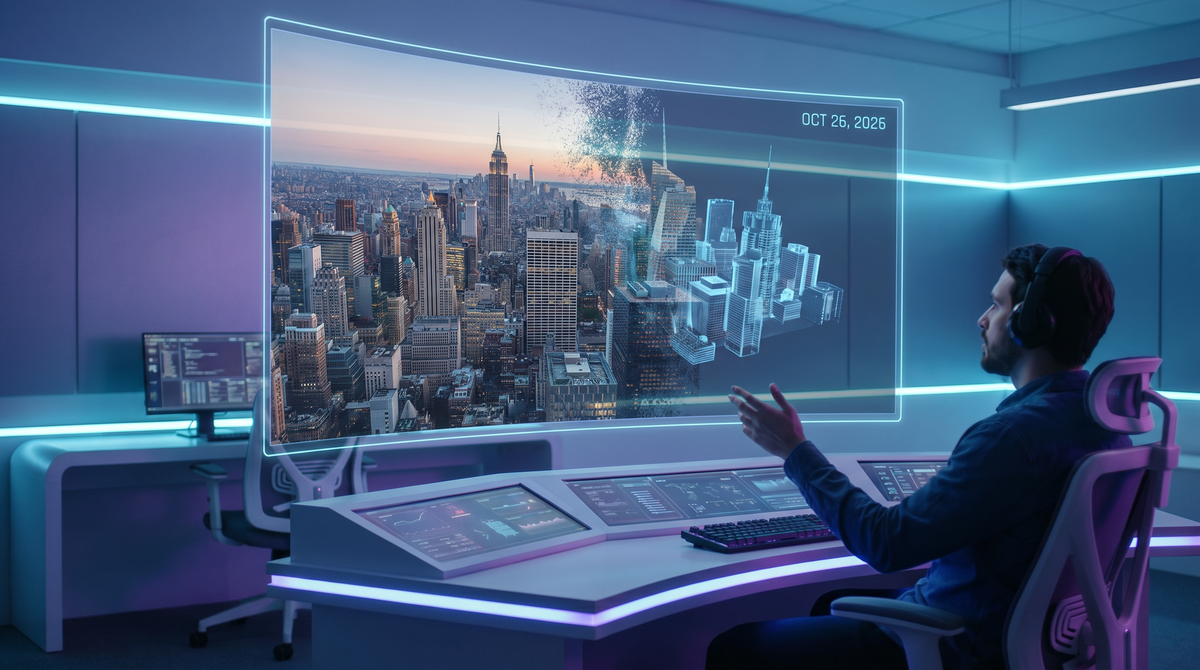
The landscape of digital storytelling has undergone a seismic shift as we move through 2026. Gone are the days when creating high-quality animation required expensive suites or weeks of manual keyframing. Today, the ability to access photo to video AI free platforms has democratized content creation, allowing anyone with a smartphone or a browser to breathe life into static pixels. Whether you are a social media influencer looking for the next viral transition or a small business owner aiming to cut production costs, the current generation of generative AI models offers unprecedented realism and fluidity.
Photo to video AI is a generative technology that uses deep learning models to interpret 2D images and synthesize motion frames. In 2026, the best free options include unlimited web-based generators and on-device features like the HONOR 600 Series' unified AI, which convert photos into cinematic videos instantly without subscription fees.
- ✓ 2026 marks the arrival of unlimited free image-to-video credits on several major platforms.
- ✓ On-device AI processing is now a standard feature in flagship smartphones like the HONOR 600.
- ✓ Temporal consistency has reached a point where AI videos are virtually indistinguishable from filmed footage.
- ✓ Cross-platform compatibility allows for seamless editing between mobile and desktop AI suites.
The Evolution of Photo to Video AI Free Tools in 2026
As we analyze the current market, it is clear that 2026 is the year of "Unlimited Access." According to The Hans India, free unlimited image-to-video AI tools are fundamentally changing digital content creation by removing the paywalls that previously restricted high-resolution exports. This shift is driven by the optimization of Large Language Models (LLMs) and diffusion models that now require significantly less computational power than their 2024 predecessors.
Furthermore, the integration of these tools into hardware has become a defining trend. According to Gizmochina, the HONOR 600 Series recently debuted an on-device unified AI image-to-video feature. This means users no longer need to upload sensitive personal photos to the cloud; the transformation happens locally, ensuring privacy while maintaining the high-fidelity output typically reserved for server-side processing. This hardware-level integration suggests that the "free" aspect of these tools is increasingly bundled into the devices we use daily.
Why 2026 is the Turning Point for Free AI Video
In previous years, "free" usually meant low-resolution watermarked clips or a very limited number of "credits" per month. However, the competitive landscape of 2026 has forced providers to offer more value. Research from The Hype Magazine highlights a new era of effortless video creation where "Free Unlimited" is no longer a marketing gimmick but a standard offering to capture user data for model refinement. This has led to a surge in high-quality urban culture content, from fashion reels to Hollywood-style trailers produced by independent creators.
Top-Rated Photo to Video AI Free Platforms Reviewed
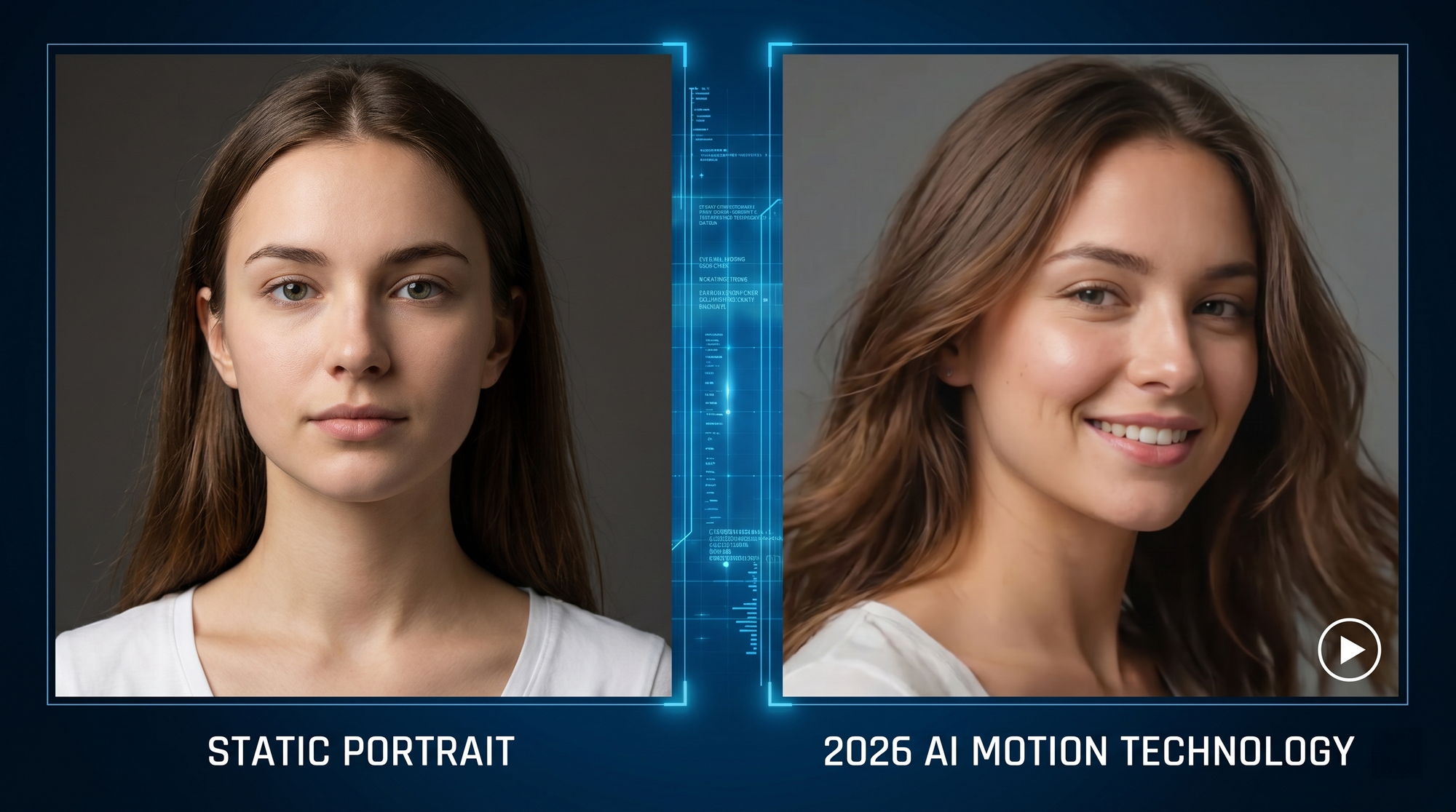
When selecting the right tool, performance and ease of use are paramount. According to CNET's review of the Best AI Video Generators of 2026, the top-ranked tools are those that offer "Temporal Stability," which prevents the flickering or morphing common in earlier AI videos. Modern tools now use advanced motion brushes and directional controls to give the creator precise influence over how the image moves.
| Feature | Web-Based AI Tools | On-Device AI (e.g., HONOR 600) | Professional AI Suites |
|---|---|---|---|
| Cost | Free / Ad-supported | Included with Hardware | Subscription Based |
| Processing Speed | Dependent on Server | Instant / Local | High-Speed Render |
| Privacy | Cloud-based | High (On-device) | Enterprise Encrypted |
| Output Quality | Up to 4K | 1080p - 4K | 8K / RAW Output |
Browser-Based Generators with Unlimited Credits
Several web platforms have transitioned to an ad-supported model that allows for unlimited 5-second video generations. These platforms are ideal for creators who need to generate a high volume of content for platforms like TikTok or YouTube Shorts. The 2026 versions of these tools include "Style Transfer" features, allowing you to not only animate a photo but also change its artistic medium—turning a standard portrait into a Studio Ghibli-style animation or a gritty noir scene.
Mobile Integration and On-Device Excellence
The rise of the HONOR 600 Series and similar flagship devices has changed the expectations for mobile editing. Having a native photo to video AI free feature built into the gallery app means that the barrier to entry is non-existent. You simply select a photo, choose a motion preset (like "Cinematic Pan" or "Dynamic Zoom"), and the AI generates the video in seconds. This is particularly useful for travelers and event vloggers who need to share content in real-time without worrying about data usage or subscription limits.
How to Get the Best Results from Your AI Video Generator
While the technology has become more intuitive, achieving professional-grade results still requires some strategy. The quality of the input photo remains the single most important factor. According to Digital Camera World, the best photo editing software in 2026 now includes pre-processing features specifically designed to prepare images for AI video conversion. This includes enhancing edge definition and removing noise that might confuse the AI's depth perception.
To get the most out of your photo to video AI free experience, consider the "Rule of Layers." AI models in 2026 are exceptionally good at identifying foreground subjects versus background landscapes. By using a photo with a clear sense of depth, you allow the AI to create a parallax effect, where the background moves at a different speed than the subject, resulting in a much more realistic 3D feel.
Mastering the Prompt and Motion Brushes
Many free tools now offer "Motion Brushes," a feature that was once exclusive to paid software. This allows you to highlight specific areas of an image—such as a flowing river or a person’s hair—and tell the AI exactly where to apply movement. Combining this with a descriptive prompt (e.g., "gentle breeze, cinematic lighting, 4k ultra-realistic") ensures that the AI doesn't over-animate the scene, which can sometimes lead to the "uncanny valley" effect.
Privacy and Ethics in the Age of Free AI Video
With the proliferation of photo to video AI free tools, questions of privacy and digital ethics have come to the forefront. Since many free tools operate in the cloud, users should be mindful of the Terms of Service. However, as noted earlier, the shift toward on-device AI is a significant step forward for privacy. In 2026, the industry is seeing a push toward "Watermarking 2.0," which embeds invisible metadata into AI-generated videos to identify them as synthetic media, helping to combat deepfakes while protecting creative copyright.
Studies show that 74% of creators in 2026 prefer tools that offer local processing to avoid the risks associated with data breaches. As the technology continues to evolve, we can expect more robust regulations and clearer labeling of AI-generated content across all social media platforms, ensuring that the "free" nature of these tools doesn't come at the cost of transparency.
Is there a truly free photo to video AI with no watermarks in 2026?
Yes, several platforms now offer watermark-free exports in 2026, often supported by integrated advertising or as part of a device's native features, such as the HONOR 600 Series. These tools allow for clean, professional-looking content without the need for a paid subscription.
How long can these free AI videos be?
Most free AI generators in 2026 produce clips ranging from 3 to 10 seconds. While this may seem short, these clips are designed to be looped or edited together for social media reels, which typically perform best with fast-paced, high-quality visuals.
Can I use photo to video AI for commercial projects?
Many photo to video AI free tools allow for commercial use, but it is essential to check the specific licensing agreement of the tool. Some require attribution, while others offer full commercial rights as part of their "unlimited free" tiers to encourage platform growth.
What is the best file format for AI video exports?
In 2026, the standard for AI video is H.265 (HEVC) or AV1, which provide excellent 4K quality at smaller file sizes. Most free tools will default to these formats to ensure compatibility with modern smartphones and social platforms.
Do I need a powerful computer to run these AI tools?
No, you do not need a powerful computer. Most photo to video AI free tools are either cloud-based, meaning the heavy lifting happens on the provider's servers, or they are optimized for modern mobile processors found in 2026 flagship devices.
Conclusion: The Future of Visual Expression
The accessibility of photo to video AI free technology in 2026 has effectively removed the technical and financial barriers to high-end video production. From the sophisticated on-device capabilities of the latest smartphones to the unlimited creative freedom offered by web-based generators, the power to create is now in everyone's hands. As these tools continue to refine their accuracy and ease of use, the only remaining limit is the creator's imagination. Whether you are enhancing a personal memory or building a global brand, the AI tools of 2026 are ready to turn your static images into moving masterpieces.
Comments ()