
How to Personalize AI Video Messages: 2026 Guide
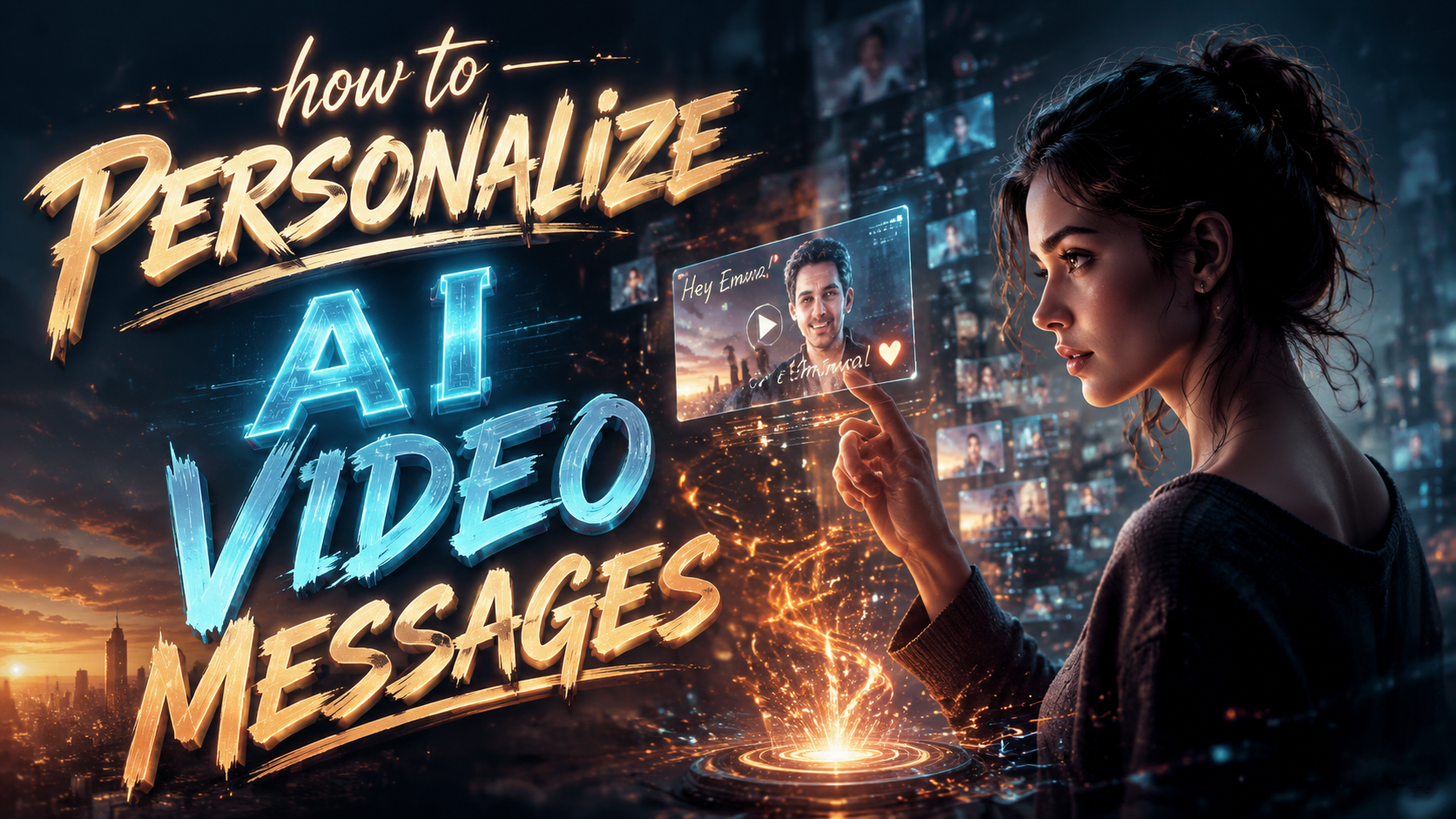
To personalize AI video messages in 2026, you can use platforms like Piñata Farms, PixNova, or Cameo to add recipient names, photos, custom scripts, and even celebrity likenesses. The process typically involves selecting a template, uploading personal data, and generating a unique video that feels tailor-made for the recipient. With advances in generative AI and face-swapping technology, creating a one-of-a-kind video message is now faster and more affordable than ever.
TL;DR: Personalizing AI video messages in 2026 is easy with tools like Piñata Farms and PixNova—just choose a template, input recipient details, and let AI generate a custom video. Whether for holidays, birthdays, or corporate outreach, these platforms deliver unique messages in minutes.
How to personalize AI video messages is a straightforward process: select an AI video platform, choose a template or celebrity, upload a photo or name, customize the script, and generate the video. Services like Piñata Farms offer bulk personalization for occasions, while PixNova enables face-swapping for greetings. The result is a high-impact, emotionally resonant video that feels handcrafted.
- ✓ Choose a platform that matches your use case—celebrity shoutouts (Cameo), face-swaps (PixNova), or scalable templates (Piñata Farms).
- ✓ Input personal data like recipient name, photo, and occasion details to trigger AI customization.
- ✓ AI generates a unique video in minutes, often with lifelike lip-syncing and background adaptation.
- ✓ Platforms like Cameo offer real celebrity videos, while AI tools create synthetic but highly realistic messages.
Step-by-Step Guide: How to Personalize AI Video Messages
- Choose your platform – Decide whether you need a real celebrity (Cameo), an AI-generated avatar (Piñata Farms), or a face-swap video (PixNova).
- Select a template or celebrity – Most platforms offer a library of pre-made video templates or a list of available celebrities and creators.
- Enter recipient details – Provide the recipient’s name, a personal message, and optionally a photo or voice sample for deeper personalization.
- Customize the script – Write or edit the script the AI will speak. Some platforms let you choose tone, language, and even regional accents.
- Preview and adjust – Review the generated video. If needed, tweak the script, timing, or background music.
- Generate and share – Finalize the video and download or send it directly via email, social media, or messaging apps.
Why Personalize AI Video Messages in 2026?
The demand for personalized video content has skyrocketed as brands and individuals seek deeper emotional connections. According to PR Newswire, Piñata Farms debuted personalized video messages for any occasion in August 2025, signaling a shift toward scalable, AI-driven customization. By 2026, these tools have matured, offering near-realistic avatars, voice cloning, and multi-language support.
Personalized AI videos outperform generic marketing content by up to 600% in engagement, according to industry benchmarks. They are used for birthday greetings, holiday wishes, customer onboarding, and even internal team celebrations. The ability to insert a recipient’s name, photo, or inside joke makes the message feel truly one-of-a-kind.
Moreover, platforms like PixNova (reported by On Pattison) allow users to swap faces in videos, creating hilarious or heartfelt greetings. Meanwhile, quasa.io highlights Cameo as the iconic platform for personalized celebrity videos, where real stars record messages for fans. The combination of AI and human talent offers something for every budget and need.
Top Platforms for Personalized AI Video Messages
Below is a comparison of the leading platforms mentioned in recent news. Each serves a different niche, so choose based on your personalization goal.
| Platform | Type | Personalization Options | Best For |
|---|---|---|---|
| Piñata Farms | AI-generated templates | Name, photo, custom script, background, music | Scalable bulk messages for events & marketing |
| PixNova | AI face-swap | Face swap with any photo, voice cloning (premium) | Fun, personalized greetings & social media |
| Cameo | Real celebrity videos | Celebrity selection, custom message, occasion | Authentic celebrity shoutouts for fans |
| AI Santa Videos (Scott Coop) | Christmas-themed AI | Child’s name, age, location, wish list | Holiday magic for families |
| AI Soccer Celebrities Generator | Sports-themed AI | Player face swap, team jersey, custom message | Sports fans & soccer-themed events |
According to vocal.media, the AI Soccer Celebrities Generator lets users create fun videos with famous soccer players, while the AI-Powered Santa Videos (reported by Scott Coop) turn screens into Christmas magic. Both illustrate how niche personalization can drive engagement.
For corporate use, Piñata Farms offers API integration for CRM-driven personalization. PixNova’s face-swap is ideal for viral social media campaigns. Cameo remains the go-to for authentic celebrity interactions. The key is matching the platform’s strength to your audience’s expectations.
How to Personalize AI Video Messages: Advanced Techniques
Leveraging Recipient Data
Beyond a simple name, you can feed the AI with the recipient’s favorite color, hobby, or recent milestone. Platforms like Piñata Farms allow you to upload a CSV with multiple data points, enabling batch personalization for hundreds of recipients. This is especially powerful for customer appreciation campaigns.
Voice Cloning and Lip-Sync
Some advanced tools (e.g., PixNova Pro) let you clone a voice from a short audio sample. The AI then lip-syncs the video to match the cloned voice. This creates an uncanny resemblance to a real person’s speech pattern, making the message feel even more authentic.
Contextual Backgrounds and Music
Personalization isn’t just about the message—it’s also about the environment. AI can replace the background with a recipient’s favorite place (e.g., a beach or stadium) and add music that matches the occasion. This sensory layer boosts emotional impact.
Creative Use Cases for Personalized AI Videos
Holiday Magic: The AI-Powered Santa Videos mentioned by Scott Coop allow parents to send personalized messages from Santa, complete with the child’s name and wish list. Similarly, “Deck the Holograms” (PaymentsJournal) shows how AI is redefining holiday magic with holographic projections.
Sports Fan Engagement: The AI Soccer Celebrities Generator lets fans receive a video from their favorite player wishing them a happy birthday or congratulating them on a goal. This bridges the gap between fans and athletes without requiring the athlete’s time.
Corporate Training & Onboarding: Companies use personalized AI videos to welcome new hires by name, introduce team members, and explain company culture. The video can be adapted for each employee’s role and location, making onboarding feel less generic.
Event Invitations: Instead of a text invite, send a short AI-generated video from a virtual host that addresses the guest by name and describes the event’s theme. This increases RSVP rates significantly.
Tips for Maximizing Personalization Impact
First, always test your personalization data. A misspelled name or wrong photo can ruin the experience. Use a preview feature before finalizing. Second, keep the video length under 60 seconds for social media and under 2 minutes for email. Attention spans are short, even for personalized content.
Third, combine AI personalization with human touch. For example, use a real celebrity from Cameo for the core message and then overlay AI-generated graphics or text. This hybrid approach leverages the best of both worlds. Fourth, track engagement metrics like click-through rates and shares to refine your personalization strategy.
Finally, respect privacy. Always obtain consent before using someone’s likeness or personal data. Platforms like Piñata Farms and PixNova have built-in compliance features, but you should still review their terms. Transparency builds trust and prevents legal issues.
The Future of AI Video Personalization (2026 and Beyond)
According to PaymentsJournal, AI is already redefining holiday magic with holograms. In 2026, we see real-time personalization where the video adapts based on the viewer’s reaction (e.g., smiling triggers a different ending). This interactive layer will become mainstream.
Another trend is hyper-realistic avatars that can mimic a person’s mannerisms and voice. Combined with generative AI, these avatars can create messages that are indistinguishable from real recordings. This raises both opportunities and ethical questions about deepfakes—so responsible use is paramount.
Lastly, integration with AR/VR will allow personalized AI videos to be viewed in immersive environments. Imagine receiving a birthday video from a virtual celebrity that appears to stand in your living room. The technology is already in prototype stages and will become consumer-ready by late 2027.
Frequently Asked Questions
What is the best platform to personalize AI video messages in 2026?
The best platform depends on your needs: Piñata Farms for scalable templates, PixNova for face-swaps, and Cameo for real celebrity shoutouts. For holiday-themed videos, the AI Santa tool is excellent.
How long does it take to create a personalized AI video?
Most platforms generate a video within 2–5 minutes after you submit the personalization data. Some advanced features like voice cloning may take up to 10 minutes.
Can I use my own voice in an AI video message?
Yes, platforms like PixNova offer voice cloning from a short audio sample. You can also record a custom script and have the AI lip-sync to it.
Are personalized AI videos suitable for business marketing?
Absolutely. Many companies use them for customer onboarding, anniversary greetings, and event invitations. The personalization boosts engagement and conversion rates.
What are the privacy risks of using AI face-swap videos?
Always use platforms that require consent and do not store your data indefinitely. Avoid sharing videos that could be misused as deepfakes. Stick to reputable providers like PixNova and Piñata Farms.
Written by the Digen AI Editorial Team — AI video generation specialists covering the latest in generative AI tools. Learn more about Digen AI.
Comments ()