
One Click AI Video Templates: 2026 Creative Production Guide
One click AI video templates are pre-configured, intelligent frameworks that allow creators to generate professional-grade video content by simply selecting a style and providing a prompt or asset. In 2026, the evolution of one click ai video templates has moved beyond simple filters to fully generative environments where motion, sound, and lighting are synthesized instantly. These tools have become the standard for beginners and professional brands alike who need to scale their creative output without the traditional overhead of manual editing.
One click AI video templates are automated creative frameworks that use generative AI to convert text, images, or raw footage into polished videos instantly. In 2026, these templates utilize advanced neural rendering to handle complex tasks like "AI People Removal" and cinematic transitions, enabling users to produce viral-ready content for platforms like TikTok and Reels with a single interaction.
- ✓ Professional-grade video production is now accessible to beginners through simplified one-click workflows.
- ✓ Advanced features like "AI People Remover" and "Image-to-Video" are now standard in top 2026 platforms.
- ✓ Brands are increasingly adopting these platforms to maintain the high volume required for social media algorithms.
- ✓ Integration with real-time generative models allows for infinite customization within a single template structure.
The Evolution of One Click AI Video Templates in 2026
The landscape of digital content has shifted dramatically as we move through 2026. The days of spending hours on a timeline, adjusting keyframes and color grading, are being replaced by intelligent systems that understand the intent of the creator. According to The AI Journal, every modern brand now requires an AI video creation platform to stay competitive, as the speed of social media trends demands a turnaround time that manual editing simply cannot match. This shift is driven by the refinement of one click ai video templates which act as the "brain" of the creative process.
These templates are no longer static presets. They are dynamic environments capable of real-time adjustment. For instance, if a creator selects a "Cinematic Travel" template, the AI doesn't just apply a filter; it analyzes the uploaded footage, identifies the subject, and applies physics-based motion blur and lighting enhancements. This level of sophistication ensures that even a novice can produce work that looks like it came out of a high-end production house.
How to Use One Click AI Video Templates for Viral Content
If you are looking to leverage these tools for your brand or personal channel, follow this streamlined process to maximize your impact:
- Select Your Core Template: Choose a template that aligns with your platform (e.g., a vertical "Viral Reels" template for social media).
- Upload Your Assets: Provide the AI with your raw images or short clips. Modern tools like those featured in Breaking AC News now specialize in 10-point image-to-video conversion.
- Apply AI Enhancements: Use one-click tools such as the "AI People Remover" by Vmake to clean up your background and focus on the subject.
- Generate and Refine: Click the "Generate" button. The AI will sync the visuals to the beat of the music and add captions automatically.
- Export and Distribute: Download the final render in 4K or 8K resolution and upload directly to your desired platform.
Comparing Top AI Video Generation Features
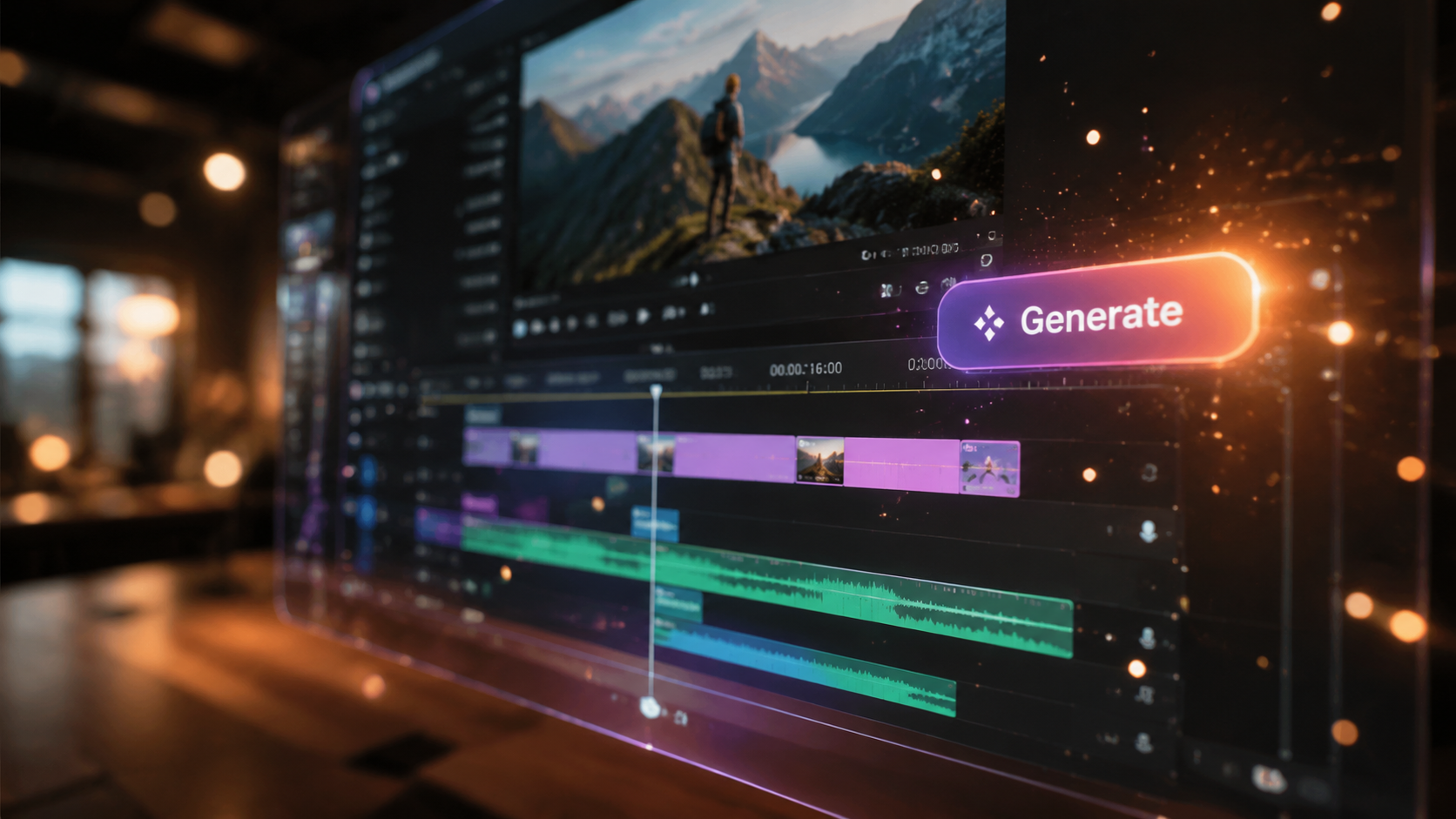
With so many options available in 2026, it is essential to understand which features drive the most value. Recent reports from G2 Learn Hub highlight that the best AI video generators are those that balance ease of use with powerful generative capabilities. Creators are no longer looking for just "video editors"; they are looking for "video partners" that can fill in the gaps of their creative vision.
The following table compares the key features found in leading 2026 AI video platforms to help you decide which tool fits your specific needs.
| Feature Category | Standard Capability (2026) | Best For |
|---|---|---|
| One Click Templates | Full scene synthesis from text/image prompts. | Beginners and Rapid Scaling |
| AI People Remover | Instant background cleaning and object erasure. | Professional Cleanup & Privacy |
| Image-to-Video | Converting static photos into 60fps fluid motion. | Social Media Creators |
| Viral Optimization | Auto-syncing to trending audio and hashtags. | TikTok and Reels Growth |
| Neural Branding | Consistent brand color and logo application. | Enterprise Marketing Teams |
The Power of One Click AI Video Templates for Social Media
Social media platforms like TikTok and Instagram have evolved into video-first ecosystems. To keep up, creators are turning to specialized tools. The Chronicle-Journal recently reported on the launch of AI Inspo, a generator specifically designed to help anyone create viral TikToks using one click ai video templates. This accessibility is democratizing the creator economy, allowing individuals without technical backgrounds to compete with large media companies.
The effectiveness of these templates lies in their ability to analyze "what works." By training on millions of high-performing videos, the AI understands where to place text overlays, when to cut for maximum engagement, and which transitions keep viewers from scrolling past. This "algorithmic awareness" is a cornerstone of 2026 creative production guides, ensuring that the content isn't just beautiful, but also functional in terms of reach and retention.
Advanced Editing: The Rise of AI People Removal
One of the most significant breakthroughs in 2026 is the integration of complex editing tasks into the one-click workflow. As noted by Business Insider, Vmake recently launched an advanced "AI People Remover" mode. This feature allows creators to clean up busy backgrounds in one click, a task that previously required frame-by-frame rotoscoping. This is particularly useful for influencers filming in public spaces who need to remove bystanders to maintain the focus on their message.
Choosing the Best AI Video Generator for Beginners in 2026
For those just starting, the sheer number of choices can be overwhelming. According to findarticles.com, the best AI video generator for beginners in 2026 is defined by its "one-click" philosophy. Beginners should look for platforms that offer a high degree of "out-of-the-box" quality. This means the one click ai video templates should include pre-licensed music, automated subtitles, and intelligent pacing features.
Furthermore, a study cited in The AI Journal suggests that brands using AI-driven templates see a 400% increase in content volume without a corresponding increase in budget. This efficiency is why the "beginner" tools of 2026 are often the same ones used by professional marketing departments. The distinction between amateur and professional tools is blurring as the AI takes over the technical heavy lifting.
Key Features to Look For:
- Intuitive Interface: A dashboard that requires zero learning curve.
- High-Fidelity Output: Support for 4K resolution and high frame rates.
- Cross-Platform Compatibility: Templates optimized for YouTube, LinkedIn, and Instagram simultaneously.
- Real-time Preview: The ability to see changes instantly without long rendering wait times.
Future-Proofing Your Content Strategy
As we look toward the latter half of 2026 and beyond, the role of one click ai video templates will only expand. We are moving toward a "generative-first" workflow where the human provides the strategy and the AI provides the execution. To future-proof your strategy, it is vital to stay updated on the latest tool releases and feature updates, such as the 10-image-to-video tools recently highlighted by Breaking AC News.
Creators who embrace these automated workflows today will be the ones who define the digital landscape of tomorrow. By offloading the repetitive tasks of editing to AI, you free up your mental energy for storytelling, community engagement, and high-level brand strategy. The guide to creative production in 2026 is simple: work smarter by letting the AI handle the clicks.
What are one click AI video templates?
They are pre-designed video frameworks that use generative artificial intelligence to automatically assemble, edit, and enhance video content based on minimal user input. These templates handle everything from transitions to color grading with a single click.
Can I remove people from my videos using AI in 2026?
Yes, advanced platforms like Vmake have introduced "AI People Remover" modes that allow you to clean up backgrounds and remove unwanted subjects from your footage or photos instantly using one-click technology.
Are AI video generators suitable for professional brand use?
Absolutely. According to The AI Journal, every brand in 2026 needs an AI video creation platform to keep up with the volume and speed of modern digital marketing requirements while maintaining high production standards.
Do I need expensive hardware to run these AI tools?
No, most 2026 AI video generators are cloud-based. The heavy processing is handled on the provider's servers, allowing you to create high-quality 4K videos on standard laptops or even mobile devices.
How do image-to-video AI tools work?
These tools, such as the ones featured in Breaking AC News, use neural networks to predict motion between pixels in a static image, effectively "animating" the photo into a fluid, high-definition video clip.



Comments ()