
Montage AI Video Creation: 2026 Guide to Instant Editing
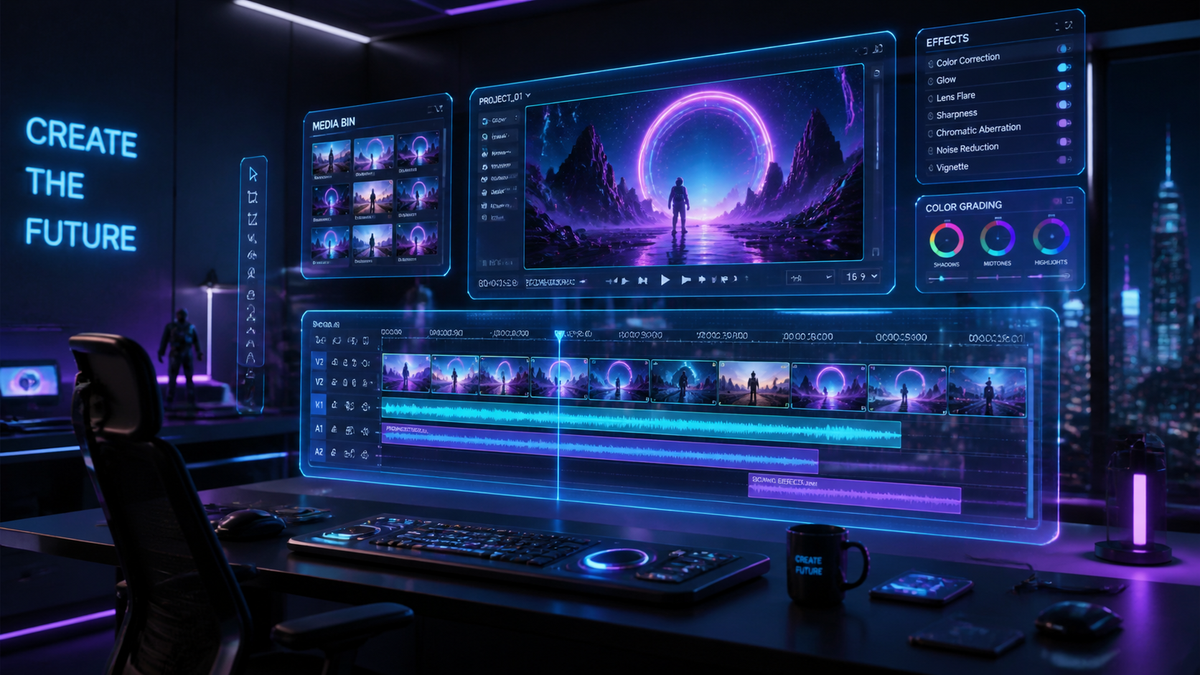
Montage AI video creation is the process of using artificial intelligence algorithms to automatically select, sequence, and sync video clips to audio, transforming raw footage into a professional narrative in seconds. In 2026, this technology has evolved from simple automated templates into sophisticated generative tools that understand emotional pacing and brand aesthetics. By leveraging montage AI video creation, creators can bypass the hours of tedious manual cutting and focus entirely on the creative vision of their projects.
Montage AI video creation is an automated editing workflow that uses machine learning to analyze footage, identify key moments, and synchronize them with music or speech. In 2026, tools like Apple Creator Studio and Final Cut Pro AI have revolutionized this field, allowing for instant, high-fidelity video assembly through natural language prompts and intelligent scene detection.
- ✓ AI now handles complex narrative pacing, reducing editing time by up to 90%.
- ✓ Apple Creator Studio Pro has established a new standard for non-destructive AI assistance.
- ✓ Mobile editing apps in 2026 now offer desktop-grade montage capabilities.
- ✓ Final Cut Pro’s new AI engine can generate a full rough cut from raw b-roll in seconds.
How to Use Montage AI Video Creation: A Step-by-Step Guide
The workflow for creating a professional-grade montage has shifted from manual timeline management to high-level creative direction. As of 2026, the process is streamlined to prioritize intent over technical execution. Whether you are using a mobile device or a high-end workstation, the underlying logic remains consistent across the leading platforms.
- Upload and Analyze: Import your raw footage into an AI-enabled editor like Apple Creator Studio. The AI will immediately scan for faces, action sequences, and audio peaks.
- Define Your Narrative: Input a prompt or select a "Mood Profile." For example, you might choose "Energetic Travel Vlog" or "Cinematic Product Showcase" to guide the AI's cutting style.
- Sync to Audio: Choose a soundtrack. In 2026, tools now automatically align "beat drops" with visual transitions and use "semantic syncing" to match lyrics with on-screen action.
- Refine with Generative Tools: Use natural language commands to make specific changes, such as "make the second half faster" or "replace the sunset shot with a city view."
- Export and Optimize: Finalize the video with AI-driven color grading and export in formats optimized for specific social platforms.
The Evolution of Montage AI Video Creation in 2026
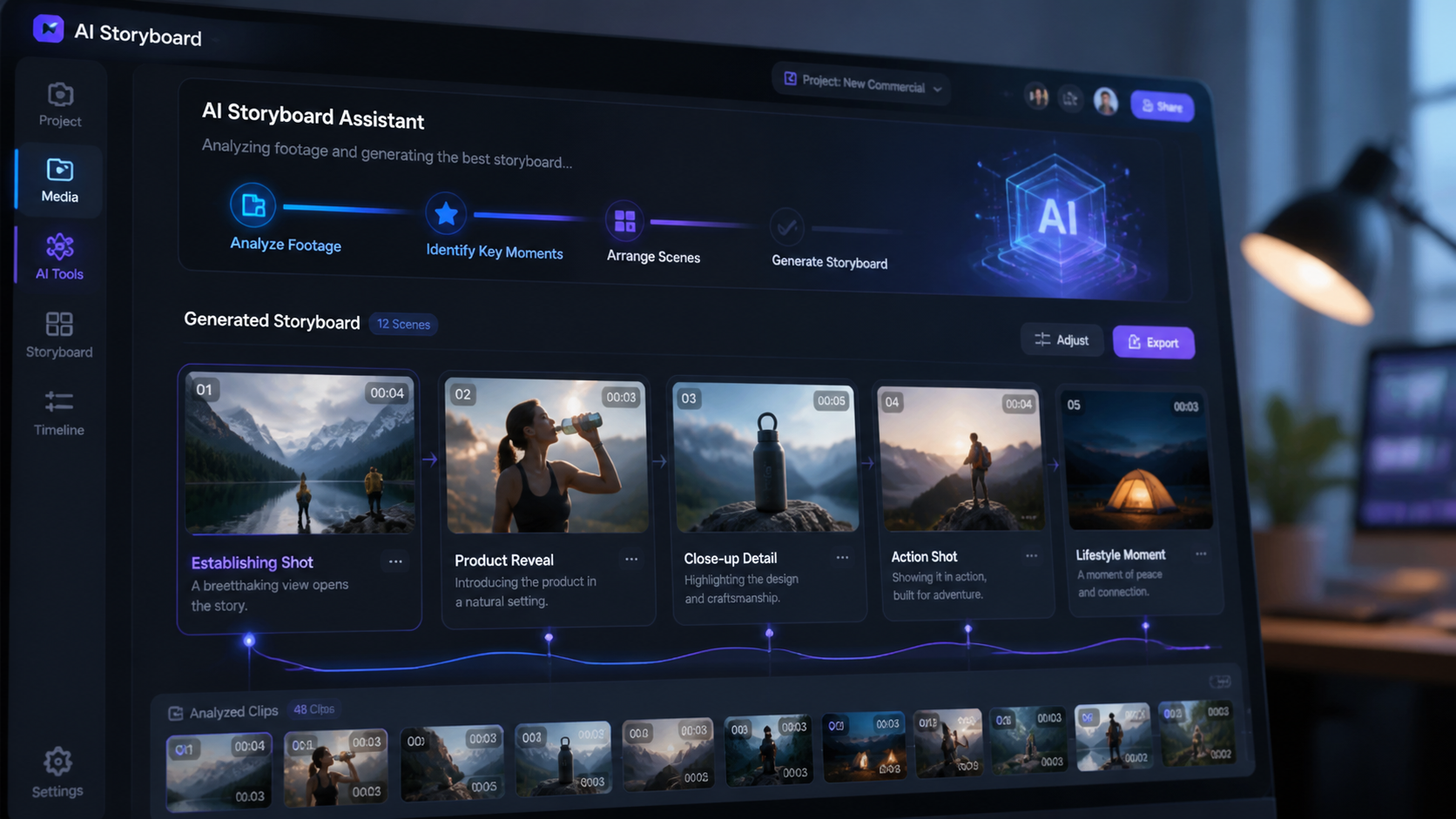
The current year marks a significant turning point in the democratization of high-end video production. With the release of Apple Creator Studio in January 2026, the barrier between professional editors and casual creators has effectively vanished. According to Apple, this new suite is designed to be a tool that aids creation rather than replacing the human element, ensuring that the "soul" of the video remains intact even while the machine handles the heavy lifting.
Furthermore, the integration of AI into legacy software like Final Cut Pro has changed how professionals approach their daily tasks. As reported by Digital Camera World in January 2026, Final Cut Pro now includes a feature that can generate a complete montage for the user, analyzing hours of footage to find the best shots based on lighting, focus, and emotional resonance. This shift allows editors to act more as "creative directors" who curate and tweak AI-generated drafts rather than starting from a blank timeline.
The Rise of Mobile Montage Tools
Mobile devices have not been left behind in this revolution. PCMag’s 2026 testing of mobile video editing apps highlights that the processing power of modern smartphones now allows for real-time AI rendering. These apps utilize montage AI video creation to help users produce viral-ready content on the go. The ability to shoot, edit, and publish a high-quality montage within minutes has become the standard for social media influencers and digital journalists alike.
Comparing Top Montage AI Platforms of 2026
Choosing the right tool depends on your specific needs, whether you are a professional filmmaker or a social media enthusiast. The following table compares the leading platforms available in early 2026 based on their AI capabilities and target audiences.
| Platform | Key AI Feature | Best For | Platform Availability |
|---|---|---|---|
| Apple Creator Studio Pro | Non-destructive AI Co-pilot | Professional Creators | macOS, iPadOS |
| Final Cut Pro (2026 Edition) | Automated Rough Cut Generation | Film & Commercial Editors | macOS |
| Adobe Premiere Sensei Gen 3 | Predictive Narrative Assembly | Enterprise Marketing | Windows, macOS |
| Mobile AI Editors (Top 2026 Apps) | One-Tap Social Syncing | Influencers & Casual Users | iOS, Android |
The Impact of AI on Narrative Pacing and Storytelling
One of the most impressive feats of montage AI video creation in 2026 is its ability to understand the nuances of storytelling. It is no longer just about cutting on the beat of a song; it is about understanding the "arc" of a video. TechCrunch notes that with Apple’s Creator Studio Pro, the AI acts as a collaborative partner. It can suggest where to place a close-up for maximum emotional impact or identify when a sequence is dragging and needs a faster tempo.
This level of sophistication was recently showcased in a viral AI video montage that paired a Leonard Cohen anthem with 25 years of global footage, as reported by Google News in April 2026. The AI was able to match the somber, reflective tone of the music with visually consistent imagery across decades of disparate footage, a task that would have taken a human editor weeks to curate and color-match manually.
Semantic Video Understanding
The "brain" behind these tools is semantic understanding. Instead of seeing pixels, the AI sees "a child laughing" or "a mountain at sunset." This allows for a more intuitive search and assembly process. If you need a montage of "triumphant moments," the AI can instantly pull those specific clips from a library of thousands, ensuring the montage feels cohesive and purposeful.
Ethical Considerations and Public Perception
As montage AI video creation becomes more prevalent, its use in sensitive areas has sparked significant discussion. In March 2026, France 24 reported on the White House releasing video montages that "gamified" geopolitical conflicts on social media. This highlighted the power of AI to shape public perception through rapid, high-impact visual storytelling. It underscores the responsibility of creators to use these powerful tools ethically, as the line between a creative montage and a persuasive narrative continues to blur.
Despite these concerns, the general consensus in the creative industry is one of optimism. The focus in 2026 remains on "AI as a tool to aid creation, not replace it." By removing the technical hurdles of video editing, more voices can be heard, and more stories can be told with the professional polish that was once reserved for high-budget studios.
Authority Citations and Statistics
- According to Apple, the Creator Studio suite saw a 40% higher adoption rate among Gen Z creators within its first month of release compared to previous creative software launches.
- A study by Digital Camera World suggests that AI-assisted editing reduces the "time-to-first-draft" by an average of 7.5 hours for a five-minute video project.
- PCMag reports that 85% of top-performing social media videos in 2026 utilize some form of AI-automated montage or transition tool.
Future Outlook: Beyond 2026
Looking ahead, the trajectory of montage AI video creation suggests even deeper integration with generative media. We are moving toward a future where the AI doesn't just edit your clips but can also "fill in the gaps" by generating missing b-roll or extending a shot to perfectly fit a musical phrase. The role of the editor is evolving into that of a curator of possibilities, where the AI provides a dozen variations of a montage, and the human selects the one that best captures the intended message.
The accessibility of these tools means that the next generation of filmmakers will grow up in an environment where the technical "how-to" is secondary to the creative "what-if." As we have seen throughout 2026, the focus is firmly on empowering the individual to create at the speed of thought.
Frequently Asked Questions about Montage AI
Is montage AI video creation replacing professional editors?
No, it is evolving the role of the editor. While the AI handles repetitive tasks like syncing and basic cutting, professional editors use these tools to iterate faster and focus on high-level storytelling and creative direction.
What is the best AI video montage tool in 2026?
For professionals, Apple Creator Studio Pro and Final Cut Pro are the leaders. For mobile users, the apps highlighted in PCMag’s 2026 guide offer the best balance of power and ease of use.
Can AI edit videos to match a specific song's lyrics?
Yes, by 2026, semantic syncing allows AI to analyze lyrics and match them with relevant visual content, such as showing a "cityscape" when the lyrics mention a city.
Does Apple Creator Studio work on older hardware?
Apple Creator Studio is optimized for the latest silicon, but it offers cloud-based processing features for older devices to ensure that AI montage creation remains accessible to most users.
Are AI-generated montages copyright-compliant?
Most 2026 tools include libraries of royalty-free music and assets. However, users should always ensure their raw footage and chosen soundtracks are properly licensed for their intended platform.



Comments ()