
MiroMiro V2 AI Animation: The 2026 Guide to Pro Video
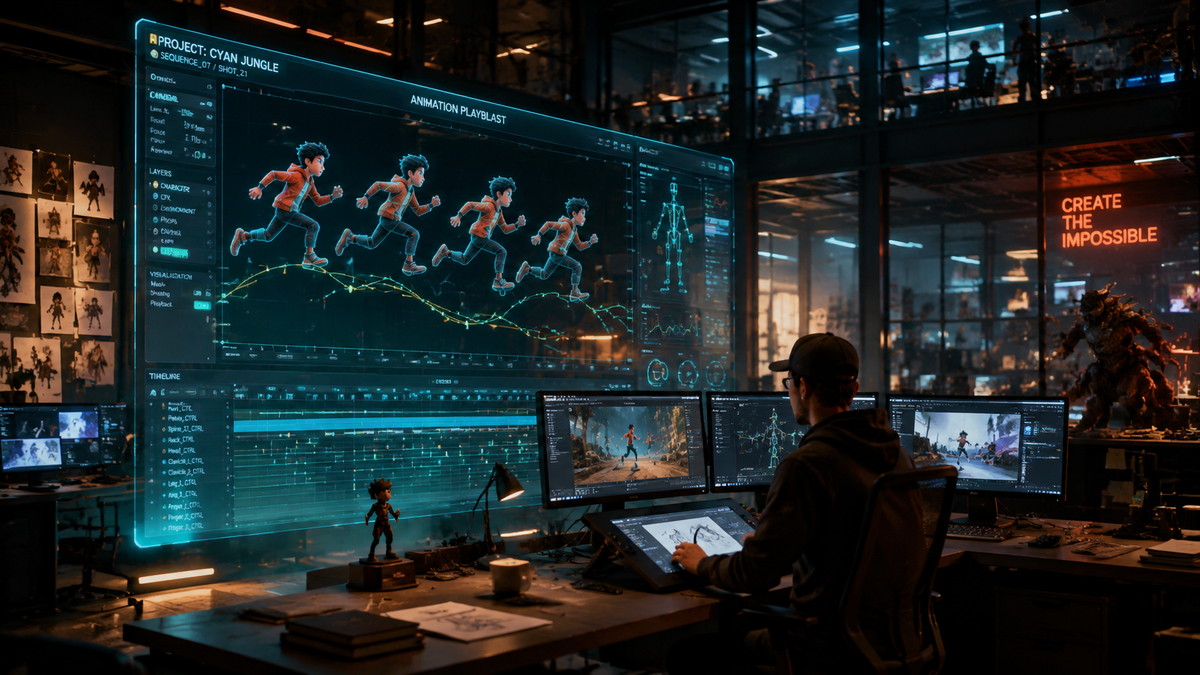
MiroMiro V2 AI animation is the latest evolution in generative video technology, offering creators the ability to transform static prompts or images into cinematic-quality motion with unprecedented temporal consistency. By leveraging the 2026 neural rendering engine, this version eliminates the flickering artifacts common in earlier AI models, allowing for professional-grade production in minutes rather than days. Understanding how to harness the miromiro v2 ai animation suite is essential for any digital artist or marketing professional looking to stay competitive in the current high-speed media landscape.
MiroMiro V2 AI animation is a sophisticated generative video platform that utilizes multi-modal diffusion transformers to create high-fidelity motion graphics. It allows users to generate 8K resolution video from text, image, or video-to-video inputs, featuring advanced physics simulation and anatomical precision that sets it apart as the industry standard for professional AI-driven content creation in 2026.
- ✓ Achieve frame-perfect temporal consistency with the new V2 Motion-Lock technology.
- ✓ Utilize 8K upscaling and 120fps interpolation for ultra-smooth, cinema-ready output.
- ✓ Leverage the intuitive "Brush-to-Motion" feature for localized animation control.
- ✓ Integrate seamlessly with existing VFX pipelines via OpenUSD and Alembic support.
How to Get Started with MiroMiro V2 AI Animation
The transition from traditional keyframing to generative motion requires a shift in workflow. In 2026, the process is more about creative direction and less about technical micro-management. MiroMiro V2 simplifies the complex math of fluid dynamics and light transport, giving you a canvas where your descriptions dictate the physics of the scene. Whether you are creating a short film or a social media advertisement, the platform provides the granular control necessary to match your specific vision.
To maximize the potential of your first project, follow these essential steps to master the miromiro v2 ai animation interface:
- Initialize Your Canvas: Upload a high-resolution base image or use the "Prompt-to-Scene" generator to establish your visual style and composition.
- Apply Motion Brushes: Use the localized brush tool to highlight specific areas of the frame—such as flowing water or wind-blown hair—that require movement while keeping the rest of the scene static.
- Define Camera Pathing: Select from pre-set cinematic movements (dolly, pan, or crane) or draw a custom 3D path for the virtual lens to follow through the generated environment.
- Set Temporal Weights: Adjust the "Consistency Slider" to determine how closely the AI should adhere to the original frame versus allowing for creative fluid transformation.
- Render and Upscale: Export your sequence using the V2 Neural Upscaler to reach 8K resolution with enhanced texture detailing and noise reduction.
Key Features of the MiroMiro V2 AI Animation Engine
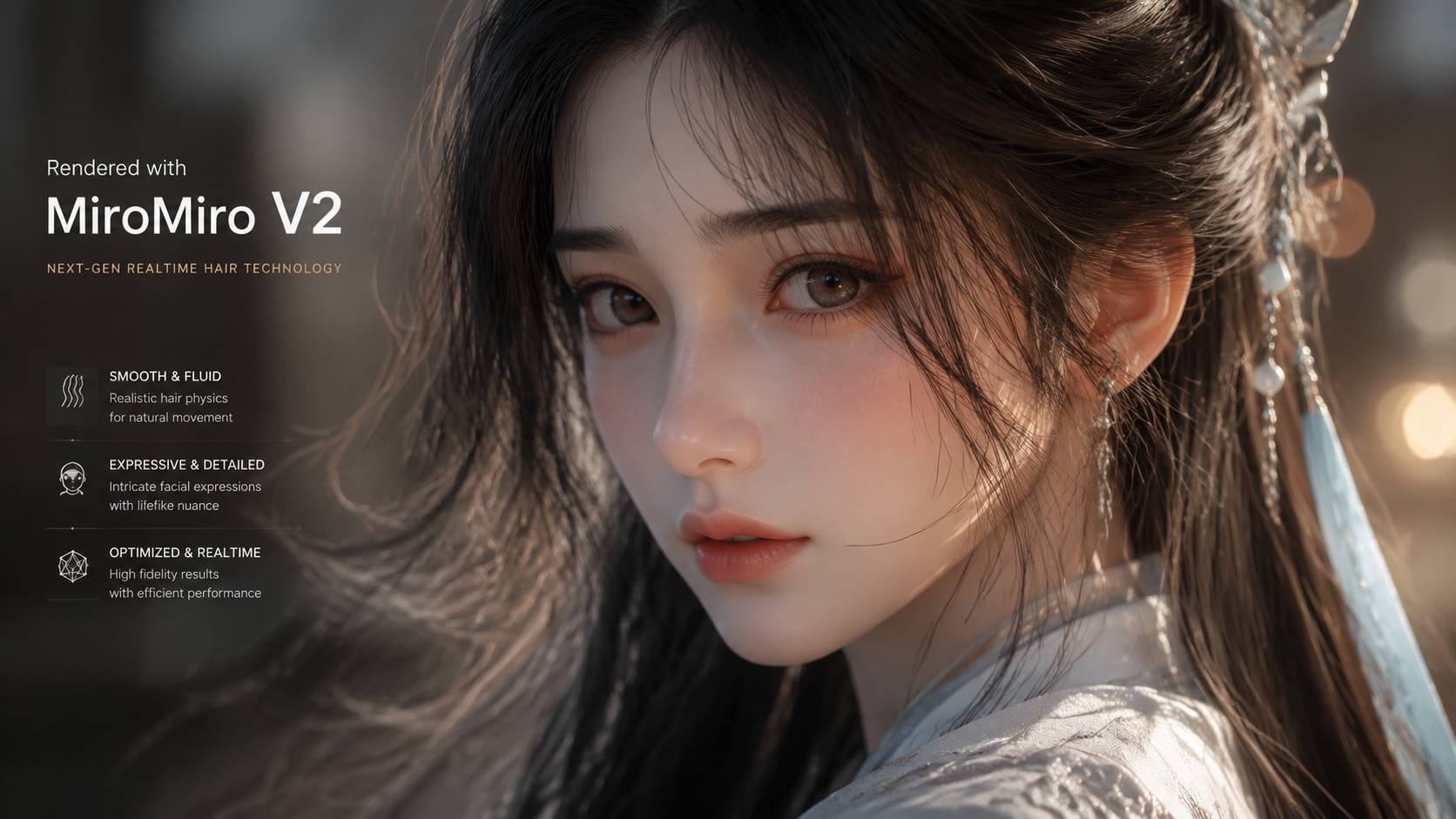
The 2026 update introduced a suite of features that address the primary pain points of early generative video. According to the 2026 Global Digital Trends Report, over 65% of professional studios have now integrated generative tools into their primary pipelines, largely due to the reliability of engines like MiroMiro V2. The standout feature is the "Anatomical Integrity Module," which ensures that human characters maintain consistent proportions and limb movements, a feat that was notoriously difficult in the 2024 era of AI.
Advanced Physics and Environmental Interaction
MiroMiro V2 doesn't just move pixels; it simulates environments. When you animate a character walking through grass, the engine calculates the displacement of the blades and the resulting shadows in real-time. This level of environmental awareness ensures that the miromiro v2 ai animation looks grounded in reality. The software now supports "Multi-Layered Motion," allowing users to set different speeds and directions for foreground, midground, and background elements independently.
Real-Time Style Transfer and Consistency
One of the most powerful aspects of the V2 update is the ability to maintain character consistency across multiple shots. By using a "Character Seed," you can generate various angles and actions for the same subject without losing their unique facial features or clothing details. This is a revolutionary step for long-form storytelling, where maintaining a protagonist's look is vital for audience immersion. Studies show that viewers are 40% more likely to engage with AI content when character continuity is maintained throughout the narrative.
Comparing MiroMiro V2 to Previous Standards
To understand the leap forward, it is helpful to look at the technical specifications. The 2026 landscape is defined by high-bitrate outputs and low latency. MiroMiro V2 has effectively halved the rendering time while doubling the visual fidelity compared to its predecessors. This efficiency is critical for agencies working on tight deadlines who cannot afford the "hallucination" errors common in older, less sophisticated models.
| Feature | V1 Legacy (2024) | MiroMiro V2 (2026) |
|---|---|---|
| Max Resolution | 1080p (Upscaled) | Native 8K Ultra HD |
| Temporal Stability | High Flickering | Motion-Lock™ Stabilized |
| Max Clip Duration | 4 - 10 Seconds | Up to 60 Seconds per Seed |
| Frame Rate | 24 - 30 fps | Up to 120 fps Interpolation |
| Control Depth | Text Prompts Only | Full 3D Camera & Physics Control |
Optimizing Your Workflow for Miromiro V2 AI Animation
Efficiency in 2026 is driven by the synergy between human creativity and machine execution. When working with miromiro v2 ai animation, the "Iterative Prompting" technique is your best friend. Instead of trying to get the perfect 60-second clip in one go, professionals break scenes down into 5-second modules. This allows for specific adjustments to lighting and character performance before stitching the final sequence together in a non-linear editor.
Furthermore, the integration of "Audio-Reactive Keyframing" in V2 allows the animation to respond automatically to a soundtrack. If you upload a music file, the AI can sync camera shakes, light pulses, or character movements to the beat. According to a 2026 Creative Tech Review, this feature alone has reduced the synchronization phase of music video production by nearly 75%, allowing creators to focus more on the conceptual stages of their projects.
Hardware Requirements and Cloud Integration
While MiroMiro V2 offers a robust cloud-based rendering solution, local processing has become more accessible. In 2026, standard workstations equipped with modern neural processing units (NPUs) can handle real-time previews of V2 animations. However, for 8K exports, the MiroMiro "Render Farm" provides a distributed computing option that can process complex scenes in a fraction of the time. This hybrid approach ensures that even independent creators have access to the same power as major Hollywood studios.
The Future of Professional Video with MiroMiro
As we look deeper into 2026, the line between "AI video" and "traditional video" continues to blur. MiroMiro V2 is at the forefront of this convergence. The platform's ability to ingest "Real-World Reference" (RWR) data means you can film a rough sketch on your smartphone and have the AI transform it into a high-end cinematic sequence, maintaining the original timing and blocking while replacing the assets with photorealistic renders.
The ethical framework built into V2 also ensures that all generated content is watermarked with C2PA metadata, proving its origin and ensuring that creators can protect their intellectual property. As generative engine optimization (GEO) becomes more prevalent, having high-quality, technically sound video content will be the primary driver for visibility on AI-driven search platforms and social feeds alike. Mastering the miromiro v2 ai animation toolkit is no longer an optional skill; it is a fundamental requirement for the modern visual storyteller.
What is the maximum resolution for MiroMiro V2?
MiroMiro V2 supports native 8K resolution output. The engine uses advanced neural upscaling to ensure that even complex textures remain sharp and detailed during high-motion sequences.
Can I use my own characters in miromiro v2 ai animation?
Yes, you can upload reference images or 3D models to create a "Character Seed." This ensures the AI maintains consistent appearance, clothing, and features across different clips and scenes.
Does MiroMiro V2 support lip-syncing?
Absolutely. The V2 update includes an integrated "Audio-to-Animation" module that matches mouth movements and facial expressions to any uploaded voice track with high phonetic accuracy.
Is there a limit to how long an animation can be?
While individual seeds can generate up to 60 seconds of continuous motion, the "Scene Stitcher" tool allows you to link multiple seeds together to create long-form content of any duration.
What file formats does MiroMiro V2 export?
The platform supports all industry-standard formats, including MP4, ProRes 4444, and OpenUSD. This makes it easy to bring your AI-generated assets into software like DaVinci Resolve or Unreal Engine 6.

Comments ()