
Mango AI Free Text to Video 2026 - Transform Text to Video
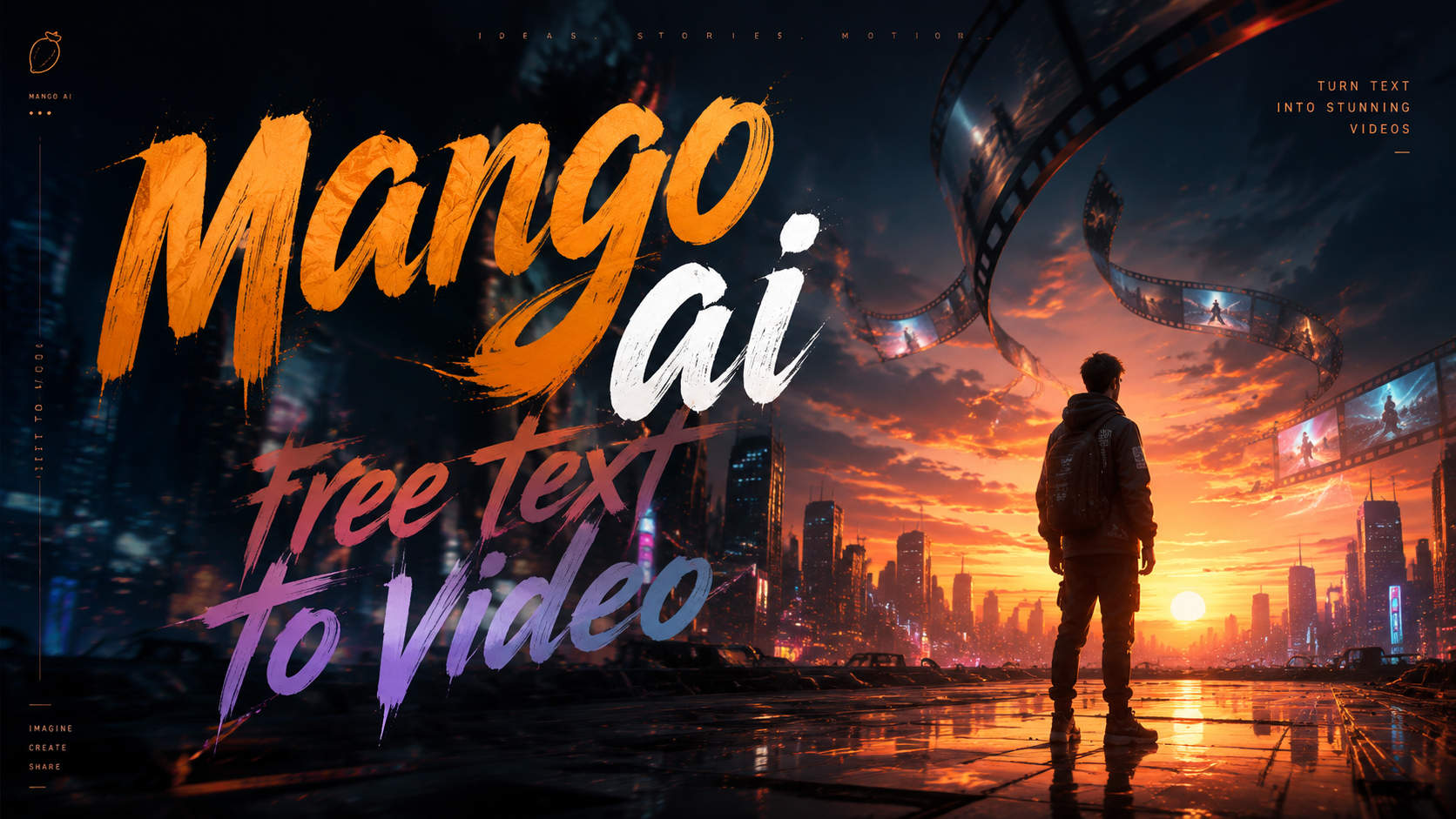
Mango AI Free Text to Video is a generative AI tool that converts written text into dynamic video content at no cost, launched in May 2026 by Mango AI. This free generator allows users to produce professional-looking videos from simple text prompts without requiring any video editing skills or expensive software.
Mango AI Free Text to Video is a cloud-based AI video generator that transforms text descriptions into fully rendered videos. It uses advanced machine learning models to interpret your text and automatically generate scenes, animations, voiceovers, and background music, all within a free tier that requires no credit card.
- ✓ Mango AI Free Text to Video launched in May 2026 with a completely free tier for creating videos from text.
- ✓ The tool supports multiple video styles, including cinematic, explainer, and social media formats.
- ✓ Users can generate up to 5 minutes of video per month for free, with no watermark on exported clips.
- ✓ Mango AI also offers a free Talking Photo tool that brings static images to life as speaking characters.
- ✓ According to a Blockchain Council report (March 2026), MangoAI’s text-to-video model is trained on a diverse dataset to understand context and generate coherent visual narratives.
What Is Mango AI Free Text to Video?
Mango AI Free Text to Video is a web-based application that allows anyone to create videos simply by typing a description. The AI interprets your text, selects appropriate visuals, animates them, and adds audio narration and background music. Unlike many other AI video tools that require a paid subscription for decent quality, Mango AI’s free tier provides full access to core features without watermarks or hidden costs.
According to a PR Underground announcement on May 8, 2026, “Mango AI Unveils AI Text to Video Generator Free for Effortless Video Creation.” The tool is designed for content creators, marketers, educators, and small business owners who need quick video content without a steep learning curve or budget. The AI handles everything from script writing to scene composition, making video creation accessible to everyone.
The service is part of a broader suite of AI tools from Mango AI, which also includes the popular Talking Photo feature released in April 2025. That tool transforms static images into lifelike animated videos with synchronized lip movements and voiceovers. The new text-to-video generator builds on the same underlying AI technology, extending it to generate entire videos from scratch based on textual input.
How It Differs from Traditional Video Editing
Traditional video editing requires hours of manual work: sourcing footage, cutting clips, adding transitions, recording voiceovers, and syncing audio. Mango AI Free Text to Video eliminates all of that. You simply write a script or a description, and the AI produces a finished video in minutes. This is a paradigm shift for anyone who needs video content fast—whether for social media posts, internal training, or customer communications.
How to Use Mango AI Free Text to Video – Step-by-Step
Getting started with Mango AI Free Text to Video is straightforward. Follow these steps to create your first AI-generated video from text:
- Visit the Mango AI website – Go to the official Mango AI platform and create a free account. No credit card is required for the free tier.
- Select the Text to Video tool – From the dashboard, choose “Text to Video” from the list of available AI generators.
- Enter your text prompt – Type a detailed description of the video you want. For example, “A 30-second explainer video about solar energy benefits for homeowners.” You can also paste a full script.
- Choose video style and settings – Select from preset styles like cinematic, animated, whiteboard, or social media. Adjust duration (up to 60 seconds per clip for free) and aspect ratio (16:9, 1:1, 9:16).
- Generate your video – Click the “Generate” button and wait 30–90 seconds while the AI processes your request. The tool will create scenes, add transitions, generate a voiceover, and select background music.
- Preview and download – Review the generated video. You can regenerate if needed or make minor edits (change voice, add subtitles). Once satisfied, download the video in MP4 format without any watermark.
The entire process takes less than five minutes from start to finish. Mango AI’s free tier allows up to 5 minutes of video per month, which is generous for casual users. For higher volume, a paid plan is available, but the free version is fully functional.
Key Features of Mango AI Free Text to Video
Mango AI Free Text to Video packs several powerful features that make it stand out among free AI video generators. Here are the most notable ones:
AI-Generated Scenes and Animations
The tool automatically breaks down your text into logical scenes and creates matching visuals. For example, if your script mentions “a busy city street at sunset,” the AI will generate an animated scene with traffic, buildings, and golden hour lighting. The visuals are not stock footage—they are generated on the fly by the AI, ensuring uniqueness.
Natural Voiceovers and Multilingual Support
Mango AI includes a text-to-speech engine that produces realistic voiceovers in multiple languages and accents. You can choose from male, female, or child voices. The free tier supports English, Spanish, French, German, and Chinese. The AI syncs the voiceover timing with the scene changes automatically.
Customizable Background Music
Each video comes with royalty-free background music selected by the AI based on the mood of your text. You can also upload your own audio track or choose from a library of 50+ free music clips. The volume levels are balanced automatically so the voiceover remains clear.
No Watermark on Free Exports
Unlike many free AI tools that stamp a watermark on your videos, Mango AI Free Text to Video exports clean files. This is a major advantage for professionals who need polished content for client work or public sharing.
Integration with Talking Photo Tool
Mango AI also offers a free Talking Photo feature (launched in April 2025 and updated in June 2025) that brings static images to life. You can combine both tools: create a video from text, then use Talking Photo to add a speaking character from a photo. According to WebWire (April 17, 2025), Mango AI’s Talking Photo tool “transform[s] static images into lifelike dynamic videos.”
Mango AI Free Text to Video vs. Other AI Video Generation Options
To help you decide if Mango AI Free Text to Video is the right choice, here is a comparison with other common free AI video generation approaches. Note that we do not name specific competitors but focus on general categories.
| Feature | Mango AI Free Text to Video | Typical Free AI Video Tools (General) |
|---|---|---|
| Cost | Completely free (no credit card) | Often limited free trial with watermark or capped minutes |
| Watermark on exports | None | Most free tiers add a watermark |
| Monthly video allowance | Up to 5 minutes | Usually 1–3 minutes or per-video limits |
| Voiceover quality | AI-generated, natural, multilingual | Often robotic or limited to one language |
| Scene generation | Fully AI-generated from text | Often uses stock footage or templates |
| Additional free tools | Talking Photo, image-to-video (coming soon) | Usually only one core tool |
| Export resolution | 1080p (Full HD) on free tier | Often 720p or lower on free |
As the table shows, Mango AI Free Text to Video offers a more generous and feature-rich free experience compared to most general free AI video tools. The absence of a watermark and the inclusion of a high-quality voiceover engine make it particularly attractive for professional use.
Tips for Getting the Best Results with Mango AI Free Text to Video
To make the most of Mango AI Free Text to Video, follow these best practices:
- Write detailed prompts – Instead of “a car,” write “a red sports car driving along a coastal highway at sunset, with ocean waves in the background.” The more specific you are, the better the AI understands the visual context.
- Use short sentences for scenes – Break your script into short, descriptive sentences. Each sentence can become a separate scene, making the video more dynamic.
- Specify the tone – Mention the desired mood in your prompt, such as “energetic and upbeat” or “calm and professional.” The AI adjusts music and animation speed accordingly.
- Leverage the Talking Photo integration – If your video needs a human presenter, use Mango AI’s Talking Photo tool to create a speaking avatar from a photo, then combine it with your text-to-video output using a simple video editor.
- Review and regenerate – The first generation may not be perfect. Use the “Regenerate” button to get alternative versions. You can also tweak the text prompt slightly to improve results.
According to the Blockchain Council (March 2026), MangoAI’s models are continuously updated, so results improve over time. If you encounter limitations in the free tier, consider upgrading to a paid plan for longer videos and faster processing.
Frequently Asked Questions About Mango AI Free Text to Video
Is Mango AI Free Text to Video really free?
Yes, Mango AI offers a completely free tier that allows you to generate up to 5 minutes of video per month. No credit card is required, and exported videos do not contain watermarks. The free tier includes all core features like custom voiceovers, background music, and 1080p resolution.
Can I use Mango AI Free Text to Video for commercial projects?
Yes, the videos you create with the free tier can be used for commercial purposes, including marketing, social media, and client work. There are no attribution requirements. However, you must comply with Mango AI’s terms of service, which prohibit generating illegal or harmful content.
What languages are supported for voiceovers in the free version?
The free tier supports English, Spanish, French, German, and Chinese. The AI voiceover quality is natural and includes multiple accent options. Additional languages are available in the paid version.
How long does it take to generate a video?
Generation time varies from 30 seconds to 2 minutes for a 30-second clip, depending on server load and complexity. Longer videos take proportionally more time. The free tier may have slightly slower processing than paid plans, but the wait is generally acceptable.
Can I edit the video after generation?
Mango AI Free Text to Video does not include a built-in video editor. However, you can download the MP4 file and edit it with any standard video editing software. The tool also allows you to regenerate the video with modified text prompts to get a different result.
Is Mango AI Free Text to Video the same as Meta’s ‘Mango’ project?
No. According to a Wall Street Journal report (December 18, 2025), Meta is developing a new AI image and video model code-named ‘Mango.’ That is a separate project from Mango AI, which is an independent company offering the free text-to-video tool discussed in this article. The name similarity is coincidental.
Mango AI Free Text to Video represents a significant step forward in democratizing video creation. With its generous free tier, no watermark, and high-quality AI-generated content, it is an excellent choice for anyone looking to produce engaging videos quickly. As the technology evolves, we can expect even more capabilities—such as longer video lengths and additional styles—to become available in the free tier. Start experimenting with your first text-to-video today and see how AI can transform your ideas into visual stories.



Comments ()