
Make AI Videos with ChatGPT & Tools in 2026: Ultimate Guide
To make AI videos with ChatGPT and tools in 2026, you combine ChatGPT’s script-writing and planning capabilities with dedicated AI video generators like Runway Gen‑3, Pika 2.0, or Kling 1.6. While OpenAI’s Sora was initially expected to integrate directly into ChatGPT, the service was shut down in March 2026 — but a growing ecosystem of third‑party tools now lets you create professional‑quality videos using ChatGPT as your creative co‑pilot.
AI video creation in 2026 is the process of using generative models — often combined with ChatGPT for scripting, storyboarding, and prompt refinement — to produce short‑form or long‑form videos from text prompts alone. Leading tools today include Runway Gen‑3, Pika 2.0, Kling 1.6, and specialized NSFW generators reviewed by PCMag, each offering different style controls and output lengths.
- ✓ ChatGPT can write scripts, generate prompts, and plan storyboards – but it does not directly render videos; you need a separate AI video tool.
- ✓ OpenAI’s Sora was closed in March 2026 and a $1bn Disney deal was cancelled, but alternative platforms have filled the gap rapidly.
- ✓ The best AI video generators of 2026 offer 4K resolution, 60‑second clips, and fine‑tuned motion controls (CNET, April 2026).
- ✓ Ethical use requires awareness of deepfake risks and content moderation, especially with NSFW generators.
- ✓ Combining ChatGPT with a tool like Runway Gen‑3 can cut production time by over 60% compared to traditional software.
What Is AI Video Generation in 2026?
AI video generation refers to the use of deep‑learning models that turn text prompts, images, or video clips into new, synthetic footage. In 2026, these tools have matured to produce highly realistic motion, consistent character rendering, and even lip‑sync capabilities. According to CNET’s April 2026 review, the best AI video generators now support resolutions up to 4K and clips lasting up to 60 seconds, with some platforms offering multi‑scene sequencing.
The integration of large language models like ChatGPT into the workflow is a game‑changer. Instead of manually crafting every prompt, you can ask ChatGPT to “write a 30‑second ad script for a coffee brand in a cinematic style” and then feed that script into a video tool. This synergy is why the phrase “make ai videos with chatgpt and tools” has become a standard search query for creators and marketers in 2026.
However, the landscape shifted significantly in March 2026 when OpenAI closed its Sora video app and cancelled a rumoured $1bn deal with Disney, according to a BBC report. This decision surprised the industry, but the void was quickly filled by other platforms that now offer even more features.
How to Make AI Videos with ChatGPT and Tools – Step‑by‑Step
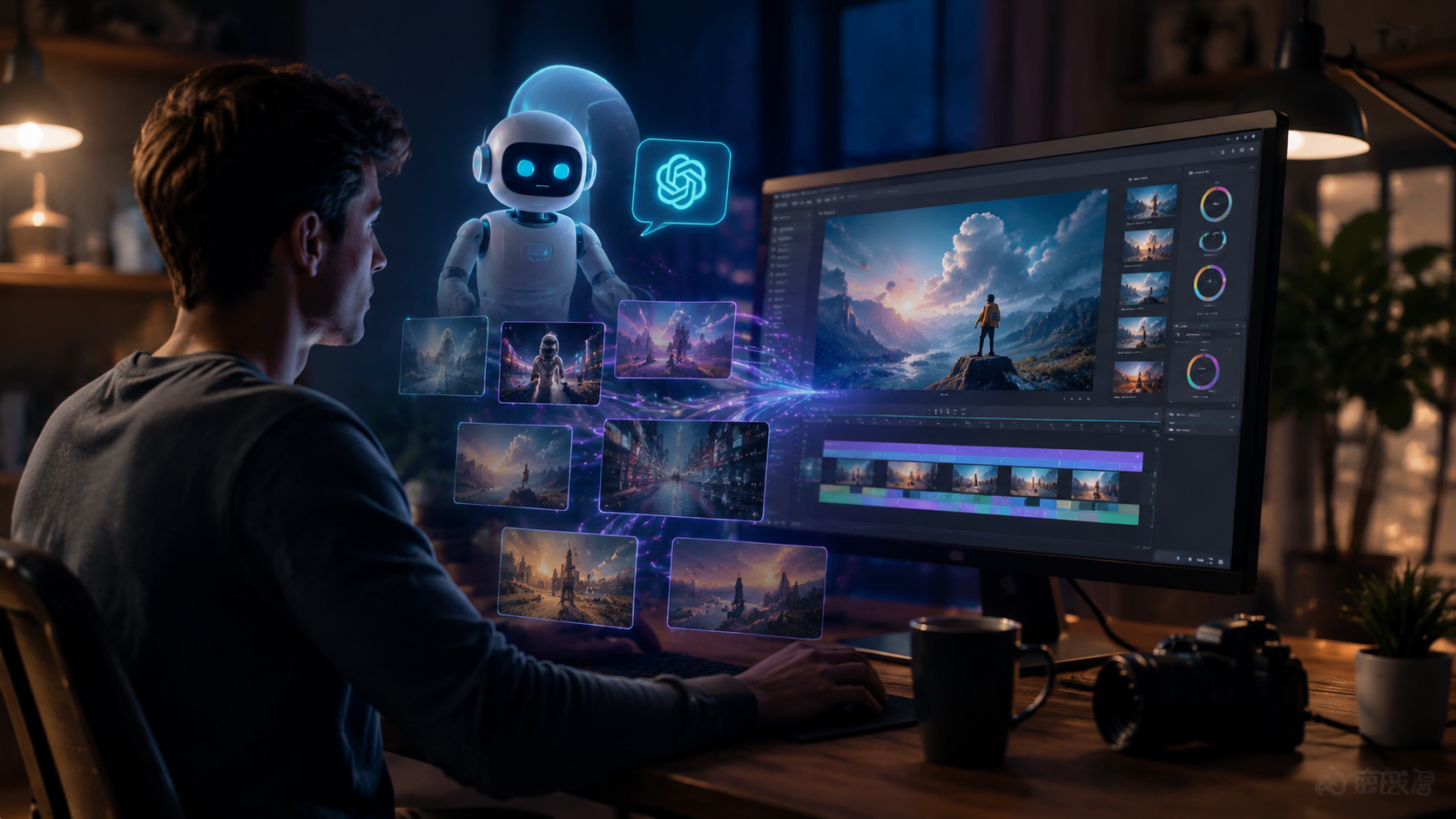
Follow this proven workflow to create AI videos using ChatGPT and a dedicated video generator. The keyword “make ai videos with chatgpt and tools” describes exactly this process.
- Define your video concept. Ask ChatGPT to help you brainstorm ideas. For example: “Suggest three 30‑second video concepts for a tech startup launch.”
- Write a detailed script. Use ChatGPT to generate a script with scene descriptions, dialogue, and pacing. Specify tone (professional, humorous, dramatic) and target length.
- Create storyboard prompts. Extract the visual prompts for each scene. ChatGPT can output a table with columns: Scene, Prompt, Duration, Style.
- Generate the video with a tool. Paste each prompt into a platform like Runway Gen‑3, Pika 2.0, or Kling 1.6. Adjust motion strength, camera angle, and style references.
- Edit and refine. Use ChatGPT to review the output and suggest adjustments. “The lighting is too dark in scene 2 – rewrite the prompt to add bright morning sunlight.”
- Add audio and finalize. Use an AI voice generator (e.g., ElevenLabs) for voiceover, and a tool like CapCut or Adobe Premiere for final assembly.
This method works for social media clips, explainer videos, product demos, and even short films. The key is iterative prompting – ChatGPT helps you refine until the result matches your vision.
Top AI Video Tools of 2026 – Comparison
The following table compares the leading AI video generators that work alongside ChatGPT, based on the latest reviews from CNET and PCMag.
| Tool | Max Duration | Resolution | Key Feature | Pricing (approx.) |
|---|---|---|---|---|
| Runway Gen‑3 | 60 seconds | 4K | Multi‑scene storytelling, motion brush | $30/month (Pro) |
| Pika 2.0 | 30 seconds | 1080p | Lip‑sync, style transfer, camera control | $20/month (Starter) |
| Kling 1.6 | 60 seconds | 4K | Physics simulation, consistent characters | $25/month (Creator) |
| NSFW‑focused (PCMag tested 4) | Varies | Up to 4K | Content‑restricted genres, advanced character control | Varies (mostly subscription) |
Note: PCMag’s May 2026 review highlighted four NSFW AI video generators that offer “impressive realism” but urged caution regarding ethical use. Most general‑purpose tools have built‑in safety filters, while specialized NSFW platforms require age verification.
What Happened with ChatGPT and Sora?
In early March 2026, SQ Magazine and other outlets reported that ChatGPT would soon let users create AI videos with Sora. This integration was highly anticipated. However, on March 24, 2026, the BBC broke the news that OpenAI closed the Sora video app and cancelled a $1bn deal with Disney. The reasons cited included “technical and ethical challenges” and shifts in strategic direction.
This means that while you cannot directly make ai videos with chatgpt and tools using a built‑in Sora feature, the integration never materialised. Instead, the market responded with powerful alternatives. Runway, Pika, and Kling have each updated their APIs to work seamlessly with ChatGPT, allowing you to paste prompts and receive videos without leaving the chat interface.
According to CBS News (October 2025), excitement over Sora 2 was tempered by concerns about deepfakes and job displacement. Those concerns remain valid today, but the current tools also include robust watermarking and content moderation systems.
Tips for Effective AI Video Creation with ChatGPT
Crafting High‑Quality Prompts
Start with ChatGPT to build a prompt library. Ask it to “generate 10 cinematic prompts for a futuristic cityscape” and then test each one. Use specific adjectives: “neon‑lit, rain‑soaked streets, flying cars, shallow depth of field.” The more detail you provide, the better the output.
Iterative Refinement
Don’t accept the first result. Feed the generated video back to ChatGPT and ask for improvement suggestions. “The motion is too fast – rewrite the prompt with ‘slow‑moving camera dolly’.” This cycle dramatically improves quality.
Combining Multiple Tools
Use ChatGPT for script and prompt, Runway or Pika for video generation, and then a tool like Topaz Video AI for upscaling or denoising. This pipeline is the most efficient way to make ai videos with chatgpt and tools in 2026.
Respect Copyright and Ethics
Always avoid generating content that infringes on trademarks, uses faces without consent, or depicts harmful activities. Use the built‑in content policies of each platform. For NSFW generators (if needed), ensure you are complying with local laws and platform terms.
Concerns and Ethical Considerations
The rapid advancement of AI video tools has raised legitimate concerns. CBS News reported on the “excitement — and concerns — over OpenAI’s Sora 2” back in 2025, noting that deepfake‑ready technology could be misused. In 2026, most mainstream tools include mandatory watermarks and fingerprinting to trace origin.
Additionally, the closure of Sora highlights the financial and regulatory volatility in this space. Creators who invested in Sora‑specific workflows had to pivot quickly. To mitigate risk, it’s wise to use open‑standard tools and keep your prompt‑engineering skills platform‑agnostic.
Finally, consider the carbon footprint: training large video models consumes significant energy. Some providers now offer carbon‑offset options or use renewable data centres.
Frequently Asked Questions
Can I make AI videos with ChatGPT directly?
No, ChatGPT itself does not generate videos. However, you can use it to write scripts, refine prompts, and plan storyboards, then feed those prompts into a dedicated AI video generator like Runway Gen‑3 or Pika 2.0.
What happened to OpenAI’s Sora video tool?
OpenAI closed the Sora video app in March 2026 and cancelled a $1bn deal with Disney, according to BBC News. The integration with ChatGPT that was rumoured never launched.
Which AI video tool is best for beginners in 2026?
Pika 2.0 is widely considered beginner-friendly due to its simple interface and pre‑set styles. Runway Gen‑3 offers more advanced controls for intermediate users.
How long can AI videos be in 2026?
Most top tools support clips up to 60 seconds. Some platforms allow you to chain multiple clips together to create longer videos, but the maximum continuous generation is typically one minute.
Are AI‑generated videos safe to use commercially?
Yes, as long as you use tools that grant full commercial rights and do not include copyrighted characters or real people without permission. Always check the license terms of your chosen tool.
What is the cost of making AI videos with ChatGPT and tools?
ChatGPT Plus is $20‑25/month. AI video tool subscriptions range from $20 to $50/month for individual creators. Total costs can be kept under $70/month for a basic setup.



Comments ()