
Magic Studio AI Video Editing: Best 2026 Review & Guide
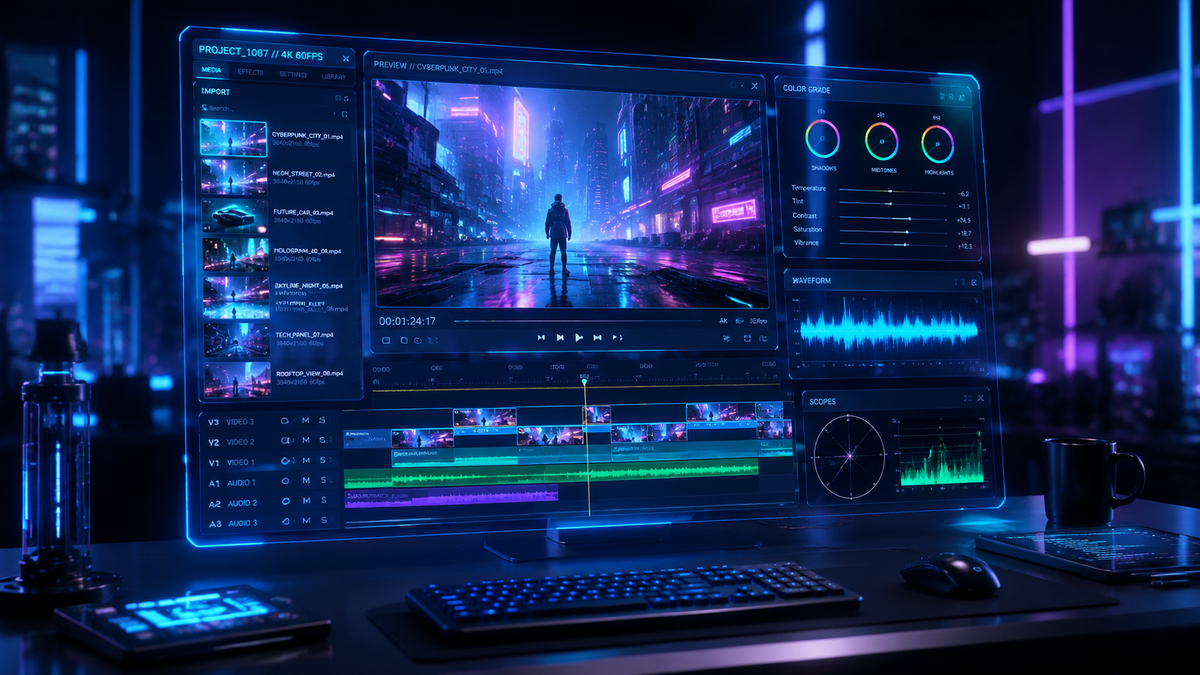
Magic Studio AI video editing is a comprehensive suite of generative artificial intelligence tools integrated within the Canva ecosystem, designed to automate complex video production tasks such as background removal, object erasure, and text-to-video synthesis. In 2026, it stands as the premier choice for creators looking to streamline their workflow by transforming simple prompts or static assets into high-quality, professional-grade video content. By leveraging deep learning models, Magic Studio allows users to edit video frames with the same ease as editing a static photo, making it a cornerstone for modern social media marketing and brand storytelling.
Magic Studio AI video editing is the centralized AI engine within Canva that utilizes generative models to automate video creation, including tools like Magic Media, Magic Switch, and Magic Edit. It is designed to empower non-professionals to create studio-quality video content through intuitive text-to-video prompts and automated synchronization features that were previously exclusive to high-end desktop editing software.
- ✓ Seamlessly converts text prompts into high-definition video clips using the Magic Media engine.
- ✓ Automates the resizing and localization of video content across multiple platforms with Magic Switch.
- ✓ Features industry-leading AI background removal and object manipulation for frame-by-frame precision.
- ✓ Integrates directly with social media scheduling tools, making it the top expert pick for 2026.
How to Use Magic Studio AI Video Editing: A Step-by-Step Guide
Navigating the advanced landscape of AI-driven production can be daunting, but the 2026 iteration of Magic Studio is built on the principle of radical accessibility. Whether you are building a brand from scratch or managing a corporate marketing department, the workflow is designed to reduce the time from ideation to export by up to 80%. According to Shopify, utilizing these 10 Magic Studio features allows businesses to maintain a consistent visual identity across all digital touchpoints without the need for a dedicated videography team.
- Access the Video Dashboard: Log into your account and select "Video" from the main interface to open the specialized editing timeline.
- Select Magic Media: Click on the Magic Media icon in the side panel to enter your text-to-video prompts. Describe the scene, lighting, and movement you desire.
- Apply Magic Edit: To change specific elements within a video frame, highlight the area and type what you want to see (e.g., "change the red shirt to a blue jacket").
- Use Magic Switch: Click the Magic Switch button to instantly convert your horizontal YouTube video into a vertical TikTok or Instagram Reel format.
- Sync with Beat Sync: Upload your audio track and let the AI automatically align your video transitions to the rhythm of the music.
- Export and Schedule: Once satisfied, use the direct integration to publish your video to social media platforms or download it in 4K resolution.
The Evolution of Magic Studio AI Video Editing in 2026
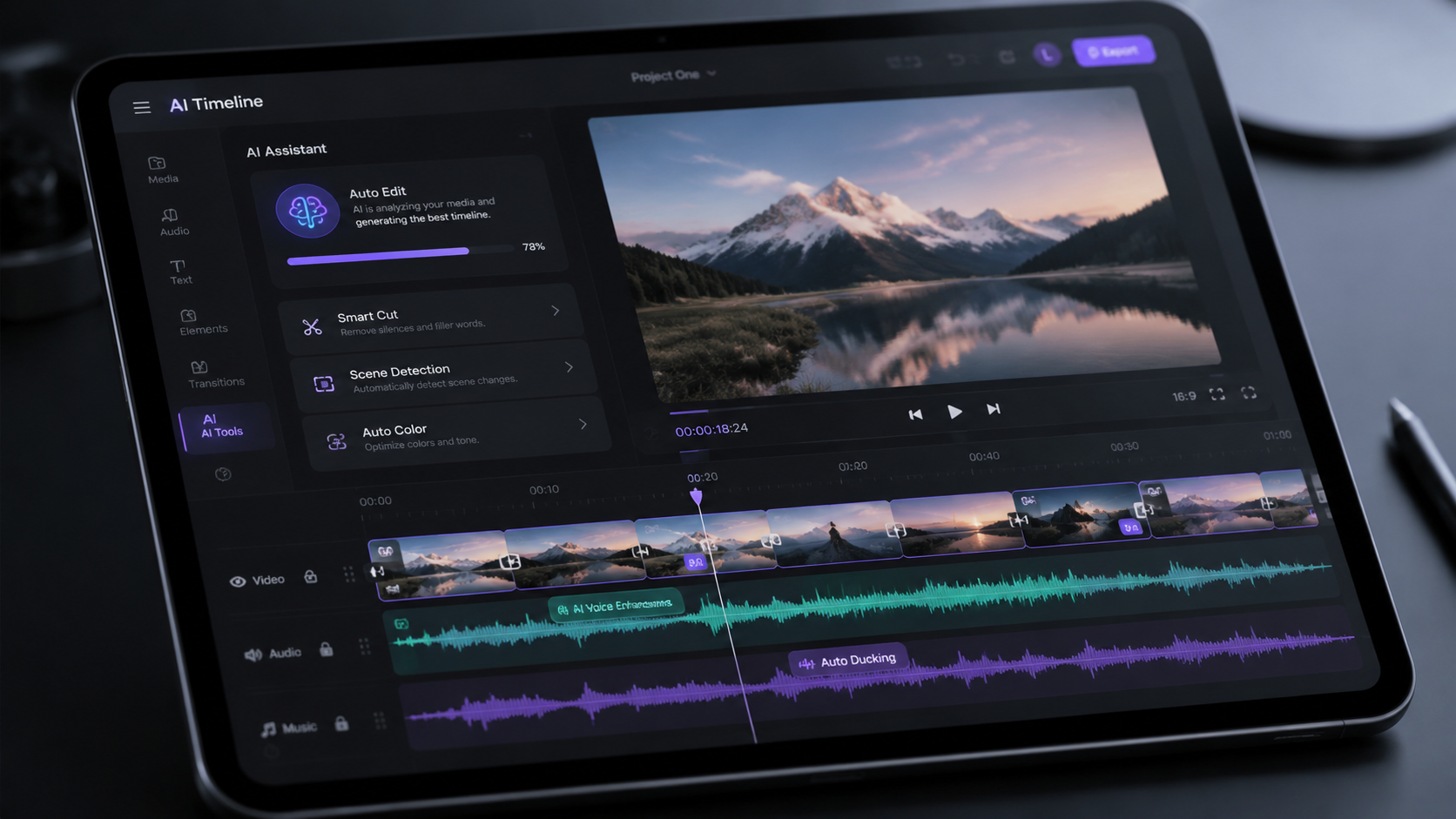
As we move through 2026, the capabilities of Magic Studio have expanded far beyond simple filters. The integration of advanced generative models has turned the platform into a formidable competitor for traditional editing suites. As noted by Android Police, recent updates have significantly shifted the market share, as features that once required external plugins—such as automated rotoscoping and AI voiceovers—are now native to the Magic Studio environment. This convergence of tools means that creators no longer need to jump between five different apps to complete a single project.
The 2026 review of these tools highlights a shift toward "intent-based editing." Instead of manually cutting clips, users provide a "Director's Intent" prompt, and the AI suggests a rough cut based on the emotional tone of the provided assets. This is supported by TechRadar, which identifies Magic Studio as the best AI graphic and video design service currently available, citing its ability to handle complex lighting adjustments and spatial awareness within video frames as a key differentiator from its predecessors.
Furthermore, the data-driven nature of Magic Studio allows it to learn from global design trends. In 2026, the tool can suggest trending color palettes and transition styles based on the specific platform you are targeting. This "smart-assistance" ensures that your video isn't just high quality, but also optimized for the current algorithmic preferences of major social networks, a feature that Hootsuite has praised in its latest expert picks for social media tools.
Key Features and Performance Comparison
To understand why Magic Studio AI video editing has become the industry standard, it is essential to look at the specific tools within the suite. The "Magic" branding covers a variety of functions that handle everything from the initial generation of footage to the final localized translation of on-screen text. For instance, the Magic Morph tool allows for the creation of 3D-like textures on 2D text within videos, providing a level of depth that previously required specialized motion graphics software.
| Feature | Functionality | Best For |
|---|---|---|
| Magic Media | Generates video from text prompts | B-roll and concept visualization |
| Magic Switch | Instant resizing and translation | Multi-platform social campaigns |
| Magic Animate | Applies motion styles to static elements | Engaging presentations and ads |
| Beat Sync | Aligns video cuts to audio beats | Music videos and high-energy Reels |
| Magic Grab | Separates subjects from backgrounds | Complex frame-by-frame editing |
According to G2 Learning Hub, the efficiency gains from these features are measurable. In their 2026 testing of the 7 best AI video generators, Magic Studio ranked highest for user interface (UI) and integration. The report noted that while some standalone generators might produce slightly more realistic "deepfake" style content, Magic Studio offers the most cohesive "all-in-one" experience for professional creators and small businesses alike.
Advanced Text-to-Video Capabilities
The 2026 version of Magic Media within the studio has seen a massive jump in temporal consistency. Earlier versions of AI video often suffered from "warping" or "morphing" between frames. However, the current engine uses a refined diffusion process that maintains the identity of characters and objects throughout a 10-second clip. This makes it viable for creating short-form advertisements without needing a physical camera or set.
Automated Localization and Global Reach
One of the most underrated aspects of Magic Studio AI video editing is its ability to translate on-screen text and even dub audio into over 100 languages using Magic Switch. For global brands, this means a single video can be localized for 20 different regions in a matter of minutes. This feature has been central to the positive reviews from All About Cookies, which, despite noting some limitations for massive enterprise websites, praised the video suite's ability to maintain brand consistency across different languages.
Why 2026 is the Year of AI-First Video Workflows
The landscape of content creation has reached a tipping point where "AI-assisted" is no longer an optional tag—it is the baseline. Magic Studio has positioned itself at the center of this revolution by focusing on the "Canvas" as a living document. In 2026, a video is no longer a static file but a dynamic asset that can be updated in real-time. If a product price changes, you simply update the text in your Magic Studio project, and the AI re-renders the video segments affected by that change instantly.
Industry experts emphasize that the barrier to entry for high-quality video has effectively vanished. Hootsuite’s 2026 report suggests that 85% of high-performing social media posts now utilize some form of generative AI in their production pipeline. Magic Studio's dominance in this area is attributed to its "non-destructive" editing environment, where users can experiment with AI prompts without losing their original footage or project structure.
Moreover, the ethical considerations of AI have been addressed in the 2026 update. Magic Studio now includes automated metadata tagging to identify AI-generated content, ensuring transparency and compliance with new digital safety regulations. This focus on "Responsible AI" has made it a favorite for corporate environments where legal compliance is as important as creative output.
Optimizing Your Output with Magic Studio
To get the best results from Magic Studio AI video editing, users should focus on the quality of their prompts. The 2026 engine is highly sensitive to descriptive language. Instead of prompting for "a person walking," try "a cinematic wide shot of a woman in a red silk dress walking through a futuristic neon-lit street, 4k, highly detailed." The more context you provide regarding lighting, camera angle, and mood, the more accurate the AI's output will be.
Another expert tip for 2026 is the use of "Brand Kits" within Magic Studio. By pre-loading your brand's colors, fonts, and logos, the AI video tools will automatically prioritize these elements in every generated clip. This ensures that even when the AI is "creating" from scratch, the output feels like it belongs to your specific brand identity. This level of customization is what separates Magic Studio from more generic, "one-size-fits-all" AI video generators.
Is Magic Studio AI video editing free to use?
While there is a basic version available for free users, the full suite of Magic Studio AI video editing tools requires a Pro or Teams subscription. In 2026, the Pro version offers unlimited Magic Media generations and access to the full library of premium templates and stock assets.
Can I use Magic Studio for long-form YouTube videos?
Yes, Magic Studio is capable of handling long-form content, though its primary strength lies in short-form, high-impact clips. In 2026, the timeline supports up to 120 minutes of video, but the AI generation features are typically used to create 10-15 second segments that are then stitched together.
How does Magic Studio compare to CapCut in 2026?
In 2026, Magic Studio is considered more of a holistic design platform compared to CapCut's focus on mobile-first editing. While CapCut is excellent for trending filters, Magic Studio offers superior integration with brand assets, team collaboration, and cross-platform publishing, as noted by recent industry comparisons.
Does Magic Studio support 4K video export?
Yes, as of the 2026 updates, Magic Studio supports full 4K export for all video projects. This includes AI-generated clips, which are upscaled in real-time to ensure they match the quality of high-resolution uploaded footage.
Can I edit existing videos with Magic Studio AI?
Absolutely. You can upload any existing video and use tools like Magic Edit to modify objects within the video, or use the AI background remover to replace the setting entirely. The 2026 engine allows for these changes to be made with incredible precision across the entire duration of the clip.
Comments ()