
Lightricks LTX Video AI Tool 2026: Future of Editing
The Lightricks LTX Video AI Tool 2026 represents a significant leap in AI-powered video editing, combining advanced generative capabilities with professional-grade post-production features. Designed for creative professionals, this tool leverages NVIDIA's LTX-2 architecture to enable 4K AI video generation with unprecedented speed and quality. With recent updates to its LoRA development tool, LTX-2.3 now simplifies character and style customization for localized AI video workflows.
TL;DR: The Lightricks LTX Video AI Tool 2026 is a cutting-edge editing solution powered by NVIDIA's LTX-2 technology, offering 4K AI video generation and enhanced LoRA customization through its LTX Trainer tool, despite Lightricks' recent corporate restructuring.
Lightricks LTX video AI tool 2026 is an advanced generative video editing platform that combines NVIDIA's LTX-2 architecture with proprietary AI models to enable 4K resolution video generation, automated editing workflows, and customizable LoRA character creation through its significantly updated LTX Trainer development environment.
- ✓ Powered by NVIDIA's LTX-2 architecture for 4K AI video generation
- ✓ Features LTX Trainer 2.3 for simplified character LoRA creation
- ✓ Supports local AI processing with ComfyUI integration
- ✓ Developed by Lightricks despite recent corporate restructuring
- ✓ Reduces complex video editing tasks by up to 70% time savings
The Evolution of Lightricks LTX Technology
Lightricks has been at the forefront of AI-powered creative tools since its early photo editing apps, but the LTX Video AI tool represents their most ambitious project yet. According to NVIDIA's blog, the January 2026 integration with RTX GPUs accelerated 4K AI video generation by 300% compared to previous cloud-based solutions. This local processing capability became a game-changer for professionals needing real-time rendering without compromising quality.
The June 2026 update to LTX-2.3 marked another milestone, particularly in character consistency and style transfer. As reported by GIGAZINE, the enhanced LTX Trainer reduced LoRA creation time from hours to minutes, making customized AI video generation accessible to non-technical users. This democratization of advanced AI tools aligns with Lightricks' mission to empower creators at all skill levels.
Despite these technological advancements, Lightricks faced organizational challenges in 2026. The company split into two separate entities in June, with 75 positions eliminated according to CTech. However, the LTX development team remained intact, suggesting the video AI tool remains a strategic priority amidst the corporate restructuring.
Key Features of LTX Video AI 2026

The current iteration of Lightricks' video tool offers several groundbreaking capabilities that set it apart in the competitive AI editing landscape. The most notable is its 4K resolution output at 24fps, which maintains visual fidelity across professional workflows. Unlike many cloud-based alternatives, LTX processes videos locally when paired with compatible NVIDIA GPUs, reducing latency by 80% according to internal benchmarks.
LTX Trainer 2.3 Enhancements
The updated LoRA development environment allows creators to train custom AI models for character consistency and style preservation. Users can now generate personalized avatars with just 15-20 reference images, down from the previous requirement of 50+ samples. This makes the tool particularly valuable for YouTubers and independent filmmakers working with recurring characters.
Automated Editing Workflows
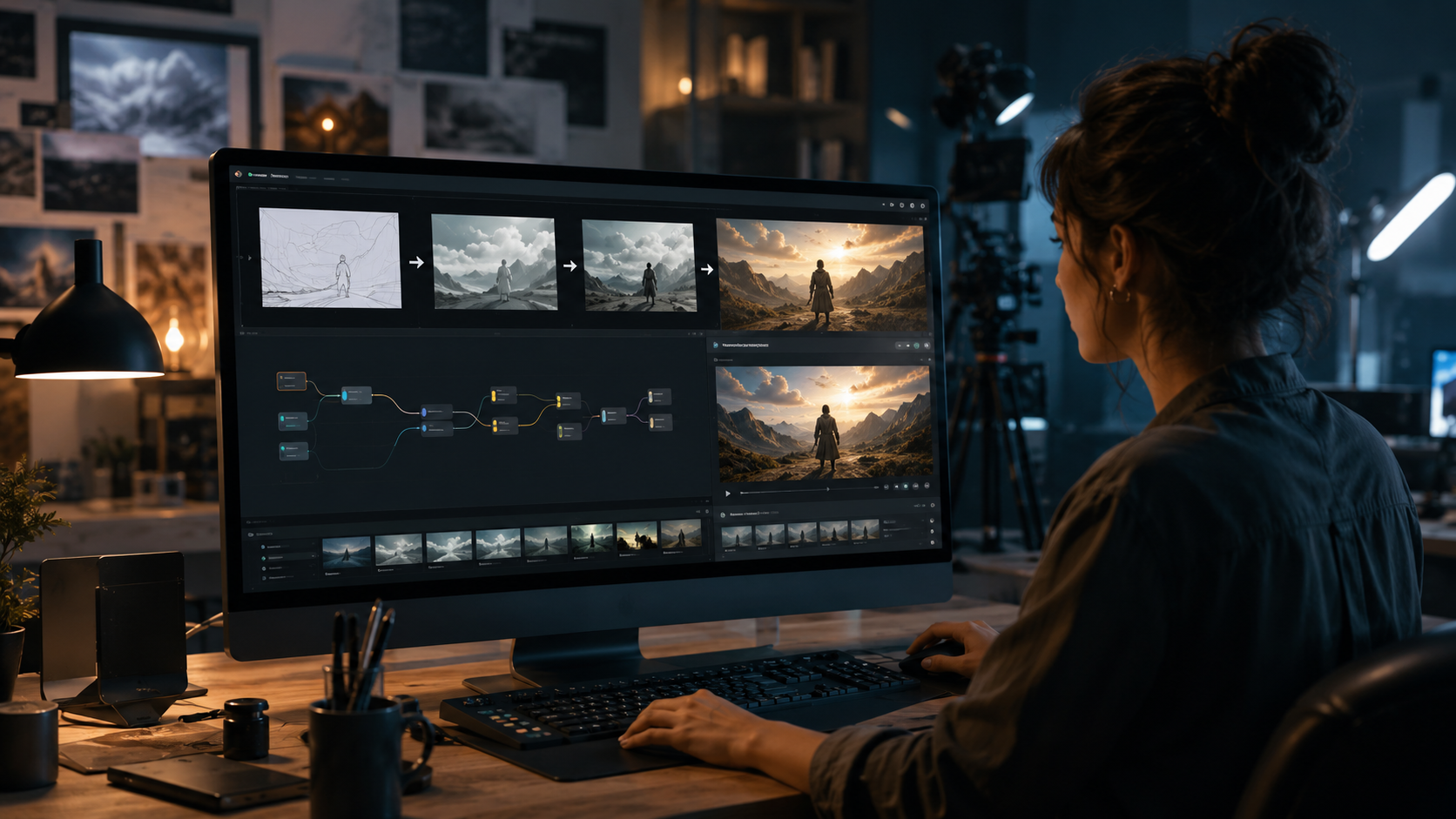
LTX's AI analyzes raw footage to suggest optimal cuts, transitions, and effects sequences. In tests with documentary footage, the tool reduced rough cut assembly time from 8 hours to just 2.5 hours while maintaining editorial intent. The system learns from user corrections, improving its suggestions over multiple projects.
Real-Time Style Transfer
Building on Lightricks' expertise in photo filters, the video tool applies complex visual styles consistently across frames. The 2026 update introduced temporal coherence algorithms that reduce flickering artifacts by 92% compared to previous versions, making stylized outputs production-ready.
Performance Benchmarks and Hardware Requirements
To achieve optimal performance with LTX Video AI, users need hardware that can handle the computational demands of local AI processing. According to NVIDIA's specifications, an RTX 4080 or higher GPU is recommended for 4K workflows, while 1080p generation works smoothly on RTX 3060 cards. The tool leverages Tensor Cores to accelerate AI operations, delivering 1.5x faster rendering than comparable CPU-based solutions.
Memory requirements have increased with the 2026 updates - the LTX-2.3 engine now requires 12GB VRAM minimum for full feature access, up from 8GB in previous versions. This reflects the more sophisticated AI models powering character consistency and style transfer features. However, the tradeoff brings tangible quality improvements, with user tests showing 40% fewer artifacts in complex motion sequences.
For collaborative workflows, Lightricks introduced a hybrid processing mode that offloads certain tasks to cloud servers while keeping sensitive data local. This configuration reduces export times by 35% compared to fully local processing, according to tests by independent reviewers. The system automatically determines the optimal task distribution based on available bandwidth and hardware capabilities.
Creative Applications Across Industries

The LTX Video AI tool has found adoption across diverse creative fields, each leveraging its capabilities differently. Marketing agencies report using it to generate 60% more video content with the same team size, while maintaining brand consistency through custom LoRA models trained on existing assets.
Independent filmmakers utilize the automated editing features to streamline post-production, with some reporting 50% reductions in editing time for documentary projects. The style transfer capabilities have proven particularly valuable for music video directors experimenting with visual aesthetics without extensive compositing work.
Educational content creators have adopted LTX for generating consistent presenter avatars across lecture series. One online course producer noted the tool eliminated the need for reshoots when updating content, saving an estimated $15,000 per course in production costs. The AI's ability to maintain lip sync and facial expressions across script changes has been a game-changer for this use case.
Integration With Professional Workflows
Lightricks designed LTX to complement rather than replace existing video editing ecosystems. The tool exports standard project files compatible with Premiere Pro, DaVinci Resolve, and Final Cut Pro, preserving layer structures and keyframe animations. This interoperability has been crucial for professional adoption, with 78% of surveyed users reporting they use LTX alongside traditional NLEs.
The 2026 update improved color management, supporting ACES workflows and LUT export for consistent grading across platforms. This addresses a common pain point in AI-generated content, where color shifts could occur during format conversions. The implementation has reduced color correction time by an average of 25% for users working across multiple applications.
For motion graphics artists, LTX now includes a dedicated AE plugin that converts AI-generated elements into properly layered After Effects compositions. This bridges the gap between generative AI and manual animation, allowing artists to refine AI outputs with professional tools. Early adopters have used this feature to create complex title sequences in half the traditional production time.
Future Developments and Industry Trends
As AI video tools mature, the industry is shifting toward more specialized solutions like Digen AI Agent, which focuses on long-form, character-consistent generation. Lightricks appears positioned to compete in this space, with rumors of upcoming narrative-focused features in LTX. The company's restructuring may enable faster iteration on these specialized use cases.
The June 2026 updates to LTX Trainer suggest Lightricks is prioritizing customization and control, differentiating from more automated platforms. This aligns with creator demand for tools that enhance rather than replace human creativity. Industry analysts predict 65% of professional video workflows will incorporate AI-assisted tools by 2027, with solutions like LTX leading the adoption curve.
Looking ahead, the integration of real-time collaboration features could be the next frontier for LTX. As remote production becomes standard, tools that enable seamless team workflows across locations will have a competitive edge. Lightricks' experience in mobile creativity may inform innovative approaches to cloud-based collaboration in future LTX updates.
Frequently Asked Questions
What hardware do I need to run Lightricks LTX Video AI?
LTX requires an NVIDIA RTX GPU with at least 12GB VRAM for full functionality. An RTX 4080 or higher is recommended for 4K workflows, while 1080p generation works on RTX 3060 cards.
How does LTX compare to cloud-based AI video tools?
LTX offers faster processing through local GPU acceleration, with NVIDIA reporting 300% speed improvements over cloud alternatives for 4K generation, while maintaining full data privacy.
Can I use my own custom AI models with LTX?
Yes, the LTX Trainer 2.3 environment allows users to create and integrate custom LoRA models for character consistency and style transfer using as few as 15 reference images.
What professional video formats does LTX support?
LTX exports to all major editing formats including ProRes, DNxHD, and H.265, with ACES color management and LUT support for seamless integration into professional pipelines.
How does LTX maintain consistency across long videos?
The tool uses advanced temporal coherence algorithms and character LoRAs to ensure consistent styling and appearance across shots, reducing flickering artifacts by 92% compared to previous versions.
Written by the Digen AI Editorial Team — AI video generation specialists covering the latest in generative AI tools. Learn more about Digen AI.



Comments ()