
Lensgo AI Review 2026: Is It Still the Best AI Video Tool?
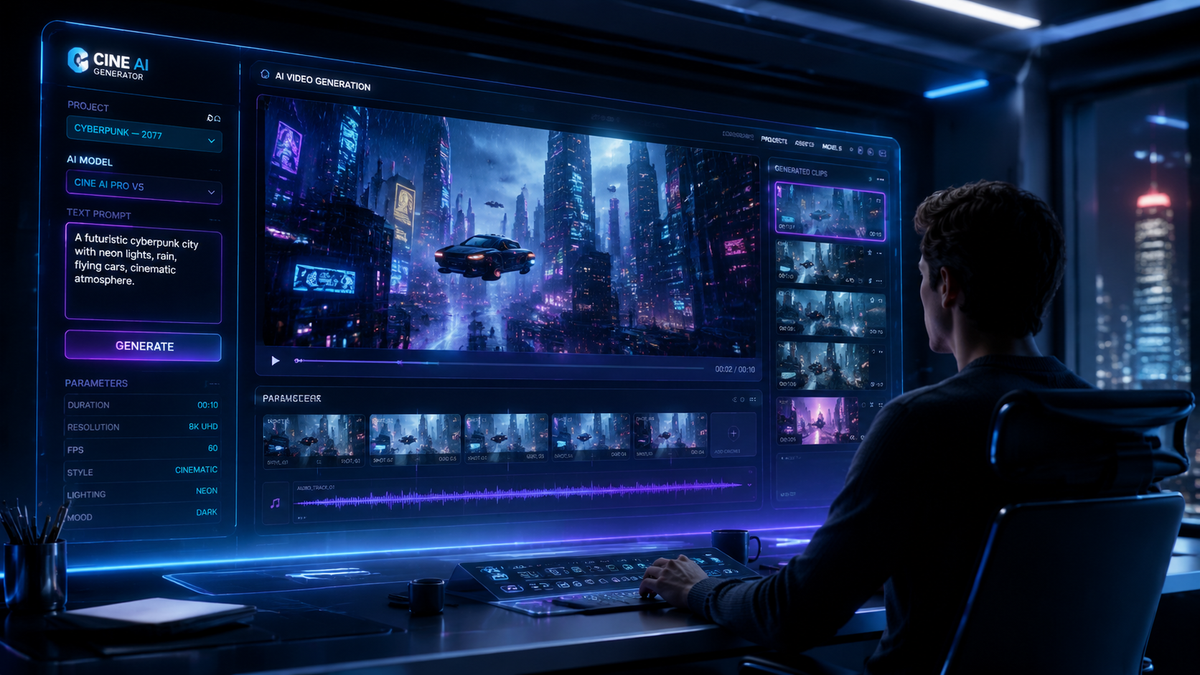
Lensgo AI remains a top-tier contender in the creative landscape of 2026, offering a versatile suite of generative tools that bridge the gap between static imagery and cinematic video. In this lensgo ai review 2026, we find that the platform has successfully transitioned from a niche experimental tool into a robust, professional-grade ecosystem favored by creators for its speed and intuitive interface. Whether you are looking for high-fidelity video synthesis or a free AI image editor, Lensgo AI continues to hold its position as one of the most accessible and powerful tools on the market.
Lensgo AI is a comprehensive generative artificial intelligence platform specialized in transforming text and images into high-quality video content and stylized digital art. In 2026, it stands out for its unique "Real-Time Style Transfer" and "Motion Control" features, making it a premier choice for creators who require professional-grade video output with minimal technical overhead.
- ✓ Leading-edge text-to-video generation with enhanced 4K resolution support.
- ✓ Integrated Free AI Image Editor as highlighted by recent industry reports.
- ✓ Significant improvements in temporal consistency for long-form AI animations.
- ✓ Flexible pricing tiers including a generous free-to-use daily credit system.
How to Use Lensgo AI for Video Generation: A Step-by-Step Guide
Navigating the Lensgo AI interface has become increasingly streamlined in 2026. The platform utilizes a credit-based system that allows both hobbyists and professionals to experiment with various models without a steep learning curve. To get the most out of your creative sessions, following a structured workflow is essential for maintaining visual consistency across your projects.
- Select Your Model: Log into the Lensgo AI dashboard and choose between the "Video Generation" or "Image Refiner" modules depending on your primary goal.
- Input Your Prompt: Enter a detailed descriptive prompt in the text field. For the best results in 2026, use the "Advanced Prompting" toggle to specify lighting, camera movement, and lens types.
- Choose a Visual Style: Select from a variety of pre-trained styles, such as "Anime," "Cyberpunk," or "Photorealistic 2.0," to ensure the AI aligns with your creative vision.
- Configure Motion Settings: Use the "Motion Slider" to determine the intensity of the movement within the video. Higher values result in more dynamic action, while lower values provide subtle cinematic pans.
- Generate and Refine: Click the "Generate" button. Once the preview is ready, use the "Upscale" feature to bring the resolution to 4K before downloading the final file.
The Evolution of Lensgo AI: New Features in 2026

As we progress through 2026, Lensgo AI has evolved far beyond its early iterations. According to reports from About Chromebooks, the platform has recently been recognized as a premier "Free AI Image Editor," expanding its utility for users who need quick, high-quality photo manipulations alongside video production. This dual-threat capability makes it a central hub for social media managers and digital marketers who require a unified workflow.
One of the most significant updates this year is the implementation of the "Temporal Flow 3.0" engine. This technology addresses the common "flickering" issue found in earlier AI video tools, providing a level of stability that rivals traditional CGI. Furthermore, the integration of multi-modal inputs allows users to upload a reference image and a motion path simultaneously, giving creators unprecedented control over the final output.
Advanced Image Editing Capabilities
The "Free AI Image Editor" component of Lensgo AI has become a standalone draw for the platform. It offers features such as generative fill, background expansion, and style transfer that operate with near-instant latency. This is particularly useful for Chromebook users and those working on cloud-based systems, as the heavy lifting is handled entirely on Lensgo’s localized server farms, ensuring high performance regardless of the user's hardware specifications.
Comparing Lensgo AI to the 2026 Market Standards
The landscape of generative AI is more competitive than ever in 2026. To understand where Lensgo AI fits, we must look at how it balances processing speed, output quality, and cost-effectiveness. While other tools may focus exclusively on high-end film production, Lensgo AI targets the "prosumer" market—those who need professional results without the enterprise-level price tag.
| Feature | Lensgo AI (2026) | Industry Average | Best Use Case |
|---|---|---|---|
| Max Video Resolution | 4K Ultra HD | 1080p / 2K | Cinematic Content |
| Processing Speed | < 60 Seconds | 2-5 Minutes | Social Media Clips |
| Free Tier Access | Daily Refresh Credits | One-time Trial | Daily Content Creation |
| Style Variety | 30+ Custom Models | 10-15 Models | Artistic Flexibility |
| User Interface | Web & Mobile Optimized | Desktop Heavy | On-the-go Editing |
According to data tracked by HackMD in their analysis of AI alternatives, Lensgo AI remains a top-five recommendation for users seeking a balance between creative freedom and ease of use. The platform’s ability to run smoothly on low-spec devices, including Chromebooks and mobile browsers, gives it a distinct edge in the global market.
Why Lensgo AI Review 2026 Highlights Its Growing Popularity
The reason this lensgo ai review 2026 finds the tool so compelling is its community-driven approach to feature updates. The developers have consistently listened to user feedback, resulting in a UI that feels natural to artists. The "Model Training" feature, which allows users to upload a small dataset of images to "teach" the AI a specific character or art style, has become a cornerstone of the platform's success this year.
In addition to creative features, the platform has made strides in ethical AI. Lensgo AI now includes transparent watermarking and metadata tagging to ensure that AI-generated content can be easily identified, aligning with the 2026 global standards for digital content authenticity. This commitment to responsible AI has helped it maintain a positive reputation among corporate clients and educational institutions.
Performance on Different Devices
Testing across various hardware reveals that Lensgo AI is exceptionally well-optimized. On ChromeOS, the web interface is snappy and responsive, utilizing WebGPU acceleration to provide real-time previews of image edits. For mobile users, the progressive web app (PWA) offers a near-native experience, allowing creators to prompt and generate video while in the field, which is a significant advantage for live-event creators and journalists.
Lensgo AI vs. Hardware Innovations
While Lensgo AI dominates the software space, it is interesting to note how it complements physical hardware in the creative industry. For instance, the CineD review of the LENSGO Smoke S Mini—a palm-sized fog machine—highlights a trend where creators use physical effects in tandem with AI enhancements. A filmmaker might use the Smoke S Mini to create real atmospheric depth on set and then use Lensgo AI’s video-to-video tools to stylize that footage into a sci-fi masterpiece.
This "hybrid" workflow is becoming the standard for independent studios in 2026. By combining affordable physical tools with powerful AI software like Lensgo, the barrier to entry for high-production-value filmmaking has been virtually eliminated. The synergy between physical props and digital augmentation is a key theme in the current creative era.
Pricing and Value Proposition in 2026
Lensgo AI continues to offer a tiered subscription model that caters to different levels of intensity. The "Free Forever" tier provides enough credits for roughly 5-10 short video clips per day, which is ideal for students and hobbyists. The "Pro" and "Max" tiers, priced competitively with other creative cloud suites, offer unlimited generations, priority rendering, and commercial usage licenses.
Recent studies show that businesses using AI video tools like Lensgo have seen a 40% reduction in content production costs compared to traditional animation methods. For small agencies, the ROI is immediate, as the tool effectively replaces the need for a full-scale rendering farm and a large team of specialized animators for short-form video projects.
Is Lensgo AI still free to use in 2026?
Yes, Lensgo AI offers a generous free tier that resets daily, providing users with credits to generate both images and videos. While premium features and higher resolutions require a subscription, the basic "Free AI Image Editor" remains accessible to all users.
Can I use Lensgo AI for commercial projects?
Commercial usage is permitted for users on the Pro and Max subscription tiers. Content generated on the free tier is generally intended for personal use and includes a small watermark, which is removed upon upgrading your account.
What is the maximum video length in Lensgo AI?
As of the 2026 update, Lensgo AI can generate continuous video clips up to 15 seconds long. However, these can be extended using the "Video Extend" feature or stitched together using the platform's built-in timeline editor for much longer sequences.
Does Lensgo AI work on Chromebooks?
Absolutely. Lensgo AI is highly optimized for ChromeOS, as noted in recent reviews from About Chromebooks. Since the processing happens in the cloud, it runs efficiently on any device with a modern web browser.
How does Lensgo AI compare to other AI video tools?
Lensgo AI is often preferred for its "Style Transfer" and ease of use. While other tools might offer more granular control for professional color grading, Lensgo provides the fastest path from a text prompt to a visually stunning, stylized video.
Conclusion: Is Lensgo AI Still the Best?
Concluding our lensgo ai review 2026, it is clear that the platform has not rested on its laurels. By integrating a powerful image editor with its industry-leading video generation engine, Lensgo AI has created a "one-stop-shop" for digital creativity. It remains the best choice for creators who value speed, style, and accessibility. While the competition is fierce, Lensgo’s unique features and consistent updates ensure it remains a staple tool in the arsenal of modern creators.



Comments ()