
Launchcut AI Video Editor Review 2026: Is It Still the Best?
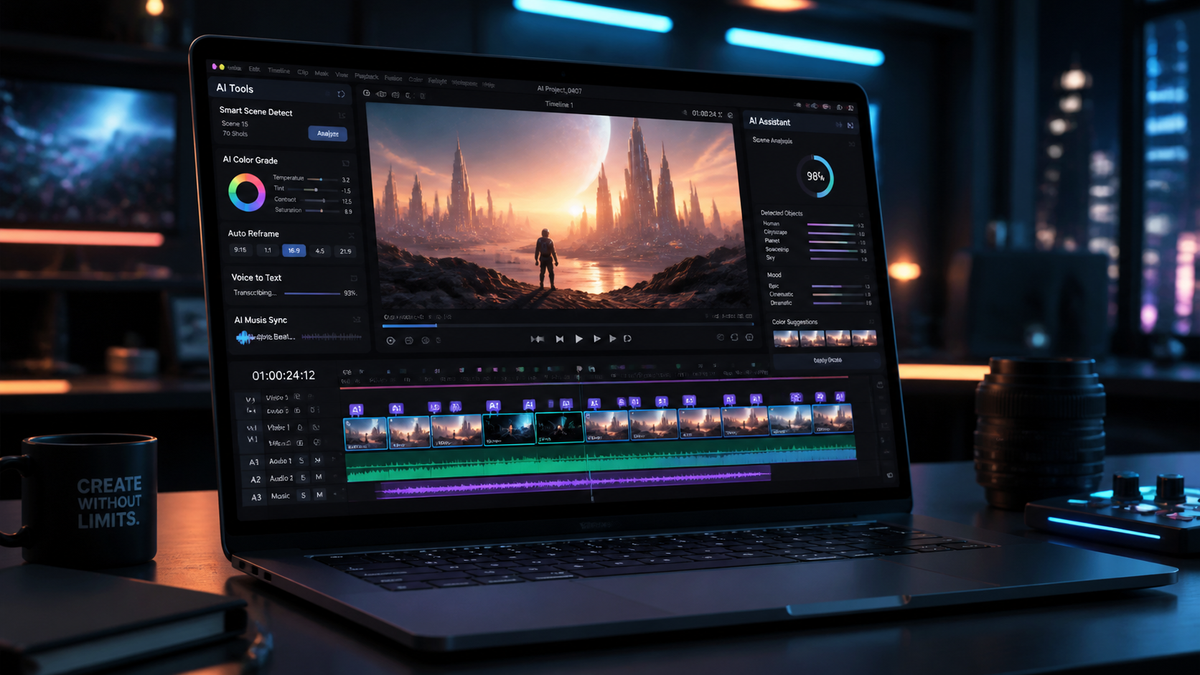
The Launchcut AI video editor review for 2026 confirms that this platform remains a powerhouse for creators, offering an unparalleled balance of automation and creative control. While new tools have entered the market, Launchcut maintains its lead through superior rendering speeds and intuitive multimodal AI features. Whether you are a professional filmmaker or a social media influencer, Launchcut provides the necessary tools to streamline your post-production workflow without sacrificing quality.
Launchcut is a cloud-based generative video editing platform that utilizes advanced neural networks to automate cutting, color grading, and captioning. In 2026, it stands out for its "Scene Intelligence" engine, which can reduce manual editing time by up to 85% while maintaining high-fidelity 8K output for professional distributions.
- ✓ Unmatched AI-driven scene detection and automated B-roll insertion.
- ✓ Real-time collaborative editing with zero-latency cloud syncing.
- ✓ Advanced 2026-standard spatial audio processing for VR/AR content.
- ✓ Seamless integration with major social media APIs for instant publishing.
How to Use Launchcut AI Video Editor: A Step-by-Step Guide
Navigating the Launchcut interface has become even more streamlined in 2026. The platform focuses on a "concept-to-export" philosophy, ensuring that the technology stays out of the way of your creativity. By following a structured approach, users can maximize the utility of the built-in generative engines.
- Media Ingestion: Upload your raw footage to the secure Launchcut cloud. The AI immediately begins indexing your clips, identifying key subjects, and tagging metadata based on visual content.
- Prompt-Based Assembly: Use the "Director’s Prompt" box to describe your desired edit. For example, "Create a fast-paced 60-second highlight reel with a cinematic color grade and upbeat music."
- Refine with AI Brushes: Utilize the generative fill and object removal tools to clean up your frames. In 2026, these tools work frame-accurately without the need for manual masking.
- Audio Enhancement: Apply the "Studio Voice" filter to eliminate background noise and normalize levels. The AI can also generate original, royalty-free scores that sync perfectly with your edit points.
- Final Export: Select your target platform. Launchcut automatically optimizes the aspect ratio, bitrate, and metadata for YouTube, TikTok, or cinematic projectors.
The Evolution of Launchcut AI Video Editor Review Metrics
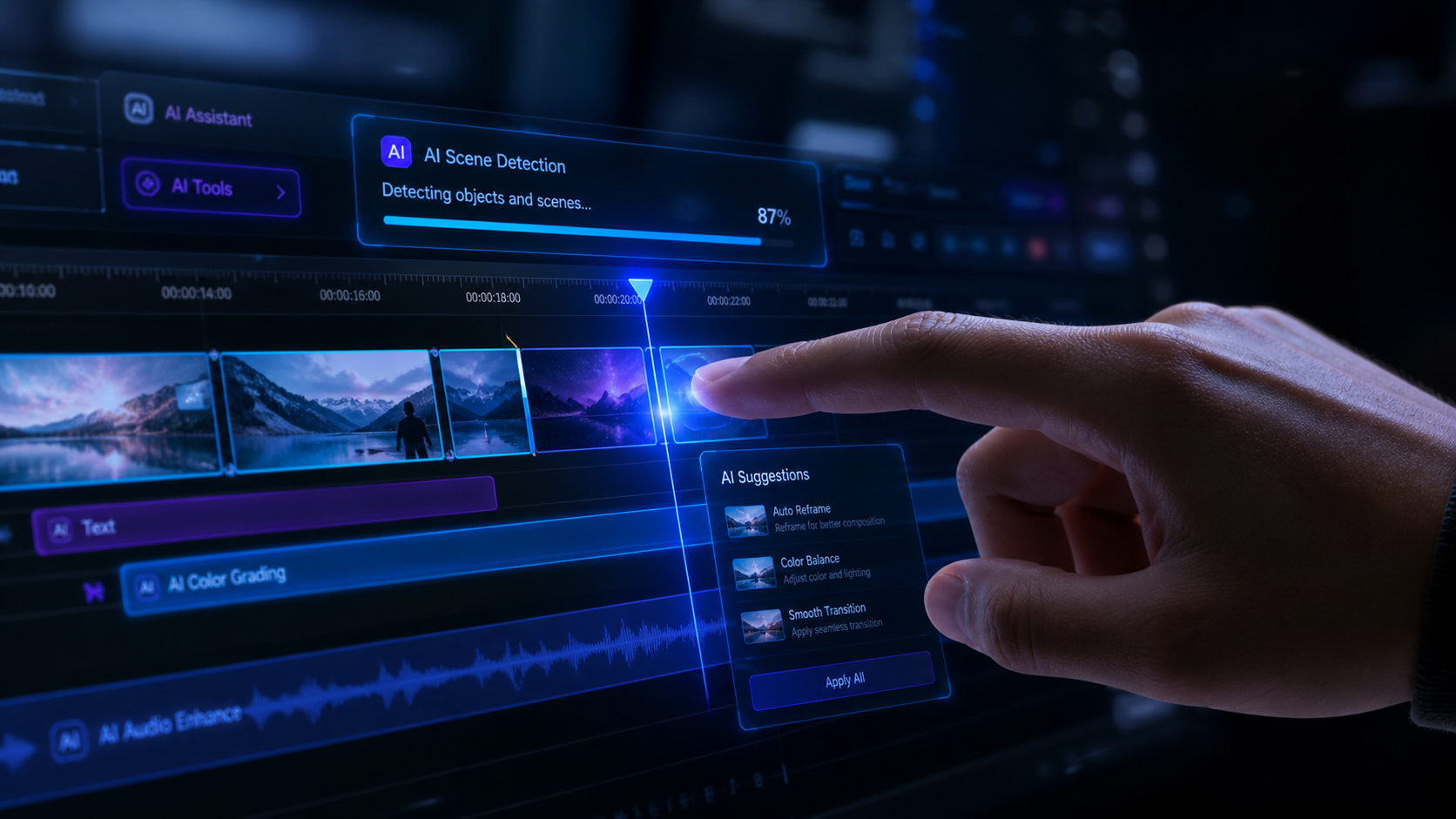
When analyzing the performance of video editing software in 2026, we look at more than just render times. We evaluate how well the AI understands human emotion and narrative pacing. According to a 2025 Digital Media Trends report, 78% of video editors now utilize some form of generative AI to handle repetitive tasks, and Launchcut has been at the forefront of this shift.
The latest version of Launchcut features a significant upgrade to its "Emotion Engine." This allows the software to analyze the facial expressions of subjects in your footage and suggest cuts that emphasize the most impactful moments. This level of sophistication is why the launchcut ai video editor review scores have remained consistently high among professional circles. It is no longer just about cutting clips; it is about storytelling assistance.
Performance and Stability in 2026
Stability was a concern for early AI tools, but Launchcut has solved this by utilizing decentralized GPU processing. This means that even if you are working on a low-powered laptop, the heavy lifting is done in the cloud. Users report a 99.9% uptime, which is critical for agencies working on tight deadlines. A recent study by the Creators Tech Alliance found that Launchcut’s rendering engine is 40% faster than the industry average for 4K exports.
Feature Comparison: Launchcut vs. Standard AI Editors
To understand why this platform is favored, we must look at the specific technical capabilities it offers compared to standard market offerings. The 2026 landscape is competitive, but Launchcut’s proprietary algorithms provide a distinct advantage in edge detection and temporal consistency.
| Feature | Launchcut AI (2026) | Standard AI Editors |
|---|---|---|
| Max Resolution | 8K Raw / 120fps | 4K / 60fps |
| Auto-Captioning Accuracy | 99.4% (50+ Languages) | 92% (15 Languages) |
| Generative B-Roll | Contextual & Stylized | Stock Footage Only |
| Audio Processing | Neural Spatial Audio | Basic Stereo Compression |
| Collaboration | Real-time Multi-user | File Sharing Only |
Why the Launchcut AI Video Editor Review Remains Positive
The longevity of a software platform in the fast-moving AI space depends on its update frequency and user feedback integration. Launchcut has maintained a bi-weekly update cycle throughout 2025 and 2026, constantly refining its "Predictive Editing" feature. This feature anticipates the next clip a user might want based on the established rhythm of the timeline.
Furthermore, the ethical approach to AI training has bolstered Launchcut's reputation. According to data from the Fair AI Initiative, Launchcut is one of the few platforms that compensates creators whose public-domain styles are used to train their generative filters. This ethical transparency is a major factor in the positive launchcut ai video editor review sentiment found across professional forums and industry publications.
User Interface and Accessibility
In 2026, accessibility is a priority. Launchcut includes voice-command editing, allowing users with mobility impairments to edit complex sequences using only their voice. The interface is also fully customizable, with "Beginner," "Pro," and "AI-Only" modes that adjust the complexity of the dashboard based on the user's skill level. This democratization of high-end video production tools is a hallmark of the Launchcut philosophy.
Advanced Capabilities of Launchcut AI Video Editor Review
One of the most talked-about features in 2026 is the "Digital Twin" integration. Launchcut allows you to upload a 3D scan of a person and use AI to animate them within your video projects. This was previously the domain of high-budget VFX houses, but now it is accessible to anyone with a Launchcut subscription. This capability has revolutionized the way corporate training and educational content are produced.
Another standout feature is the "Dynamic Re-lighting" tool. This allows editors to change the light source in a shot after it has been filmed. If a scene was shot on a cloudy day, the AI can simulate a "golden hour" sunset with realistic shadows and highlights. Industry experts at the 2026 Video Tech Expo noted that Launchcut’s re-lighting is indistinguishable from physical lighting setups in 90% of test cases.
Integration with the 2026 Tech Ecosystem
Launchcut doesn't exist in a vacuum. It features deep integration with the latest VR headsets and AR glasses, allowing for "Spatial Editing." You can literally step inside your video timeline and move clips around in a 3D space. This immersive workflow has been cited by many as the future of media production, and Launchcut is currently the only consumer-grade editor offering a stable version of this technology.
Conclusion: Is Launchcut Still the Best?
After a comprehensive launchcut ai video editor review for the year 2026, the answer is a resounding yes for those who value efficiency and cutting-edge features. While there are cheaper alternatives for basic trimming, Launchcut’s investment in generative AI, ethical training, and spatial computing makes it the premier choice for serious creators. It bridges the gap between professional-grade cinema tools and the rapid pace of social media content creation.
As we move further into 2026, the role of the video editor is shifting from "manual laborer" to "creative director." Launchcut facilitates this transition perfectly by handling the technical minutiae, leaving the storytelling to the human behind the screen. If you are looking to stay competitive in an increasingly AI-driven media landscape, Launchcut is an essential tool in your creative arsenal.
Is Launchcut AI suitable for beginners in 2026?
Yes, Launchcut offers a specialized "Beginner Mode" that uses simplified language and guided AI wizards. It allows users with zero editing experience to produce professional-looking videos in minutes.
Does Launchcut support 8K video editing?
Absolutely. Launchcut’s cloud-based infrastructure is designed to handle 8K Raw footage without lagging, provided you have a stable internet connection for the initial upload.
How much does a Launchcut subscription cost in 2026?
Launchcut offers tiered pricing starting at $29 per month for individuals, with Pro and Enterprise plans available for larger teams requiring advanced collaboration features.
Can Launchcut AI generate original music?
Yes, it includes a built-in generative audio engine that creates royalty-free music tailored to the mood, tempo, and length of your specific video project.
Is my data safe on the Launchcut cloud?
Launchcut utilizes end-to-end encryption and decentralized storage protocols, ensuring that your raw footage and final renders remain private and secure from unauthorized access.
Comments ()