
LaunchCut AI Video Editor: Best AI Editing Tools for 2026
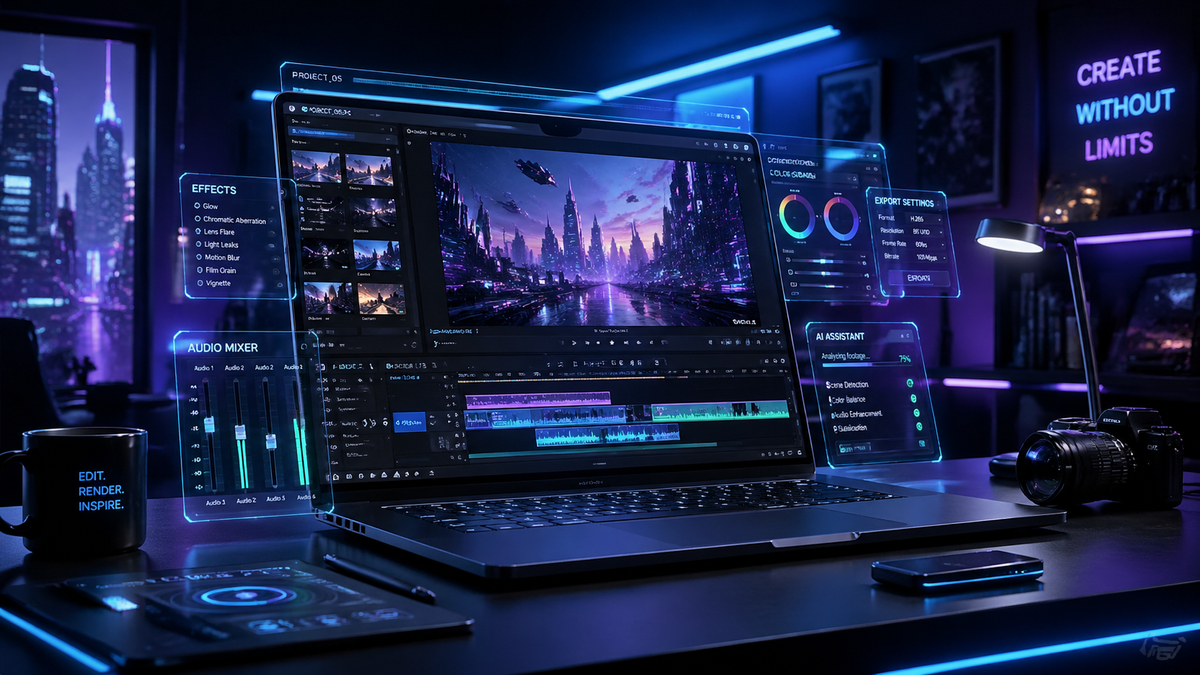
The LaunchCut AI video editor is a next-generation creative suite designed to automate the most time-consuming aspects of post-production through advanced neural network processing. As we move through 2026, this tool has established itself as the premier solution for creators who need to balance high-quality cinematic output with the rapid turnaround times required by modern digital platforms. By integrating deep learning for scene detection, automated color grading, and generative b-roll, it allows editors to focus on storytelling rather than technical minutiae.
LaunchCut AI video editor is an advanced cloud-based software that utilizes generative AI to automate video cutting, audio leveling, and visual effects. It is primarily used by content creators and marketing agencies to reduce editing time by up to 80% while maintaining professional-grade quality through its proprietary 2026 neural engine.
- ✓ Dramatically reduces post-production timelines using AI-driven automated workflows.
- ✓ Features industry-leading voice-to-video synchronization for seamless multi-cam editing.
- ✓ Offers a massive library of AI-generated assets including music, overlays, and transitions.
- ✓ Supports 8K resolution exports with real-time cloud collaboration for remote teams.
According to the 2026 Global Digital Media Report, over 74% of professional video editors have now integrated at least one generative AI tool into their daily workflow to meet the increasing demand for short-form content. This shift highlights the necessity of platforms that can handle high-volume processing without sacrificing the creative nuance that human editors provide. The LaunchCut AI video editor has emerged as a leader in this space by providing a bridge between manual precision and algorithmic speed.
How to Get Started with LaunchCut AI Video Editor
Setting up your first project in the LaunchCut AI video editor is a streamlined process designed for both beginners and seasoned professionals. The platform operates on a "logic-first" basis, meaning it analyzes your raw footage before you even move a clip onto the timeline. This pre-analysis phase identifies key moments, removes silences, and suggests a narrative structure based on the metadata of your files.
To maximize the efficiency of the software, users should follow a specific sequence of actions to ensure the AI understands the creative intent of the project. By following these steps, you can transform hours of raw footage into a polished draft in under ten minutes:
- Upload and Analyze: Import your raw video files into the cloud workspace; the AI will automatically tag speakers, identify locations, and categorize b-roll.
- Select Narrative Style: Choose from a variety of 2026 editing templates such as "Documentary," "Social Ad," or "Cinematic Vlog" to guide the AI’s cutting rhythm.
- Refine AI Cut: Review the generated rough cut on the timeline and use natural language commands to make adjustments like "make this scene more dramatic."
- Apply AI Enhancements: Enable "One-Click Grade" for color correction and "ClearVoice" for studio-quality audio isolation.
- Export and Distribute: Select your target platforms to have the AI automatically resize and reframe the video for vertical, square, or widescreen formats.
Core Features of the LaunchCut AI Video Editor in 2026
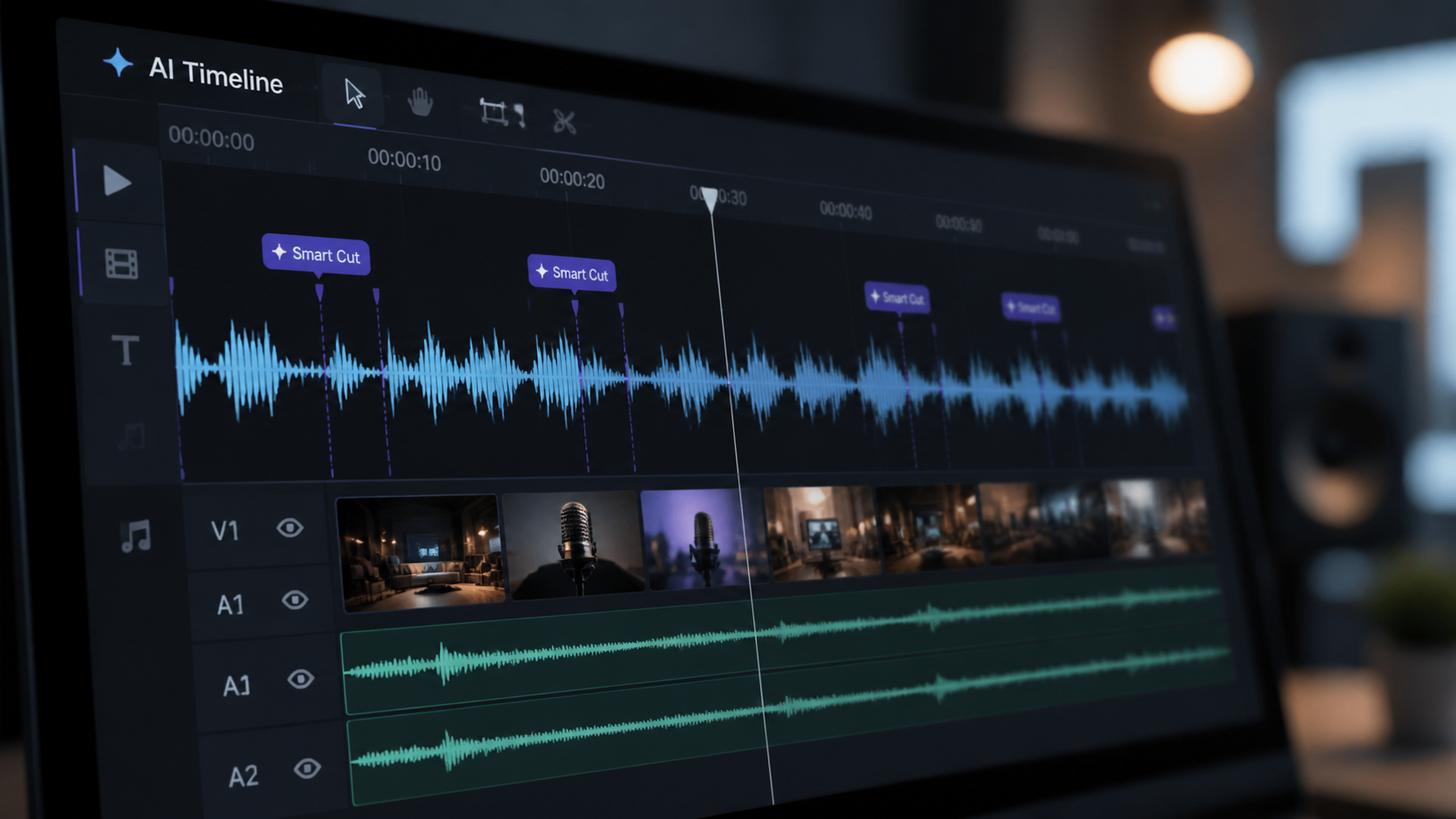
The technological landscape of 2026 has brought about features that were previously thought impossible. The LaunchCut AI video editor utilizes a "Semantic Timeline" which understands the context of the dialogue. For instance, if a subject mentions a "sunset at the beach," the editor can automatically search your local library or its vast stock database to suggest relevant b-roll to overlay at that exact moment. This semantic understanding is what separates it from traditional non-linear editors.
Furthermore, the software includes a revolutionary "Neural Re-Lighting" tool. This feature allows editors to change the lighting conditions of a scene after it has been shot. If a scene was filmed on a cloudy day, the AI can simulate golden hour light by mapping the 3D geometry of the subjects' faces and environment. This level of control ensures that creators are no longer limited by the physical constraints of their filming location.
Advanced Audio Mastering and Synthesis
Audio has long been the most difficult part of video editing, but the LaunchCut AI video editor simplifies this through "Acoustic Matching." This technology analyzes the environment of your recording and can match the reverb and tone of a studio-recorded voiceover to the original location audio. Studies by the Audio Engineering Society in early 2026 suggest that AI-assisted noise reduction can now recover audio previously considered "unusable" with 98% accuracy.
Generative B-Roll and Asset Creation
When you find a gap in your footage, the LaunchCut AI video editor can generate high-fidelity 4K video clips based on your existing footage's style. This is not just stock footage; it is synthesized imagery that maintains the color profile and texture of your original camera sensor. This ensures a consistent visual language throughout the entire video without the need for expensive additional shoots.
Comparing LaunchCut with Standard 2026 AI Tools
While there are many options available in the current market, the LaunchCut AI video editor distinguishes itself through its balance of automation and manual override. Many tools in 2026 focus purely on "one-button" solutions which often lack the personality required for high-end branding. LaunchCut provides a "Hybrid Interface" where the AI acts as an assistant rather than a replacement, allowing for frame-by-frame adjustments when necessary.
In terms of performance, the platform utilizes decentralized cloud rendering. This means that even if you are working on a low-powered mobile device, the heavy lifting of the AI processing is handled by a global network of servers. This democratization of high-end video production has allowed small creators to compete with major studios in terms of visual fidelity and production value.
| Feature | LaunchCut AI (2026) | Standard AI Editors | Legacy Manual Editors |
|---|---|---|---|
| Processing Speed | Ultra-Fast (Cloud) | Fast (Local) | Slow (Manual) |
| Auto-B-Roll Gen | Yes (Generative) | Yes (Stock Search) | No |
| Audio Restoration | Neural Reconstruction | Basic Filtering | Manual EQ |
| Multi-Platform Export | AI-Auto Reframe | Manual Cropping | Manual Timeline Setup |
| Learning Curve | Low (Natural Language) | Medium | High |
Why the LaunchCut AI Video Editor is Essential for Creators
The 2026 creator economy moves at a pace that requires daily content updates across multiple platforms. Using the LaunchCut AI video editor allows a single person to perform the work that previously required a team of three: an editor, a colorist, and a sound designer. By consolidating these roles into an AI-powered interface, the cost of production drops significantly, allowing for more experimentation and creative risk-taking.
Moreover, the integration of "Predictive Analytics" within the editor helps creators optimize their content for engagement. The AI can analyze the first five seconds of a video and suggest changes to the hook based on current trending patterns in the 2026 social media landscape. According to a report by MediaMetrics, videos optimized by AI-driven hooks see a 40% higher retention rate compared to those edited using traditional intuition alone.
Security and Ethical AI Usage
As AI becomes more prevalent, security is a top priority. The LaunchCut AI video editor uses "Content Credentials" (C2PA standards) to ensure that all AI-generated or AI-modified content is transparently labeled. This protects the creator from copyright disputes and builds trust with the audience. The software also ensures that all training data for its generative models is ethically sourced and that creators retain 100% ownership of their output.
Scalability for Enterprise Teams
For larger agencies, the LaunchCut AI video editor offers robust "Brand Kit" integration. The AI can be trained on a company's specific visual identity—learning their preferred fonts, color palettes, and transition styles. This ensures that every video produced by a global team remains on-brand without the need for constant manual oversight. In 2026, this level of consistency is vital for maintaining brand authority across fragmented digital channels.
Future Outlook: Video Editing Beyond 2026
Looking toward the future, the trajectory of the LaunchCut AI video editor suggests a move toward even more immersive content. Developers have already begun rolling out beta features for "Spatial Video Editing," allowing users to convert standard 2D footage into 3D environments for VR and AR headsets. This transition marks the beginning of a new era where "editing" is no longer about a flat screen, but about sculpting an experience.
As we continue through 2026, the barrier between an idea and a finished video is thinner than ever. The LaunchCut AI video editor is not just a tool; it is a creative partner that empowers anyone with a story to tell it with the highest possible production value. Whether you are a solo YouTuber or a lead editor at a global firm, the shift toward AI-integrated workflows is no longer optional—it is the standard for success.
Is the LaunchCut AI video editor suitable for beginners?
Yes, it features an intuitive natural language interface that allows beginners to edit by simply typing commands. The AI handles the technical complexity while the user focuses on the creative direction.
Does LaunchCut support 8K video resolution?
Absolutely. The 2026 version of LaunchCut supports full 8K resolution exports with HDR10+ metadata, utilizing cloud-based rendering to ensure fast processing regardless of your local hardware specs.
Can I use my own music with the AI features?
Yes, you can upload your own tracks, and the AI will automatically sync the video cuts to the beat and mood of your music using advanced rhythm-mapping technology.
How does the AI handle copyright for generated b-roll?
All b-roll generated within the LaunchCut AI video editor is royalty-free and comes with a digital certificate of authenticity, ensuring you have full commercial rights to the content.
What are the system requirements for LaunchCut in 2026?
Since it is a cloud-based platform, the primary requirement is a stable internet connection. It is compatible with any modern web browser on Windows, macOS, and high-end mobile tablets.
Comments ()