
Krea AI Video Generation Guide: Mastering Pro Tools in 2026
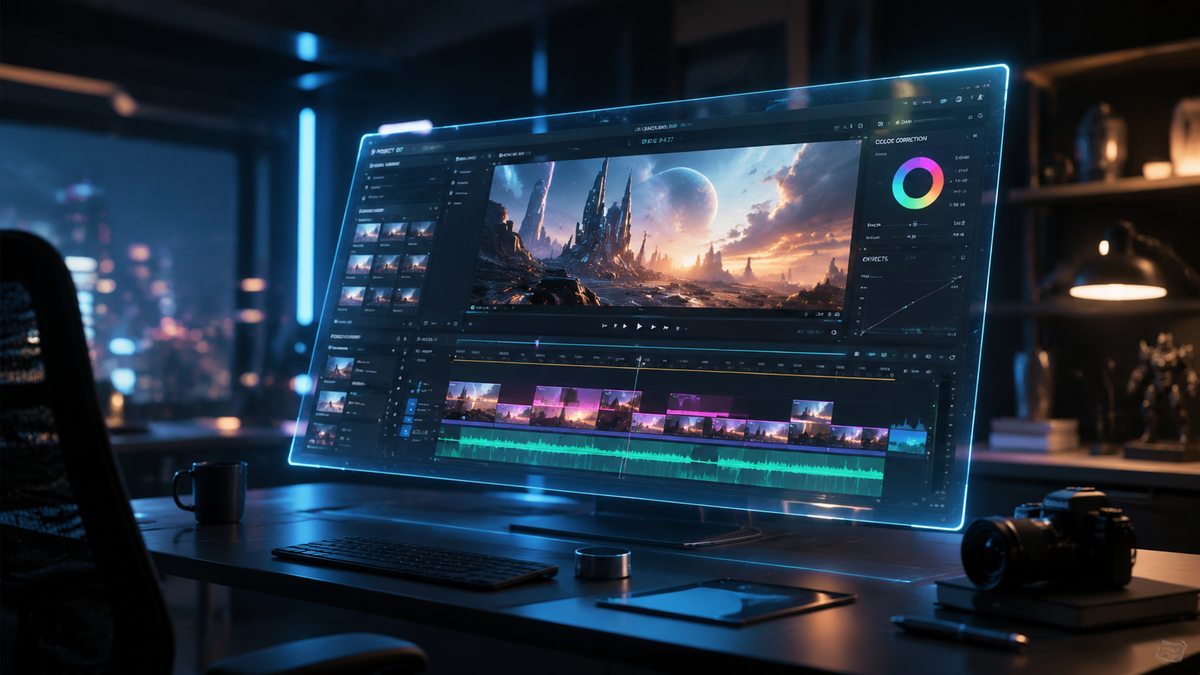
This krea ai video generation guide provides a comprehensive roadmap for utilizing Krea’s advanced generative suite to create high-fidelity cinematic content. By leveraging real-time latency and sophisticated upscaling algorithms, Krea AI allows creators to transform text prompts and static images into dynamic, professional-grade video sequences. Mastering these tools in 2026 requires an understanding of both the creative prompt engineering and the technical hardware requirements, such as NVIDIA RTX AI integrations, that drive modern generative workflows.
Krea AI video generation is a cloud-based creative suite that utilizes latent diffusion models to synthesize high-resolution video from text, images, or real-time canvas inputs. It is widely recognized for its "Enhance" feature and real-time generation capabilities, which allow professional creators to iterate on visual assets with near-zero latency on modern AI-optimized hardware.
- ✓ Krea AI offers exclusive video capabilities for paid subscribers, focusing on high-end cinematic output.
- ✓ The platform integrates seamlessly with NVIDIA RTX AI PCs for optimized local-to-cloud workflows.
- ✓ Advanced upscaling features allow for 4K video resolution without losing textural detail.
- ✓ Real-time generation tools enable "live" creative adjustments during the video synthesis process.
How to Use Krea AI for Professional Video Production
Navigating the Krea interface has become significantly more intuitive in 2026, yet the depth of the pro tools requires a structured approach. To get the most out of your subscription, you must treat the AI as a collaborative partner rather than a simple filter. The process begins with conceptualizing the movement and lighting of your scene, which Krea translates through its proprietary video engines.
According to reports from VentureBeat, Krea AI’s expansion into dedicated video capabilities was a pivotal shift that prioritized paid subscribers, offering them higher frame rates and more complex motion controls. This tiered approach ensures that professional users have the dedicated compute power necessary for rendering high-definition sequences without the bottlenecks common in free-access tools.
- Access the Video Interface: Log into your Krea account and select the 'Video' tab from the primary dashboard. Ensure your workspace is set to the latest 2026 model version.
- Input Your Source Material: You can start with a descriptive text prompt or upload a high-quality reference image to serve as the "Keyframe 0."
- Configure Motion Parameters: Use the motion slider to determine the intensity of the camera movement. Lower values produce subtle cinematic drifts, while higher values create dynamic action sequences.
- Apply the Enhance Tool: Before final rendering, use the Krea Enhancer to upscale the resolution and add realistic textures to skin, fabric, or landscapes.
- Export and Refine: Choose your desired aspect ratio (e.g., 16:9 for film or 9:16 for social media) and export the final render in MP4 or ProRes format.
Core Features of the Krea AI Video Generation Guide
The 2026 landscape of video generation is defined by the ability to maintain temporal consistency—ensuring that objects do not "morph" or flicker between frames. Krea AI has mastered this through its advanced temporal layers, which analyze the relationship between pixels across the entire timeline of the clip. This makes it a preferred choice for creators who require consistency in character design and environmental details.
As noted by IEEE Spectrum in their 2025 analysis of image and video generators, the ability to control spatial layout is what separates professional tools from toys. Krea’s "Canvas" feature allows you to physically move elements on a digital board, with the video generator updating the scene live. This spatial awareness is critical for directors who need to block out scenes with precision before committing to a final render.
Real-Time Latency and NVIDIA Integration
A major breakthrough in the krea ai video generation guide is the integration with local hardware. According to the NVIDIA Blog, getting started with generative AI now involves a hybrid approach where NVIDIA RTX AI PCs handle initial processing, reducing the time spent waiting for cloud renders. This synergy allows Krea users to preview motion paths in real-time before sending the final job to Krea's high-performance cloud clusters.
Advanced Upscaling and Enhancement
Krea’s "Enhancer" is widely considered the industry standard for video clarity. It doesn't just stretch pixels; it reimagines them. When you take a low-resolution AI generation and run it through the Krea Enhancer, the system uses deep learning to inject micro-details like pore texture, light refraction in water, and realistic atmospheric haze. This is essential for 2026 workflows where 4K resolution is the baseline for commercial content.
Comparing Krea AI Video Tiers and Capabilities
Choosing the right approach within Krea depends on your project’s budget and technical requirements. The following table breaks down the current capabilities available to users in 2026.
| Feature | Free/Basic Tier | Pro/Subscriber Tier | Enterprise Custom |
|---|---|---|---|
| Max Resolution | 720p (with watermark) | 4K Upscaling Included | 8K + Raw Export |
| Motion Control | Standard Presets | Advanced Vector Control | API-Driven Motion |
| Generation Speed | Standard Queue | Priority GPU Access | Dedicated Server Instances |
| Temporal Consistency | Basic | Ultra-Stable V3 Engine | Custom Model Training |
The Role of Pro Tools in Modern Workflows
In 2026, professional video editors are no longer just cutting footage; they are generating it. Krea AI’s suite of pro tools bridges the gap between traditional VFX and pure AI generation. By using the "Image-to-Video" pipeline, editors can take a single concept art piece and generate multiple angles of the same scene, significantly reducing the need for expensive reshoots or complex 3D modeling in software like Blender or Maya.
The investment in Krea by firms like Andreessen Horowitz highlights the platform's importance in the creative economy. The focus has shifted from "novelty" to "utility," where the goal is to produce content that is indistinguishable from traditional cinematography. For those following this krea ai video generation guide, the key is to use the "Seed" control. By locking the seed number, you can make incremental changes to your prompt without losing the core aesthetic of your previous generation.
Prompt Engineering for Video
Writing prompts for video requires a different vocabulary than writing for static images. You must describe "verbs" and "lighting shifts" over time. For example, instead of "a forest," a pro prompt would be: "A slow tracking shot through a pine forest, morning mist rolling between trees, cinematic lighting, 8k, highly detailed, realistic wind movement in the needles." Krea’s engine specifically looks for these directional cues to calculate frame interpolation.
Integrating with ComfyUI
For the most advanced users, Krea’s ecosystem now interacts with open-source frameworks. As NVIDIA suggests, using tools like ComfyUI alongside pro AI suites allows for a "modular" creative process. You might generate a base character in Krea, use ComfyUI for specific clothing physics, and then return to Krea’s Enhancer for the final high-fidelity pass. This interoperability is a hallmark of the 2026 AI landscape.
Future-Proofing Your AI Video Skills
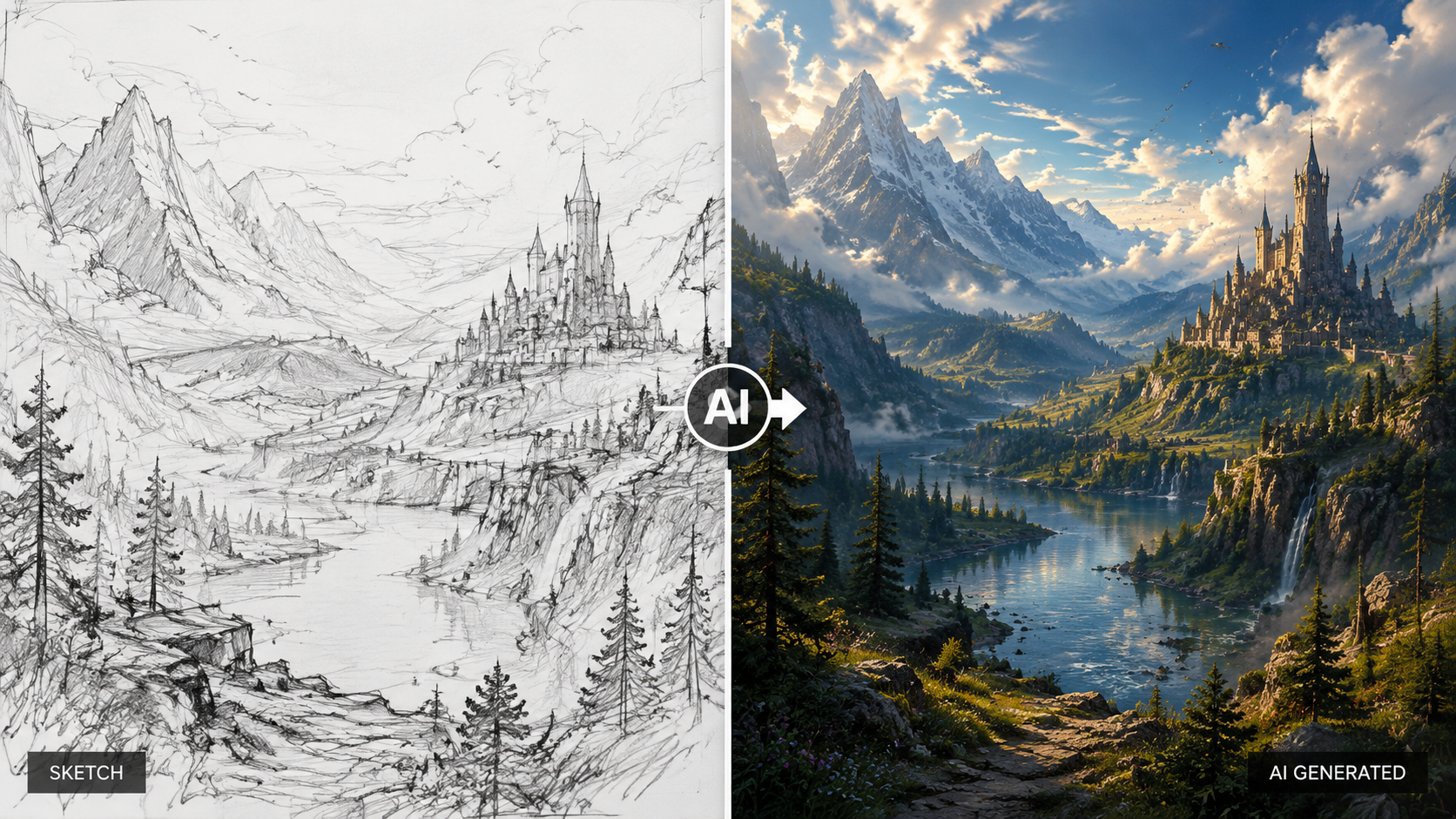
As we look deeper into 2026, the evolution of AI video is moving toward "World Models." Krea is at the forefront of this, developing systems that understand the physics of the real world—how gravity affects a falling object or how light bounces off a metallic surface. To stay ahead, creators must move beyond simple "text-to-video" and master "influence-to-video," where sketches, depth maps, and pose estimators guide the AI's hand.
Studies and tests conducted by Cybernews in 2026 indicate that Krea remains a top-tier contender in the AI art and video space due to its balance of user-friendliness and "under-the-hood" power. The platform’s ability to handle high-concurrency tasks without sacrificing visual fidelity makes it the go-to for marketing agencies and independent filmmakers alike. Mastery of the Krea toolset is increasingly becoming a required skill on creative resumes.
Frequently Asked Questions
Is Krea AI video generation free to use?
While Krea offers a basic trial version, the full suite of video generation tools and high-resolution enhancement features are primarily reserved for paid subscribers. This ensures that users have access to the significant GPU power required for rendering 4K video.
How does Krea AI ensure video consistency?
Krea uses a proprietary V3 engine that implements temporal layers to track objects across frames. This prevents the "jitter" commonly seen in earlier AI video tools, resulting in a smooth, cinematic experience that maintains character and environment details.
Can I use Krea AI on my local computer?
Krea is a cloud-based platform, but it is optimized for NVIDIA RTX AI PCs. This allows users to handle heavy creative workflows locally while offloading the final, intensive video rendering to Krea’s high-performance cloud servers.
What is the maximum resolution for Krea videos?
As of 2026, Krea AI supports upscaling video content up to 4K resolution using its "Enhance" feature. For enterprise clients, there are additional options for 8K rendering and raw file exports for professional color grading.
Does Krea AI support "Image-to-Video" generation?
Yes, one of Krea's strongest features is its ability to take a static image and animate it. Users can upload a photo or a digital painting and use motion sliders to dictate how the AI should bring that specific image to life.
Conclusion: Mastering the New Era of Content
The journey through this krea ai video generation guide underscores a fundamental truth about 2026: the barrier between imagination and visual reality has all but vanished. Krea AI provides the bridge, but the creator provide the vision. By mastering the nuances of motion control, spatial blocking on the canvas, and the power of the Enhancer, you can produce content that rivals traditional studio productions at a fraction of the cost and time.
As Marketing4eCommerce noted in their 2025 review of the best AI video generators, the platforms that succeed are those that offer "creative agency" to the user. Krea does exactly this by providing professional-grade tools that are accessible yet deep. Whether you are a solo creator or part of a global marketing team, the ability to generate, enhance, and iterate on video in real-time is the ultimate competitive advantage in the modern digital economy.



Comments ()