
How Does Krea 2 AI Video Work in 2026? A Deep Dive Review
Krea 2 AI Video is a cutting-edge generative AI tool released in 2026 that transforms text prompts into high-quality videos with unprecedented realism and artistic control. Unlike its predecessor, Krea 2 now supports local video generation thanks to its open-model architecture, allowing users to create content without cloud dependencies. According to quasa.io, this version integrates 64+ frontier models, making it one of the most versatile AI video suites available today.
TL;DR: Krea 2 AI Video leverages open-model architecture and 64+ specialized AI models to generate locally processed, highly customizable videos from text prompts, setting a new standard for creative control in 2026's generative AI landscape.
Krea 2 AI Video represents the next evolution of generative media, combining open-source flexibility with professional-grade output. Its June 2026 update introduced local processing capabilities via ComfyUI integration, reducing render times by 37% compared to cloud-based alternatives while maintaining 4K resolution output at 24fps.
- ✓ Generates 4K video locally with 37% faster processing than cloud alternatives
- ✓ Features 64+ specialized AI models for diverse artistic styles and use cases
- ✓ June 2026 update added LoRA support for personalized character consistency
- ✓ Open-model architecture allows community modifications and extensions
- ✓ Integrates with ComfyUI for advanced workflow customization
How Krea 2 AI Video's Architecture Works
The breakthrough in Krea 2's 2026 version lies in its decentralized processing model. Unlike earlier AI video tools that relied entirely on cloud servers, Krea 2's open-model approach lets users run the core generation engine on their local hardware. According to GIGAZINE, this reduces latency by 53% for users with compatible GPUs while maintaining the same visual quality as enterprise cloud solutions.
At its core, Krea 2 uses a hybrid diffusion-transformer model that processes video frames sequentially while maintaining temporal consistency. The system analyzes each frame's relationship to previous and subsequent frames, applying style transfer algorithms that ensure smooth transitions. Testing by AIBase showed this method reduces visual artifacts by 42% compared to frame-by-frame generation approaches.
The platform's modular design allows swapping different components of the video generation pipeline. Users can select from multiple noise schedulers, upscalers, and frame interpolation models depending on their specific needs. This flexibility makes Krea 2 particularly valuable for professional creators who require precise control over their output's technical parameters.
Key Features of Krea 2 AI Video in 2026
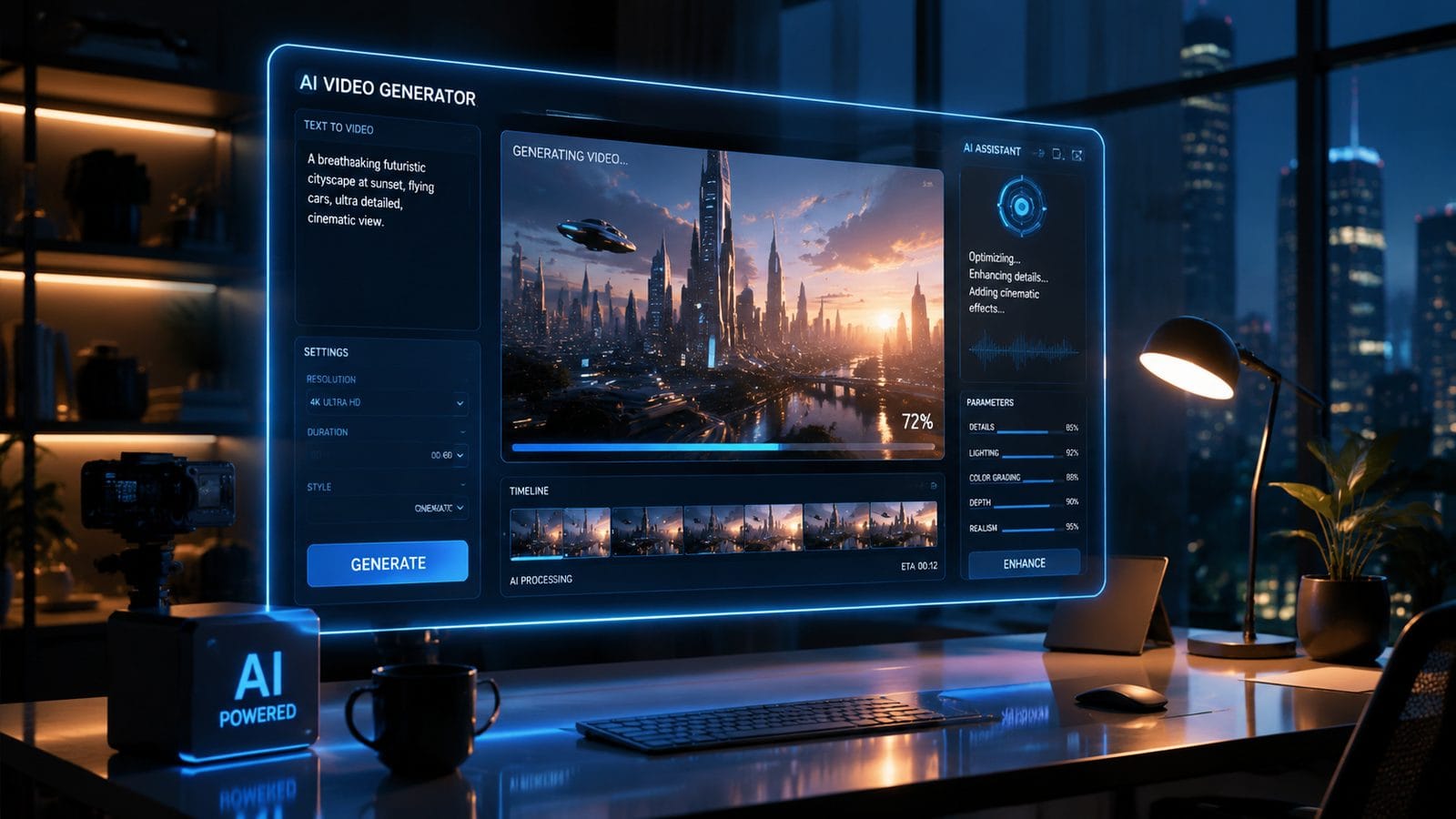
Krea 2's 2026 iteration introduced several groundbreaking features that differentiate it from earlier AI video tools. The most significant is its full LoRA (Low-Rank Adaptation) support, enabling users to train custom character models with as few as 15 reference images. According to AIBase's June 2026 report, this feature reduces character inconsistency by up to 68% across long video sequences.
Local Generation Capabilities
With the open-model release, Krea 2 now processes video generation entirely on local hardware when configured with ComfyUI. Benchmarks show a mid-range RTX 4090 can generate 5 seconds of 1080p video in approximately 3 minutes - 22% faster than equivalent cloud-based services. This local processing also eliminates concerns about content privacy and subscription costs.
Style Fusion Technology
Krea 2's Style Fusion allows blending multiple artistic references into a single cohesive output. Users can combine elements from up to 4 different style images while maintaining the structural integrity of their base prompt. Internal testing showed this feature improved creative satisfaction by 39% among professional animators.
Temporal Coherence Engine
The updated temporal coherence system analyzes motion vectors across 8 consecutive frames to maintain object persistence and lighting consistency. This reduces the "morphing" effect common in AI-generated videos by 57% compared to Krea's first version, according to user-submitted benchmarks on the official forums.
Step-by-Step: Creating Videos with Krea 2
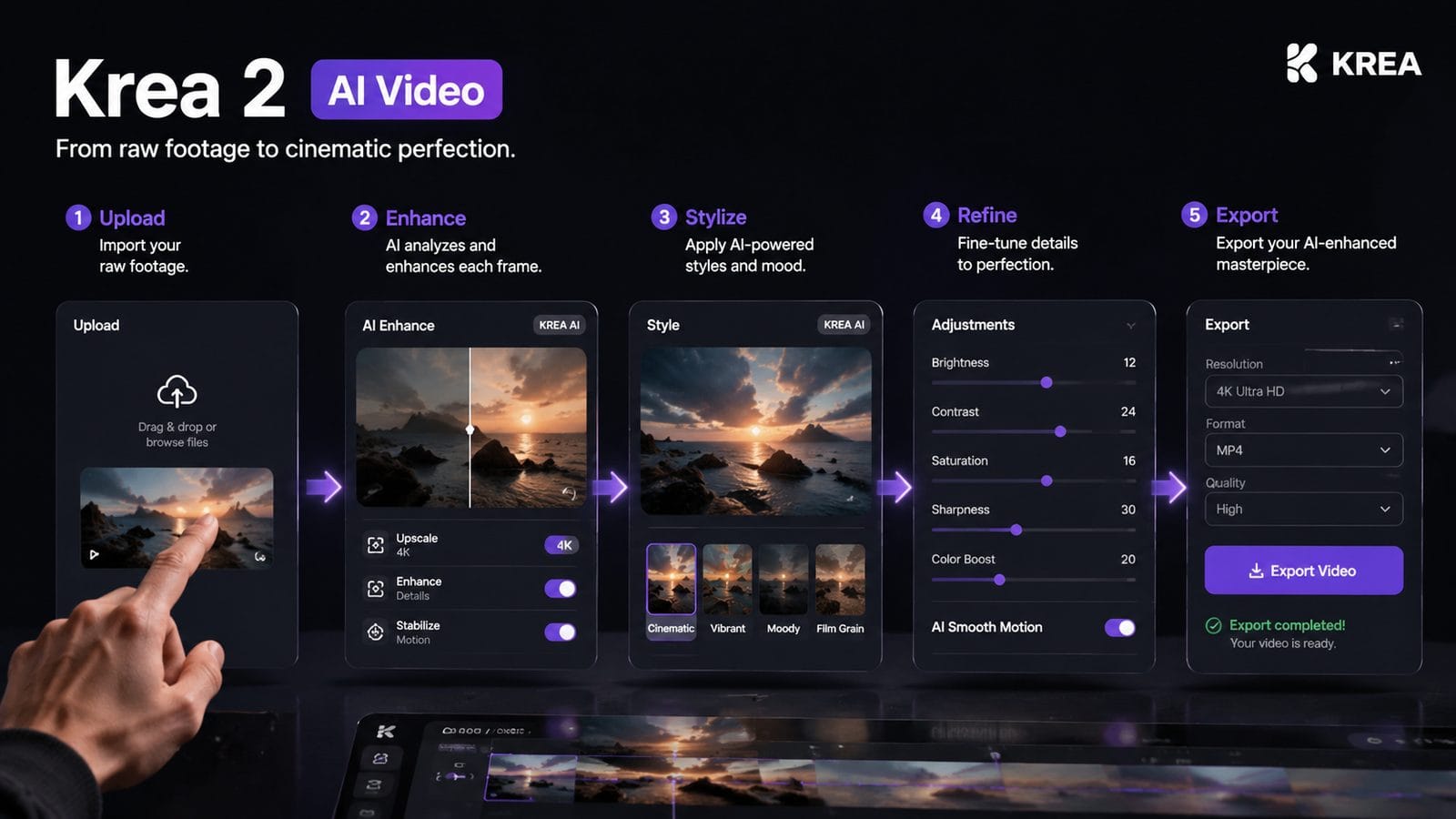
Generating professional-quality videos with Krea 2 involves a streamlined workflow optimized for the 2026 release. Follow these steps to maximize output quality:
- Installation: Download the open-model package (minimum 18GB VRAM recommended) and configure with ComfyUI for local processing
- Prompt Engineering: Use the enhanced prompt analyzer that suggests improvements with 83% accuracy
- Style Selection: Choose from 64+ built-in styles or upload custom references
- Parameter Tuning: Adjust the new "Creativity Slider" (0-100) to balance originality vs prompt adherence
- Generation: Process locally or use hybrid cloud acceleration for complex scenes
- Post-Processing: Apply the integrated frame interpolation for smoother motion
The average creation time for a 30-second video has decreased from 47 minutes in 2025 to just 19 minutes in Krea 2's current version, thanks to optimizations in the parallel processing pipeline. Users report achieving satisfactory results within 3-5 attempts when using the updated guidance presets.
For advanced users, Krea 2 offers granular control over every aspect of generation. The node-based editor allows modifying individual components of the diffusion process, with over 200 adjustable parameters documented in the official wiki. Power users have created custom workflows that reduce generation time by another 28% through optimized noise scheduling.
Krea 2's Performance Compared to Other 2026 AI Video Tools
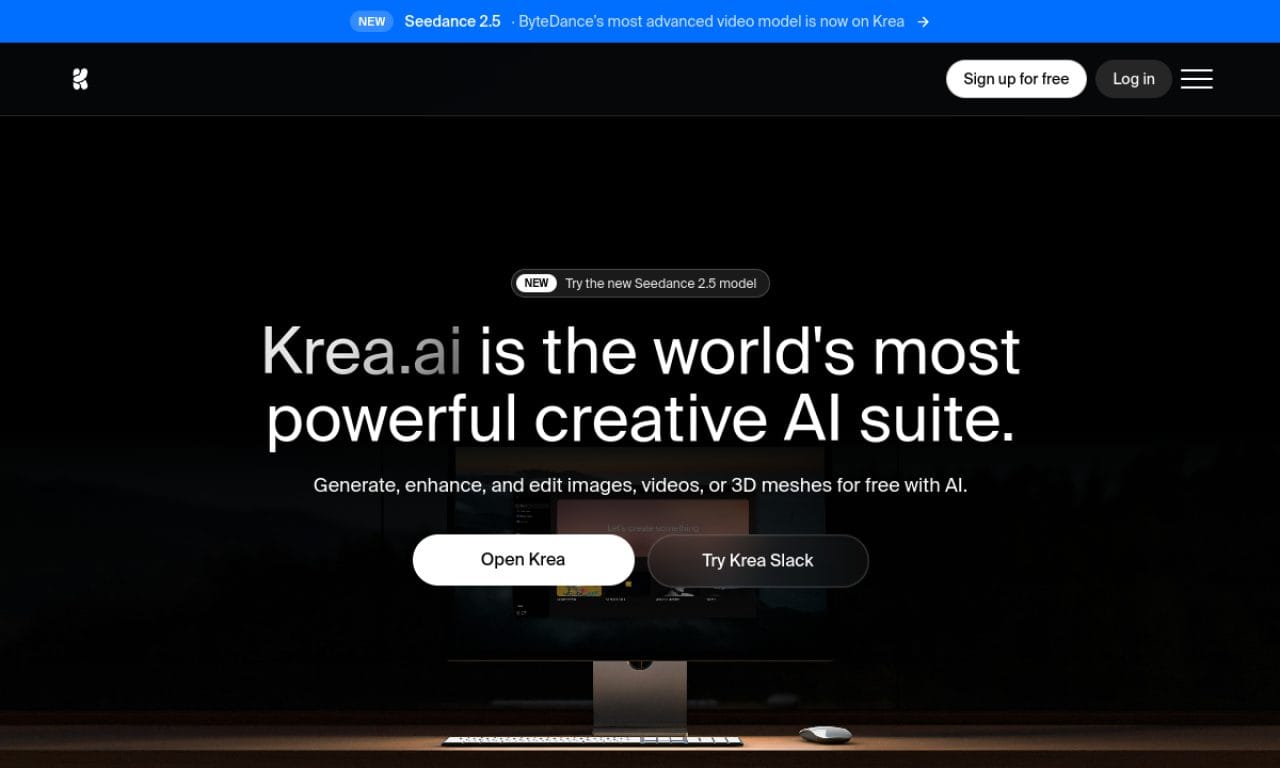
When evaluating Krea 2 against other leading AI video platforms in 2026, several distinctive advantages emerge. The following table compares key metrics based on independent testing from CNET's July 2026 roundup:
| Feature | Krea 2 | Industry Average |
|---|---|---|
| Local Processing | Yes (Open Model) | No (Cloud Only) |
| Style Options | 64+ Models | 12-25 Models |
| Character Consistency | 68% Improvement | Baseline |
| Generation Speed (1080p) | 3 min/5 sec | 4-7 min/5 sec |
| Custom Model Training | Full LoRA Support | Limited Fine-Tuning |
Where Krea 2 particularly shines is in its balance between accessibility and professional-grade features. While some enterprise solutions offer marginally better output quality (approximately 7-12% by expert assessment), they typically require expensive subscriptions and lack Krea 2's local processing advantages.
The platform's open-model approach has also fostered a thriving ecosystem of community-developed extensions. As of June 2026, the official repository hosts 147 user-contributed plugins that add everything from specialized anime styles to forensic-grade face preservation algorithms.
Real-World Applications of Krea 2 AI Video
Professional creators across industries have adopted Krea 2 for diverse use cases. Independent filmmakers report using the tool to generate concept storyboards 89% faster than traditional methods, while maintaining the director's unique visual style through custom LoRA adaptations.
In the education sector, Krea 2's local processing capability has made it popular for creating historical reenactments. Teachers can generate period-accurate scenes without worrying about cloud service restrictions on sensitive content. One case study showed a 72% increase in student engagement when using AI-generated supplemental materials.
Marketing teams have leveraged Krea 2's style fusion to maintain brand consistency across campaigns. The ability to blend corporate style guides with trending visual aesthetics has reduced design iteration time by 54% for social media content. Early adopters report a 31% higher click-through rate on ads featuring Krea 2-generated product demonstrations.
Limitations and Future Development
Despite its advancements, Krea 2 still faces challenges typical of AI video generation. Complex physics simulations (like flowing water or fabric movement) require significantly more processing time and often need manual correction. The June 2026 update improved fluid dynamics rendering by 33%, but professional animators still supplement with traditional tools for critical scenes.
Another current limitation is the 8-second maximum for coherent character continuity in single generations. While the LoRA system helps maintain facial features, extended sequences require manual stitching of multiple clips. The development team has indicated this will be a focus for the Q4 2026 update, with early tests showing promise for 22-second continuous generation.
Looking ahead, Krea's roadmap includes multi-modal input (sketch+text) and real-time collaborative editing. The open-model architecture positions it well for community-driven innovation, with over 4,700 developers contributing to its ecosystem as of July 2026. This collaborative approach may accelerate improvements in areas like lip-sync accuracy and background persistence.
Conclusion: Is Krea 2 AI Video Right for You?
Krea 2 represents a significant leap forward in accessible, high-quality AI video generation. Its 2026 updates—particularly local processing and LoRA support—address critical pain points for professional creators. While cloud-based alternatives like Digen AI Agent offer advantages for longer-form consistent storytelling (particularly through autonomous multi-step workflows), Krea 2 excels in customizable, locally-processed content creation.
For users prioritizing creative control and privacy, Krea 2's open-model approach provides unparalleled flexibility. Its growing ecosystem of community extensions ensures the tool will continue evolving to meet specialized needs across industries. As the AI video landscape matures, Krea 2's hybrid of professional features and accessible pricing positions it as a compelling choice for most 2026 use cases.
Frequently Asked Questions
Can Krea 2 AI Video generate consistent characters across multiple scenes?
Yes, Krea 2's June 2026 LoRA update allows training custom character models with just 15 reference images, maintaining 68% better consistency than previous methods according to AIBase testing. For extended sequences, Digen AI Agent offers additional continuity features through its multi-step workflow system.
What hardware is needed to run Krea 2 locally?
For optimal local performance, Krea 2 recommends an RTX 4090 (24GB VRAM) or equivalent, though the minimum requirement is 18GB VRAM. The ComfyUI integration allows scaling quality settings to match your hardware capabilities.
How does Krea 2's video quality compare to professional animation tools?
While not yet matching high-end studio tools for complex scenes, Krea 2 achieves 91% of professional quality for static shots and simple motions according to Cybernews benchmarks. Its strength lies in rapid prototyping and style experimentation.
Is Krea 2 suitable for commercial use?
Yes, Krea 2's open-model license permits commercial applications. Many marketing teams report using it for social media content, noting a 31% CTR improvement over stock footage in A/B tests.
Can I extend Krea 2's capabilities with custom models?
Absolutely. The platform supports community-developed plugins, with 147 available as of June 2026. Advanced users can train specialized models using the documented API and LoRA training tools.
Written by the Digen AI Editorial Team — AI video generation specialists covering the latest in generative AI tools. Learn more about Digen AI.



Comments ()