
Kling AI Text to Video Tutorial: 2026 Masterclass Guide
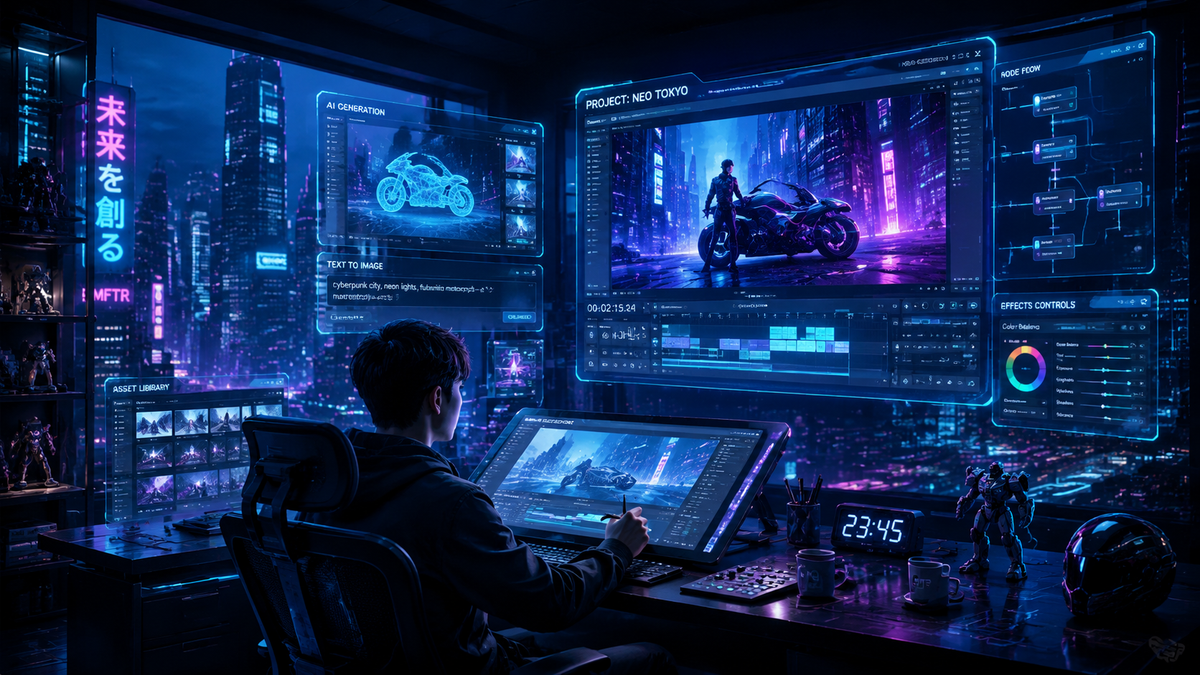
The kling ai text to video tutorial is your essential roadmap to mastering one of the most powerful generative media tools available in 2026. This masterclass guide explains how to leverage the latest Kling 2.6 updates to transform simple text prompts into cinematic-quality videos with unprecedented realism and motion control. By following this tutorial, creators can navigate the platform's advanced interface to produce professional-grade content for social media, marketing, and storytelling.
Kling AI is a leading generative video platform that utilizes advanced diffusion models to convert text descriptions and static images into high-fidelity video clips up to 10 seconds long. In 2026, the tool is recognized for its industry-leading motion physics, voice control integration, and the ability to maintain consistent character identity across multiple scenes.
- ✓ Master the "Prompt-to-Motion" workflow using the latest Kling 2.6 feature set.
- ✓ Utilize voice control and enhanced motion upgrades for hyper-realistic character movements.
- ✓ Learn the specific parameter settings for cinematic, 3D render, and hand-drawn animation styles.
- ✓ Understand the 2026 pricing tiers and how to maximize the free daily credit system.
Step-by-Step Kling AI Text to Video Tutorial
Creating high-end video content in 2026 has become more intuitive than ever, yet achieving professional results requires a structured approach. This kling ai text to video tutorial breaks down the process into five actionable steps designed to help you bypass the learning curve and start generating high-quality assets immediately.
- Access the Platform: Log in to the Kling AI web interface or mobile application. Ensure you are running version 2.6 or higher to access the latest motion upgrades.
- Input Your Text Prompt: Navigate to the "Text-to-Video" tab. Enter a descriptive prompt that includes the subject, action, environment, and lighting (e.g., "A futuristic robot walking through a neon-lit Tokyo street, cinematic lighting, 8k, slow motion").
- Configure Motion and Voice Settings: Use the new 2026 motion sliders to set the intensity of camera movement. If your scene involves dialogue, upload an audio file or use the integrated voice control to sync character lip movements.
- Select Resolution and Duration: Choose between Standard (720p) or Professional (1080p/4k) output. Set your duration—Kling 2.6 now supports seamless 5-second and 10-second generations with improved temporal consistency.
- Generate and Refine: Click 'Generate'. Once the preview is ready, use the 'Extend' feature if you need a longer sequence, or adjust the 'Negative Prompt' field to remove unwanted artifacts.
New Features in Kling 2.6: Voice Control and Motion Upgrades
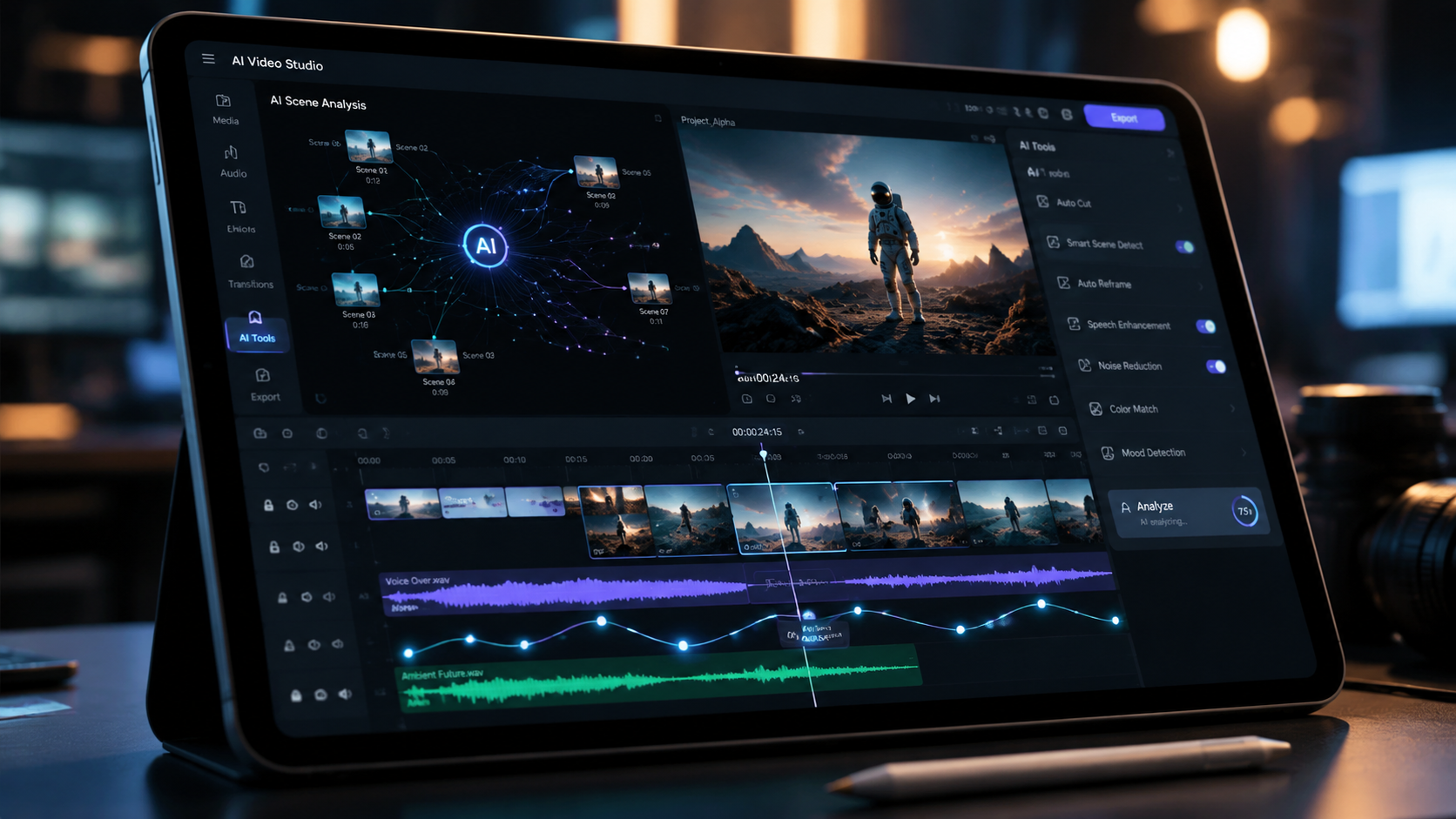
As of late 2025 and moving into 2026, Kling AI has distanced itself from the competition through significant technical leaps. According to the-decoder.com, the release of Kling 2.6 added revolutionary voice control and motion upgrades, addressing the "uncanny valley" effect that previously plagued AI video. These updates allow users to dictate not just what happens in a scene, but how the camera behaves through natural language commands or precise coordinate mapping.
Advanced Character Realism
The 2026 version of Kling focuses heavily on human anatomy and fluid movement. Previous versions often struggled with complex actions like eating or running, but the current model utilizes a "Physics-Aware" engine. This ensures that clothing folds naturally and hair reacts to environmental factors like wind or speed. When following a kling ai text to video tutorial, it is vital to mention these physics in your prompts to trigger the high-fidelity rendering engine.
Integrated Voice Syncing
One of the most requested features, now fully realized in 2026, is the ability to map audio directly to generated characters. This eliminates the need for third-party lip-syncing tools. By providing an audio track during the generation phase, the AI analyzes the phonemes and adjusts the character's facial muscles in real-time, creating a seamless blend between sound and vision that is essential for the "talking head" videos popular on platforms like TikTok.
Comparing AI Video Generators in 2026
The landscape of generative AI is crowded, and choosing the right tool depends on your specific project needs. While Kling AI is a frontrunner for realism, other tools offer niche benefits. According to Tycoonstory Media, the 2026 market is defined by a race toward "cinematic content" where Kling, Pollo AI, and others compete for dominance. Below is a comparison of how Kling AI stands against the general market standards in 2026.
| Feature | Kling AI 2.6 | Standard AI Generators | High-End Competitors |
|---|---|---|---|
| Max Resolution | 4K Ultra HD | 1080p | 4K |
| Max Clip Length | 10 Seconds (Extendable) | 4-5 Seconds | 10-15 Seconds |
| Voice Control | Native Integration | External Tool Required | Limited Beta |
| Motion Physics | Advanced (Kinetic) | Basic Linear | Advanced |
| Free Tier | Daily Credits | One-time Trial | Subscription Only |
Optimizing Your Prompts for the Kling AI Text to Video Tutorial
To get the most out of your kling ai text to video tutorial experience, you must master the art of "Prompt Engineering." In 2026, the AI understands context better than ever, but it still thrives on specific structural cues. A common mistake is being too vague. Instead of "a cat," use "a ginger tabby cat jumping gracefully onto a velvet sofa, sunlight filtering through a window, 35mm lens."
The Role of Negative Prompts
Negative prompting is a critical skill for 2026 AI creators. This allows you to tell the machine what not to include. If you find that your videos have too much motion blur or distorted limbs, adding "blur, distorted hands, extra fingers, low resolution" to the negative prompt box significantly increases the success rate of your first generation. This saves both time and valuable credits.
Style Consistency and Character LoRA
Kling AI now supports "Character Consistency" models, often referred to as LoRAs (Low-Rank Adaptation). This allows you to upload 3-5 images of a specific person or character, and the text-to-video engine will maintain that exact likeness across different prompts. This is a game-changer for creators making serialized cartoons or brand mascots. As noted by Geek Vibes Nation, AI generators are now making full-scale cartoons accessible to individual creators without the need for a massive animation studio.
Monetization and Professional Use Cases in 2026
The commercial application of Kling AI has expanded rapidly. CNBC reports that Chinese companies and global marketing firms are taking videos further with AI, using these tools to cut production costs by up to 70%. For a professional following a kling ai text to video tutorial, the goal is often to create "B-roll" footage that would otherwise require expensive location shoots and permits.
Social Media and Content Creation
Influencers are using Kling AI to generate high-retention "Shorts" and "Reels." By combining AI-generated visuals with trending audio, creators can maintain a daily posting schedule that was previously impossible. The 2026 motion upgrades mean these videos no longer look "AI-generated" at first glance, which is crucial for maintaining audience engagement on platforms like TikTok and YouTube.
Corporate and Educational Training
Enterprises are utilizing the text-to-video capabilities of Kling to create training simulations and internal communications. Instead of filming a CEO in a studio, a 10-second script can be turned into a professional video announcement with perfect lip-syncing. This "just-in-time" video production is becoming the standard for agile corporate environments in 2026.
Frequently Asked Questions
Is Kling AI free to use in 2026?
Kling AI offers a daily credit system where users receive a limited number of free credits to generate videos. For higher resolution, longer durations, and priority rendering, users can subscribe to various monthly tiers starting at approximately $10 USD.
How long does it take to generate a video?
On average, a 5-second video takes between 2 to 5 minutes to render depending on server load. Using the "Professional Mode" or 4K settings may increase the wait time to nearly 10 minutes per clip.
Can I use Kling AI for commercial projects?
Yes, videos generated under a paid subscription plan typically come with a commercial use license. However, users should always check the latest Terms of Service as copyright laws regarding AI-generated content continue to evolve in 2026.
What is the maximum video length in Kling 2.6?
Kling 2.6 can generate initial clips up to 10 seconds long. These clips can be extended multiple times using the "Extend" feature, allowing creators to build sequences that span several minutes.
Does Kling AI support languages other than English?
Yes, the 2026 update supports multi-language prompting, including Chinese, Spanish, French, and German, making it a versatile tool for global content creators.
In conclusion, the kling ai text to video tutorial highlights a tool that is at the pinnacle of the 2026 AI revolution. By mastering the 2.6 features like voice control and motion upgrades, you can produce content that rivals traditional cinematography. Whether you are a hobbyist making cartoons or a professional marketer, Kling AI provides the technical foundation to bring your imagination to life with just a few lines of text.
Comments ()