
Kling AI Text to Video: Master the 2026 Pro Video Generator
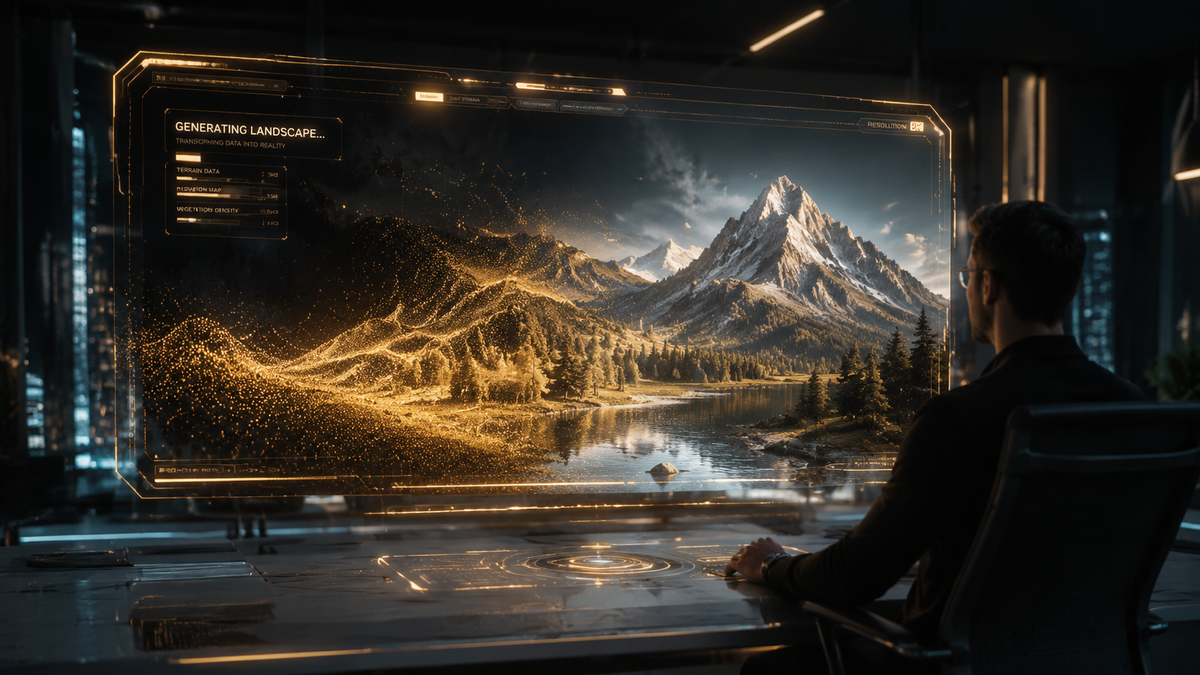
The kling ai text to video generator has officially redefined the landscape of digital cinematography in 2026. As a state-of-the-art generative model developed by Kuaishou, Kling AI allows users to transform complex text prompts into hyper-realistic, high-definition video clips with unprecedented temporal consistency. By leveraging advanced diffusion transformers, the platform bridges the gap between imagination and professional-grade video production, making it a cornerstone tool for creators, marketers, and film professionals worldwide.
Kling AI text to video is a generative artificial intelligence platform that converts natural language descriptions into cinematic videos up to two minutes in length. Operating on a sophisticated 3D spatio-temporal attention mechanism, it supports high-frame-rate outputs and complex physical simulations, making it the premier choice for professional-grade AI cinematography in 2026.
- ✓ Experience the power of the newly launched Kling 3.5 browser-based platform for seamless creation.
- ✓ Generate videos with industry-leading 1080p resolution and fluid 60fps motion.
- ✓ Utilize advanced Image-to-Video and Text-to-Video capabilities within a single ecosystem.
- ✓ Benefit from a tool valued at $20 billion, backed by Kuaishou’s massive computational infrastructure.
How to Master Kling AI Text to Video: A Step-by-Step Guide
Navigating the kling ai text to video interface is designed to be intuitive, yet mastering the nuances of the 3.5 version requires a strategic approach to prompting and setting adjustments. As the platform has transitioned to a fully browser-based experience in May 2026, accessibility has never been higher, allowing users to render complex scenes without the need for high-end local hardware.
- Access the Platform: Visit the official Kling AI web portal. With the recent launch of the 3.5 browser-based platform, no heavy software downloads are required.
- Input Your Prompt: Enter a detailed description in the text field. For best results with the 2026 model, include specific details about lighting (e.g., "golden hour"), camera movement (e.g., "dolly zoom"), and textures.
- Select Generation Mode: Choose between "High Quality" for final renders or "Fast Mode" for quick conceptual drafts.
- Configure Aspect Ratio and Duration: Set your video to 16:9, 9:16, or 1:1. The current version supports extended clips that maintain character consistency throughout the duration.
- Refine with Image Prompts (Optional): Upload a reference image to guide the AI on character design or environmental layout, utilizing the integrated Image-to-Video feature.
- Generate and Iterate: Click "Generate." Once the preview is ready, use the "Extend" feature if you need to add more sequences to your narrative.
The Evolution of Kling 3.5: Features and Capabilities
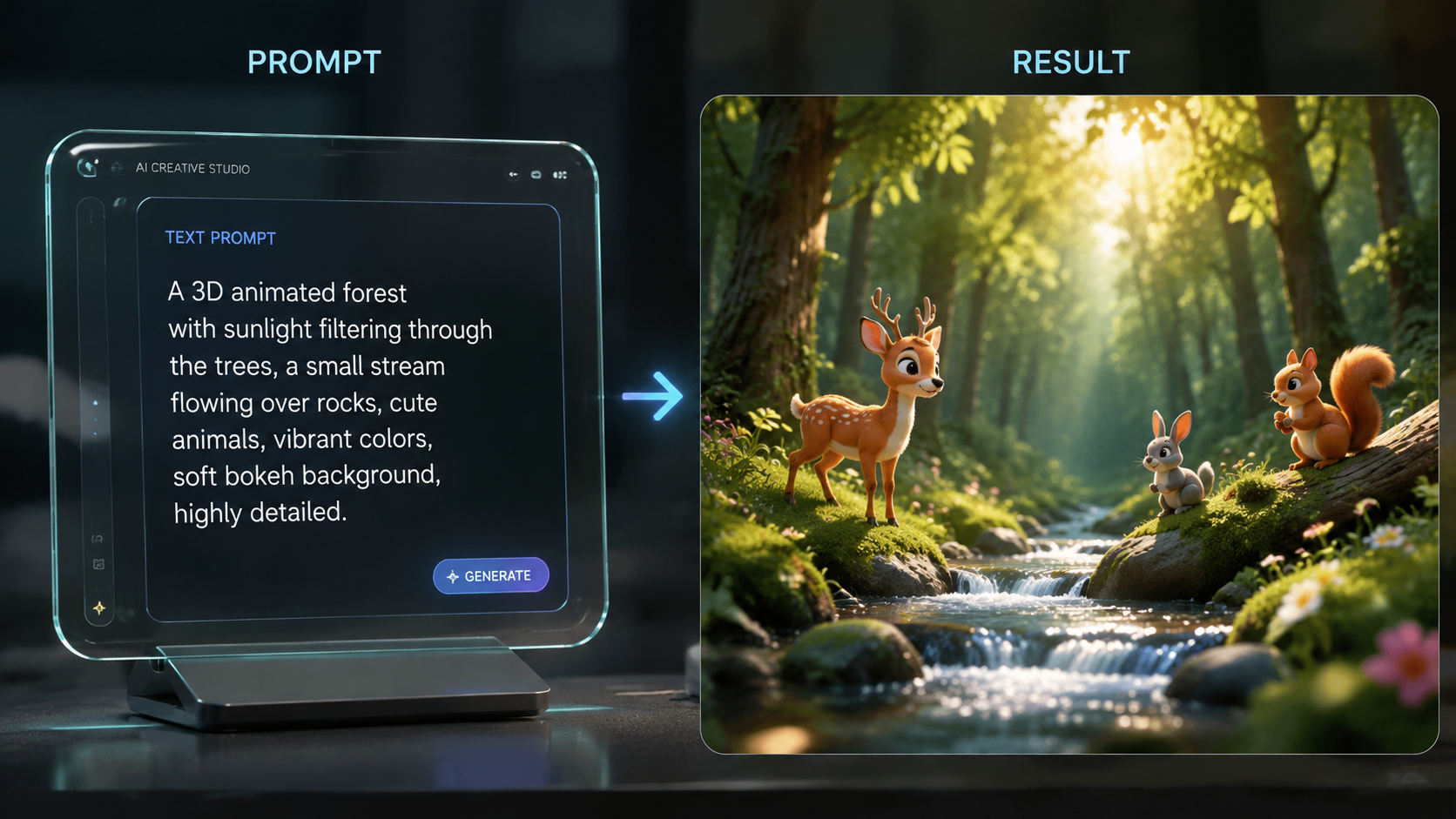
The release of Kling 3.5 in mid-May 2026 marked a significant milestone for the industry. According to reports from openPR.com, this version introduced a dedicated browser-based platform that significantly lowers the barrier to entry for global creators. This update isn't just about accessibility; it’s about the underlying architecture that now handles complex physics—such as fluid dynamics and cloth simulation—with a level of realism that was previously unattainable in real-time generation.
Advanced Spatio-Temporal Modeling
At the heart of the kling ai text to video engine is a 3D spatio-temporal attention mechanism. This allows the AI to understand not just what objects look like, but how they move through space and time. In 2026, this means that a character walking through a crowded street will maintain their physical proportions and clothing details even when occluded by other objects, solving the "morphing" issues that plagued earlier AI models.
High-Definition Output and Frame Rates
Kling 3.5 supports native 1080p resolution at 60 frames per second. This high frame rate is essential for the "cinematic" feel that professional editors demand. By utilizing Kuaishou's proprietary scaling algorithms, the video remains crisp even when scaled to 4K for larger screens, making it a viable tool for television commercials and independent film production.
Market Impact and the $20 Billion Valuation
The financial world has taken a keen interest in the trajectory of AI video generation. As reported by The Information and digitimes in May 2026, Kuaishou is currently planning to spin off the Kling AI video unit at a staggering $20 billion valuation. This move highlights the massive demand for generative video tools and the confidence investors have in Kling's ability to dominate the enterprise market.
| Feature | Kling AI 3.5 Standard | Kling AI 3.5 Pro |
|---|---|---|
| Max Video Length | 60 Seconds | 120 Seconds (Extended) |
| Resolution | 1080p HD | 1080p (Enhanced Bitrate) |
| Frame Rate | 30 fps | 60 fps |
| Platform | Browser-Based | Browser + API Integration |
| Processing Priority | Standard | Ultra-High (GPU Priority) |
According to WinBuzzer and eWeek, Kuaishou is actively weighing outside capital for this spin-off to further accelerate R&D. This influx of capital is expected to push the boundaries of "Text-to-Movie" capabilities, where entire scenes with multiple camera angles can be generated from a single script. The $20 billion valuation places Kling AI among the most valuable AI startups in the world, rivaling top-tier silicon valley firms.
Why Kling AI Text to Video is Changing Hollywood
The impact of kling ai text to video technology extends far beyond social media clips. A recent report by The Ankler suggests that the future of AI video has Hollywood "on the outside looking in." Traditional studios are now racing to integrate these tools into their pre-visualization and post-production workflows to save millions in costs. Kling AI allows directors to "film" entire sequences in a virtual environment before a single physical camera is even rented.
Pre-Visualization and Storyboarding
In 2026, storyboarding has evolved from static sketches to dynamic AI-generated sequences. Directors use Kling AI to test lighting, pacing, and blocking. Because the 3.5 version understands cinematic language—terms like "low-angle shot" or "tracking shot"—it can produce accurate representations of a director's vision in seconds, allowing for rapid iteration during the creative process.
Cost Reduction in Visual Effects
Visual effects (VFX) that used to take weeks for a team of artists can now be initiated through Kling's image-to-video pipeline. By providing a base plate and a text prompt, editors can generate complex background elements, weather effects, or crowd simulations. This democratization of high-end VFX is allowing independent creators to produce content that rivals the quality of big-budget studio productions.
Optimizing Your Workflow for Kling AI
To get the most out of the kling ai text to video tool, users must understand the synergy between text prompts and the platform's advanced settings. The 2026 version includes "Negative Prompting," which allows users to specify what they don't want to see, such as "blurry textures" or "unnatural limb movement." This level of control is what separates professional users from hobbyists.
The Power of Image-to-Video
While text prompts are powerful, the Image-to-Video feature provides a literal "anchor" for the AI. By uploading a high-resolution character concept or an architectural render, you ensure that the generated video adheres to specific aesthetic constraints. This is particularly useful for brand consistency, where a specific product or mascot must look identical across multiple video assets.
API Integration for Enterprise
For businesses, the Kling AI API has become a vital component of the 2026 marketing stack. It allows for the automated generation of personalized video content. Imagine a travel agency generating unique 10-second destination videos for every customer based on their search history—Kling’s infrastructure makes this level of personalization possible at scale.
The Future of Generative Video in 2026 and Beyond
As we look toward the latter half of 2026, the trajectory of kling ai text to video suggests a move toward full-length feature generation. The current 120-second limit is already being pushed by "stitching" techniques, where multiple AI clips are joined by AI-generated transitions. The $20 billion valuation mentioned by The Information is not just a reflection of current success, but a bet on a future where AI is the primary engine for all digital motion media.
The ethical considerations are also evolving. Kuaishou has implemented robust digital watermarking and provenance tracking to ensure that AI-generated content is identifiable. As the technology becomes indistinguishable from reality, these safety measures are as crucial as the creative features themselves, ensuring that Kling AI remains a tool for innovation rather than misinformation.
What is the maximum length of a Kling AI video in 2026?
In 2026, Kling AI 3.5 supports video generation for up to 2 minutes (120 seconds) in its Pro version. Users can also extend shorter clips iteratively to create longer narratives while maintaining visual consistency.
Is there a free version of Kling AI text to video?
Kling AI typically offers a credit-based system where new users receive a limited number of free credits to test the platform. However, professional features like 60fps output and API access require a paid subscription.
How does Kling AI handle character consistency?
Kling AI uses a 3D spatio-temporal attention mechanism that tracks object identity across frames. By using the Image-to-Video feature as a reference, the AI can maintain character details, clothing, and features with high precision throughout the video.
Can I use Kling AI for commercial projects?
Yes, videos generated through a paid Kling AI subscription generally include commercial usage rights. Many marketing agencies in 2026 use it for social media ads, concept art, and promotional trailers.
What are the system requirements for Kling AI 3.5?
Since the launch of the browser-based platform in May 2026, there are no heavy system requirements. All rendering is done on Kuaishou's cloud servers, meaning you only need a modern web browser and a stable internet connection.
Comments ()