
Kling 3.0 Model User Guide
Native Audio Upgrade, Enhanced Element Consistency, the Kling 3.0 Model Series utilize a deeply integrated unified model training framework

- ✅ Native Audio Upgrade, Enhanced Element Consistency
- ✅ Support for Multi-Shot Narratives Building
- ✅ deeply integrated unified model training framework
- ✅ Native Audio Upgrade, Enhanced Element Consistency, and Support for Multi-Shot Narratives
VIDEO 3.0: Native Audio Upgrade, Enhanced Element Consistency, and Support for Multi-Shot Narratives
Building on Kling VIDEO O1 and Kling VIDEO 2.6, the Kling 3.0 Model Series utilize a deeply integrated unified model training framework, achieving more native multimodal input and output. It merges Native Audio with Element Consistency Control capabilities while breaking through duration limits.
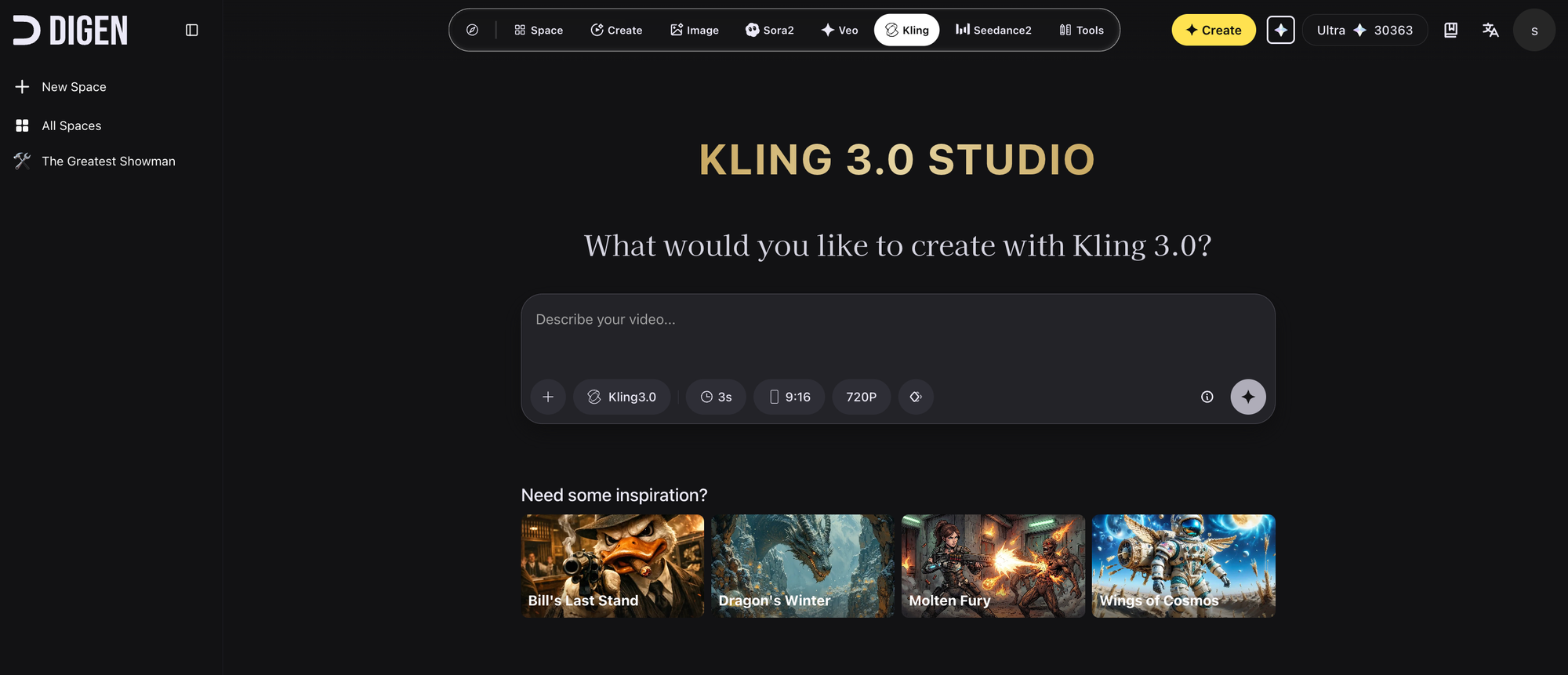
While supporting longer video generation (up to 15 seconds), the Kling 3.0 Model Series enable native audio-visual output, with highly flexible storyboard control and more precise semantic response accuracy, injecting vitality into AI-generated visual content. The overall realism of the visuals is significantly improved, and character performances are more expressive and dynamic. Based on the next-generation unified multimodal large model, the Kling VIDEO 2.6 model has been upgraded to VIDEO 3.0, and the Kling VIDEO O1 model has been upgraded to VIDEO 3.0 Omni, bringing a comprehensive evolution in control and narrative power.
Kling VIDEO 3.0 Model Highlights
1. Multi-Shot: AI Director Onboard, One-Click Cinematic Output
Let AI help build your scene with more shots and coverage. The all-new Multi-Shot feature is designed to understand scene coverage and shots in your prompt, automatically adjusting camera angles and compositions. From classic shot-reverse-shot dialogues to advanced techniques like cross-cutting dialogue and voice-over, the model understands cinematic languages with precision. No more tedious cutting and editing — just one generation for a cinematic video, making complex audiovisual expressions accessible to all creators.
2. World's First: Image-to-Video + Enhanced Subject Consistency, Core Elements Locked In
Leveraging deep multimodal understanding from the underlying model, in addition to normal Image-to-Video generation, this upgrade supports multi-image references, or even video references as Elements, further anchoring specific elements within the scene. With subject building and referencing, the model locks in the traits of characters, items, and the scene. Regardless of camera movements and scene development, the key subjects remain stable and consistent throughout.
3. Upgraded Native Audio Output with Character Referencing & More Languages
Native Audio is now upgraded for precise referencing of characters and their speaking. In multi-character scenes, you can pinpoint the exact character speaking, eliminating ambiguity and confusion.
Meanwhile, the upgrade now supports multiple languages (Chinese, English, Japanese, Korean, and Spanish), as well as the rendition of authentic dialects and accents. It also supports multilingual code-switching, enabling dialogues in different languages within the same scene. Whether it’s a bilingual conversation for work, or a daily-life scene with multiple dialects, the lip movements and facial expressions are natural and coherent.
4. Native-Level Text Output with Precise Lettering Capabilities
Whether preserving details like signs and captions from the original image, or generating entirely new text content, the model presents clear lettering in well-structured layouts. This not only enhances the realism in video output, but also meets the need for high-fidelity use cases such as e-commerce advertising.
5. 15-Second Generation: More Creativity per Output
The new model generates up to 15 seconds of continuous video, with a flexible duration ranging from 3 to 15 seconds. This is not just about longer output, but unlocking more narrative possibilities — with 15 seconds, the model can comfortably accommodate more complex action sequences and scene development. Whether it's the delicate unfolding of a long shot or the seamless progression of multiple plotlines, everything can be fully presented within a single generation. Say goodbye to fragmented assembly and embrace a story with real progression and flow.
Kling VIDEO 3.0 New Capabilities Guide
1. Multi-Shot Narratives
VIDEO 3.0 introduces highly flexible storyboard control, allowing for dynamic scene and camera angle adjustments, enhancing the narrative effect of the video. In VIDEO 3.0, multi-shot video generation can be triggered through two modes: "Multi-Shot" and "Custom Multi-Shot". When "Multi-Shot" is enabled, the model automatically plans the shot transitions, and this switch is a prerequisite for enabling "Custom Multi-Shot". When "Multi-Shot" is disabled, the model will default to generating a single-shot video.
With the "Multi-Shot" switch enabled in the VIDEO 3.0 input area, VIDEO 3.0 will automatically plan scene transitions, shot framing, and camera angle changes based on the prompts. When the "Multi-Shot" switch is on, the model will generally follow the prompts. However, if the described scene is better suited to a single shot, the model will flexibly adjust based on the situation.
Custom Multi-Shot
With the "Multi-Shot" switch enabled, clicking "Custom Multi-Shot" allows you to precisely control the content and duration of each shot. The model will strictly follow the prompts to generate a multi-shot video that meets your expectations.
2. Image-to-Video & Element Reference
Building on the Text-to-Video feature, VIDEO 3.0 introduces element binding, allowing you to lock specific elements of the frame to ensure the main character remains consistent. Even with camera movements like zooming, panning, or tilting, the subject stays clear and stable without shifting or disappearing.
After uploading an image, bind the created element through the "Bind Subject to Enhance Consistency" access. With the element reference feature, you can generate a video with element locking and stable visuals.
Binding a subject ensures both visual and audio consistency: the subject's features are visually matched, and the voice tone can be bound during subject creation. If you choose a subject with a pre-bound voice tone, it's not recommended to set the tone again in the prompt.
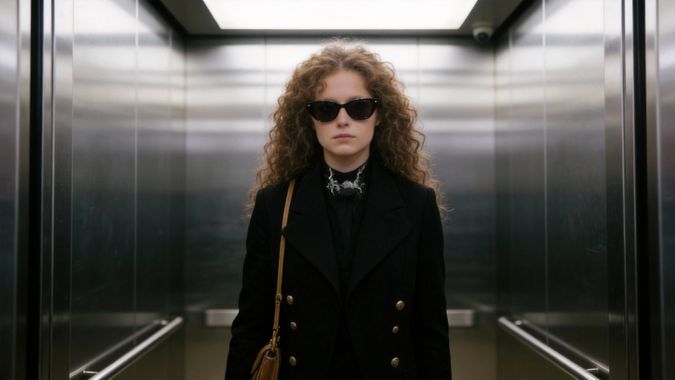
3. Native Audio Output
Native Audio is now upgraded for precise referencing of characters and their speaking, significantly improving referencing accuracy in multi-character scenes. Meanwhile, the upgrade now supports multiple languages and the rendition of authentic dialects and accents. This breaks through linguistic boundaries for a more natural and diverse audio-visual experience.
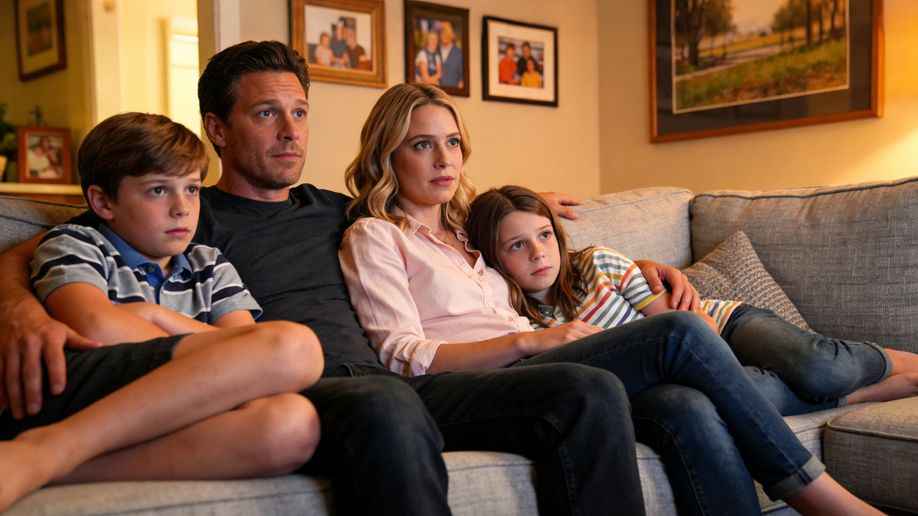
Multi-Character Coreference
By clearly specifying dialogue for each character in your prompt, VIDEO 3.0 will automatically match each character with their corresponding lines. This resolves speech confusion in complex scenes, enabling targeted dialogue for multiple characters in the same frame. When inputting instructions, you can pair character directly with their respective dialogue. Compared to Video 2.6, Video 3.0 excels at managing referencing three or more characters and delivering superior narrative outcomes.
Multilingual Content Generation
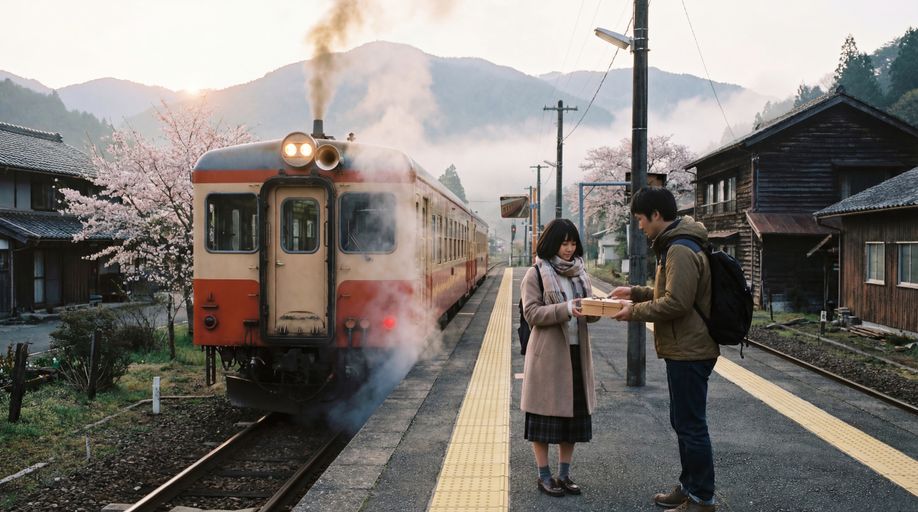
Video 3.0 supports dialogue output in five languages: Chinese, English, Japanese, Korean, and Spanish. It supports mixed-language performances and allows characters to switch between different languages within a single video. After entering the corresponding text, the model matches the pronunciation and enables smooth transitions between languages. If dialogue is entered in a language other than those listed above, the model will translate it into English.
Dialects and Accents Generation
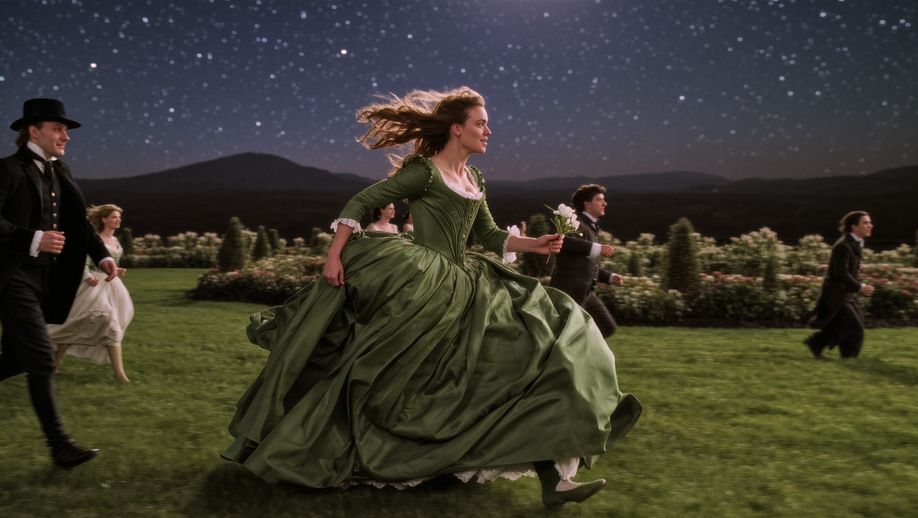
By specifying the dialect or accent of the character in the Prompt, Video 3.0 can replicate the character's tone and intonation for an authentic performance. Video 3.0 provides robust support for Chinese dialects (Northeastern, Beijing, Taiwanese, Cantonese, and Sichuanese, etc.) and English accents (American, British, Indian, etc.). Simply tag the desired dialect or accent for the speech content.

4. Native-Level Text Capabilities
Video 3.0 introduces native-level text output, which accurately preserves textual details from original images. This is designed for diverse creative scenarios such as e-commerce advertising and creative shorts. The new model can automatically identify text content in uploaded images (such as signs, captions, or logos) and maintain text consistency, avoiding issues such as text displacement or blurring.

5. 15-Second Long-Shot Generation
Video 3.0 generates up to 15 seconds of continuous video, with a flexible duration ranging from 3 to 15 seconds. The model can comfortably accommodate more complex action sequences and scene development, allowing the full story arc to unfold smoothly. Say goodbye to fragmented assembly and embrace a story with real progression and flow.

Comments ()