
InVideo vs VEED AI Video 2026: The Verdict
If you are trying to choose between the two leading AI video platforms in 2026, here is the short verdict: InVideo is the better choice for users who need rapid, template-driven video creation with powerful AI scripting and editing tools, while VEED AI Video excels when you require polished, subtitle-heavy content with advanced accessibility features. Both tools are among the top AI video generators dominating content creation in 2026, but your specific workflow will determine which one deserves your subscription.
InVideo AI is a comprehensive, all-in-one video creation suite that uses generative AI to turn text prompts, blog posts, or scripts into full-length videos with voiceovers, stock footage, and music. VEED AI Video is a streamlined, browser-based editor that focuses on making talking-head videos, social clips, and subtitle-rich content fast and accessible. In 2026, InVideo leads in raw automation and template variety, while VEED leads in user interface simplicity and real-time collaboration.
- ✓ InVideo offers over 5,000 professionally designed templates and supports more than 50 languages, making it ideal for marketers and agencies producing bulk content.
- ✓ VEED AI Video provides a cleaner, more intuitive editing experience with industry-leading automatic subtitle accuracy and customization.
- ✓ According to Exploding Topics' April 2026 ranking of the 7 Best AI Video Generators, both platforms appear in the top tier, but InVideo edges ahead for script-to-video automation.
- ✓ Pricing in 2026 remains competitive: InVideo's Business plan starts at approximately $30/month, while VEED's Pro plan begins at around $24/month, both offering free tiers with watermarks.
- ✓ For creators producing talking-head videos and AI avatars, VEED's integration with leading talking avatar generators (highlighted in a January 2026 report from perfectcorp.com) gives it a distinct advantage.
Overview: InVideo vs VEED AI Video in 2026
InVideo was launched in 2017 and evolved into a full-fledged AI video generation platform by 2024. By 2026, InVideo AI has integrated advanced natural language processing that allows users to generate an entire video from a single prompt or URL. According to the Cybernews list of the 16 best AI video generation tools for 2026 (published February 2026), InVideo ranks among the most versatile tools for marketers, small business owners, and content agencies. Its strength lies in its vast template library and its ability to repurpose blog posts into engaging video content in under two minutes.
VEED AI Video, on the other hand, started as a simple subtitle tool in 2019 and has since expanded into a full browser-based video editor with AI-powered features. As highlighted in the Small Business Trends article on Top 7 Short Video Makers for Effortless Content Creation (March 2026), VEED is particularly popular among social media managers, educators, and freelancers who need clean, subtitle-heavy videos quickly. VEED's automatic transcription and translation features are considered best-in-class, and its collaborative editing capabilities make it a favorite for remote teams.
Head-to-Head Feature Comparison
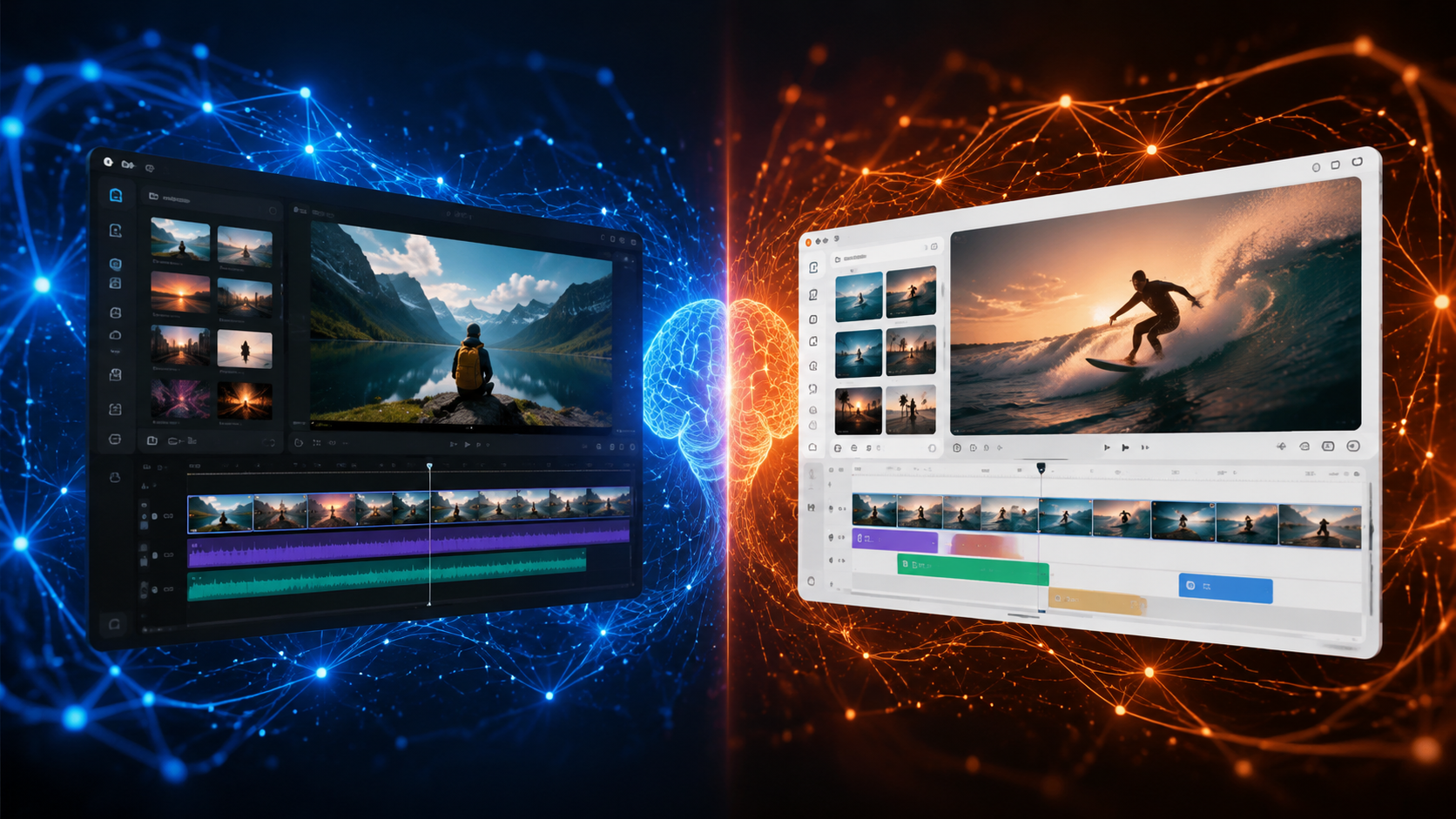
| Feature | InVideo AI | VEED AI Video |
|---|---|---|
| AI Script Generation | Yes — generates scripts from prompts, URLs, or blog posts | Basic — text-to-video with AI script assistance |
| Template Library | 5,000+ templates across industries | 500+ templates focused on social media |
| Automatic Subtitles | Good — auto-generated with manual editing | Excellent — best-in-class accuracy and customization |
| AI Voiceovers | 50+ languages, multiple accents | 30+ languages, natural-sounding voices |
| AI Avatar/Talking Head | Basic avatar support (photo to talking head) | Advanced — integrates with leading avatar generators (as noted in the perfectcorp.com 2026 report) |
| Collaboration | Limited to team accounts on Business plan | Real-time collaboration on all paid plans |
| Export Resolution | Up to 4K | Up to 4K |
| Free Plan | Yes — with watermark, up to 10 minutes per week | Yes — with watermark, up to unlimited length but limited features |
| Starting Price (2026) | $30/month (Business plan) | $24/month (Pro plan) |
AI-Generated Content Quality
When it comes to the quality of AI-generated output, both platforms have made significant strides by 2026. InVideo AI now uses a fine-tuned large language model that understands context, tone, and audience targeting. According to the Analytics Insight top AI video generators report (March 2026), InVideo's "Text to Video" feature produces videos that feel less templated than previous versions, with better scene transitions and more relevant stock footage. The platform also supports custom branding elements, making it suitable for businesses that need consistent visual identity across all video content.
VEED AI Video, meanwhile, focuses on polished, human-centric content. Its subtitle engine, in particular, is praised by users for its near-perfect accuracy across 30+ languages. The platform also offers unique features like "Remove Silence," "Background Noise Reduction," and "Eye Contact Correction" — tools that are especially valuable for creators recording talking-head videos. VEED's AI avatar integration, highlighted in the January 2026 perfectcorp.com list of the 5 Best AI Talking Avatar Generators, allows users to create realistic talking heads without recording themselves, a feature that InVideo currently offers only in a more limited form.
Pricing and Value for Money in 2026
Pricing is one of the most critical factors in the invideo vs veed ai video decision. As of early 2026, InVideo offers a free plan that allows up to 10 minutes of video per week with a watermark. Its paid plans start at $30/month for the Business tier, which unlocks unlimited video generation, premium templates, team collaboration, and priority support. There is also a $20/month Plus plan that sits between the free and Business tiers, offering 60 minutes of video generation per month and access to most premium features.
VEED AI Video's pricing is slightly more accessible for individual creators. The free plan offers unlimited video length (with a watermark) but limits export quality to 720p and includes only basic editing features. The Pro plan at $24/month unlocks 4K exports, automatic subtitles, advanced editing tools, and the AI avatar feature. For teams, VEED's Business plan costs $59/month and adds real-time collaboration, custom branding, and priority support. In the Techpoint Africa review of InVideo alternatives (July 2025), VEED was noted as a strong competitor for budget-conscious creators who still need professional-quality output.
Hidden Costs and Limitations
It is important to consider not just the sticker price but also the limitations. InVideo's free plan restricts users to exporting videos with the InVideo watermark, and the 10-minute weekly limit can be restrictive for power users. Additionally, InVideo's advanced AI features — such as script generation from URLs and custom voice cloning — are locked behind the Business tier. VEED, meanwhile, limits the free plan to 720p resolution and restricts access to the AI script generator and avatar features on the Pro plan or higher. Both platforms offer annual billing discounts, typically offering 15-20% savings compared to monthly payments.
Ease of Use and Learning Curve
VEED AI Video has a clear advantage when it comes to user interface design. The editor is clean, intuitive, and requires minimal training to start producing videos. As noted in the Small Business Trends article (March 2026), VEED is particularly well-suited for "effortless content creation" because of its drag-and-drop simplicity and real-time preview. New users can create a subtitle-rich video with AI-generated captions in under five minutes, making it an excellent choice for social media managers who need to pump out content quickly.
InVideo, while powerful, has a steeper learning curve. The sheer number of templates and customization options can be overwhelming for beginners. However, once users become familiar with the interface, InVideo offers more creative control and automation capabilities. InVideo's AI assistant, "InVideo AI," can guide users through the creation process, suggesting templates, scenes, and music based on the input text. The platform also offers a robust library of tutorials and a responsive support team, which helps mitigate the initial complexity.
Template Customization and Flexibility
InVideo wins decisively in template quantity and diversity. With over 5,000 templates covering industries like real estate, e-commerce, education, fitness, and social media, users can find a starting point for virtually any content type. Each template is fully customizable, allowing users to change fonts, colors, images, music, and animation styles. In contrast, VEED offers around 500 templates, predominantly optimized for social media platforms like Instagram, TikTok, YouTube Shorts, and LinkedIn. VEED's templates are more focused on talking-head videos and text overlays, which suits its core user base of educators, coaches, and influencers.
Which Tool Is Best for Different Use Cases?
The invideo vs veed ai video debate ultimately comes down to your specific use case. For marketers and agencies producing high volumes of video content — such as promotional videos, explainer videos, and repurposed blog content — InVideo is the superior choice. Its AI script-to-video pipeline, extensive template library, and multi-language support make it a powerhouse for scaling content production. According to the March 2026 Analytics Insight report, InVideo is among the top AI video generators "dominating content creation" precisely because of its automation capabilities.
For individual creators, educators, and small business owners who focus on talking-head videos, tutorials, and social media clips, VEED AI Video offers a better experience. Its user-friendly interface, best-in-class subtitle engine, and AI avatar integrations (as noted in the perfectcorp.com list) make it ideal for producing polished, human-centered content without a steep learning curve. The Small Business Trends article also highlights VEED as a top choice for "effortless content creation," particularly for short-form video.
Team Collaboration and Remote Work
VEED has a distinct edge in collaborative workflows. Its real-time editing feature allows multiple team members to work on the same project simultaneously, with changes reflected instantly. This is a game-changer for remote teams and agencies that rely on fast feedback loops. InVideo offers collaboration features only on the Business plan, and even then, it is more limited — team members can access projects, but real-time simultaneous editing is not available. For teams that prioritize collaboration, VEED is the clear winner.
The Final Verdict
After evaluating both platforms based on features, pricing, ease of use, and real-world performance in 2026, here is the definitive verdict: InVideo AI is the better choice for businesses and agencies that need to produce high volumes of automated, template-driven video content across multiple languages and formats. VEED AI Video is the better choice for individual creators, educators, and small teams who prioritize clean, subtitle-rich talking-head videos and a user-friendly editing experience with strong collaboration features.
There is no universal winner in the invideo vs veed ai video comparison — each platform excels in different areas. Your decision should be guided by the type of content you produce most frequently, your budget, and whether you need collaboration features. Both platforms offer free trials, so the best recommendation is to test both and see which interface and workflow feel more natural to you. In the rapidly evolving landscape of AI video generation in 2026, both InVideo and VEED remain powerful tools that can dramatically accelerate your content creation process.
Frequently Asked Questions
Which is better for beginners, InVideo or VEED AI Video?
VEED AI Video is generally better for beginners due to its cleaner, more intuitive interface and lower learning curve. InVideo offers more features but requires more time to master, though its AI assistant helps guide new users through the creation process.
Can I use InVideo and VEED for free in 2026?
Yes, both platforms offer free plans in 2026. InVideo's free plan allows up to 10 minutes of video per week with a watermark, while VEED's free plan offers unlimited video length but limits export quality to 720p and restricts access to premium features like AI avatars and advanced editing tools.
Which tool has better AI avatar support?
VEED AI Video has better AI avatar support in 2026, as noted in the perfectcorp.com report on the 5 Best AI Talking Avatar Generators. VEED integrates with leading third-party avatar platforms and offers realistic talking head creation directly within the editor. InVideo offers basic avatar support but is not as advanced.
Does InVideo or VEED offer better subtitle accuracy?
VEED AI Video offers industry-leading automatic subtitle accuracy, with near-perfect transcription across 30+ languages. InVideo's subtitle generation is good but requires more manual editing, especially for accented speech or technical terminology. VEED is the clear winner for subtitle-heavy content.
Can I collaborate with my team on InVideo or VEED?
VEED offers real-time collaboration on all paid plans, allowing multiple team members to edit the same project simultaneously. InVideo only offers collaboration features on the Business plan ($30/month), and even then, real-time simultaneous editing is not available. VEED is better for remote teams.
Which platform exports in higher quality?
Both platforms support up to 4K export resolution on their paid plans. InVideo's free plan limits exports to 720p, while VEED's free plan also caps at 720p. For full 4K exports, you will need at least the Plus plan on InVideo ($20/month) or the Pro plan on VEED ($24/month).
Is InVideo or VEED better for social media content?
VEED is better for quick, polished social media clips — especially for Instagram Reels, TikTok, and YouTube Shorts — thanks to its optimized templates and subtitle tools. InVideo is better for longer-form social content and multi-platform repurposing due to its vast template library and scripting capabilities.



Comments ()