
Invideo vs Canva Video 2026: Which AI Editor Wins?
Choosing between invideo vs canva video 2026 depends on whether you need a prompt-to-video powerhouse or a design-centric suite for social media. In 2026, Invideo AI dominates for automated, cinematic content creation from simple text scripts, while Canva Video remains the premier choice for creators who want to blend high-end graphic design with intuitive video editing tools. Both platforms have evolved into sophisticated AI ecosystems, but they serve distinct roles in the modern creator's workflow.
Invideo is a dedicated AI video generation platform that specializes in turning text prompts into fully narrated, edited videos with stock footage. Canva Video is a comprehensive design tool that integrates AI video editing into a broader creative suite. For 2026, Invideo is best for rapid YouTube and Shorts production, while Canva is superior for brand-consistent social media assets.
- ✓ Invideo AI offers superior text-to-video automation with advanced voice cloning and script generation.
- ✓ Canva Video provides a more flexible "Magic Studio" for combining static graphics with motion.
- ✓ According to Exploding Topics, Invideo remains a top-7 AI generator for cinematic content in 2026.
- ✓ Canva’s massive template library is unmatched for non-technical users and small business owners.
- ✓ Both platforms now feature real-time AI collaboration and instant multi-platform resizing.
The Evolution of AI Video: Invideo vs Canva Video 2026
As we navigate through 2026, the landscape of digital content has shifted from manual editing to AI-assisted orchestration. The comparison of invideo vs canva video 2026 highlights a significant convergence: Invideo has moved from a basic editor to a "generative director," while Canva has transformed from a layout tool into a full-motion creative hub. According to Memeburn’s 2026 rankings, both tools are now essential fixtures in the top 23 free AI tools, though they cater to different ends of the creative spectrum.
Invideo has doubled down on its "Invideo AI" brand, focusing on the ability to generate a complete video—including script, voiceover, media, and subtitles—from a single sentence. This is particularly useful for faceless YouTube channels and news-style content. On the other hand, Canva Video has integrated its "Magic Media" features deeper into its ecosystem, allowing users to generate AI video clips directly within a presentation or a social media post, ensuring that video is no longer a siloed task but a part of a holistic brand identity.
The choice today isn't just about which tool has better buttons; it's about the workflow. Industry reports from PCMag Middle East suggest that the best online video editors for 2026 are those that reduce the "time to first draft." Invideo excels at creating that first draft in seconds, whereas Canva excels at refining that draft into a polished, brand-compliant masterpiece. Understanding these nuances is key to selecting the right tool for your specific project needs.
How to Generate AI Video in 2026
- Define your core message or script in a detailed text prompt, specifying the tone, target audience, and platform (e.g., "A 60-second educational short about Mars for Gen Z").
- Choose your primary engine: Use Invideo AI if you want the tool to source the footage and narration for you, or Canva if you want to manually arrange elements with AI assistance.
- Review the AI-generated storyboard and use "Command-based editing" to swap clips, change background music, or adjust the voiceover accent.
- Apply brand kits, including logos and specific hex codes, to ensure the AI output matches your corporate identity.
- Export in the desired resolution (up to 4K) and use the built-in AI "Auto-Resize" feature to distribute the content across TikTok, Instagram, and YouTube.
Core Features Comparison: Invideo vs Canva Video 2026
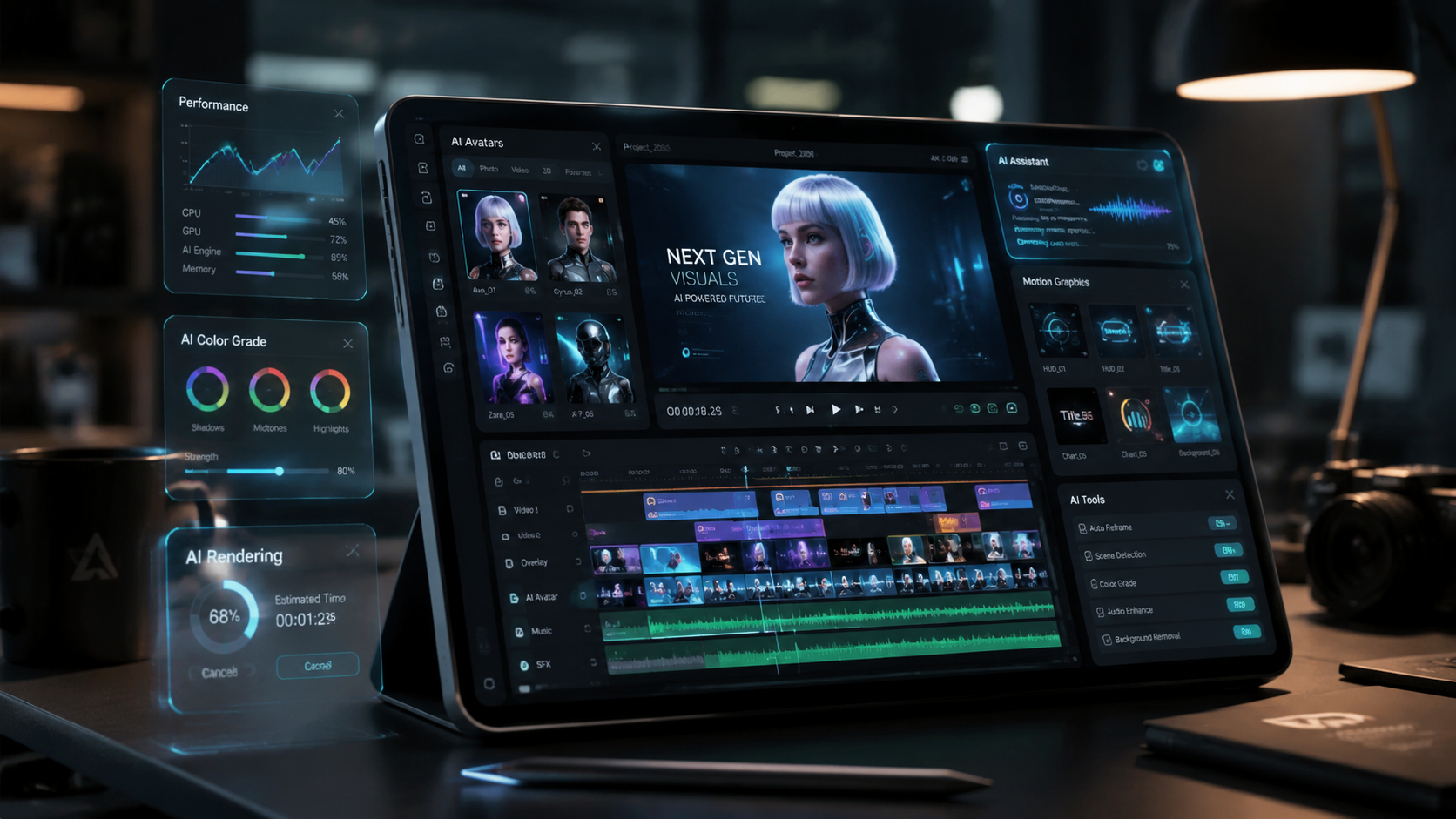
When analyzing the technical capabilities of invideo vs canva video 2026, we see two distinct philosophies. Invideo utilizes a deep learning engine that understands narrative structure. According to G2 Learn Hub, Invideo is frequently cited as a favorite for its ability to "understand intent," meaning it doesn't just find a clip of a "forest" when you ask for one; it finds a "mysterious, foggy forest" if your script’s tone is suspenseful. This level of contextual awareness is what sets it apart in the 2026 market.
Canva, conversely, has focused its 2026 updates on the "Magic Studio." This suite of tools includes Magic Switch, which can turn a video into a blog post or a set of social media images instantly. While Invideo is a specialist, Canva is a generalist with high-tier video capabilities. For a solo creator, the ability to generate a video and then immediately create a matching Pinterest pin or LinkedIn banner within the same tab is a massive productivity gain that Invideo currently doesn't match.
| Feature | Invideo AI (2026) | Canva Video (2026) |
|---|---|---|
| Primary Use Case | Automated Text-to-Video | Design-led Video Creation |
| AI Narrative Engine | Advanced (Script + Voice + Footage) | Moderate (Clip generation & Editing) |
| Stock Library | 100M+ (iStock, Storyblocks integration) | Millions of premium elements & clips |
| Voiceovers | Ultra-realistic AI Voice Cloning | Standard AI Text-to-Speech |
| Customization | Prompt-based & Timeline editing | Drag-and-drop & Layer-based |
| Best For | YouTube, Documentaries, Tutorials | Social Media, Ads, Presentations |
Invideo AI: The Power of Generative Directing
Invideo has solidified its position as the go-to "Generative Director." In 2026, its standout feature is the "AI Copilot," which allows users to edit videos by simply chatting with the software. Instead of dragging clips on a timeline, you can type "Make the second half faster" or "Change the voice to a British female," and the AI executes the command in real-time. This has revolutionized the workflow for creators who lack traditional editing skills but have strong storytelling ideas.
According to Tycoonstory Media, Invideo is ranked among the best free AI video generators for cinematic content because of its high-quality rendering and intelligent b-roll selection. The platform's ability to pull from premium sources like iStock ensures that the output doesn't look like "cheap AI," a common complaint in previous years. For businesses looking to scale content production without hiring a massive video team, Invideo’s 2026 updates offer a compelling ROI.
Advanced Scripting and Voice Cloning
One of the most impressive aspects of Invideo in 2026 is its integrated voice cloning technology. Users can now record 30 seconds of their own voice, and the AI will use that clone to narrate every video they produce. This adds a level of personalization that was previously impossible in automated video production. When combined with its sophisticated scriptwriter—which uses the latest LLMs to research and write factual content—Invideo becomes an end-to-end production house.
Canva Video: The King of Brand Consistency
While Invideo wins on automation, Canva Video wins on aesthetics and brand integration. In 2026, Canva’s video editor is no longer just for "simple" edits. It now supports multi-track editing, advanced transitions, and AI-powered background removal that works on moving subjects with pinpoint accuracy. For marketing teams, the "Brand Kit" feature remains the ultimate advantage, ensuring every video uses the correct fonts, colors, and logos automatically.
Studies from Vocal.media suggest that 10 of the best AI tools for video creation in 2026 focus heavily on "accessibility." Canva epitomizes this. Its interface is so intuitive that a new hire can create a professional-looking promotional video in under 20 minutes. The addition of "Magic Animate" allows users to apply complex motion graphics to their videos with one click, giving them a high-production feel without the need for After Effects knowledge.
Collaborative Video Workflows
Canva’s 2026 updates have also focused on real-time collaboration. Much like Google Docs, multiple team members can edit a video simultaneously, leaving comments and approving changes in the cloud. This makes Canva the superior choice for agencies and corporate marketing departments where "design by committee" is a reality. The seamless integration with other Canva products means your video assets are always within reach of your print and digital teams.
Pricing and Accessibility in 2026
Both platforms offer "freemium" models, but their value propositions differ. Invideo’s free tier allows for significant experimentation with AI generation, but exports often carry watermarks or limitations on premium stock usage. Their 2026 subscription tiers are structured around "AI minutes," where you pay for the amount of content the AI generates for you. This is a shift from traditional seat-based pricing and reflects the high computational cost of generative video.
Canva continues with its successful Canva Pro and Canva for Teams models. In 2026, a single subscription grants access to the entire Magic Studio, including video, docs, and presentations. For many, this makes Canva the more cost-effective "all-in-one" solution. However, for those specifically focused on high-volume video production for platforms like YouTube, the specialized tools in Invideo often justify the standalone cost.
Final Verdict: Which AI Editor Wins in 2026?
The winner of the invideo vs canva video 2026 debate depends entirely on your output goals. If your goal is to produce information-heavy content, tutorials, or faceless YouTube videos where the AI does the heavy lifting of sourcing and narrating, Invideo is the winner. Its generative capabilities are currently unmatched for speed and narrative flow.
However, if you are a brand manager, a social media influencer, or a small business owner who needs highly stylized, brand-aligned content that integrates with your other marketing materials, Canva Video is the winner. Its ease of use and massive design ecosystem make it the most versatile tool for the modern creator. In 2026, the most successful creators are often those who use both: Invideo for the raw content generation and Canva for the final aesthetic polish and distribution.
Is Invideo AI better than Canva for YouTube?
Yes, Invideo AI is generally better for YouTube, especially for creators who want to automate the scriptwriting and b-roll selection process. Its ability to generate long-form content from a single prompt makes it much faster for educational or documentary-style channels.
Can I use my own voice in Invideo vs Canva?
In 2026, Invideo offers advanced AI voice cloning that allows you to use a digital version of your own voice. Canva supports voiceovers and basic text-to-speech, but it does not have the same level of sophisticated voice cloning technology as Invideo.
Which tool is easier for beginners in 2026?
Canva remains the more beginner-friendly tool due to its drag-and-drop interface and familiar design logic. While Invideo's AI is easy to use via prompts, Canva's visual approach is often more intuitive for those who want total control over where elements are placed.
Does Canva Video support 4K export in 2026?
Yes, Canva Video has updated its engine to support full 4K exports for Pro users in 2026, making it suitable for high-quality professional presentations and high-resolution social media displays.
Are there free versions of Invideo and Canva in 2026?
Both platforms offer free versions. Invideo's free version is great for testing AI prompts, but usually includes watermarks. Canva's free version offers a wide range of features but limits access to the full "Magic Studio" AI suite and premium stock elements.



Comments ()