
Invideo vs Canva AI Video Editor: 2026 Comparison Guide
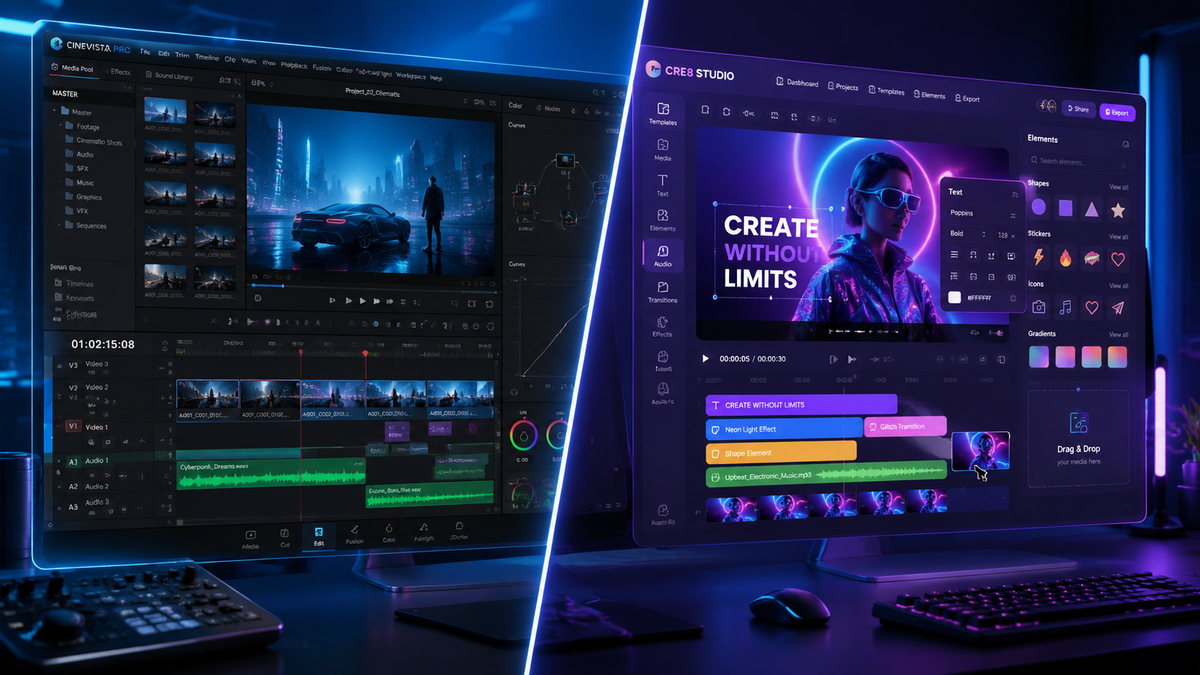
When choosing between Invideo vs Canva AI video editor in 2026, the decision depends on whether you need a prompt-to-video powerhouse or a comprehensive design suite with integrated motion capabilities. Invideo AI remains the industry leader for generating full-length, narrated content from a single text prompt, while Canva has evolved into a formidable video competitor by integrating advanced generative AI tools that challenge mobile-first editors like CapCut.
Invideo AI is a specialized generative video platform designed for high-scale content creation using advanced text-to-video scripts and automated voiceovers. Canva AI Video Editor is a versatile design ecosystem that uses "Magic Media" to generate clips and "Magic Switch" to transform static designs into multi-platform video assets, making it ideal for brand-centric social media marketing.
- ✓ Invideo AI excels at long-form YouTube content and automated faceless channels through deep LLM integration.
- ✓ Canva’s 2026 updates have positioned it as the premier tool for cohesive brand identity across video, print, and web.
- ✓ According to Exploding Topics, both tools are currently ranked among the top 7 AI video generators globally for 2026.
- ✓ Invideo offers more granular control over script-to-scene mapping and professional-grade AI voice cloning.
- ✓ Canva provides superior collaborative features and a vast library of pre-licensed stock assets for business teams.
The Evolution of Invideo vs Canva AI Video Editor in 2026
The landscape of digital creation has shifted dramatically this year. As noted by Memeburn in their 2026 rankings of the best free AI tools, the gap between "designers" and "video editors" has virtually disappeared. Invideo has doubled down on its mission to become the "Gen AI Canva for video," a vision highlighted by Forbes India. By focusing on the generative aspect of video—where the AI does the heavy lifting of sourcing clips, writing the script, and syncing the audio—Invideo has become the go-to for creators who need to produce high volumes of content quickly.
On the other hand, Canva’s trajectory has been one of aggressive expansion. Recent updates have turned the platform into a "CapCut killer," according to reports from Android Police. Canva no longer just places text on top of videos; it now uses sophisticated generative fill, AI-driven motion tracking, and "Magic Animate" features that allow users to create cinematic transitions without any technical expertise. This makes the invideo vs canva ai video editor debate more relevant than ever for marketing professionals and small business owners.
How to Choose the Right AI Video Tool
- Define your goal: Choose Invideo for YouTube-style storytelling or Canva for social media ads and brand assets.
- Input your prompt: Use Invideo's specialized prompt box for complex scripts or Canva's Magic Media for short-form visual clips.
- Review AI-generated scenes: Both tools allow for manual adjustment of the AI's initial output.
- Apply brand kits: Use Canva to ensure consistent colors and fonts across all video frames.
- Export and optimize: Utilize Canva’s one-click resizing for TikTok/Reels or Invideo’s direct-to-YouTube scheduling.
Core Feature Comparison: Invideo vs Canva AI Video Editor
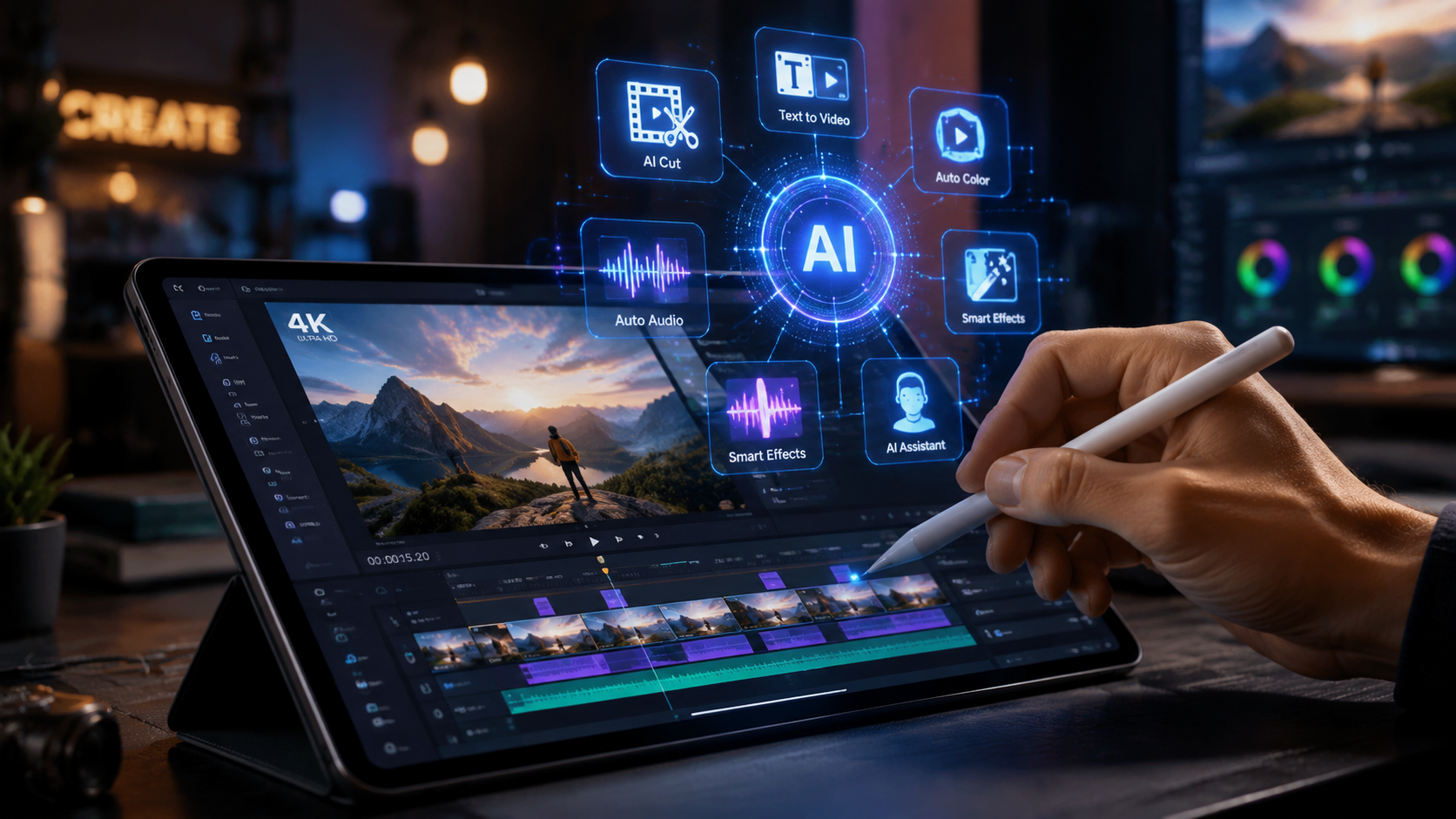
To understand which tool fits your workflow, we must look at the specific technological advantages each offers. Invideo utilizes a unique "human-in-the-loop" AI system where the user provides a directive (e.g., "Make a 5-minute video about the history of Tokyo"), and the AI constructs a logical narrative flow. It selects B-roll from a library of over 10 million premium assets and applies a natural-sounding AI voiceover that matches the tone of the script.
Canva’s strength lies in its "Magic Studio." In 2026, this suite includes "Magic Media," which can generate video clips from text descriptions, and "Magic Switch," which can instantly turn a blog post into a video script and then into a finished video. While Invideo is more "hands-off" during the generation phase, Canva offers more "hands-on" creative control over individual elements like stickers, shapes, and layout frames. This makes Canva the preferred choice for those who want their videos to look exactly like their existing brand presentations.
| Feature | Invideo AI (2026) | Canva AI Video (2026) |
|---|---|---|
| Primary Use Case | Documentaries, YouTube, Faceless Channels | Social Media, Brand Ads, Presentations |
| Text-to-Video Capability | Generates full narrated stories from prompts | Generates short visual clips and scene layouts |
| Voiceover Quality | Ultra-realistic AI clones and multi-lingual | Standard text-to-speech with basic styles |
| Editing Interface | Script-based and timeline-based editing | Drag-and-drop canvas with layers |
| Stock Library | Focus on high-quality B-roll (Shutterstock/Storyblocks) | Comprehensive (Graphics, Photos, Video, Audio) |
| Pricing Model | Subscription with "AI Minute" credits | Freemium with "Canva Pro" for teams |
Invideo AI: The Powerhouse for Content Creators
For those building a presence on platforms like YouTube or Rumble, Invideo AI is often the superior choice. The platform’s ability to handle long-form content is its standout feature. According to Tycoonstory Media, Invideo is currently ranked among the best free AI video generators for cinematic content in 2026. Its generative engine doesn't just find clips; it understands context. If your script mentions "the bustling streets of Mumbai," the AI intelligently selects footage that reflects that specific energy and location.
Furthermore, Invideo’s 2026 updates have introduced advanced "Edit by Command" features. Instead of manually trimming a clip, you can simply type, "Make this scene more dramatic," or "Replace the background music with upbeat lo-fi," and the AI executes the change instantly. This conversational editing style significantly reduces the learning curve for new creators who may not understand traditional timeline-based editing software.
Invideo vs Canva AI Video Editor for YouTube Growth
When comparing invideo vs canva ai video editor for YouTube specifically, Invideo’s built-in SEO tools give it an edge. It suggests titles, descriptions, and even tags based on the video content it generated. While Canva allows you to create stunning thumbnails (arguably better than Invideo's), it lacks the deep narrative structure required for a 10-minute educational video or a documentary-style feature.
Canva AI: The Ultimate Marketing and Branding Suite
Canva has successfully transitioned from a static graphic design tool to a video editing powerhouse. The "Magic Media" video generator, which was a nascent feature in previous years, has matured into a high-resolution tool capable of generating 4K cinematic clips. For businesses, the ability to maintain brand consistency is the deciding factor. Canva’s Brand Kit ensures that every video generated uses the exact hex codes and typography of the company, something Invideo struggles to match with the same level of precision.
The collaborative nature of Canva also sets it apart. In 2026, team members can leave time-stamped comments on video projects, and multiple users can edit a video simultaneously. This makes it the preferred tool for marketing agencies and internal corporate communication teams. As Siliconindia points out in their 2026 review of AI intro makers, Canva’s free tier remains the most generous for basic video needs, providing high-value assets at a $0 price point that competitors often lock behind paywalls.
Key Advantages of Canva's AI Video Workflow
Canva’s "Magic Animate" is a game-changer for non-editors. By analyzing the elements on a page, the AI determines the most professional way to transition between scenes. Whether it's a "Pop," "Drift," or "Breathe" animation, the AI ensures that the movement feels organic rather than robotic. This level of aesthetic polish is why many social media managers prefer Canva for creating Instagram Reels and TikToks where visual "vibe" is more important than a complex spoken narrative.
Pricing and Accessibility in 2026
The cost of invideo vs canva ai video editor is a major consideration for solo entrepreneurs. Invideo typically operates on a credit-based system where "AI Minutes" are the primary currency. This is ideal for creators who produce a specific number of videos per month. However, for those who need unlimited exports of simpler content, Canva Pro’s flat monthly fee remains one of the best values in the creative software industry.
According to Memeburn's 2026 tool comparison, Canva’s free version provides more "generalist" utility, while Invideo’s free version is better for testing the "specialist" generative capabilities. It is worth noting that both platforms have introduced "Lite" versions of their AI models to allow for faster rendering on mobile devices, catering to the growing trend of on-the-go content creation that has seen traditional desktop software lose market share.
Final Verdict: Which Should You Use?
The choice between Invideo and Canva depends entirely on your production style. If you are a "narrative-first" creator—someone who wants to provide a topic and receive a fully-formed video with a script and voiceover—Invideo AI is the clear winner. It is a specialized tool built for the era of generative content, acting as your writer, editor, and narrator all in one.
Conversely, if you are a "design-first" creator—someone who needs to incorporate video into a broader brand strategy involving social posts, presentations, and print media—Canva is the superior choice. Its 2026 toolset is more than enough to replace standalone editors for 90% of business use cases. Ultimately, many professional creators in 2026 find themselves using both: Invideo for the heavy lifting of content generation and Canva for the final aesthetic polish and promotional assets.
Frequently Asked Questions
Is Invideo AI better than Canva for YouTube?
Yes, Invideo AI is generally better for YouTube because it can generate long-form scripts, sync professional voiceovers, and source relevant B-roll automatically. It is specifically designed for storytelling and educational content.
Can Canva AI generate video from text?
Yes, Canva's "Magic Media" tool allows users to generate short video clips from text prompts. While not as robust as Invideo for full-length narratives, it is excellent for creating specific visual elements for social media.
Which tool is easier for beginners in 2026?
Canva is generally considered easier for beginners due to its familiar drag-and-drop interface. However, Invideo's "Edit by Command" feature makes it very accessible for those who prefer using natural language over manual editing tools.
Does Invideo or Canva have better free features?
Canva offers a more comprehensive free tier for general design and short video clips. Invideo’s free tier is powerful for testing generative AI, but often includes watermarks or limits on premium stock footage usage.
Can I use my own voice in these AI editors?
Both tools have made strides in 2026, but Invideo offers more advanced AI voice cloning features. This allows you to upload a sample of your voice so the AI can narrate your generated videos in your own tone.



Comments ()